10 Amazing Free Resources for Career Development & Job Skills
You’re working hard in your classes, but you know that getting a great job after graduation takes more than just good grades. Building a professional network, gaining practical skills, and creating a standout resume can feel like a whole separate challenge. With so many paid courses and expensive tools out there, it’s easy to feel like you’re at a disadvantage if you’re on a student budget.
But what if you could access a complete library of professional development tools, earn industry-recognized certifications, and build a powerful career portfolio, all for free?
That’s the reality today, thanks to an incredible number of high-quality, free resources. This guide is built for students who are ready to invest in their future careers. We’ve done a deep dive to find the best platforms for career and skill development that are genuinely free forever, allowing you to build the skills and connections you need to land your dream job.
What Can You Actually Do With These Resources?
Before we dive into the list, it's helpful to understand what makes these resources so game-changing for students.
- Earn Industry-Recognized Certifications: Gain valuable credentials in high-demand fields like digital marketing, data analytics, and sales to add to your resume.
- Build a Professional Online Presence: Create a powerful LinkedIn profile and a beautiful online portfolio to showcase your skills and projects.
- Learn In-Demand Skills: Access university-level courses and hands-on training to learn the practical skills that employers are looking for.
- Prepare for Job Interviews: Practice technical questions and get insights into company culture and salary expectations.
Quick Comparison Table
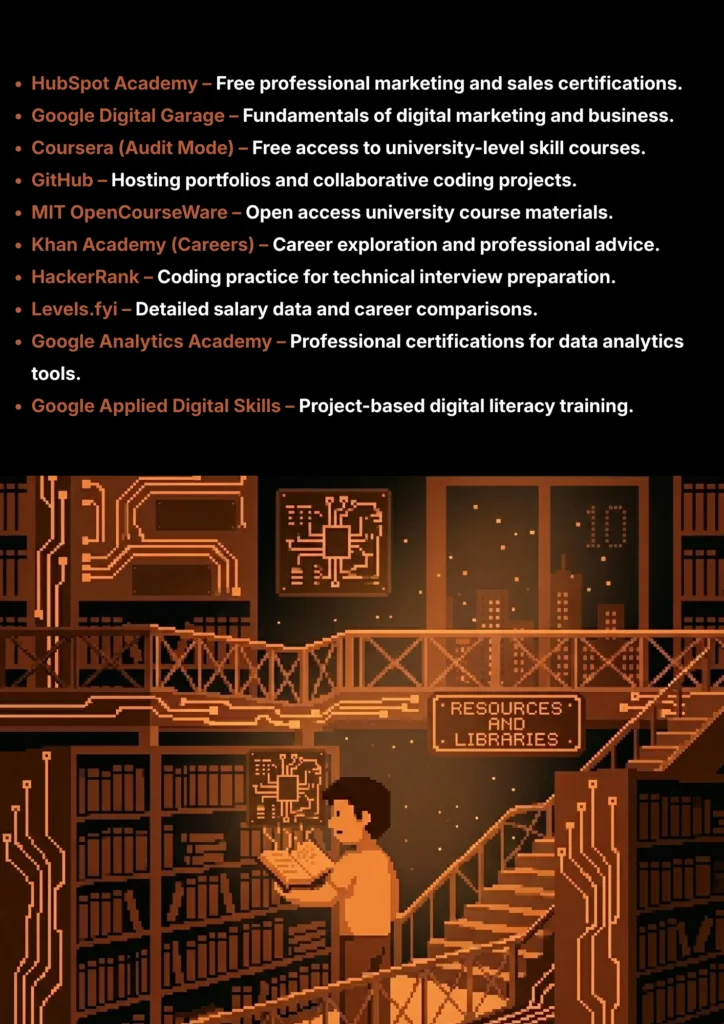
| Tool Name | Best For | Pricing Model | Ease of Use |
|---|---|---|---|
| HubSpot Academy | Free Marketing & Sales Certs | Completely Free | Beginner |
| Google Digital Garage | Digital Marketing Fundamentals | Completely Free | Beginner |
| Coursera (Audit Mode) | University-Level Skill Courses | Completely Free | Beginner to Intermediate |
| GitHub | Code Portfolios & Collaboration | Freemium | Intermediate |
| MIT OpenCourseWare | University Course Materials | Completely Free | Intermediate |
| Khan Academy (Careers) | Career Exploration & Advice | Completely Free | Beginner |
| HackerRank | Technical Interview Practice | Freemium | Intermediate to Developer |
| Levels.fyi | Salary Data & Comparison | Completely Free | Beginner |
| Google Analytics Academy | Data Analytics Certification | Completely Free | Beginner |
| Google Applied Digital Skills | Practical Project-Based Learning | Completely Free | Beginner |
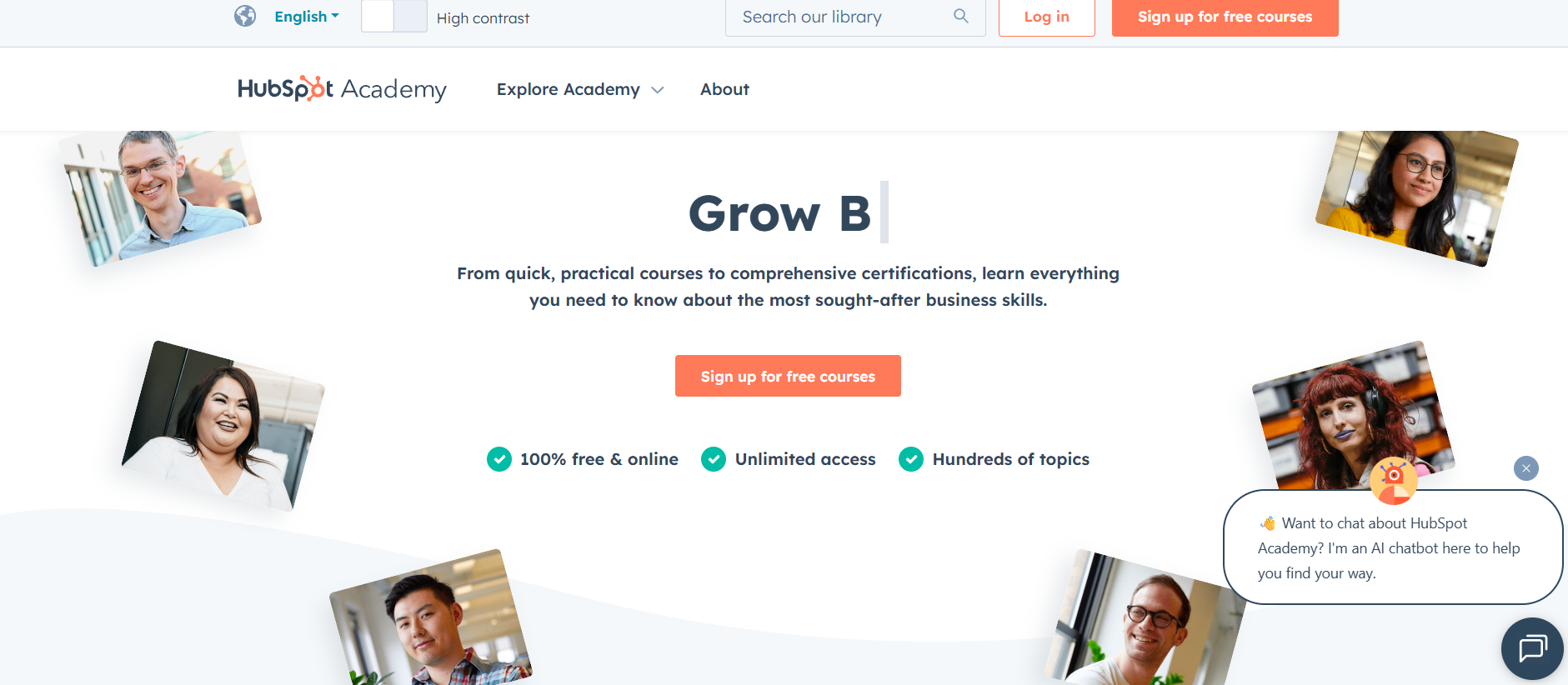
1. HubSpot Academy
HubSpot Academy is a leading resource for earning free, highly respected certifications in marketing, sales, and business. It offers a massive library of courses in topics like Inbound Marketing and SEO, which are well-recognized by employers and perfect for proving your practical skills.
- Best For: Earning highly respected, free certifications in marketing, sales, and business.
- Use Case Example: A student completes a "Digital Marketing Certification" to add a professional credential to their LinkedIn profile and resume.
- Pricing Details: Completely Free. All courses and official certifications are 100% free.
- What You’ll Need: A web browser.
- Learning Curve: Beginner. Courses use clear videos and simple quizzes for accessible learning.
- What to Watch Out For: Focuses on HubSpot's marketing philosophy, but principles apply universally.
2. Google Digital Garage
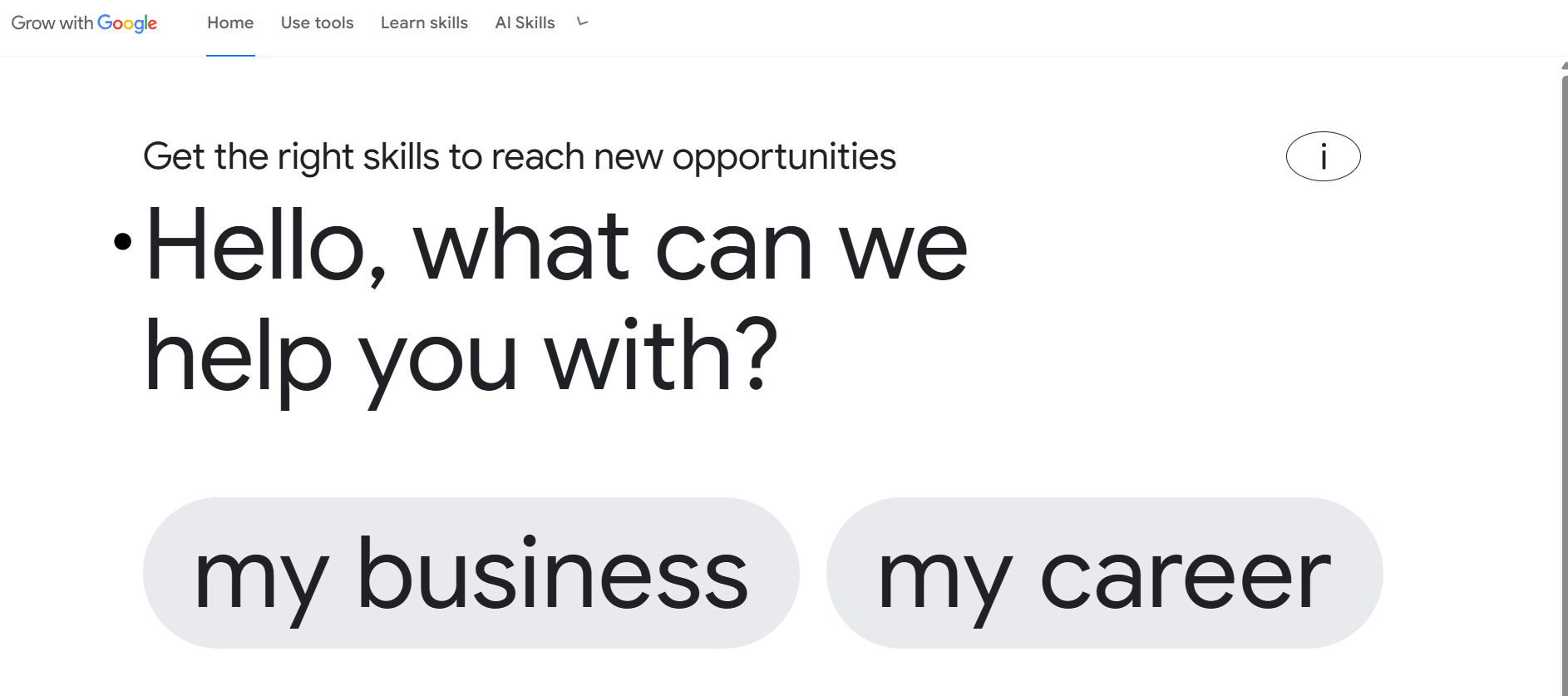
Google Digital Garage offers free courses to help students grow their digital skills. Its flagship "Fundamentals of Digital Marketing" course is accredited and provides a Google-certified credential that covers SEO, social media, e-commerce, and web analytics.
- Best For: Learning digital marketing fundamentals and getting a Google-certified credential.
- Use Case Example: A non-business student completes the course to add fundamental marketing skills to their professional resume.
- Pricing Details: Completely Free. The course and certificate are 100% free.
- What You’ll Need: A web browser and a Google account.
- Learning Curve: Beginner. Broken down into bite-sized, easy-to-follow video lessons.
- What to Watch Out For: Content is foundational; specialized expertise requires further study.
3. Coursera (Audit Mode)
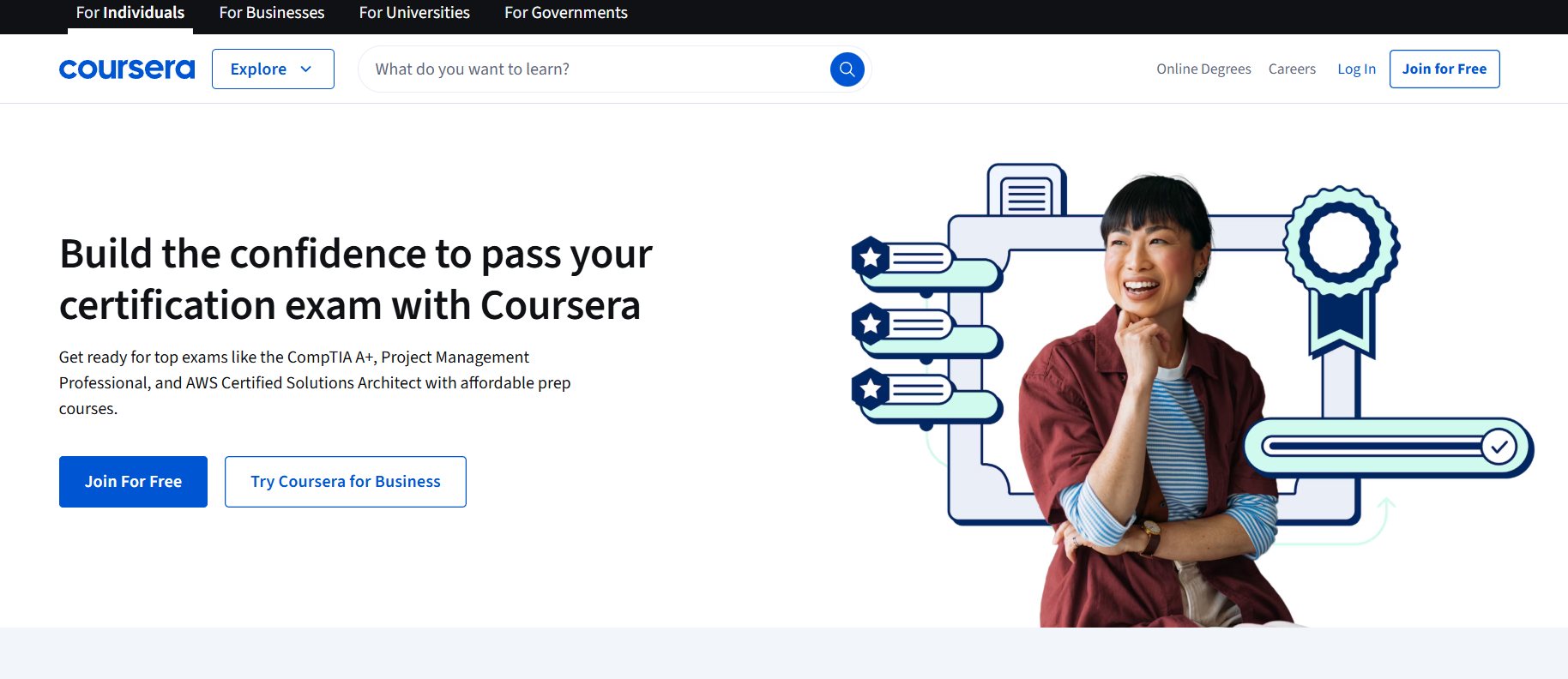
Coursera provides access to courses from top universities and global companies like Google and IBM. By using "Audit" mode, you can access video lectures and reading materials for free, learning in-demand skills like project management, data analysis, or UX design.
- Best For: Learning specific, in-demand job skills from top universities and companies for free.
- Use Case Example: Enrolling in Google's "Foundations of UX Design" to learn the entire design process from industry experts.
- Pricing Details: Free Course Access. Audit mode gives free access to materials but no certificate.
- What You’ll Need: A web browser.
- Learning Curve: Beginner to Intermediate. Depends on the specific course selected.
- What to Watch Out For: Audit mode does not provide a certificate; it is for pure learning and skill-building.
4. GitHub
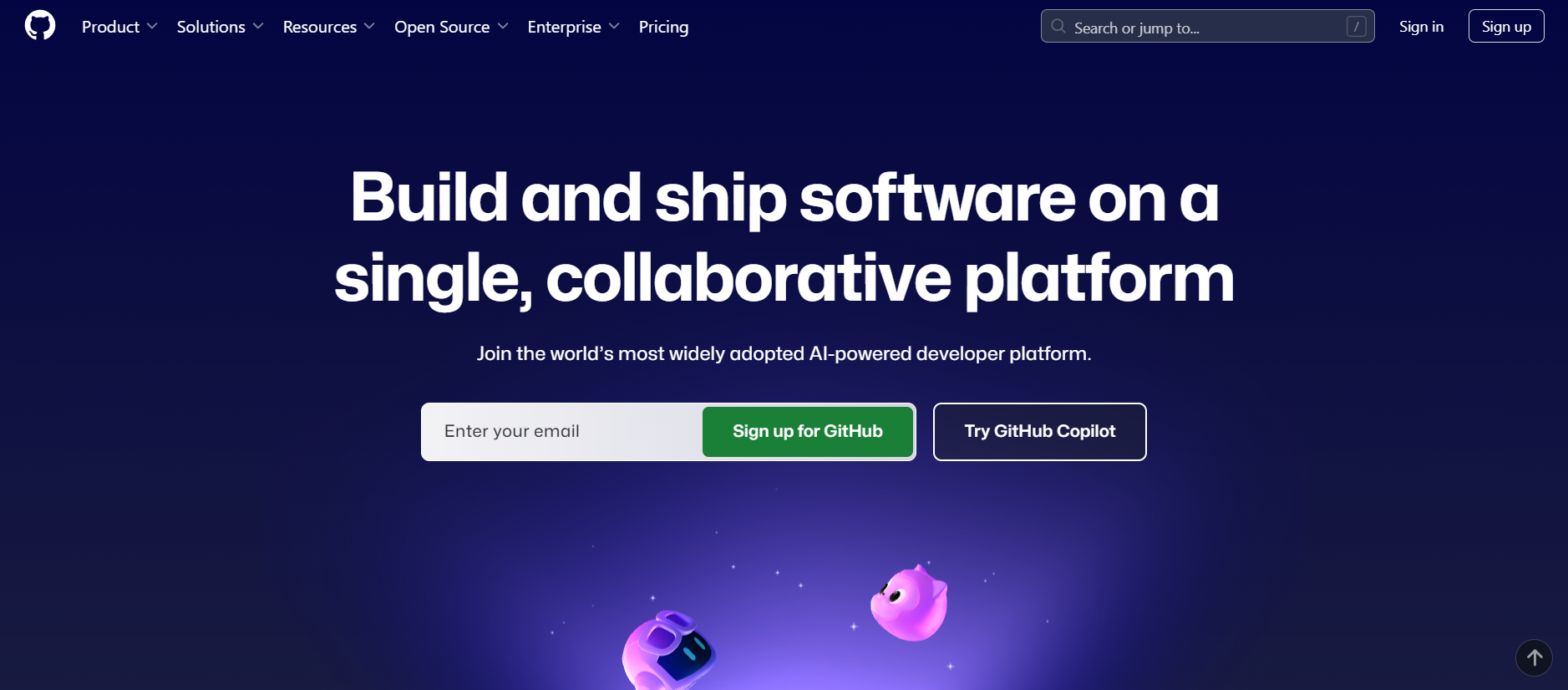
For students in technical fields, GitHub is the most important platform for showcasing skills. It acts as a digital portfolio where you can store code, contribute to open-source projects, and demonstrate your abilities to recruiters through real-world work.
- Best For: Creating a professional portfolio of your coding projects and collaborating on code.
- Use Case Example: A B.Tech student uploads their class projects with clear documentation to share with potential employers.
- Pricing Details: Excellent Freemium Model. Free plan offers unlimited public and private repositories.
- What You’ll Need: A web browser and a basic understanding of Git.
- Learning Curve: Intermediate. Requires practice to master Git version control effectively.
- What to Watch Out For: The value comes from active contributions and maintaining a professional-looking profile.
5. MIT OpenCourseWare
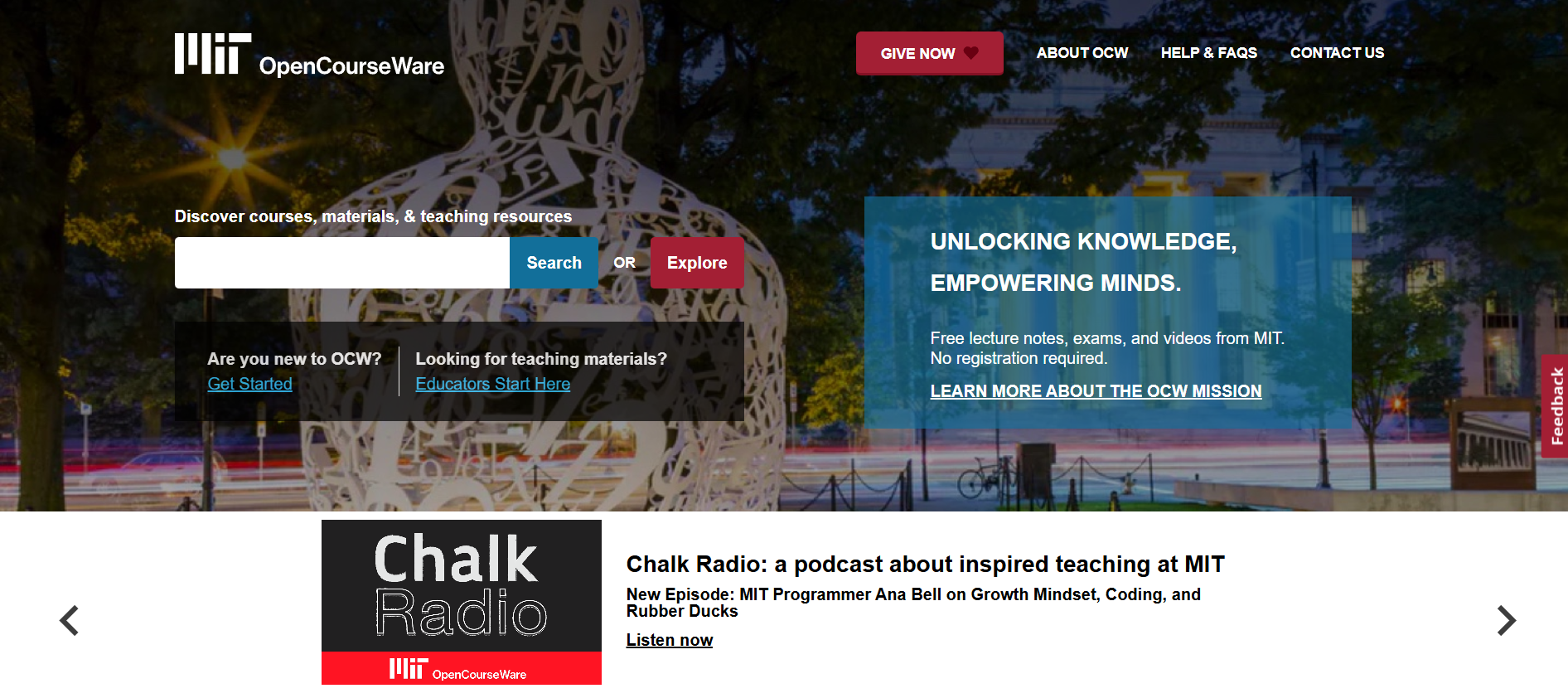
MIT OCW puts virtually all undergraduate and graduate course materials from MIT online for free. You can access actual lecture notes, assignments, and exams from world-class classes on topics ranging from engineering to leadership.
- Best For: Accessing real university course materials from a world-class institution.
- Use Case Example: Accessing "Strategic Management" materials to review case studies assigned to real MIT students.
- Pricing Details: Completely Free. 100% free with no sign-up required.
- What You’ll Need: A web browser.
- Learning Curve: Intermediate. Content is rigorous and university-level.
- What to Watch Out For: This is a library of materials, not an interactive course; no instructors or certificates are provided.
6. Khan Academy (Careers)
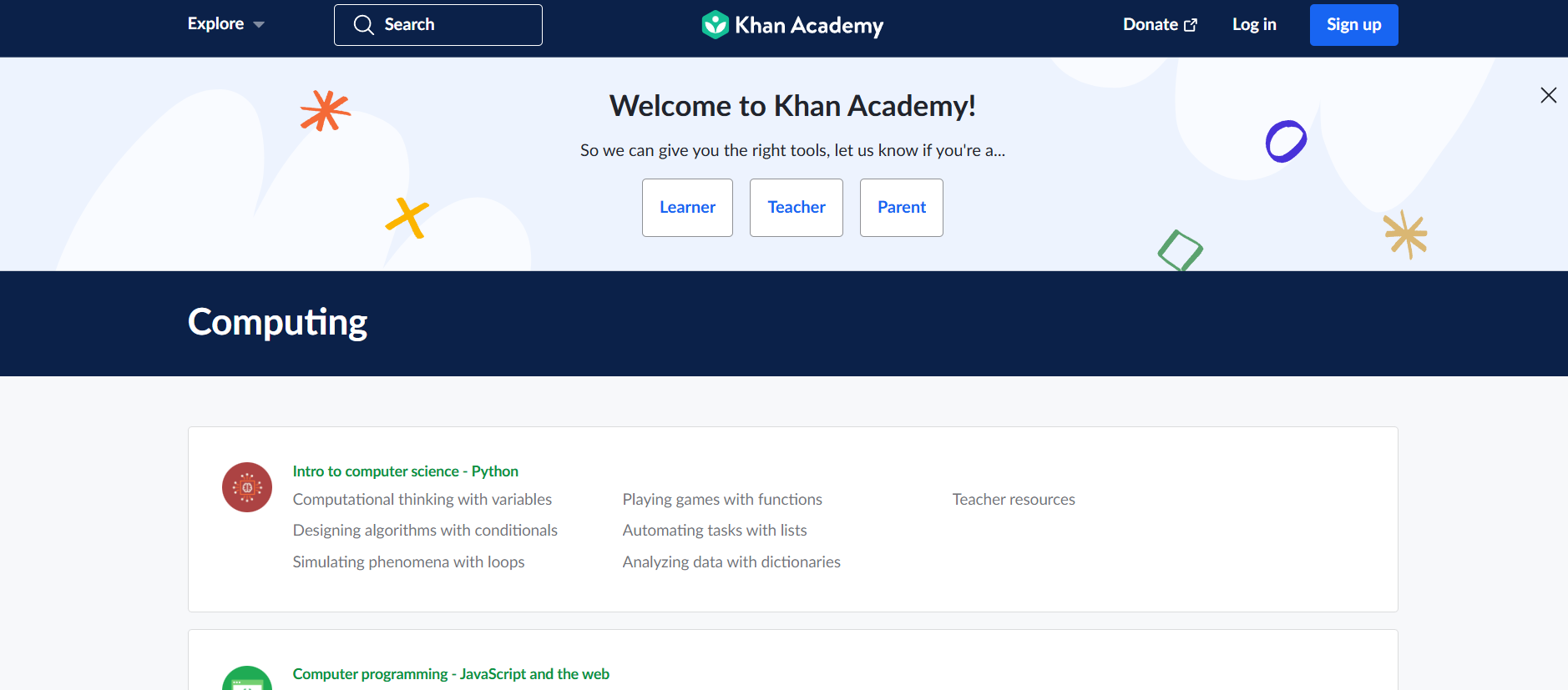
Khan Academy's "College, careers, and more" section is a goldmine for students exploring career paths. It offers simple articles and videos on writing resumes, preparing for interviews, and managing personal finances after landing a job.
- Best For: Friendly, accessible articles and videos on career exploration and job application skills.
- Use Case Example: A student preparing for their first interview watches the "Interviews" section to learn how to structure answers.
- Pricing Details: Completely Free. All non-profit content is 100% free forever.
- What You’ll Need: A web browser or mobile app.
- Learning Curve: Beginner. Designed to be simple, clear, and encouraging.
- What to Watch Out For: Foundational advice; specialized fields may require more advanced resources.
7. HackerRank
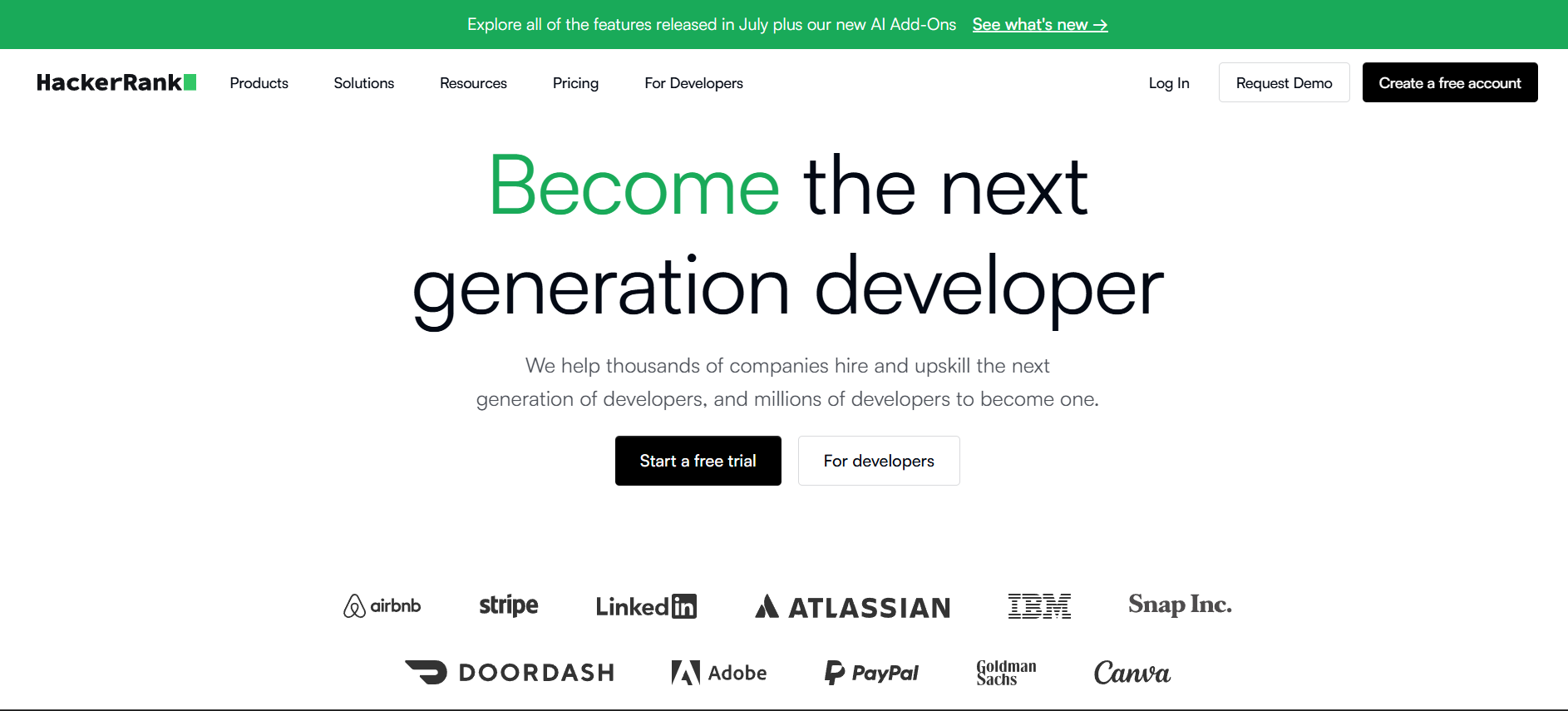
HackerRank is an essential platform for students preparing for software engineering roles. It features a massive library of coding challenges that mimic the algorithm and data structure problems asked in technical interviews at top tech companies.
- Best For: Practicing technical coding interview questions used by real companies.
- Use Case Example: Using the "Interview Preparation Kit" to get comfortable with the format and difficulty of real coding interviews.
- Pricing Details: Excellent Freemium Model. The massive practice library is completely free.
- What You’ll Need: Web browser and knowledge of one programming language.
- Learning Curve: Intermediate to Developer. A platform for honing skills, not for beginners.
- What to Watch Out For: Problems can be very challenging; focus on underlying concepts rather than just the answer.
8. Levels.fyi
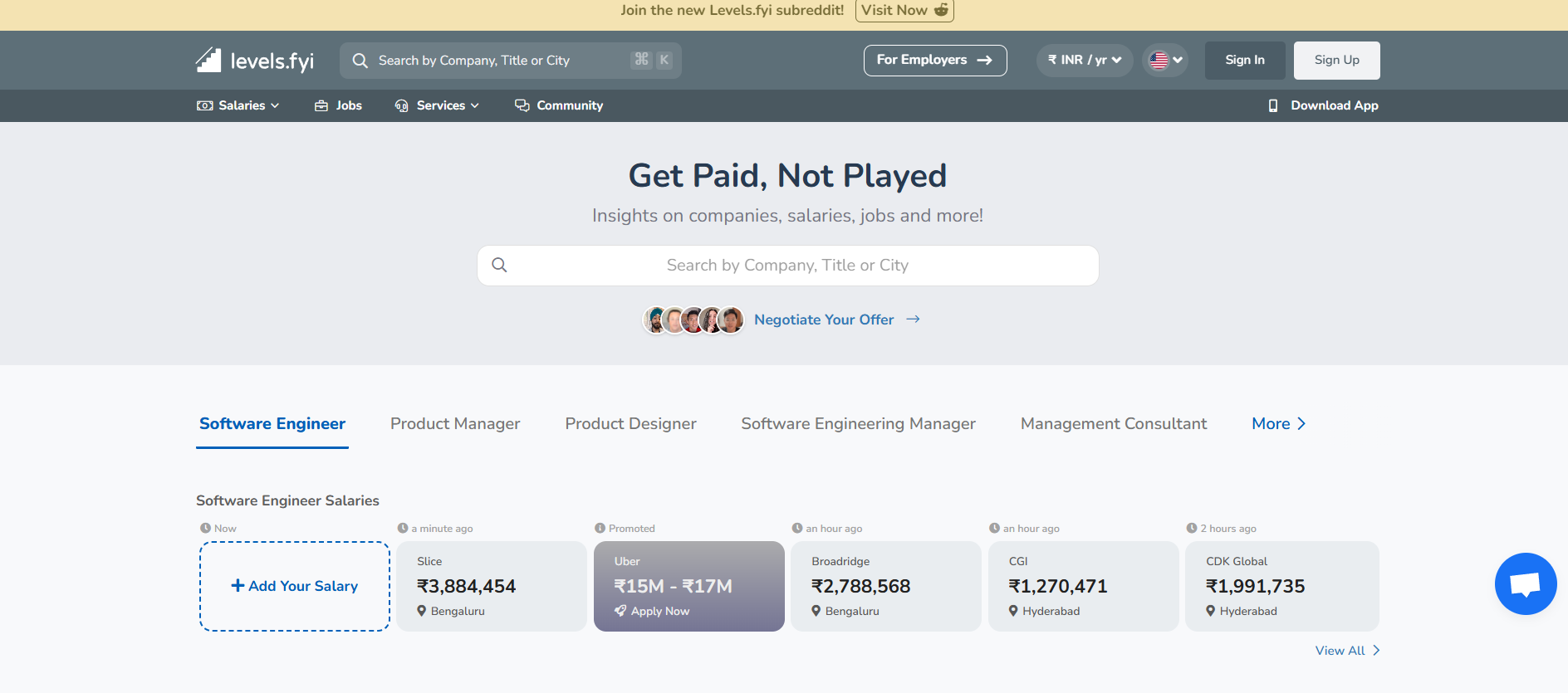
Levels.fyi is a community-driven resource for real-world salary information in the tech industry. It helps students understand their market value, benchmark job offers, and prepare for salary negotiations by viewing crowdsourced compensation details.
- Best For: Researching and comparing salary data across top tech companies.
- Use Case Example: A graduate researches salaries at a specific company to gain the confidence needed to negotiate a better offer.
- Pricing Details: Completely Free. Supported by its community and additional services.
- What You’ll Need: A web browser.
- Learning Curve: Beginner. Very easy to search and navigate company data.
- What to Watch Out For: Most accurate for major US tech roles, though international data is growing.
9. Google Analytics Academy
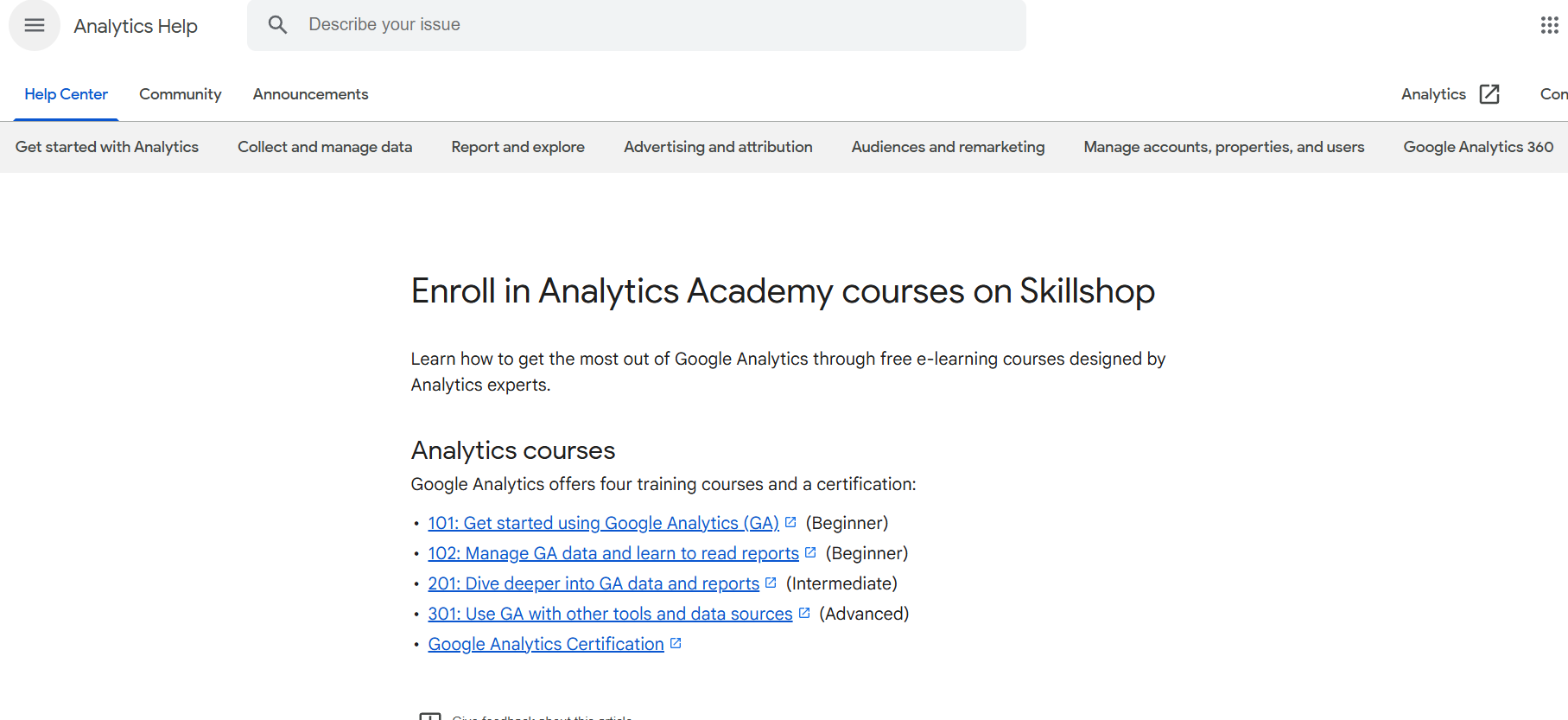
Google provides complete, free courses and certifications for Google Analytics, the most widely used web analytics service. Earning the GAIQ qualification is a powerful way to demonstrate to employers that you are data-savvy.
- Best For: Gaining a free, official certification in a high-demand data analytics skill.
- Use Case Example: A marketing student completes the beginner course to stand out from other applicants with data skills.
- Pricing Details: Completely Free. The course and certification exam are 100% free.
- What You’ll Need: A web browser and a Google account.
- Learning Curve: Beginner. Designed for people new to data analytics.
- What to Watch Out For: Teaches a specific tool; it's vital to also focus on general data analysis principles.
10. Google Applied Digital Skills
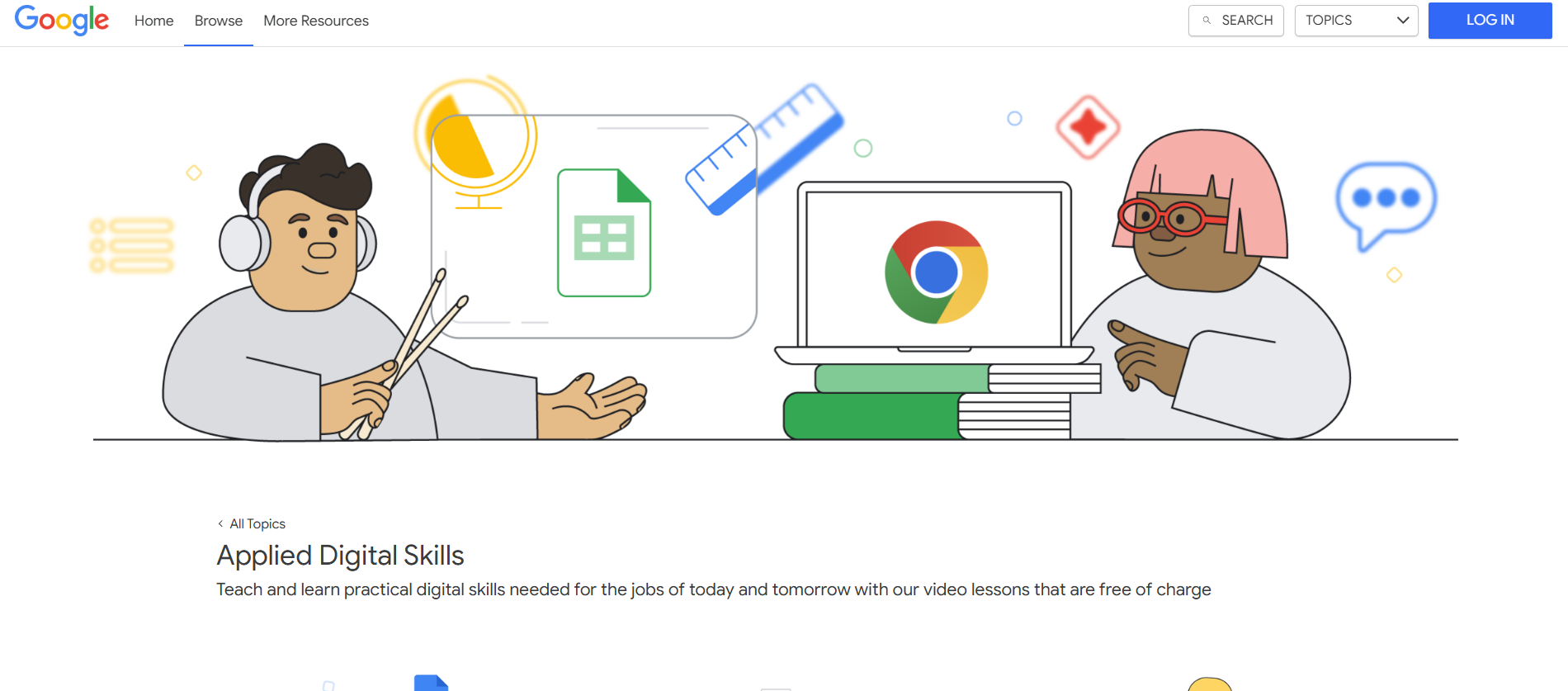
Google’s Applied Digital Skills is a video-based curriculum that teaches practical, job-ready skills through projects. Learn to manage projects, build resumes in Google Docs, create budgets, or give effective presentations by doing actual tasks.
- Best For: Learning practical, job-ready digital skills through project-based video lessons.
- Use Case Example: Taking a "Manage a Project" course to learn how to track progress using Google Sheets.
- Pricing Details: Completely Free. The entire library of courses is 100% free.
- What You’ll Need: A web browser and a Google account.
- Learning Curve: Beginner. Lessons are practical and very easy for students to follow.
- What to Watch Out For: Skill-based and practical, not for deep theoretical academic study.
Which Resource Should You Start With?
Feeling a bit overwhelmed by the options? Here’s a quick guide:
- Valuable Professional Certifications: If you want to add a valuable certification to your resume fast, go to HubSpot Academy or Google Digital Garage where you can earn a respected credential in a weekend.
- University-Level Mastery: If you want to learn university-level concepts, explore the vast catalog of courses on MIT OpenCourseWare for high-quality academic material.
- Interview & Career Success: If you have an interview coming up, start researching salaries on Levels.fyi and practicing technical questions on HackerRank for competitive tech roles.
- Practical Job Skills Training: If you want to learn practical, hands-on job skills, explore the courses on Google Applied Digital Skills to master everyday office and productivity tools.
Boost Your Career Now.
As you can see, you have access to a world-class suite of career development resources without needing to spend a single rupee. From earning professional certifications and building a portfolio to networking and acing your interviews, these free platforms provide a clear path for any student to build the skills and confidence needed to succeed.
The best way to get started is to take action. Pick one resource from this list that addresses your biggest career challenge right now, and spend an hour on it today. You’ll be amazed at how much progress you can make.
Written By
Prateek Singh.
Last Updated – March, 2026
About The Author
Prateek is a self-taught practitioner who believes the only real way to learn is by doing. He created IndiaShouldKnow.com from scratch, using AI as his primary learning partner to navigate everything from web development and UI/UX design to color theory and graphic engineering.
He works within the “engine room” of AI daily, using these tools to manage professional workflows including data visualization, digital marketing systems, and SEO architecture. Having personally tested and refined dozens of AI models across hundreds of real-world scenarios, Prateek focuses on the “how” behind the technology. He shares his self-taught workflows and prompting pillars to help others move past basic chat interactions and start using AI as a high-precision tool for their own goals.
FAQs About AI Use.
Can I trust every answer an AI tool gives me for my studies?
A: No, you should not trust every answer completely. Think of an AI as a super-smart assistant that has read most of the internet—but not every book in the library is accurate.
AI can sometimes make mistakes, misunderstand your question, or use outdated information.
It can even “hallucinate,” which means it confidently makes up an answer that sounds real but is completely false.
Rule of Thumb: Use AI answers as a great starting point, but never as the final, absolute truth. Always double-check important facts.
How can I verify the information I get from an AI for my academic work?
A: Verifying information is a crucial skill. It’s like being a detective for facts. Here are four simple steps:
Check Your Course Material: Is the AI’s answer consistent with what your textbook, lecture notes, or professor says? This is your most reliable source.
Look for Reputable Sources: Ask the AI for its sources or search for the information online. Look for links from universities (.edu), government sites (.gov), respected news organizations, or published academic journals.
Cross-Reference: Ask a different AI the same question, or type your question into a standard search engine like Google. If multiple reliable sources give the same answer, it’s more likely to be correct.
Use Common Sense: If an answer seems too perfect, too strange, or too good to be true, be extra skeptical and investigate it further.
What is the difference between using AI for research and using it to plagiarize?
A: This is a very important difference. It’s all about who is doing the thinking.
Using AI for Research (Good ✅):
Brainstorming topics for a paper.
Asking for a simple explanation of a complex theory.
Finding keywords to use in your library search.
Getting feedback on your grammar and sentence structure.
You are using AI as a tool to help you think and write better.
Using AI to Plagiarize (Bad ❌):
Copying and pasting an AI-generated answer directly into your assignment.
Asking the AI to write an entire essay or paragraph for you.
Slightly rephrasing an AI’s answer and submitting it as your own original thought.
You are letting the AI do the thinking and work for you.
How can I use AI ethically to support my learning without violating my school's academic honesty policy?
A: Using AI ethically means using it to learn, not to cheat. Here’s how:
Know the Rules: First and foremost, read your school’s or professor’s policy on using AI tools. This is the most important step.
Be the Author: The final work you submit must be yours. Your ideas, your structure, and your arguments. Use AI as a guide, not the writer.
Do the Heavy Lifting: Use AI to understand a topic, but then close the chat and write your summary or solve the problem yourself to make sure you have actually learned it.
Be Transparent: If you used an AI in a significant way (like for brainstorming), ask your professor if you should mention it. Honesty is always the best policy.
Can an AI's answer be biased? How can I detect this in its responses?
A: Yes, an AI’s answer can definitely be biased. Since AI learns from the vast amount of text on the internet written by humans, it can pick up and repeat human biases.
Here’s how to spot potential bias:
Look for Opinions: Does the answer present a strong opinion as a fact?
Check for One-Sidedness: On a topic with multiple viewpoints (like politics or economics), does the AI only show one side of the argument?
Watch for Stereotypes: Does the answer use generalizations about groups of people based on their race, gender, nationality, or other characteristics?
To avoid being misled by bias, always try to get information from multiple, varied sources.
Is it safe to upload my personal notes, research papers, or assignments to an AI tool?
A: It is best to be very careful. You should not consider your conversations with most public AI tools to be private.
Many AI companies use your conversations to train their systems, which means employees or contractors might read them.
There is always a risk of data breaches or leaks.
A Simple Safety Rule: Do not upload or paste any sensitive information that you would not want a stranger to see. This includes:
Personal identification details.
Confidential research or unpublished papers.
Your school assignments before you submit them.
Any financial or private data.