indiashouldknow.com

10 Amazing Free Resources & Libraries for Video & Audio Creation

10 Amazing Free Resources & Libraries for Video & Audio Creation

You have a great idea for a video project, but the thought of spending hours editing, recording a clear voiceover, and finding the right background music feels completely overwhelming. For most students, creating high-quality audio and video content seems to require expensive software and years of technical skill.

But what if you had access to a massive, free library of professional templates, high-quality photos, and design tutorials from the best in the business?

That’s the reality of the modern design world. This guide is built for students who want to create stunning, high-quality work without the high cost. We’ve done a deep dive to find the best free resources and libraries for presentations and design that are genuinely free forever, allowing you to build the skills and find the assets you need to succeed.

What Can You Actually Do With These Resources?

AI Tools Capabilities - India Should Know

Before we dive into the list, it's helpful to understand what makes these resources so game-changing for students.

  • Find Royalty-Free Assets: Download unlimited, high-quality stock videos, music, and sound effects without worrying about copyright.
  • Learn Professional Skills for Free: Access courses and tutorials that teach you the fundamentals of video editing, sound design, and storytelling.
  • Edit Like a Pro: Use powerful, open-source software that rivals expensive professional programs.
  • Get Inspired: Watch and analyze content from world-class creators to improve your own work.

Quick Comparison Table

Free Video & Audio Production Tools - India Should Know
Tool Name Best For Pricing Model Ease of Use
DaVinci Resolve Professional Video Editing Completely Free Intermediate
Audacity Audio Recording & Editing Completely Free Beginner
Pexels Stock Photos & Videos Completely Free Beginner
Pixabay Stock Video, Music & Images Completely Free Beginner
YouTube Audio Library Copyright-Free Music Completely Free Beginner
Freesound Sound Effects Library Completely Free Beginner
Canva Quick & Easy Video Editing Freemium Beginner
YouTube Creators Learning to Make Better Videos Completely Free Beginner
No Film School Filmmaking Techniques & News Completely Free Intermediate
Vimeo Video School Learning Filmmaking Craft Completely Free Beginner
10 Best Video & Audio Creation Resources - India Should Know
DaVinci Resolve

1. DaVinci Resolve

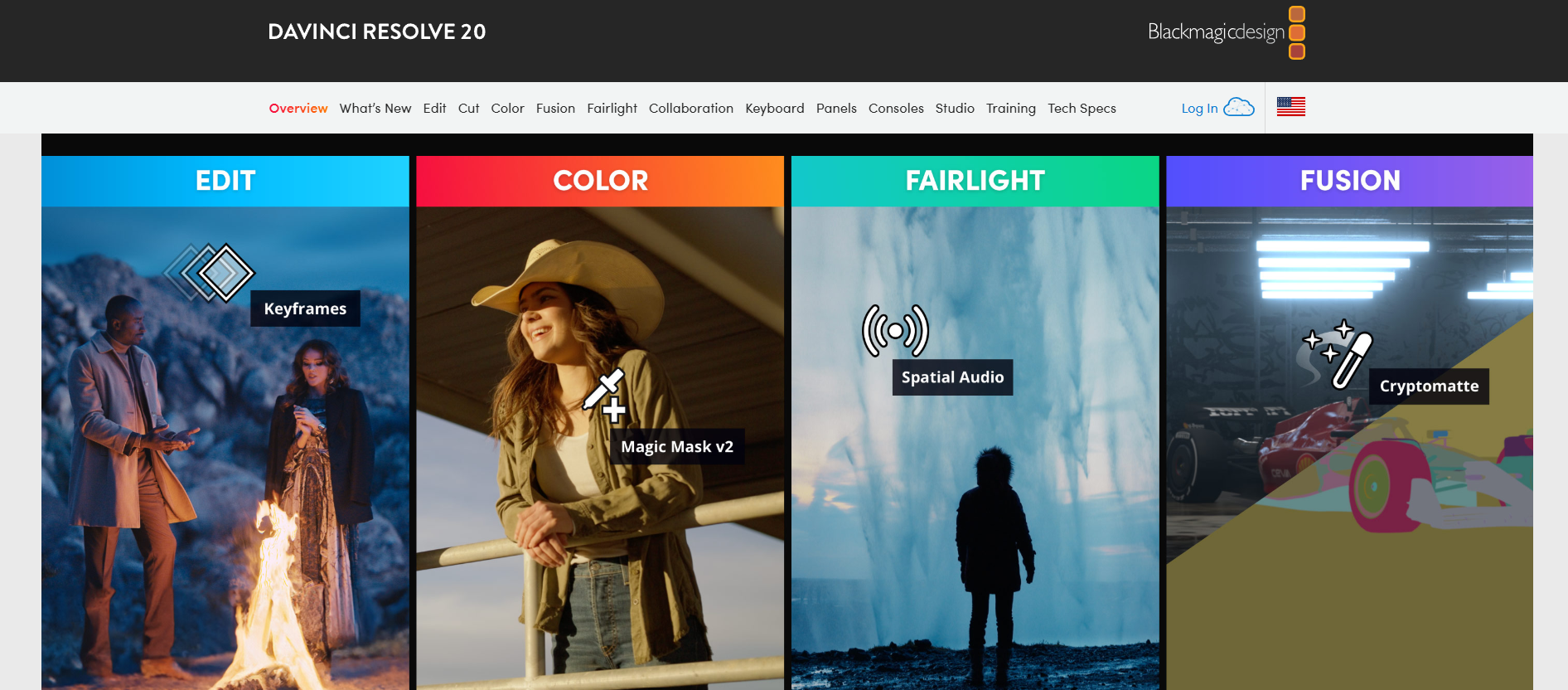
DaVinci Resolve is a legendary Hollywood-grade video editing software. Its free version is shockingly powerful, offering full-featured tools for editing, visual effects, color grading, and audio production. It is widely considered the best free tool for anyone serious about learning professional-grade video editing.

  • Best For: Professional-grade video editing, color correction, and audio post-production.
  • Use Case Example: A student uses DaVinci Resolve to cut footage, apply cinematic color correction, and clean up audio for a short film project.
  • Pricing Details: Completely Free. Standard version is 100% free forever for personal or commercial use.
  • What You’ll Need: A reasonably powerful desktop or laptop (Windows, Mac, or Linux) with a dedicated graphics card.
  • Learning Curve: Intermediate. Has a steep learning curve but offers excellent official free training materials.
  • What to Watch Out For: Demanding on computer resources; older laptops may struggle to run it smoothly.
Audacity

2. Audacity

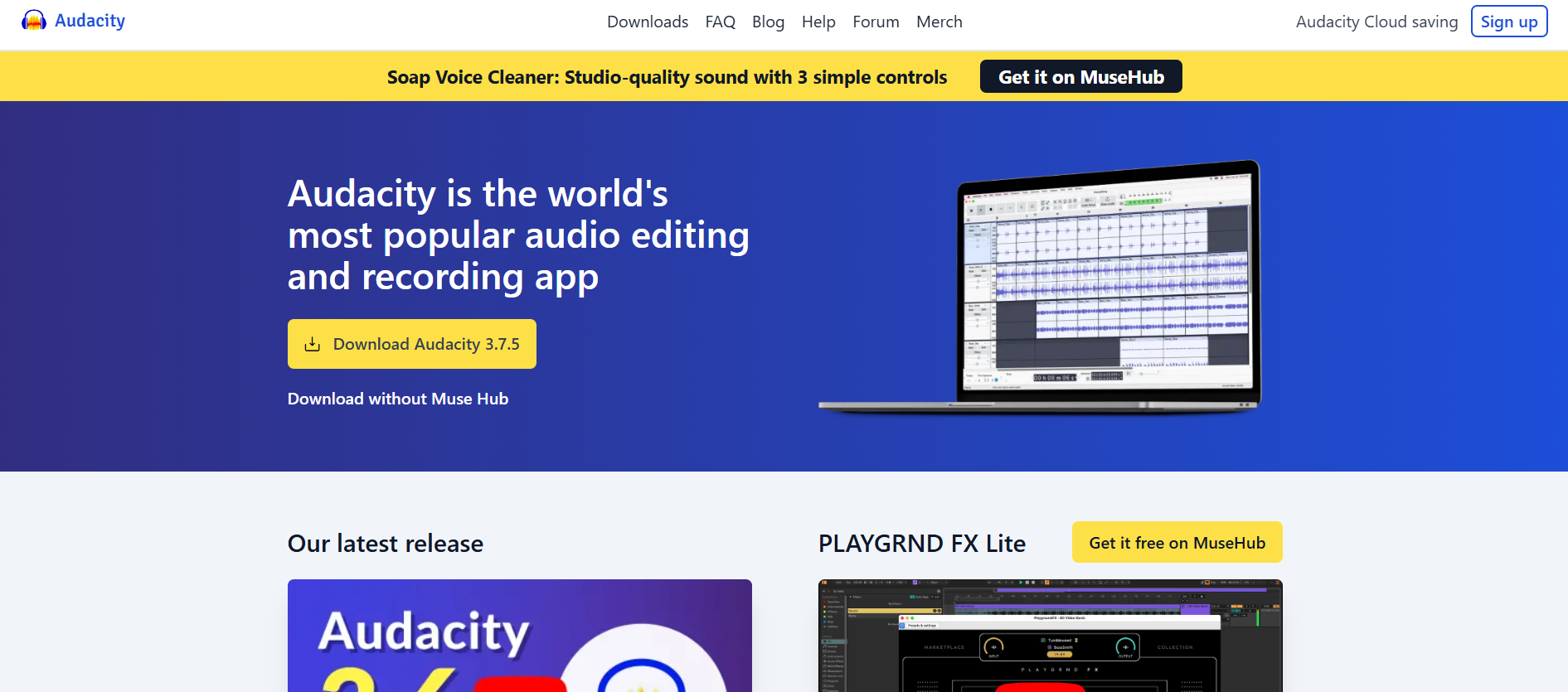
Audacity is the world's most popular free, open-source audio editor. It is a reliable tool for recording voiceovers, editing podcasts, and removing background noise. It is an essential piece of software for any content creator working with audio.

  • Best For: Recording, editing, and cleaning up audio for voiceovers and podcasts.
  • Use Case Example: Using the "Noise Reduction" effect to remove computer fan hum from a presentation voiceover.
  • Pricing Details: Completely Free. Open-source and 100% free for any purpose.
  • What You’ll Need: A desktop or laptop (Windows, Mac, or Linux) and a microphone.
  • Learning Curve: Beginner. Basics are easy to pick up, while mastering advanced effects takes some practice.
  • What to Watch Out For: User interface looks a bit dated, but the functionality is professional-grade.
Pexels

3. Pexels

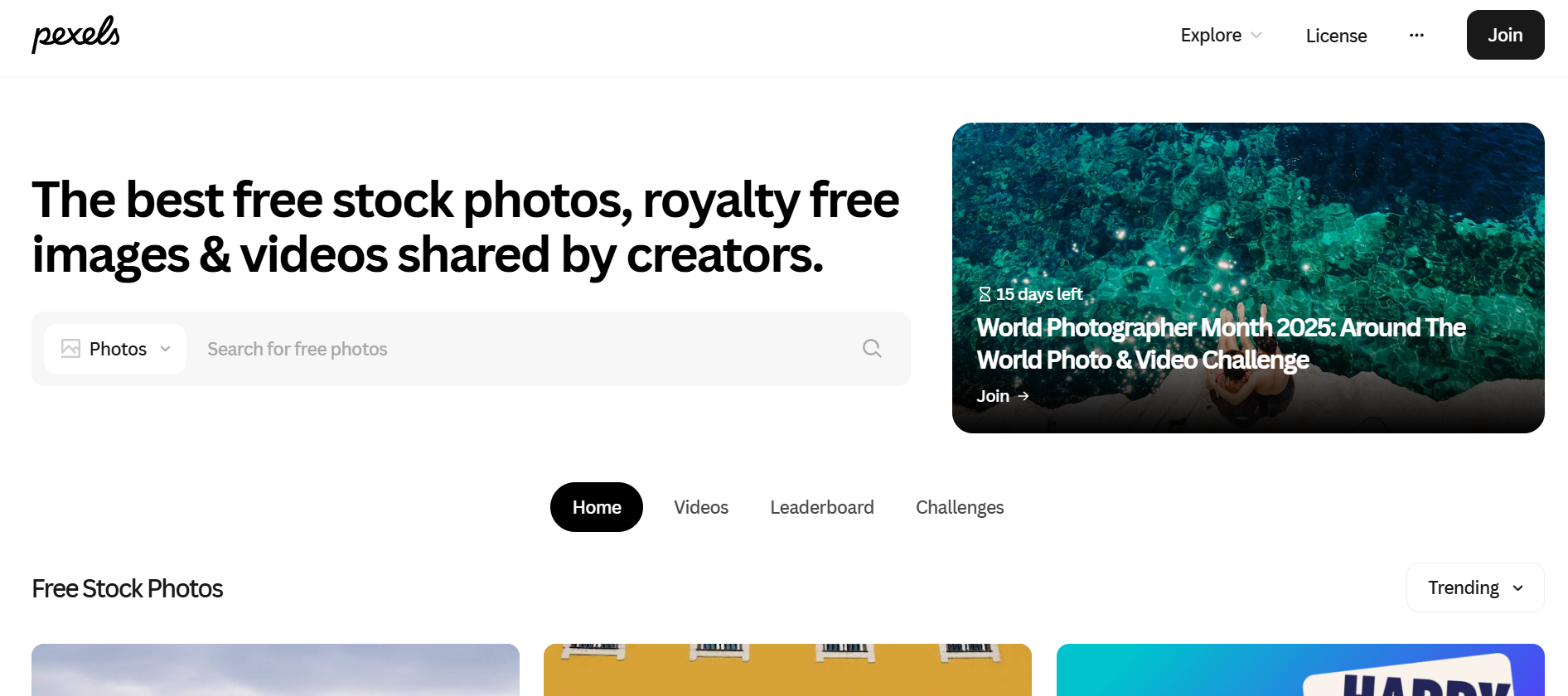
Pexels provides a massive, searchable library of high-quality stock photos and thousands of free stock videos. The content is modern and authentic, making it a perfect resource for adding B-roll footage or stunning visual backgrounds to any video project.

  • Best For: A huge library of both high-quality stock photos and free stock videos.
  • Use Case Example: Downloading high-resolution travel clips to add cinematic B-roll to a documentary project.
  • Pricing Details: Completely Free. All assets are free for personal and commercial use under the Pexels License.
  • What You’ll Need: A web browser.
  • Learning Curve: Beginner. As easy to use as a standard search engine.
  • What to Watch Out For: Popularity means some clips may appear in other videos; look for unique shots.
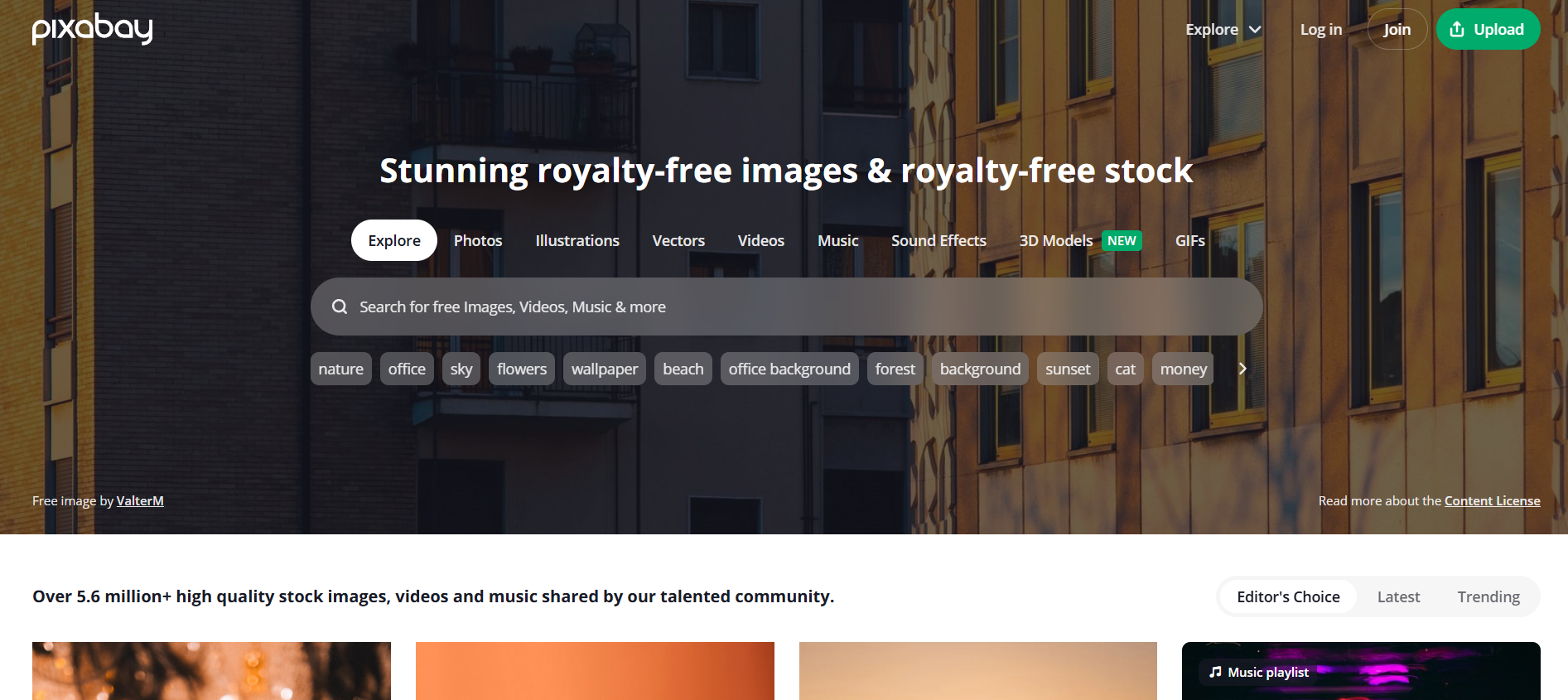
Pixabay

4. Pixabay

Pixabay is a versatile library of free creative assets. Beyond photos and videos, it offers a large collection of background music and sound effects, serving as a comprehensive one-stop shop for student content creation.

  • Best For: A massive library of free stock video, music, sound effects, and images.
  • Use Case Example: Finding a specific comedy "boing" sound effect and a background music track for a short video edit.
  • Pricing Details: Completely Free. All content is free for personal and commercial use without attribution.
  • What You’ll Need: A web browser.
  • Learning Curve: Beginner. Very easy to search and navigate for assets.
  • What to Watch Out For: With such a large volume of content, quality can occasionally be inconsistent.
YouTube Audio Library

5. YouTube Audio Library

Provided by YouTube, this library is the safest place to find copyright-safe music and sound effects. You can filter by genre, mood, and duration to find the perfect track without worrying about copyright strikes when uploading.

  • Best For: Finding high-quality, copyright-safe music and sound effects for YouTube videos.
  • Use Case Example: Adding an upbeat instrumental track as background music for a video tutorial.
  • Pricing Details: Completely Free. Guaranteed free to use for any content you create.
  • What You’ll Need: A web browser and a YouTube account.
  • Learning Curve: Beginner. Simple interface integrated into YouTube Studio.
  • What to Watch Out For: Some specific tracks require attribution in the video description.
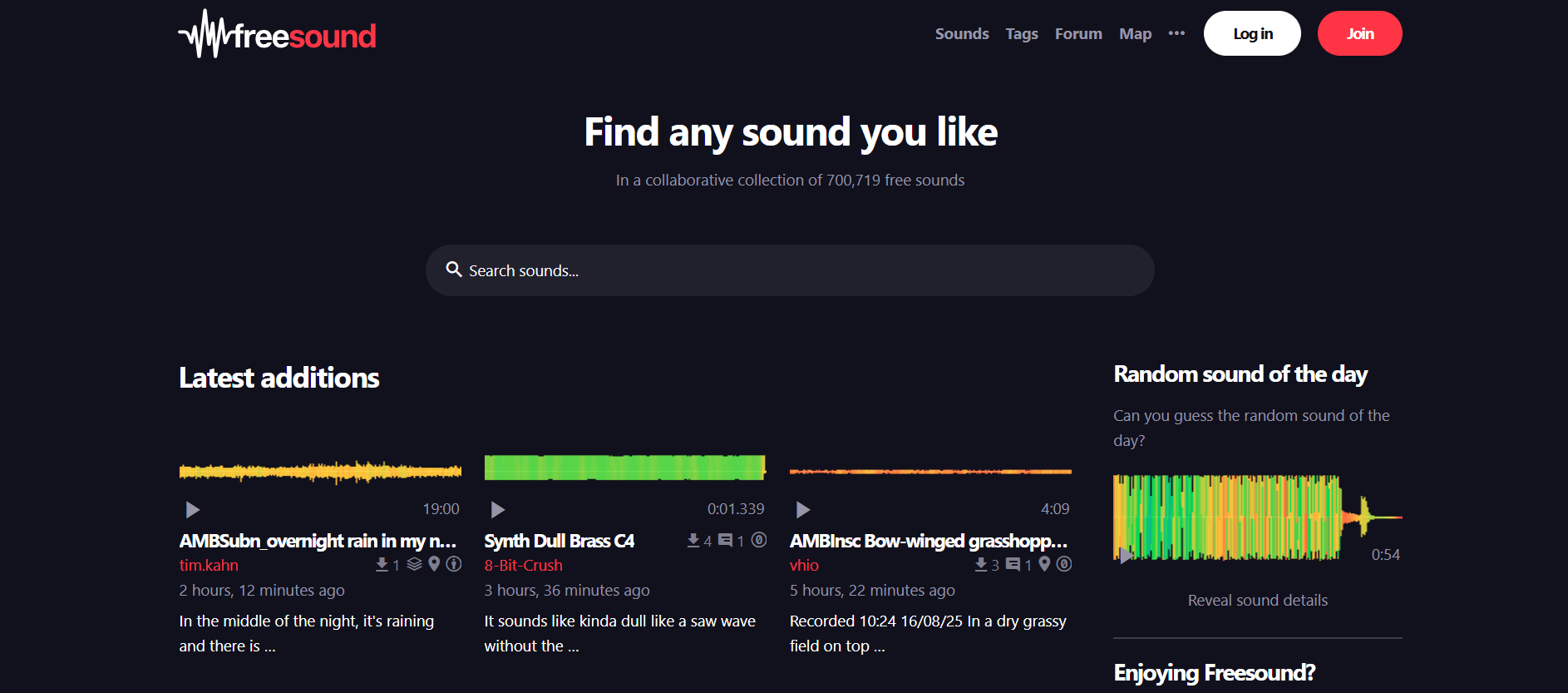
Freesound

6. Freesound

Freesound is a collaborative database of audio snippets and recordings. If you need a specific sound—from a door creaking to futuristic effects—there is a high chance you will find it in this community-driven, open-source library.

  • Best For: A massive, community-driven library of sound effects for any project.
  • Use Case Example: Finding footsteps and ambient background tracks for a short horror film project.
  • Pricing Details: Completely Free. Uses Creative Commons licenses; many are free for any use.
  • What You’ll Need: A web browser.
  • Learning Curve: Beginner. Simple search and download functionality.
  • What to Watch Out For: Always check the specific Creative Commons license for attribution requirements.
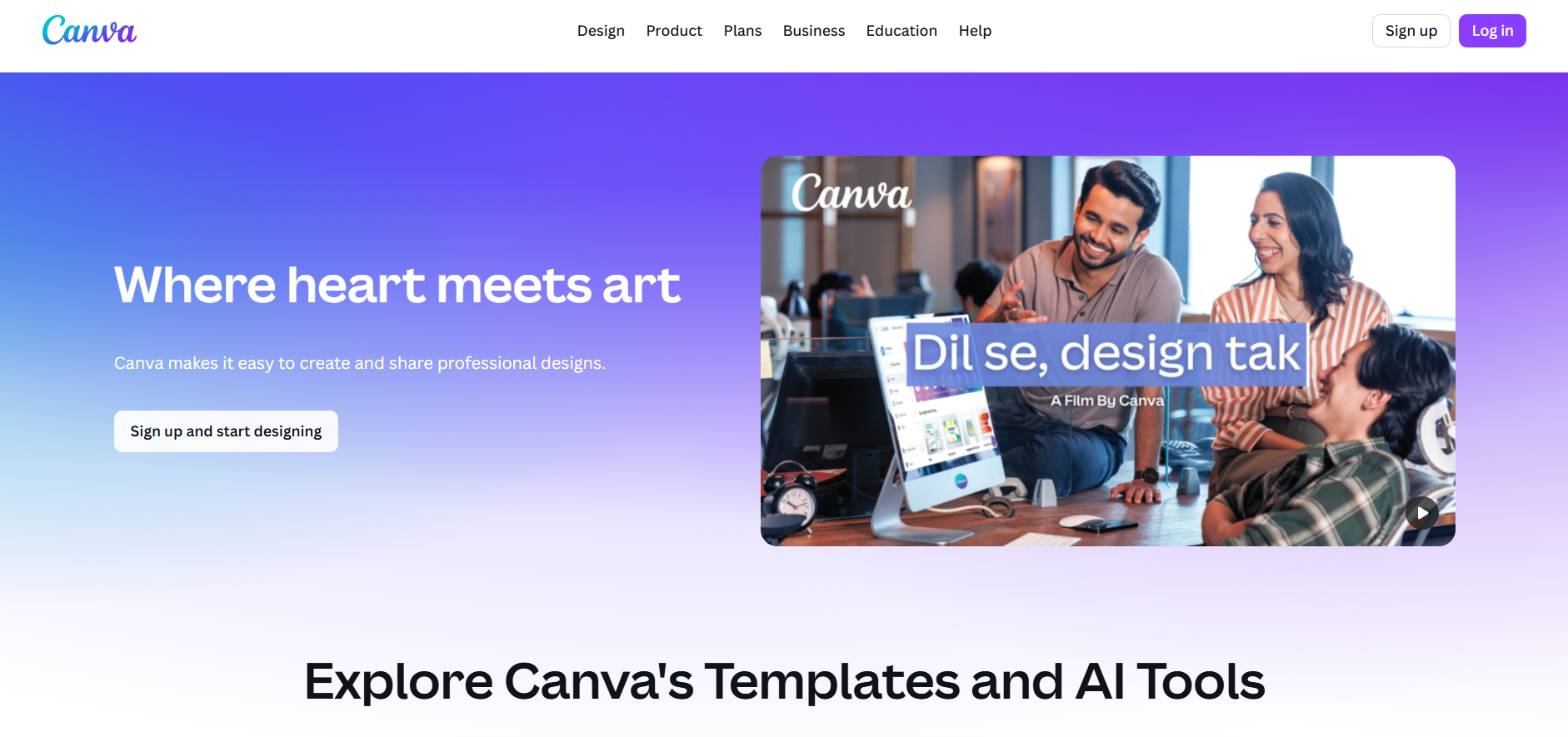
Canva

7. Canva

Canva's free video editor uses a simple drag-and-drop interface perfect for quick projects. It offers video templates, animated text, and a library of stock footage, making it ideal for social media content or short student presentations.

  • Best For: Quick, simple, and template-driven video editing for social media.
  • Use Case Example: Creating a 30-second vertical promotional video for a college event using a pre-made template.
  • Pricing Details: Excellent Freemium Model. Free plan allows watermark-free exports.
  • What You’ll Need: A web browser.
  • Learning Curve: Beginner. If you can create a presentation, you can create a video in Canva.
  • What to Watch Out For: Not designed for complex multi-track editing or advanced visual effects.
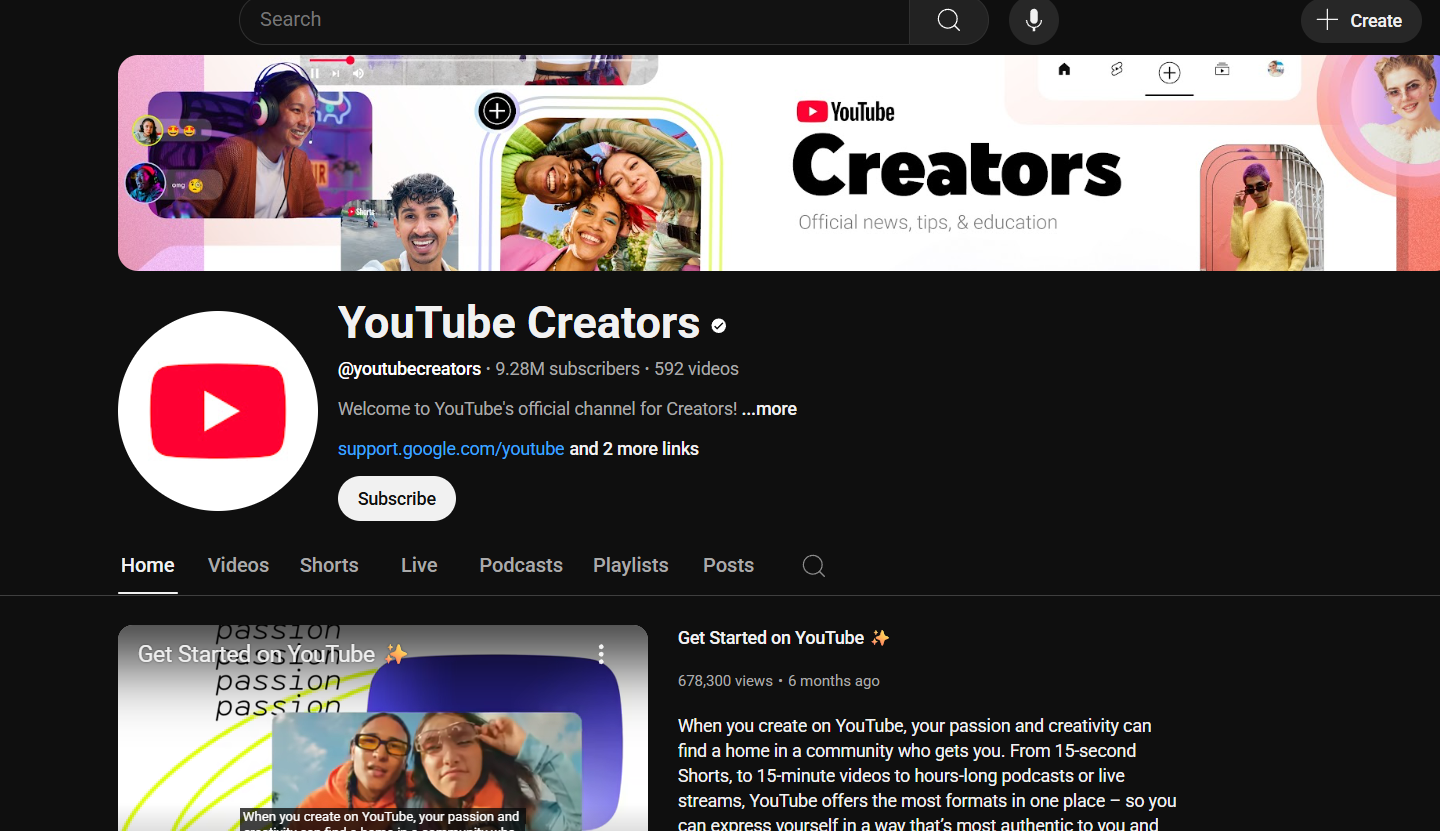
YouTube Creators

8. YouTube Creators

The YouTube Creators channel is Google's official resource for video creation. It features a library of videos covering everything from filming and lighting basics to strategies for audience engagement and monetization.

  • Best For: Learning the art and business of creating successful online videos.
  • Use Case Example: Learning how to design effective thumbnails and write titles that improve engagement.
  • Pricing Details: Completely Free. All content is free to watch on YouTube.
  • What You’ll Need: A web browser.
  • Learning Curve: Beginner. Videos are designed to be engaging and clear for creators at all levels.
  • What to Watch Out For: Advice is tailored for YouTube, though core creation principles are universal.
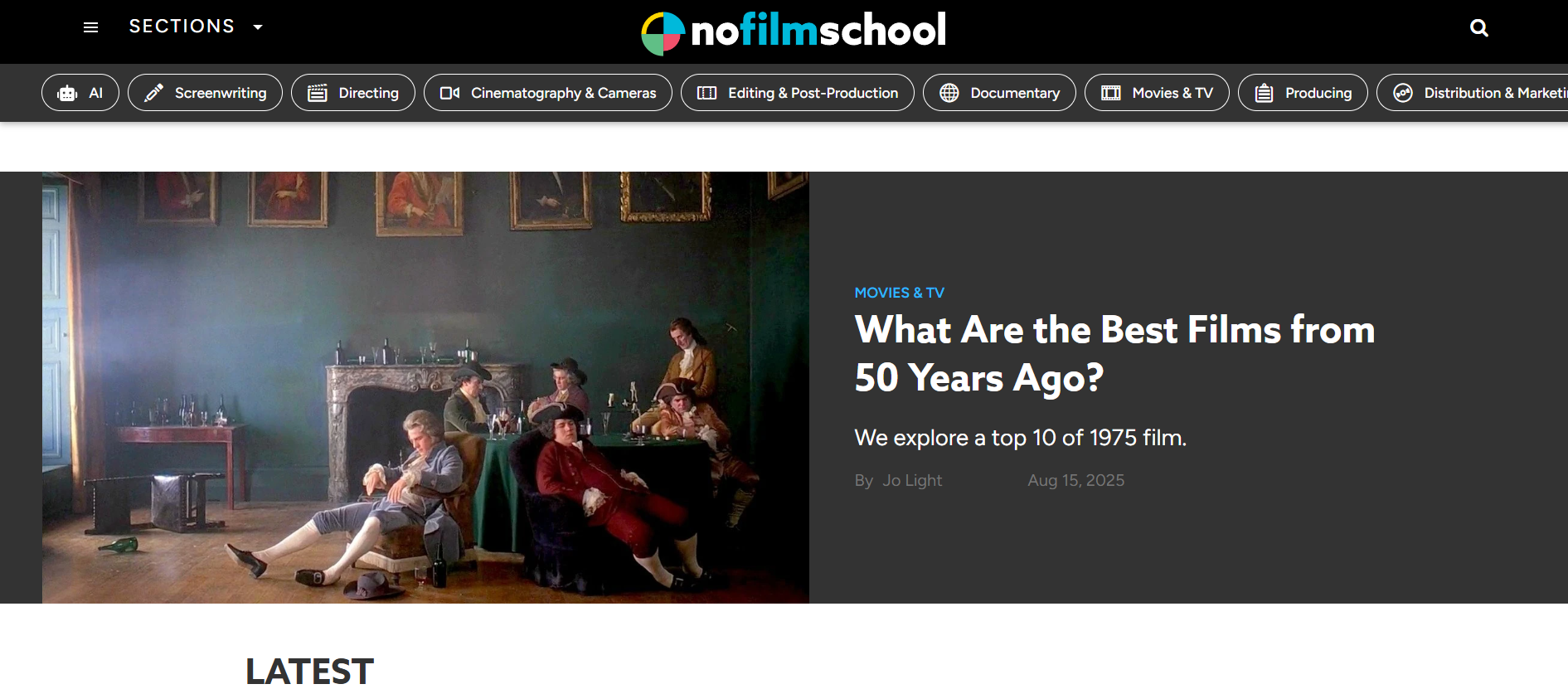
No Film School

9. No Film School

No Film School is a respected community for filmmakers and video creators. It offers in-depth articles, podcasts, and videos that explore the craft of visual storytelling, including camera techniques, lighting setups, and screenwriting.

  • Best For: In-depth articles, interviews, and tutorials on the craft of filmmaking.
  • Use Case Example: Reading articles that break down the script structure of famous movies to improve your own storytelling.
  • Pricing Details: Completely Free. Entire library of articles and podcasts is free to access.
  • What You’ll Need: A web browser.
  • Learning Curve: Intermediate. Gear towards those with a basic understanding of filmmaking concepts.
  • What to Watch Out For: Focuses on the "why" of filmmaking craft rather than step-by-step software tutorials.
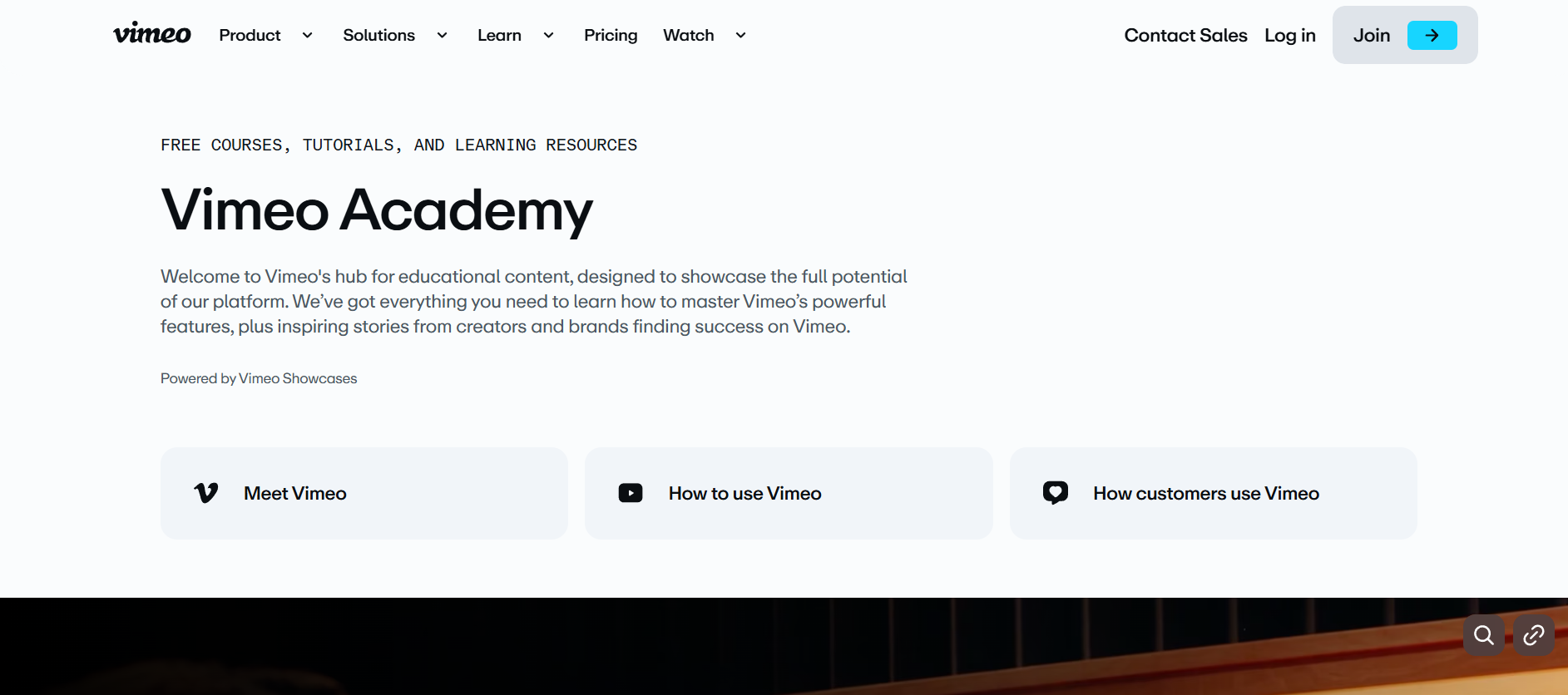
Vimeo Video School

10. Vimeo Video School

Vimeo Video School offers high-quality tutorials teaching practical on-set skills. Instead of software, these lessons focus on camerawork basics, composition, interview lighting, and lens selection for a professional look.

  • Best For: Learning filmmaking fundamentals, from camera basics to professional lighting.
  • Use Case Example: Watching a "3-Point Lighting" tutorial to learn how to light a professional interview properly.
  • Pricing Details: Completely Free. Entire library of video lessons is free to watch.
  • What You’ll Need: A web browser.
  • Learning Curve: Beginner. Tutorials are clear and perfect for those new to camerawork.
  • What to Watch Out For: Focuses on practical craft; does not provide software-specific editing tutorials.

Which Resource Should You Start With?

AI Tools Selection Guide - India Should Know

Feeling a bit overwhelmed by the options? Here’s a quick guide:

  • Professional Video Editing: If you want to learn professional video editing, download DaVinci Resolve because its free version is a complete, Hollywood-grade tool.
  • Free Creative Assets: If you need free music, videos, and images right now, your first stops should be Pexels, Pixabay, and the YouTube Audio Library.
  • Creator Craft & Skills: If you want to learn how to be a better creator, start watching videos on the YouTube Creators channel and learning the craft at Vimeo Video School.
  • Rapid Short Video Editing: If you need to edit a short video quickly, use Canva since its simple, template-based editor is the fastest way to get a great result.

Your Journey into Content Creation Starts Now

As you can see, you have access to a complete, professional-grade production studio without needing to spend a single rupee. From powerful editing software and massive libraries of free assets to expert-led courses on filmmaking and storytelling, these free resources provide a clear path for any student to create high-quality video and audio content.

The best way to learn is by doing. Pick one resource from this list that solves a problem you’re facing right now—whether it’s finding the right background music or learning a new editing trick—and start creating today. You’ll be amazed at what you can produce.

FAQs About AI Use.

Can I trust every answer an AI tool gives me for my studies?

A: No, you should not trust every answer completely. Think of an AI as a super-smart assistant that has read most of the internet—but not every book in the library is accurate.

  • AI can sometimes make mistakes, misunderstand your question, or use outdated information.

     
  • It can even “hallucinate,” which means it confidently makes up an answer that sounds real but is completely false.


Rule of Thumb: Use AI answers as a great starting point, but never as the final, absolute truth. Always double-check important facts.

A: Verifying information is a crucial skill. It’s like being a detective for facts. Here are four simple steps:

  1. Check Your Course Material: Is the AI’s answer consistent with what your textbook, lecture notes, or professor says? This is your most reliable source.

  2. Look for Reputable Sources: Ask the AI for its sources or search for the information online. Look for links from universities (.edu), government sites (.gov), respected news organizations, or published academic journals.

  3. Cross-Reference: Ask a different AI the same question, or type your question into a standard search engine like Google. If multiple reliable sources give the same answer, it’s more likely to be correct.

  4. Use Common Sense: If an answer seems too perfect, too strange, or too good to be true, be extra skeptical and investigate it further.

A: This is a very important difference. It’s all about who is doing the thinking.

  • Using AI for Research (Good ✅):

    • Brainstorming topics for a paper.

    • Asking for a simple explanation of a complex theory.

    • Finding keywords to use in your library search.

    • Getting feedback on your grammar and sentence structure.

    • You are using AI as a tool to help you think and write better.

  • Using AI to Plagiarize (Bad ❌):

    • Copying and pasting an AI-generated answer directly into your assignment.

    • Asking the AI to write an entire essay or paragraph for you.

    • Slightly rephrasing an AI’s answer and submitting it as your own original thought.

    • You are letting the AI do the thinking and work for you.

A: Using AI ethically means using it to learn, not to cheat. Here’s how:

  1. Know the Rules: First and foremost, read your school’s or professor’s policy on using AI tools. This is the most important step.

  2. Be the Author: The final work you submit must be yours. Your ideas, your structure, and your arguments. Use AI as a guide, not the writer.

  3. Do the Heavy Lifting: Use AI to understand a topic, but then close the chat and write your summary or solve the problem yourself to make sure you have actually learned it.

  4. Be Transparent: If you used an AI in a significant way (like for brainstorming), ask your professor if you should mention it. Honesty is always the best policy.

A: Yes, an AI’s answer can definitely be biased. Since AI learns from the vast amount of text on the internet written by humans, it can pick up and repeat human biases.

Here’s how to spot potential bias:

  • Look for Opinions: Does the answer present a strong opinion as a fact?

  • Check for One-Sidedness: On a topic with multiple viewpoints (like politics or economics), does the AI only show one side of the argument?

  • Watch for Stereotypes: Does the answer use generalizations about groups of people based on their race, gender, nationality, or other characteristics?

To avoid being misled by bias, always try to get information from multiple, varied sources.

A: It is best to be very careful. You should not consider your conversations with most public AI tools to be private.

  • Many AI companies use your conversations to train their systems, which means employees or contractors might read them.

     
  • There is always a risk of data breaches or leaks.


A Simple Safety Rule: Do not upload or paste any sensitive information that you would not want a stranger to see. This includes:

  • Personal identification details.

  • Confidential research or unpublished papers.

  • Your school assignments before you submit them.

  • Any financial or private data.

Don’t get left behind in the age of AI. 🚀

The world is changing fast, and AI is the reason. Join the India Should Know community to get 1 simple weekly email with:

AI Speed-Hacks:

Do 4 hours of work in 30 minutes.

The Vault:

Access our private library of Gemini & ChatGPT prompts.

Career Edge: 

Smart tips to stay ahead in school and at the office.

Sign Up To Get Our Introduction To Prompt Building PDF

No spam. Just the good stuff, every Tuesday.

Scroll to Top