indiashouldknow.com

10 Great Free Tools For 3D Modeling.

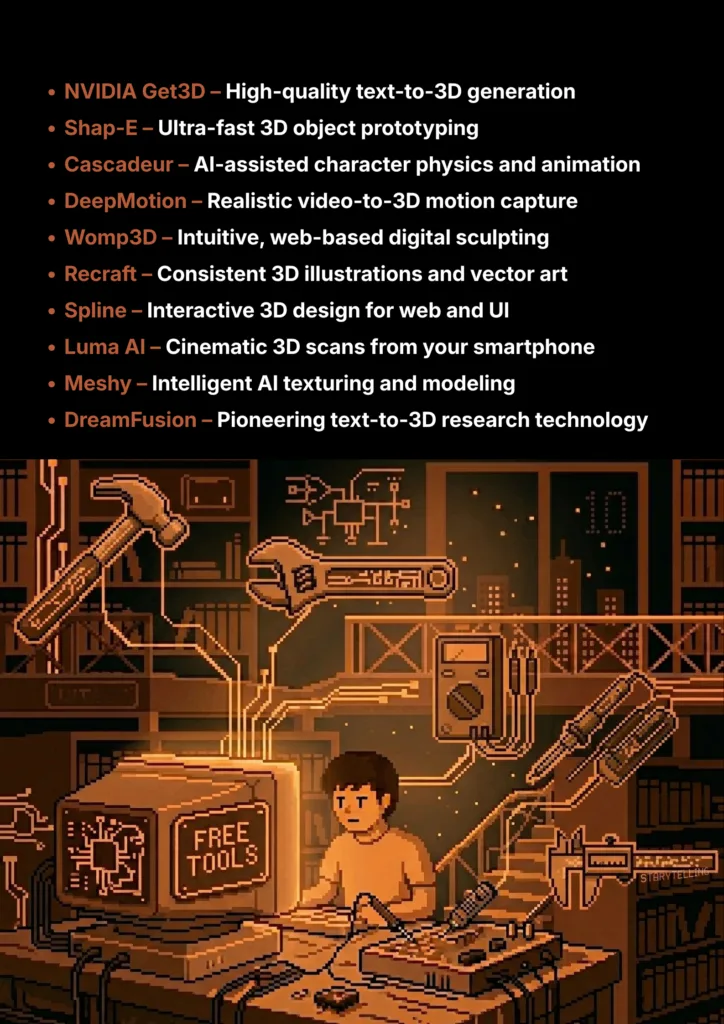
10 Great Free Tools For 3D Modeling

Learning & Working With 3D Modelling Made Easier With AI Tools.

The world of 3D modeling is being revolutionized by artificial intelligence. In creating this guide, our main goal was to find the best 3D AI tools that are completely free and open-source for students. The AI landscape moves incredibly fast, so we apologize if some tools on this list have changed their pricing or don’t perfectly fit that criteria.

However, we’ve focused on options with excellent free tiers that provide everything you need to learn the fundamentals. Think of this list as your ultimate starter kit—a way to master the skills of prompting and 3D creation before you move on to the more impressive, complex open-source models.

What Can You Actually Do With These AI Tools?

AI Tools Capabilities - India Should Know

Before we dive into the list, it's helpful to understand what makes these tools so game-changing for students.

  • Accelerate Your Workflow: Instead of building a model from scratch, you can generate a base mesh in seconds and spend your time refining it.
  • Prototype Ideas Instantly: Quickly visualize your concepts for a game or project without a major time commitment.
  • Learn Complex Concepts Faster: Use AI to generate examples or animate characters to better understand principles of physics, art, and design.
  • Create Professional-Looking Assets: Access tools that help you create high-quality graphics, textures, and animations, even if you're not an expert artist.

Quick Comparison Table

AI 3D Tools Comparison Table - India Should Know
Tool Name Best For Pricing Model Ease of Use
NVIDIA Get3D High-Quality Models Research Project Developer
Shap-E Fast Prototyping Open-Source Developer
Cascadeur Character Animation Freemium (Free Version) Intermediate
DeepMotion Video-to-Animation Freemium (Free Version) Beginner
Womp3D Easy 3D Modeling Freemium Beginner
Recraft 3D Illustrations Freemium (with credits) Beginner
Spline Interactive 3D Web Design Freemium Beginner
Luma AI Realistic 3D Scans & Models Freemium Beginner
Meshy AI Texturing & Modeling Freemium (with credits) Beginner
DreamFusion 3D Foundational Tech Research Project Developer

AI Tools For 3D Model Generation.

10 Best AI 3D Modeling Tools - India Should Know
NVIDIA Get3D

1. NVIDIA Get3D

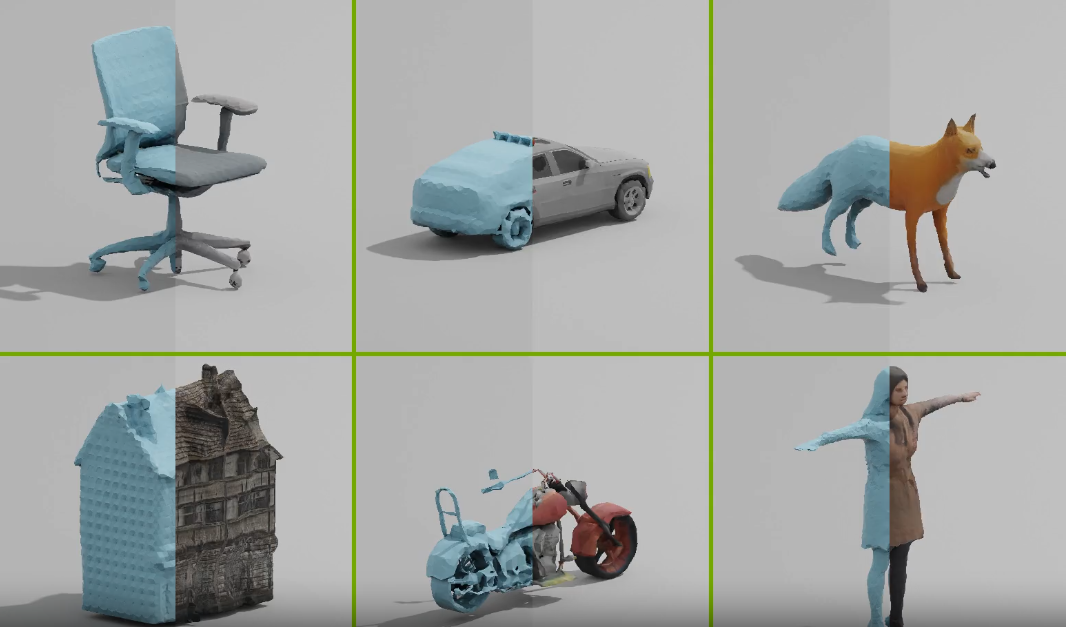
NVIDIA's Get3D is a powerhouse research model that generates highly detailed, textured 3D meshes including buildings, vehicles, and characters. It produces models in standard formats that are easily importable into game engines like Unreal or Unity, offering a glimpse into the future of on-demand asset creation for professional pipelines.

  • Best For: Generating high-quality, textured 3D models from text prompts for professional use.
  • Use Case Example: A developer prompts "a rusty, futuristic sci-fi crate" and receives a game-ready asset with professional-grade topology in minutes.
  • Pricing Details: Completely Free research project available on GitHub for non-commercial use.
  • What You’ll Need: High-end PC with an NVIDIA GPU and experience with Python and GitHub.
  • Learning Curve: Developer level. Requires technical expertise to set up and run.
  • What to Watch Out For: Complex setup and non-commercial license limitations.
Shap-E OpenAI

2. Shap-E by OpenAI

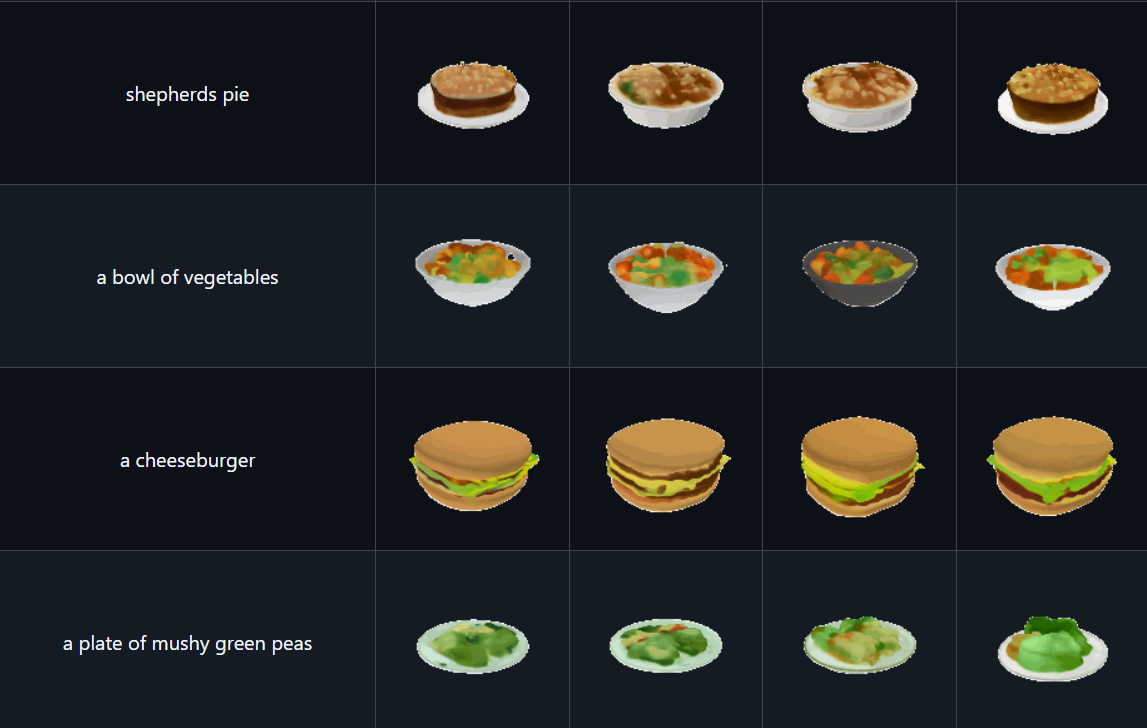
From the creators of ChatGPT, Shap-E is an open-source model optimized for speed. While most models take minutes, Shap-E can generate 3D assets in seconds. This makes it an ideal tool for rapid brainstorming, allowing creators to visualize multiple concepts almost instantly using either text or images as input.

  • Best For: Extremely fast generation of 3D objects for quick prototyping and brainstorming.
  • Use Case Example: A student generating a 3D model of a simple animal for a biology presentation in under ten seconds.
  • Pricing Details: Completely Free & Open-Source under the permissive MIT license.
  • What You’ll Need: Computer capable of running Python; a GPU is recommended for speed.
  • Learning Curve: Developer level. Requires comfort with command-line tools.
  • What to Watch Out For: Models may lack high-end detail compared to slower generative methods.
DreamFusion Google

3. DreamFusion 3D (Google)

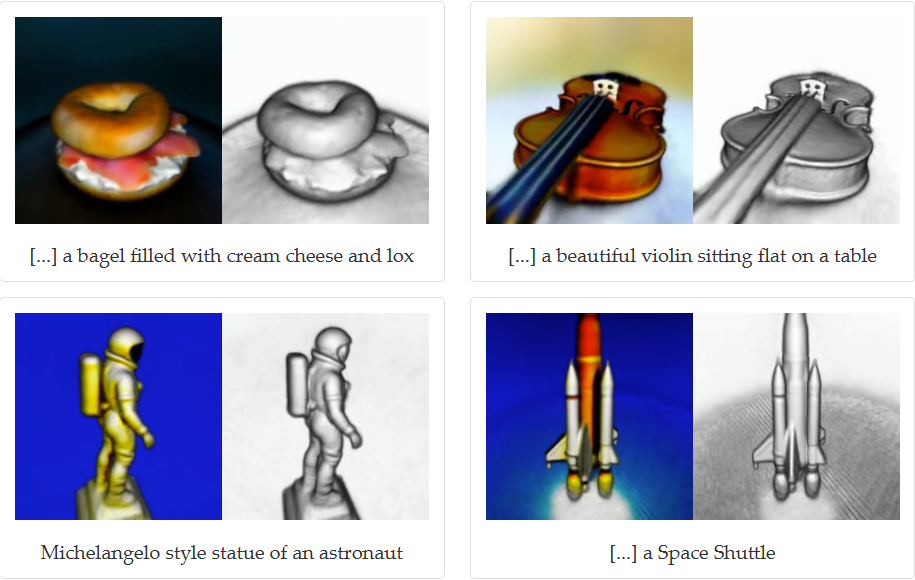
DreamFusion is a foundational research project by Google that introduced the technique of using 2D text-to-image models to "sculpt" 3D objects. While it's primarily a research paper rather than a downloadable app, it has set the stage for modern AI 3D modeling and is essential for anyone studying the science of generative media.

  • Best For: Understanding the foundational technology and concepts behind text-to-3D generation.
  • Use Case Example: A research student using the paper's logic to develop custom deep-learning workflows for 3D content.
  • Pricing Details: Completely Free public research documentation.
  • What You’ll Need: Interest in deep-learning concepts; no specific software is required to study it.
  • Learning Curve: Researcher/Developer level. This is academic material.
  • What to Watch Out For: This is a research concept, not a finished consumer product for download.
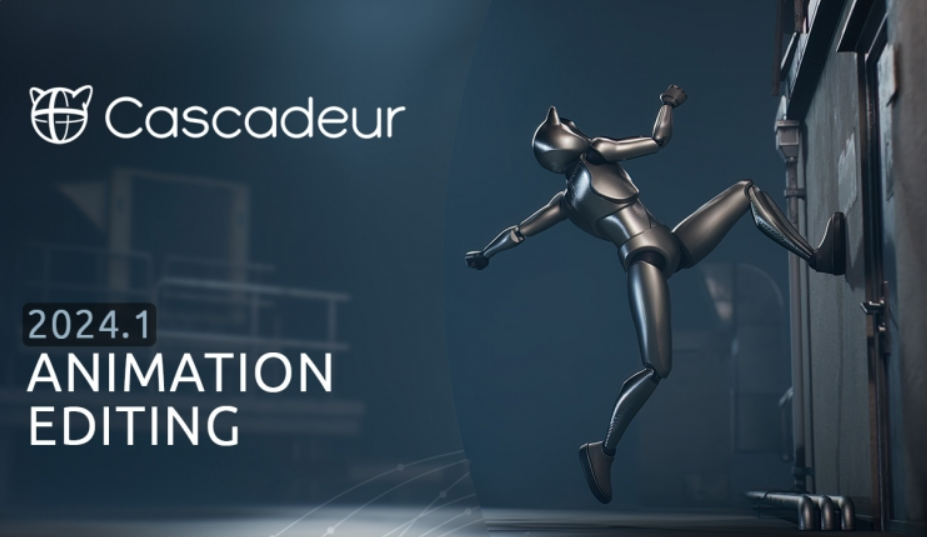
Cascadeur

4. Cascadeur

Cascadeur is animation software that uses physics-based AI to make character movement realistic and intuitive. Tools like AutoPosing predict body positions based on gravity and momentum, simplifying the complex world of rigging and making natural motion accessible to indie developers and students.

  • Best For: AI-assisted character animation and physics-based rigging.
  • Use Case Example: An animator bringing a custom character to life with realistic walking cycles by letting the AI calculate the center of mass.
  • Pricing Details: Generous Free Forever version for personal, non-commercial use.
  • What You’ll Need: Windows or Linux PC; a dedicated GPU is recommended.
  • Learning Curve: Intermediate. AI helps, but basic animation knowledge is useful.
  • What to Watch Out For: Free version limits exports and joint counts per scene.
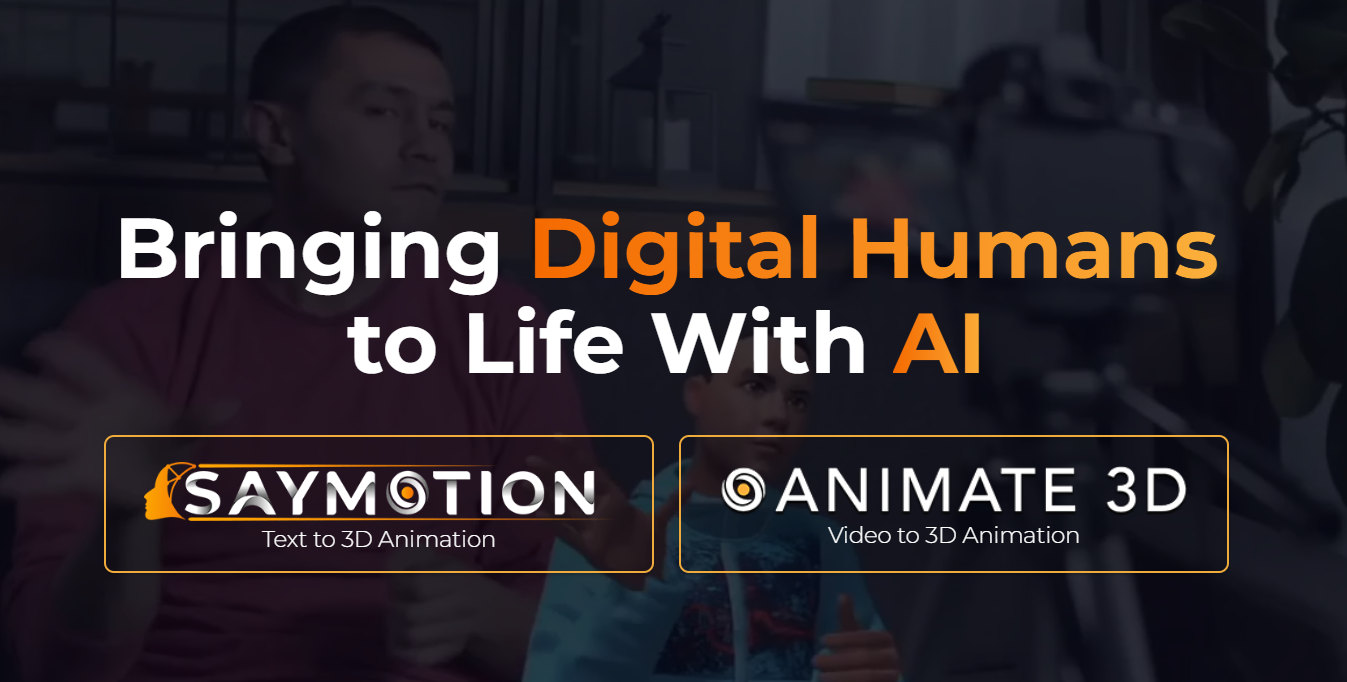
DeepMotion

5. DeepMotion

DeepMotion's Animate 3D service turns standard video footage into 3D motion capture files. By uploading a video of a person moving, the AI generates an animation file that can be applied to any 3D character, saving hundreds of hours of manual keyframing.

  • Best For: Creating realistic 3D animations directly from video footage (Video-to-Mocap).
  • Use Case Example: A student recording themselves acting out a character's role on a phone and using DeepMotion to create the final animation.
  • Pricing Details: Freemium model with 60 seconds of free animation credits provided every month.
  • What You’ll Need: Web browser and any device with a camera.
  • Learning Curve: Beginner. User-friendly web interface.
  • What to Watch Out For: Animation quality depends on video clarity and camera angle.

Womp 3D

6. Womp 3D

Womp is a browser-based creation platform that makes modeling feel like sculpting with digital clay. It uses a unique rendering technique (SDFs) that allows shapes to blend seamlessly, making it perfect for beginners who want to create organic 3D art without mastering complex polygon modeling.

  • Best For: Easy, intuitive, and fun web-based 3D modeling and digital sculpting.
  • Use Case Example: Designing a stylized 3D logo or an organic character mascot for a project without any prior 3D experience.
  • Pricing Details: Excellent Freemium model with a generous "Basic" plan for personal projects.
  • What You’ll Need: Just a web browser.
  • Learning Curve: Beginner. Perhaps the easiest 3D tool to learn.
  • What to Watch Out For: Not a traditional modeler; exporting to Blender can sometimes be tricky.
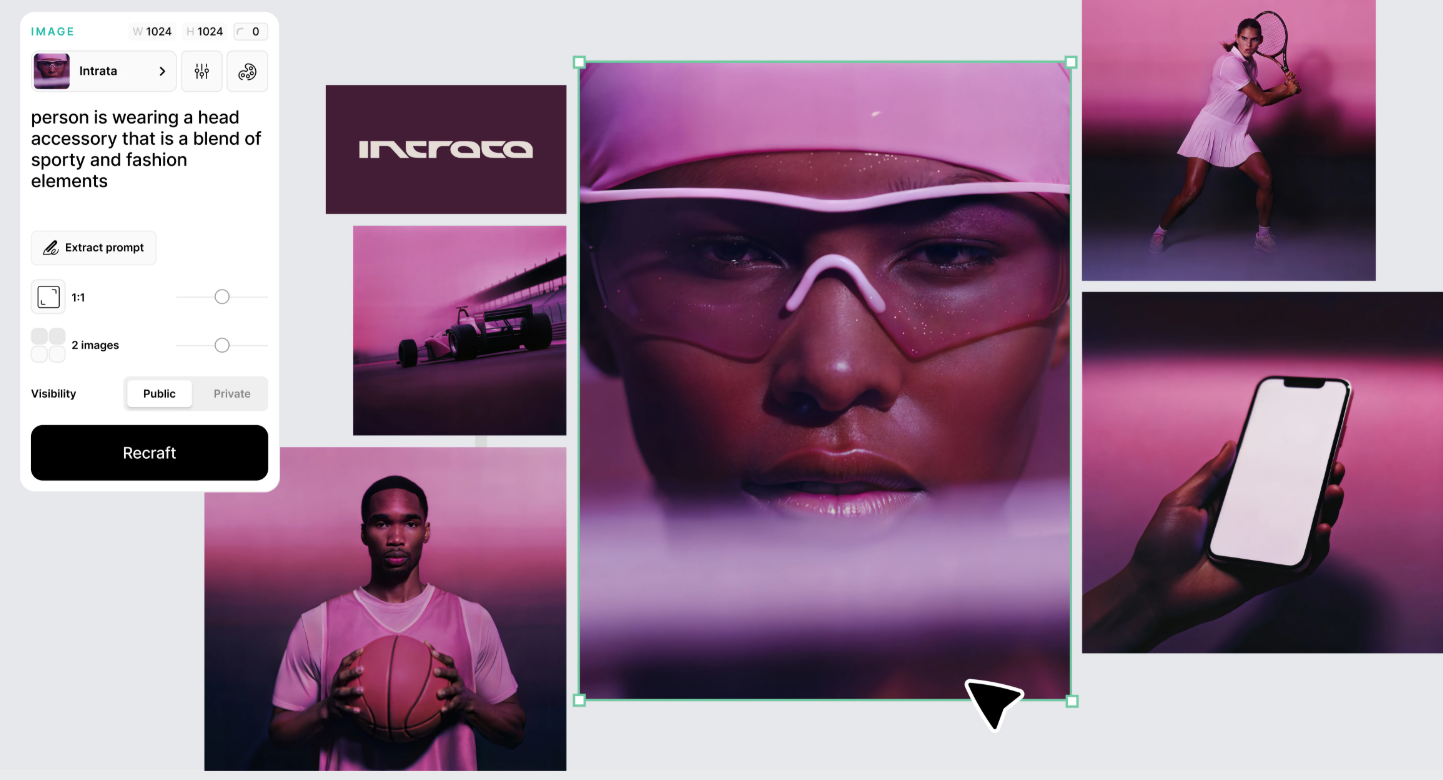
Recraft

7. Recraft

Recraft is an AI image generator specifically built for vector art and 3D illustrations. Its standout feature is its ability to maintain a consistent brand style across a whole set of assets, ensuring your icons, characters, and 3D graphics all look like they belong together.

  • Best For: Generating vector art and 3D illustrations with consistent styling.
  • Use Case Example: Creating a unified set of 3D-style icons for a website or a marketing presentation in a few minutes.
  • Pricing Details: Freemium model with 50 daily credits; free generations are public.
  • What You’ll Need: A web browser.
  • Learning Curve: Beginner. Very intuitive interface.
  • What to Watch Out For: Public generations on the free plan; paid plan required for privacy.
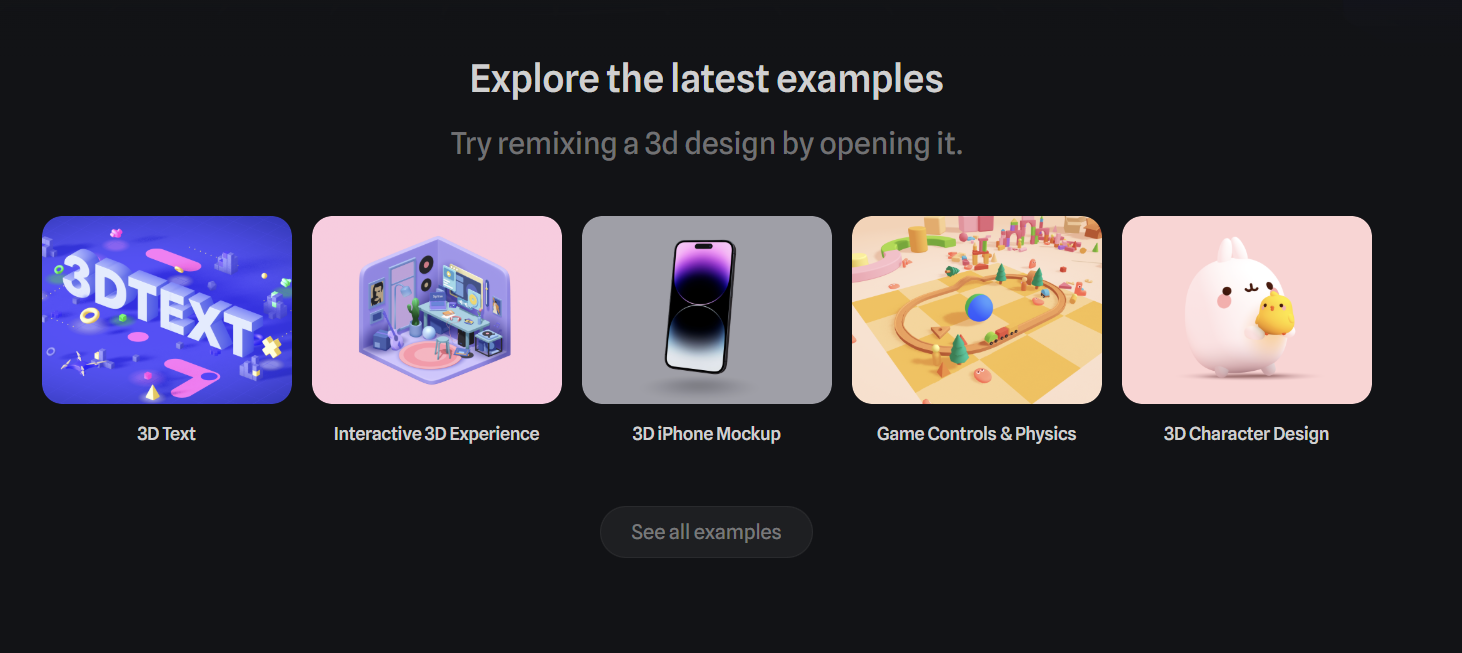
Spline 3D

8. Spline 3D

Spline is a collaborative, web-based tool for designing and publishing interactive 3D experiences. It features built-in AI tools for model and texture generation, making it the perfect choice for UI/UX designers who want to embed 3D content directly into websites.

  • Best For: Creating and publishing interactive 3D scenes for the web.
  • Use Case Example: Designing an interactive 3D product mockup for a mobile app portfolio and embedding it live on a web page.
  • Pricing Details: Excellent Freemium model with unlimited personal files on the "Basic" plan.
  • What You’ll Need: A web browser and a computer with decent RAM.
  • Learning Curve: Beginner. Much simpler interface than traditional software like Blender.
  • What to Watch Out For: Browser performance can slow down with extremely complex scenes.

Luma Labs AI

9. Luma AI

Luma AI turns your smartphone into a high-end 3D scanner. Using NeRF technology, you can take a video of an object while walking around it, and the AI transforms it into a realistic 3D model. It also features "Genie," a powerful text-to-3D model accessible via the web.

  • Best For: Creating realistic 3D scans of real-world objects using just a phone.
  • Use Case Example: A history student scanning a museum statue to include a rotating 3D model in a digital report.
  • Pricing Details: Excellent Freemium model with free captures every month via the mobile app.
  • What You’ll Need: A modern iPhone or Android phone and a browser.
  • Learning Curve: Beginner. The mobile app guides you through the whole process.
  • What to Watch Out For: Requires good lighting; difficult to scan shiny or transparent objects.
Meshy 3D

10. Meshy

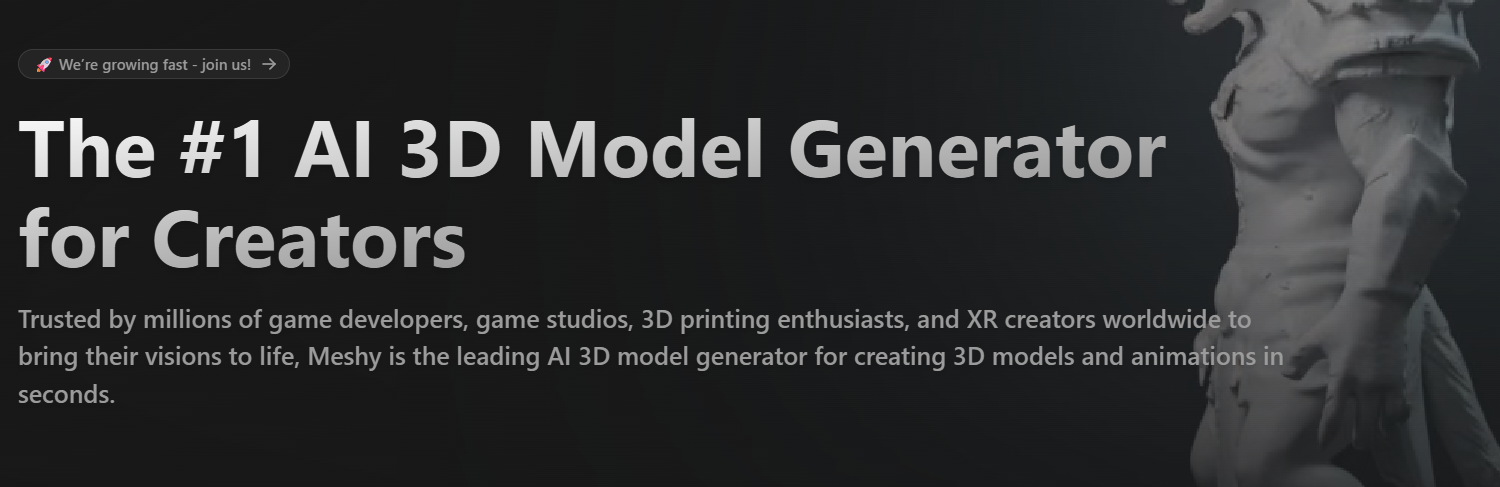
Meshy is a versatile suite of tools for 3D modeling and texturing. Its standout feature is AI Texturing, which allows you to upload an untextured model and apply high-quality "worn leather" or "scifi metal" textures instantly via text prompt.

  • Best For: AI-powered 3D model texturing and generation for game assets.
  • Use Case Example: Uploading a raw, untextured sword model and using Meshy to apply a glowing "magical crystal" texture in seconds.
  • Pricing Details: Freemium model with 200 credits provided every month for students.
  • What You’ll Need: A web browser.
  • Learning Curve: Beginner. Clean and straightforward user interface.
  • What to Watch Out For: Credits are generous but limited; quality of text-to-3D generation can vary.

Which Tool Should You Start With?

AI Tools Selection Guide - India Should Know

Feeling a bit overwhelmed by the options? Here’s a quick guide:

  • Beginner & Creative Fun: If you're an absolute beginner and just want to have fun, start with Womp 3D because you can make something cool in less than five minutes.
  • Realistic 3D Scanning: If you want to create a realistic 3D scan of a real-world object, try Luma AI on your phone as the process feels like magic.
  • Advanced AI Texturing: If you have a 3D model that needs a cool texture, use Meshy because its AI texturing is a total game-changer.
  • Character Animation Mastery: If you're an aspiring animator, download the free version of Cascadeur since its AI tools will teach you a lot about realistic character motion.

Conclusion: Your Journey into 3D AI Starts Now

As you can see, the world of AI-powered 3D creation is exploding with innovation. Tools that were once pure science fiction are now accessible to everyone. Whether you want to generate a model from text, animate a character from a video, or design an entire 3D website, there’s a tool on this list that lets you get started for free.

The best way to learn is by doing. Challenge yourself: try creating a simple character with Womp 3D this afternoon, or use Meshy to texture a model you found online. The future of 3D is here, and it’s more accessible than ever before.

Written By

Prateek Singh.

Last Updated – Febuary, 2026

About The Author

Prateek is a self-taught practitioner who believes the only real way to learn is by doing. He created IndiaShouldKnow.com from scratch, using AI as his primary learning partner to navigate everything from web development and UI/UX design to color theory and graphic engineering.

He works within the “engine room” of AI daily, using these tools to manage professional workflows including data visualization, digital marketing systems, and SEO architecture. Having personally tested and refined dozens of AI models across hundreds of real-world scenarios, Prateek focuses on the “how” behind the technology. He shares his self-taught workflows and prompting pillars to help others move past basic chat interactions and start using AI as a high-precision tool for their own goals.

FAQs About AI Use.

Can I trust every answer an AI tool gives me for my studies?

A: No, you should not trust every answer completely. Think of an AI as a super-smart assistant that has read most of the internet—but not every book in the library is accurate.

  • AI can sometimes make mistakes, misunderstand your question, or use outdated information.

     
  • It can even “hallucinate,” which means it confidently makes up an answer that sounds real but is completely false.


Rule of Thumb: Use AI answers as a great starting point, but never as the final, absolute truth. Always double-check important facts.

A: Verifying information is a crucial skill. It’s like being a detective for facts. Here are four simple steps:

  1. Check Your Course Material: Is the AI’s answer consistent with what your textbook, lecture notes, or professor says? This is your most reliable source.

  2. Look for Reputable Sources: Ask the AI for its sources or search for the information online. Look for links from universities (.edu), government sites (.gov), respected news organizations, or published academic journals.

  3. Cross-Reference: Ask a different AI the same question, or type your question into a standard search engine like Google. If multiple reliable sources give the same answer, it’s more likely to be correct.

  4. Use Common Sense: If an answer seems too perfect, too strange, or too good to be true, be extra skeptical and investigate it further.

A: This is a very important difference. It’s all about who is doing the thinking.

  • Using AI for Research (Good ✅):

    • Brainstorming topics for a paper.

    • Asking for a simple explanation of a complex theory.

    • Finding keywords to use in your library search.

    • Getting feedback on your grammar and sentence structure.

    • You are using AI as a tool to help you think and write better.

  • Using AI to Plagiarize (Bad ❌):

    • Copying and pasting an AI-generated answer directly into your assignment.

    • Asking the AI to write an entire essay or paragraph for you.

    • Slightly rephrasing an AI’s answer and submitting it as your own original thought.

    • You are letting the AI do the thinking and work for you.

A: Using AI ethically means using it to learn, not to cheat. Here’s how:

  1. Know the Rules: First and foremost, read your school’s or professor’s policy on using AI tools. This is the most important step.

  2. Be the Author: The final work you submit must be yours. Your ideas, your structure, and your arguments. Use AI as a guide, not the writer.

  3. Do the Heavy Lifting: Use AI to understand a topic, but then close the chat and write your summary or solve the problem yourself to make sure you have actually learned it.

  4. Be Transparent: If you used an AI in a significant way (like for brainstorming), ask your professor if you should mention it. Honesty is always the best policy.

A: Yes, an AI’s answer can definitely be biased. Since AI learns from the vast amount of text on the internet written by humans, it can pick up and repeat human biases.

Here’s how to spot potential bias:

  • Look for Opinions: Does the answer present a strong opinion as a fact?

  • Check for One-Sidedness: On a topic with multiple viewpoints (like politics or economics), does the AI only show one side of the argument?

  • Watch for Stereotypes: Does the answer use generalizations about groups of people based on their race, gender, nationality, or other characteristics?

To avoid being misled by bias, always try to get information from multiple, varied sources.

A: It is best to be very careful. You should not consider your conversations with most public AI tools to be private.

  • Many AI companies use your conversations to train their systems, which means employees or contractors might read them.

     
  • There is always a risk of data breaches or leaks.


A Simple Safety Rule: Do not upload or paste any sensitive information that you would not want a stranger to see. This includes:

  • Personal identification details.

  • Confidential research or unpublished papers.

  • Your school assignments before you submit them.

  • Any financial or private data.

Don’t get left behind in the age of AI. 🚀

The world is changing fast, and AI is the reason. Join the India Should Know community to get 1 simple weekly email with:

AI Speed-Hacks:

Do 4 hours of work in 30 minutes.

The Vault:

Access our private library of Gemini & ChatGPT prompts.

Career Edge: 

Smart tips to stay ahead in school and at the office.

Sign Up To Get Our Introduction To Prompt Building PDF

No spam. Just the good stuff, every Tuesday.

Scroll to Top