indiashouldknow.com

10 Great Free Tools for Business & Marketing

10 Great Free Tools for Business & Marketing

Build your brand, create professional content, and analyze the market with these essential AI tools that won't break your student budget.

Whether you’re a B.Com student with a brilliant startup idea or a marketing major trying to build a portfolio, the business world can seem incredibly complex. Crafting a business plan, designing a marketing campaign, and analyzing competitors often feels like a job for a whole team, not just one person.

But what if you had an entire AI-powered marketing and business department at your fingertips, ready to help you brainstorm, write, and strategize 24/7?

That’s the advantage AI tools can give you. This guide is built for students and aspiring entrepreneurs who need professional-grade tools without the high cost. We’ve done a deep dive to find the best AI tools for business and marketing that offer incredible “free forever” plans or very generous free tiers, perfect for long-term use as you learn and grow your brand.

What Can You Actually Do With These AI Tools?

AI Tools Capabilities - India Should Know

Before we dive into the list, it’s helpful to understand what makes these tools so game-changing for students.

  • Develop Business Ideas: Go from a rough concept to a structured business plan with market analysis and a clear mission statement.
  • Create Professional Marketing Content: Instantly generate ad copy, social media posts, blog outlines, and email campaigns.
  • Design a Strong Brand Identity: Create logos, social media graphics, and visual assets without any design experience.
  • Understand Your Market: Analyze competitors and discover what your target audience is searching for online.

Quick Comparison Table

AI Marketing Tools Comparison - India Should Know
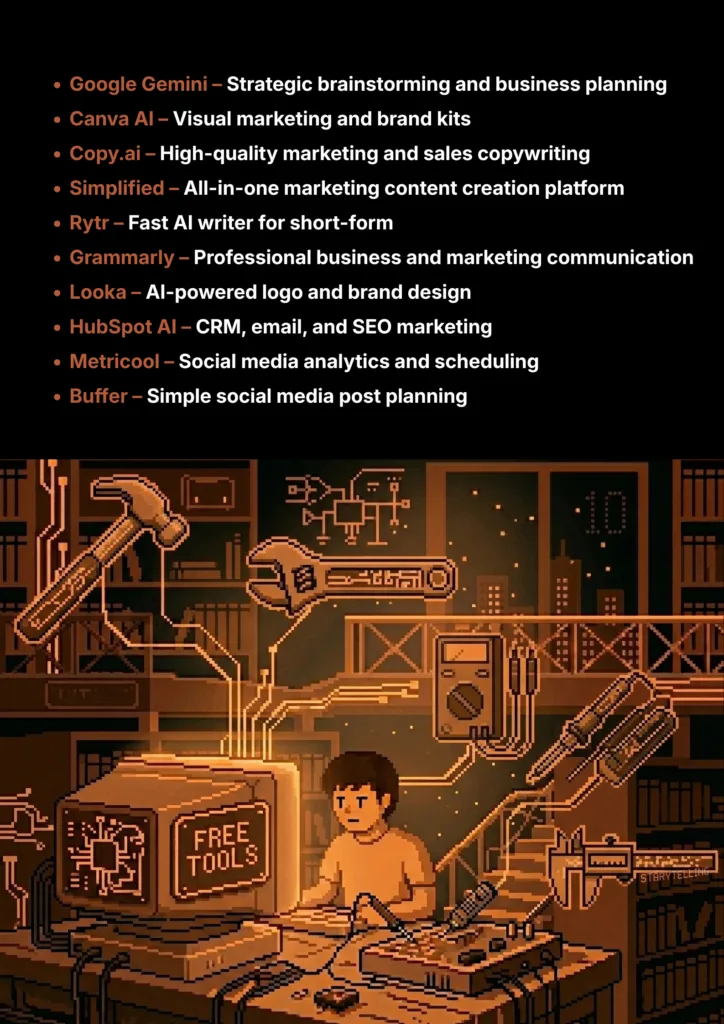
Tool Name Best For Pricing Model Ease of Use
Gemini Brainstorming & Strategy Freemium Beginner
Canva AI Visual Marketing & Branding Freemium Beginner
Copy.ai Marketing & Sales Copywriting Freemium Beginner
Simplified All-in-One Content Creation Freemium Beginner
Rytr Short-Form Content Writing Freemium Beginner
Grammarly Professional Communication Freemium Beginner
Looka AI Logo & Brand Design Freemium Beginner
HubSpot AI All-in-One Marketing Platform Freemium For Individuals Intermediate
Metricool Social Media Analytics & Scheduling Freemium Beginner
Buffer Professional Social Media Scheduling Freemium Beginner
10 Great Free AI Tools for Business & Marketing - India Should Know
Google Gemini

1. Google Gemini

While not specialized marketing tools, these powerful AI chatbots are the ultimate starting point for any business or marketing student. They are incredible for overcoming the "blank page" problem. You can use them to generate a SWOT analysis for a business idea, create a customer persona, draft sections of a business plan, or brainstorm a dozen different marketing campaign slogans in seconds.

  • Best For: Brainstorming, drafting business plans, and general-purpose strategic thinking.
  • Use Case Example: A student uses Gemini to generate a detailed outline for a business plan, including a first draft of the "Mission Statement" and "Market Analysis" sections.
  • Pricing Details: Excellent Freemium Models. Free version is extremely powerful for student and startup tasks.
  • What You’ll Need: A web browser or their mobile apps.
  • Learning Curve: Beginner. Conversational chat-based interface is intuitive for everyone.
  • What to Watch Out For: Information can be generic. Always verify any data or statistics with real-world sources.
Canva AI

2. Canva AI

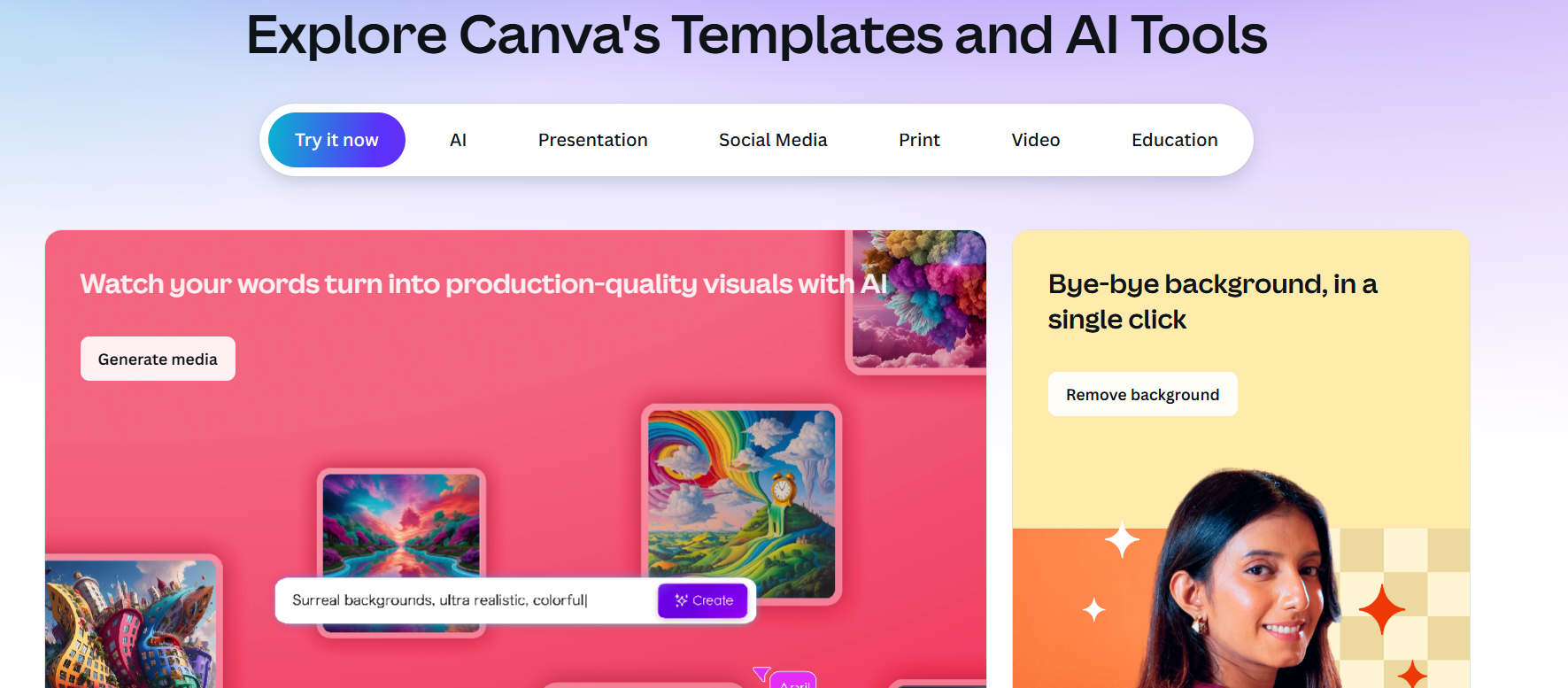
Canva is an essential tool for anyone in business or marketing, and its AI features ("Magic Studio") make it indispensable. For students, it's the fastest way to create professional-looking social media graphics, ad banners, presentations, and even short videos without any design experience. The AI can help you generate entire designs, write captions, and create custom images from a text prompt.

  • Best For: Creating all your visual marketing materials, from social media posts to brand kits.
  • Use Case Example: A student running social media for a college club uses "Magic Design" for instant templates and "Magic Write" to generate catchy captions.
  • Pricing Details: Excellent Freemium Model. Free plan includes core AI features with some usage limits.
  • What You’ll Need: A web browser or desktop/mobile apps.
  • Learning Curve: Beginner. Famous for its user-friendly, drag-and-drop interface.
  • What to Watch Out For: Most advanced AI features and premium templates are reserved for the Pro plan.
Copy.ai

3. Copy.ai

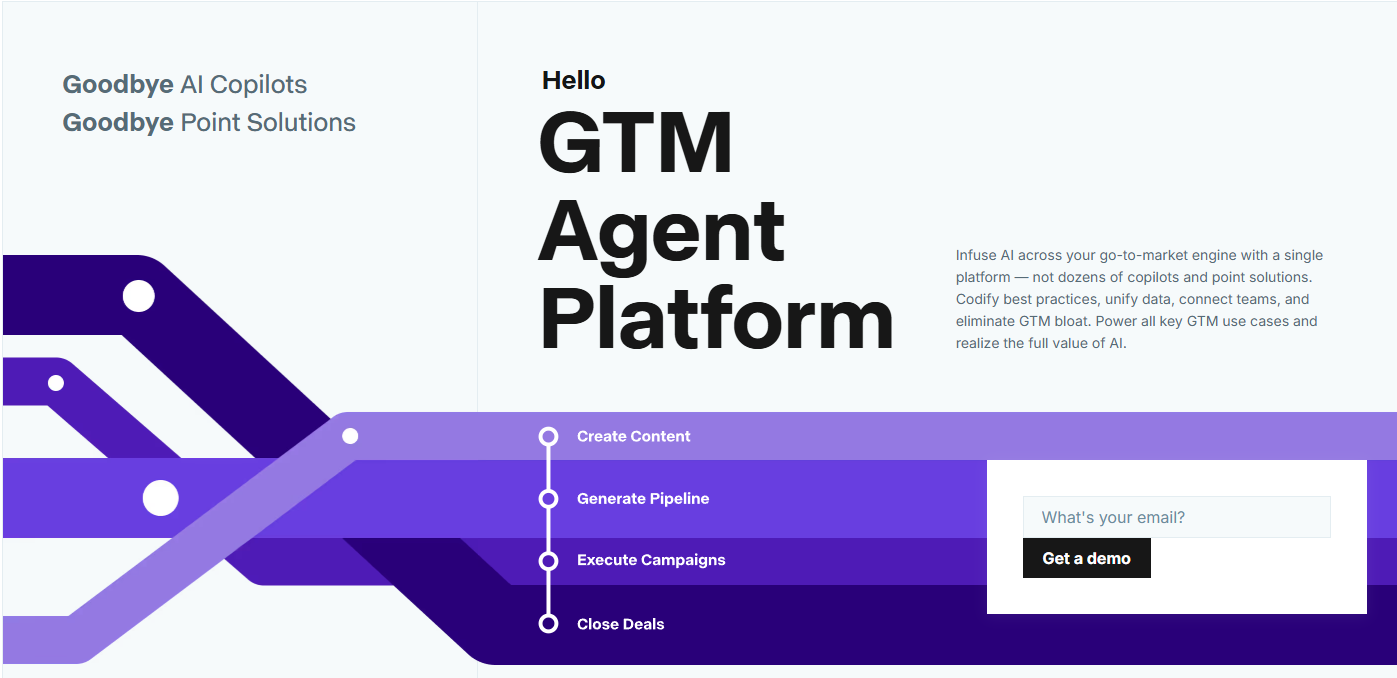
Copy.ai is an AI writing assistant specifically trained for marketing and business use cases. It has over 90 templates for generating everything from ad copy and website headlines to email newsletters and business plans. It's a fantastic tool for learning the principles of good copywriting and for generating high-quality first drafts for any marketing campaign.

  • Best For: High-quality AI copywriting for marketing and sales.
  • Use Case Example: A student uses the "Ad Copy" template to generate multiple creative versions of a Facebook ad for a mock class project.
  • Pricing Details: Excellent Freemium Model. Free plan gives 2,000 words per month and access to all tools.
  • What You’ll Need: A web browser.
  • Learning Curve: Beginner. Clean, template-driven interface makes it easy to start.
  • What to Watch Out For: The 2,000-word monthly limit is ideal for short-form copy but restrictive for full websites.
Simplified

4. Simplified

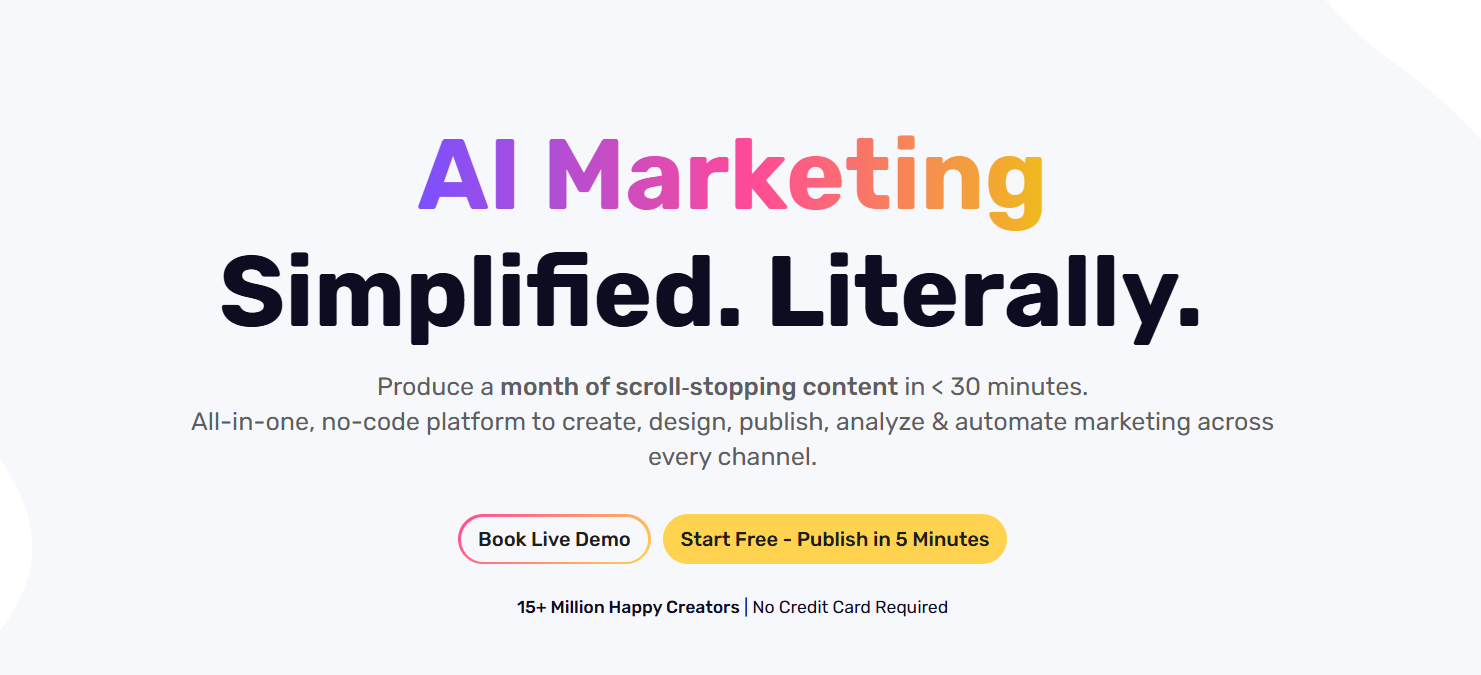
Simplified aims to be a complete solution for marketing teams and creators. It combines an AI writer, a graphic design tool, a video editor, and a social media scheduler into one platform. This is incredibly useful for students who want to create a cohesive marketing campaign with consistent branding across different types of media.

  • Best For: An all-in-one platform for writing, design, and video content.
  • Use Case Example: A student team uses Simplified to write a blog post, design matching social graphics, and create a promotional video in one dashboard.
  • Pricing Details: Generous Freemium Model. Free Forever plan includes AI credits and scheduling tools.
  • What You’ll Need: A web browser.
  • Learning Curve: Beginner. User-friendly interface, though takes time to explore all integrated tools.
  • What to Watch Out For: Free plan video exports include a Simplified watermark.
Rytr

5. Rytr

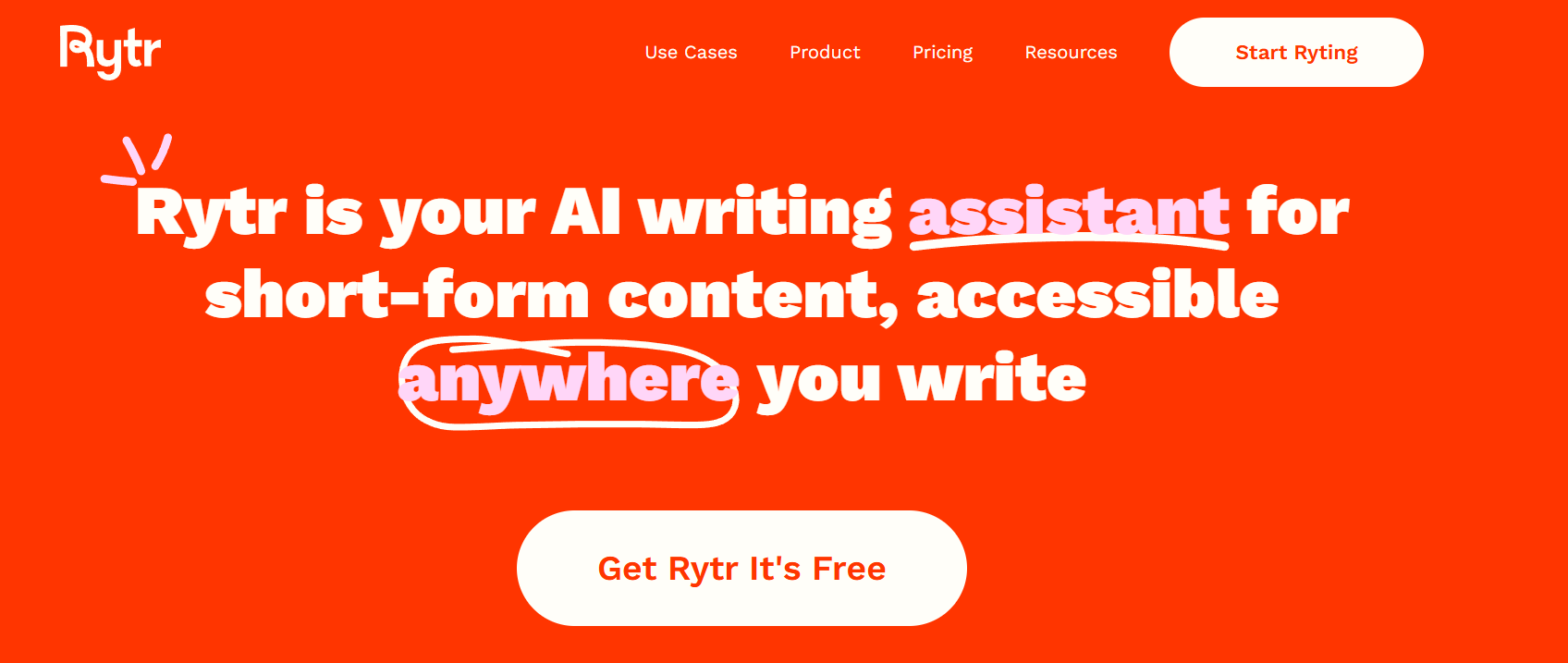
Rytr is a user-friendly AI writing assistant that is perfect for generating high-quality short-form content quickly. It's less complex than some other writers, which makes it very fast to use. It's an excellent tool for students who need to quickly write email responses, product descriptions, or social media captions.

  • Best For: Simple and fast AI writing for short-form content.
  • Use Case Example: An e-commerce student uses the "Product Description" template to generate persuasive listings for a mock online store in minutes.
  • Pricing Details: Generous Freemium Model. Free plan allows up to 10,000 characters per month.
  • What You’ll Need: A web browser.
  • Learning Curve: Beginner. One of the easiest AI writers to learn with its clean interface.
  • What to Watch Out For: Character limit makes it less suitable for long-form blog posts or reports.
Grammarly

6. Grammarly

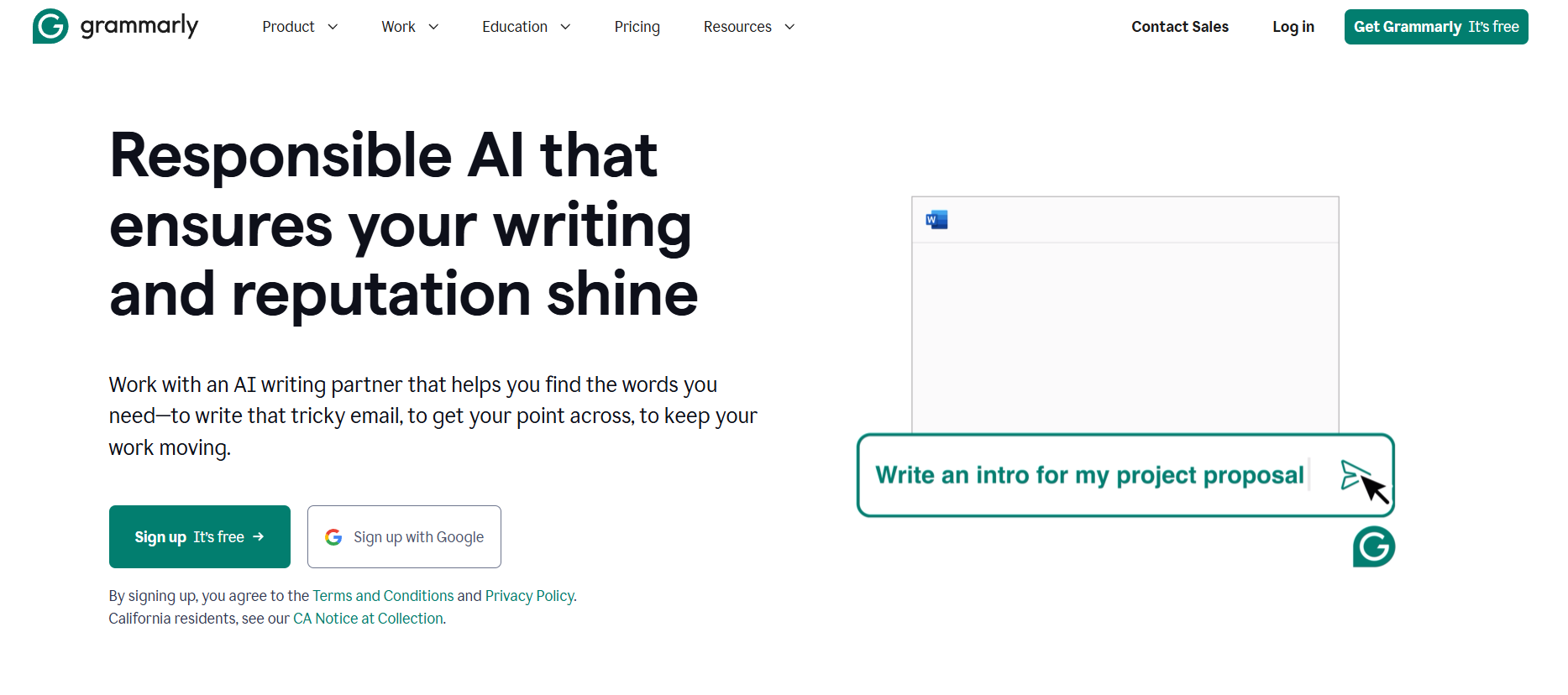
While known as a grammar checker, Grammarly is essential for professional credibility. Clear, confident, and error-free writing is crucial for building trust with customers and professors. The free version helps improve sentence structure and clarity in all your business communications, far beyond simple spell check.

  • Best For: Ensuring all business and marketing communication is professional and error-free.
  • Use Case Example: A student rephrases a cold email for an internship using Grammarly to sound more confident and professional.
  • Pricing Details: Excellent Freemium Model. Free plan catches most critical writing errors.
  • What You’ll Need: A web browser or extension.
  • Learning Curve: Beginner. Works automatically in the background once installed.
  • What to Watch Out For: Frequently prompts for upgrades to fix "advanced" style issues.
HubSpot AI

7. HubSpot AI

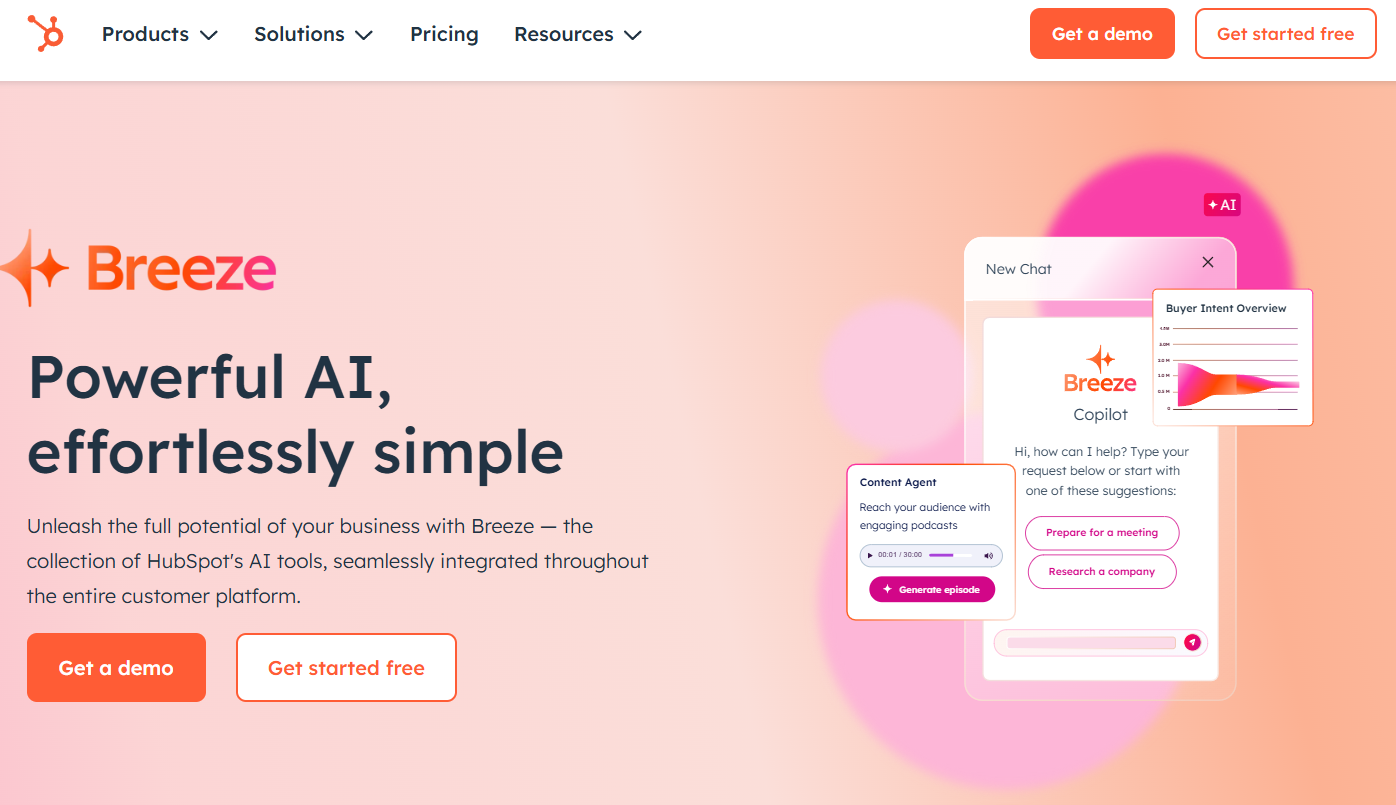
HubSpot is a leading platform used by professionals worldwide. Its "Free Tools" suite is incredibly powerful for students, including a free CRM, email marketing, and landing page builders. Its AI assistants help you write content and build web pages, providing a real look at integrated marketing ecosystems.

  • Best For: All-in-one marketing platform with free CRM, email, and SEO tools.
  • Use Case Example: A student develops a mock startup, tracking potential customers in the CRM and sending a marketing newsletter via the email tool.
  • Pricing Details: Incredible Free Forever Plan. Includes AI Website Builder and Content Assistant.
  • What You’ll Need: A web browser.
  • Learning Curve: Intermediate. Professional platform with many features, supported by free courses.
  • What to Watch Out For: Free tools include HubSpot branding on public-facing assets.
Looka

8. Looka

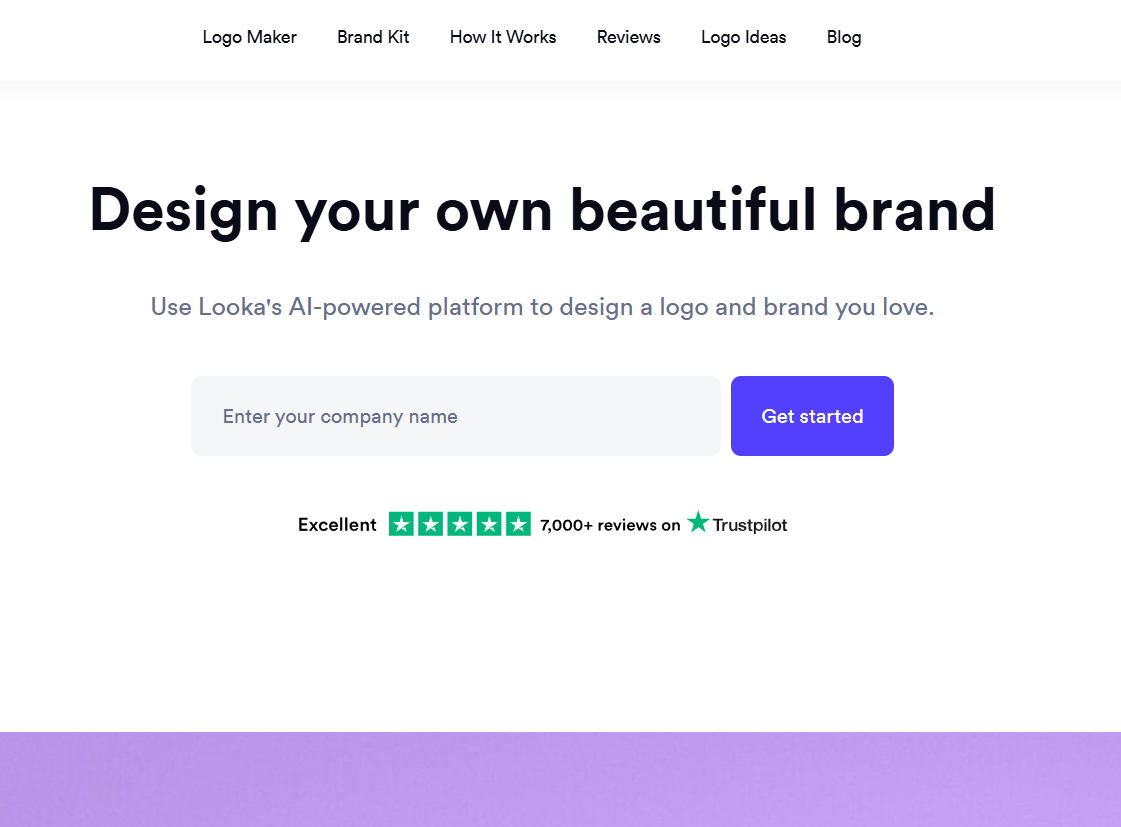
A great brand starts with a great logo. Looka is an AI-powered platform that helps you design a beautiful, professional logo in minutes. You input your company name and industry, select styles you like, and the AI generates hundreds of unique options you can customize until perfect.

  • Best For: Designing a professional logo and brand identity with AI.
  • Use Case Example: A student generates a professional logo for their business plan presentation, giving their mock company a polished look.
  • Pricing Details: Freemium (Limited). Free to design and experiment; you only pay to download high-res files.
  • What You’ll Need: A web browser.
  • Learning Curve: Beginner. Guided, fun process designed for non-designers.
  • What to Watch Out For: You cannot download final files without purchasing a package.
Metricool

9. Metricool

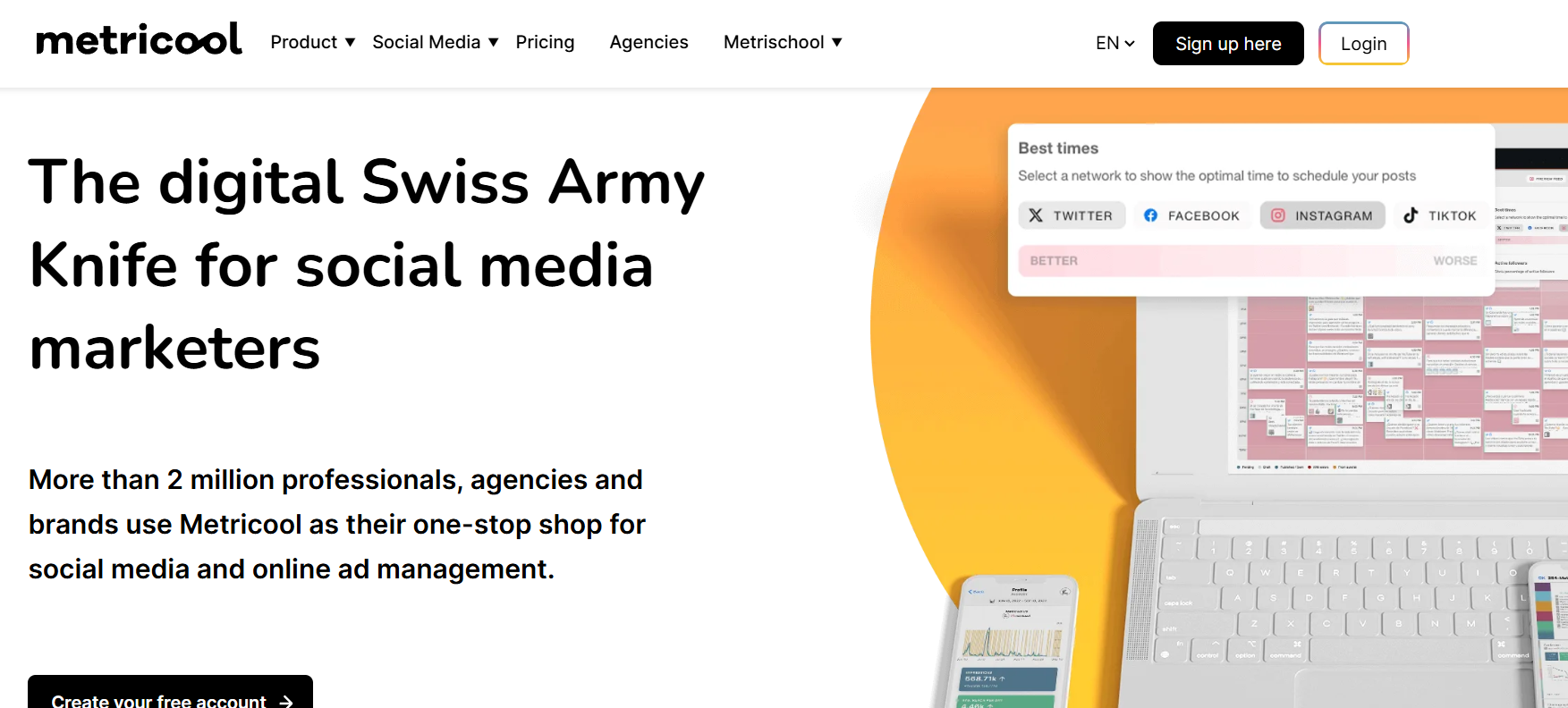
Metricool pack a huge number of features into its free plan. You can schedule content, analyze performance, track competitors, and manage your social inbox from one dashboard. Its AI features help find the best times to post and generate engaging social copy.

  • Best For: All-in-one social media scheduling, analytics, and competitor tracking.
  • Use Case Example: A marketing student schedules 50 posts across Instagram, FB, and Twitter while tracking performance for a single brand.
  • Pricing Details: Excellent "Free" Plan. Manage 1 brand and schedule up to 50 posts per month.
  • What You’ll Need: A web browser.
  • Learning Curve: Beginner. Clean platform with visual overviews of social presence.
  • What to Watch Out For: The free tier is limited to a single brand profile.
Buffer

10. Buffer

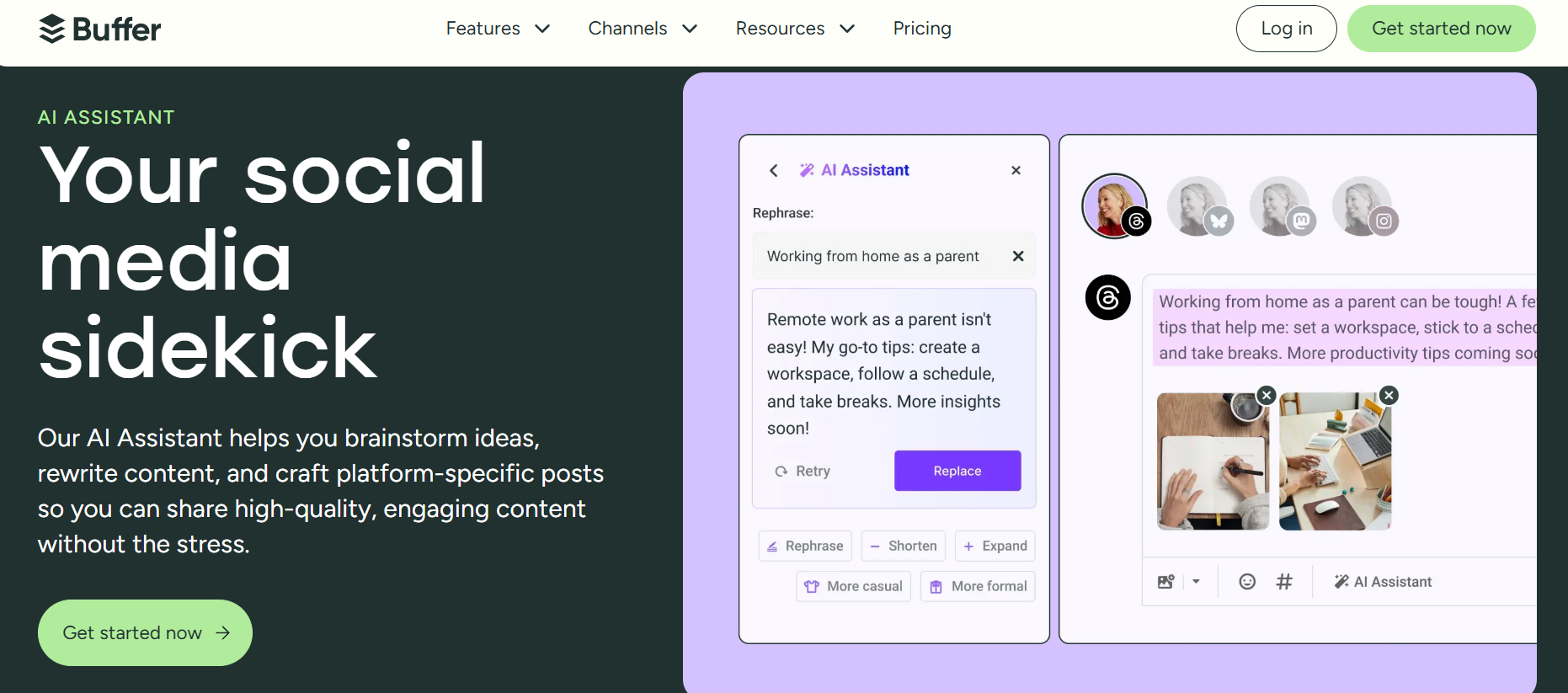
Buffer is one of the most respected social media tools, known for having one of the best free plans in the industry. It allows you to plan and schedule content from a clean dashboard. Its integrated AI Assistant helps quickly generate post ideas, rewrite content, and expand thoughts.

  • Best For: Simple, clean, and professional social media scheduling.
  • Use Case Example: A student manages a Facebook page, Instagram, and LinkedIn account for a project, scheduling 10 posts for each.
  • Pricing Details: Excellent "Free" Plan. Connect up to 3 channels and schedule 10 posts per channel.
  • What You’ll Need: A web browser or their mobile apps.
  • Learning Curve: Beginner. Famous for its intuitive and easy-to-use interface.
  • What to Watch Out For: Free plan excludes detailed analytics and team collaboration.

Which Tool Should You Start With?

AI Tools Selection Guide - India Should Know

Feeling a bit overwhelmed by the options? Here’s a quick guide:

  • Business Strategy & Brainstorming: If you're just starting a business idea, your first stop should be ChatGPT or Gemini to brainstorm and create your initial business plan.
  • Social Media Visuals: If you need to create visual content for social media, start with Canva because its free plan is incredibly powerful and easy to use.
  • Professional Marketing Skills: If you want to learn professional marketing skills for free, sign up for the HubSpot Free Tools as it's an entire marketing platform you can learn and use.
  • Social Media Scheduling: If you need to schedule social media posts, use Buffer or Metricool since their free plans are the best and most generous options available.

Power Up Your Business With AI Today

As you can see, you don’t need a big budget to access powerful, professional-grade business and marketing tools. These AI assistants can act as your personal strategist, copywriter, designer, and market analyst, helping you to learn faster and create higher-quality work for your student projects or your first business venture.

The best way to learn is by doing. Pick one tool from this list that solves a problem you’re facing right now and try it out. You’ll be amazed at how much you can achieve with a smart AI partner by your side.

Written By

Prateek Singh.

Last Updated – Febuary, 2026

About The Author

Prateek is a self-taught practitioner who believes the only real way to learn is by doing. He created IndiaShouldKnow.com from scratch, using AI as his primary learning partner to navigate everything from web development and UI/UX design to color theory and graphic engineering.

He works within the “engine room” of AI daily, using these tools to manage professional workflows including data visualization, digital marketing systems, and SEO architecture. Having personally tested and refined dozens of AI models across hundreds of real-world scenarios, Prateek focuses on the “how” behind the technology. He shares his self-taught workflows and prompting pillars to help others move past basic chat interactions and start using AI as a high-precision tool for their own goals.

FAQs About AI Use.

Can I trust every answer an AI tool gives me for my studies?

A: No, you should not trust every answer completely. Think of an AI as a super-smart assistant that has read most of the internet—but not every book in the library is accurate.

  • AI can sometimes make mistakes, misunderstand your question, or use outdated information.

     
  • It can even “hallucinate,” which means it confidently makes up an answer that sounds real but is completely false.


Rule of Thumb: Use AI answers as a great starting point, but never as the final, absolute truth. Always double-check important facts.

A: Verifying information is a crucial skill. It’s like being a detective for facts. Here are four simple steps:

  1. Check Your Course Material: Is the AI’s answer consistent with what your textbook, lecture notes, or professor says? This is your most reliable source.

  2. Look for Reputable Sources: Ask the AI for its sources or search for the information online. Look for links from universities (.edu), government sites (.gov), respected news organizations, or published academic journals.

  3. Cross-Reference: Ask a different AI the same question, or type your question into a standard search engine like Google. If multiple reliable sources give the same answer, it’s more likely to be correct.

  4. Use Common Sense: If an answer seems too perfect, too strange, or too good to be true, be extra skeptical and investigate it further.

A: This is a very important difference. It’s all about who is doing the thinking.

  • Using AI for Research (Good ✅):

    • Brainstorming topics for a paper.

    • Asking for a simple explanation of a complex theory.

    • Finding keywords to use in your library search.

    • Getting feedback on your grammar and sentence structure.

    • You are using AI as a tool to help you think and write better.

  • Using AI to Plagiarize (Bad ❌):

    • Copying and pasting an AI-generated answer directly into your assignment.

    • Asking the AI to write an entire essay or paragraph for you.

    • Slightly rephrasing an AI’s answer and submitting it as your own original thought.

    • You are letting the AI do the thinking and work for you.

A: Using AI ethically means using it to learn, not to cheat. Here’s how:

  1. Know the Rules: First and foremost, read your school’s or professor’s policy on using AI tools. This is the most important step.

  2. Be the Author: The final work you submit must be yours. Your ideas, your structure, and your arguments. Use AI as a guide, not the writer.

  3. Do the Heavy Lifting: Use AI to understand a topic, but then close the chat and write your summary or solve the problem yourself to make sure you have actually learned it.

  4. Be Transparent: If you used an AI in a significant way (like for brainstorming), ask your professor if you should mention it. Honesty is always the best policy.

A: Yes, an AI’s answer can definitely be biased. Since AI learns from the vast amount of text on the internet written by humans, it can pick up and repeat human biases.

Here’s how to spot potential bias:

  • Look for Opinions: Does the answer present a strong opinion as a fact?

  • Check for One-Sidedness: On a topic with multiple viewpoints (like politics or economics), does the AI only show one side of the argument?

  • Watch for Stereotypes: Does the answer use generalizations about groups of people based on their race, gender, nationality, or other characteristics?

To avoid being misled by bias, always try to get information from multiple, varied sources.

A: It is best to be very careful. You should not consider your conversations with most public AI tools to be private.

  • Many AI companies use your conversations to train their systems, which means employees or contractors might read them.

     
  • There is always a risk of data breaches or leaks.


A Simple Safety Rule: Do not upload or paste any sensitive information that you would not want a stranger to see. This includes:

  • Personal identification details.

  • Confidential research or unpublished papers.

  • Your school assignments before you submit them.

  • Any financial or private data.

Don’t get left behind in the age of AI. 🚀

The world is changing fast, and AI is the reason. Join the India Should Know community to get 1 simple weekly email with:

AI Speed-Hacks:

Do 4 hours of work in 30 minutes.

The Vault:

Access our private library of Gemini & ChatGPT prompts.

Career Edge: 

Smart tips to stay ahead in school and at the office.

Sign Up To Get Our Introduction To Prompt Building PDF

No spam. Just the good stuff, every Tuesday.

Scroll to Top