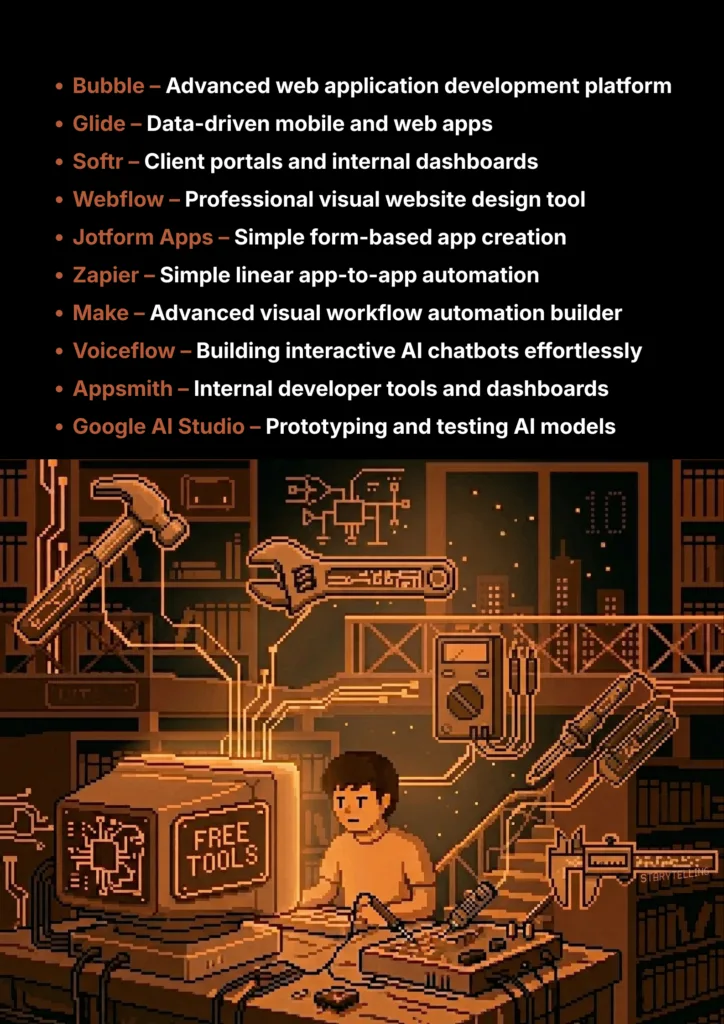
10 Great Free AI Tools for No-Code & Low-Code Development
From a great idea to a working product, these free AI platforms bridge the gap between your vision and your technical skills.
Have you ever had a brilliant idea for an app or a website but thought, “I can’t do that, I don’t know how to code”? For years, building custom software has been a complex skill reserved for developers. This can be incredibly frustrating for students, entrepreneurs, and creators who want to bring their ideas to life.
But what if you could build a fully functional app, automate your workflow, or design a custom chatbot just by describing what you want?
That’s the incredible power of AI-powered no-code and low-code platforms. This guide is built for students and aspiring creators who need powerful tools without a steep learning curve or a high price tag. We’ve done a deep dive to find the best AI tools in this space that offer incredible “free forever” plans or very generous free tiers, perfect for long-term use as you learn, build, and launch your first project.
What Can You Actually Do With These AI Tools?
Before we dive into the list, it's helpful to understand what makes these tools so game-changing for students.
- Build Custom Apps Without Coding: Turn your ideas for a student portal, project tracker, or online directory into a real, working application.
- Automate Your Workflow: Connect your favorite apps (like Google Sheets, Gmail, and Slack) and create automated processes that save you hours of manual work.
- Design and Launch Websites: Create beautiful, professional websites with AI assistance, from the initial design to the final layout.
- Create Your Own AI Chatbots: Build custom chatbots for your projects or website without needing to be an AI expert.
Quick Comparison Table
| Tool Name | Best For | Pricing Model | Ease of Use |
|---|---|---|---|
| Bubble | Powerful Web App Development | Freemium | Intermediate |
| Glide | Data-Driven Mobile & Web Apps | Freemium | Beginner |
| Softr | Client Portals & Internal Tools | Free for Individuals | Beginner |
| Webflow | Professional Website Design | Freemium | Intermediate |
| Jotform Apps | Simple, Form-Based Apps | Freemium | Beginner |
| Zapier | Simple App-to-App Automation | Freemium | Beginner |
| Make | Advanced Workflow Automation | Freemium | Intermediate |
| Voiceflow | Building AI Chatbots & Agents | Freemium | Beginner |
| Appsmith | Building Internal Developer Tools | Open-Source | Developer |
| Google AI Studio | Experimenting with AI Models | Free to Use | Developer |
1. Bubble
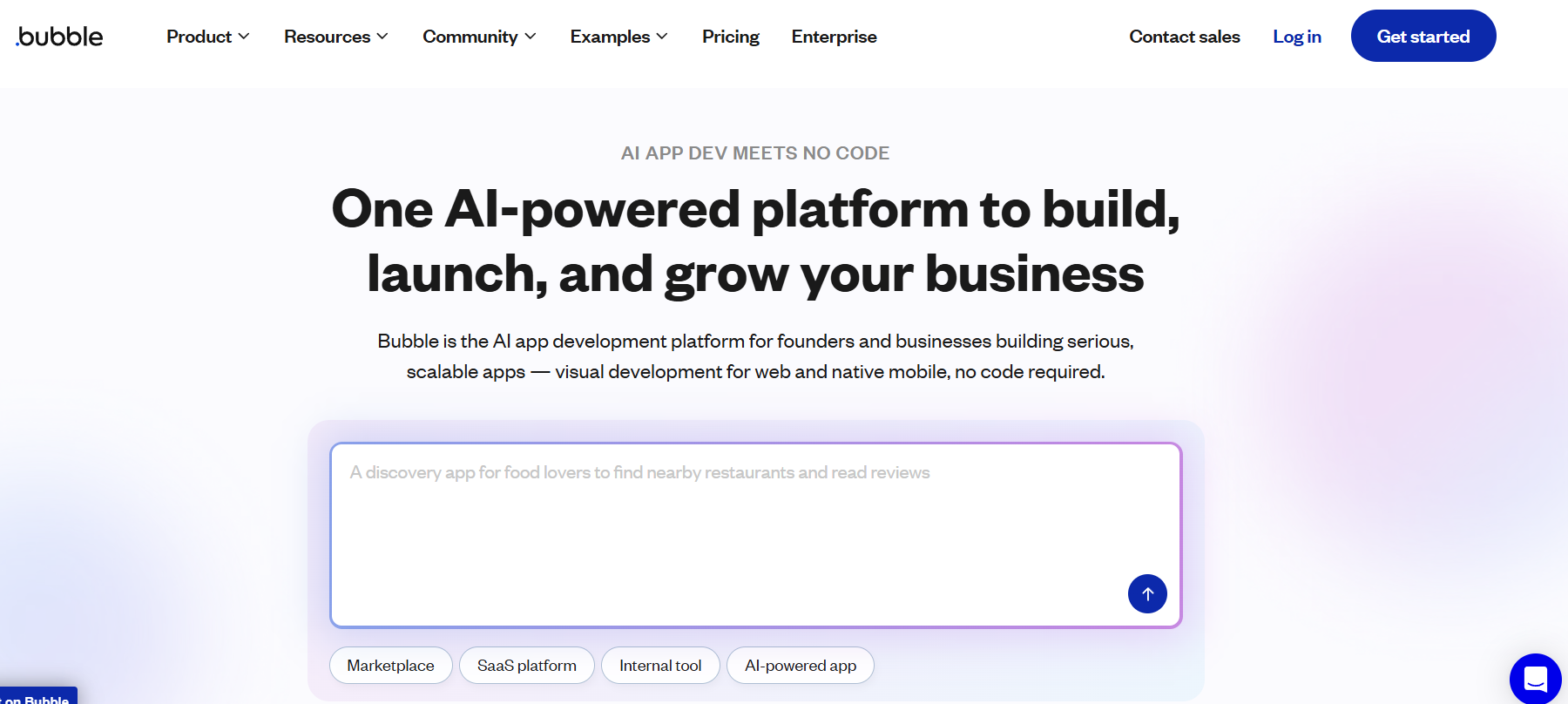
Bubble is one of the most powerful no-code platforms available. It gives you complete design freedom and the ability to build complex web apps with features like user accounts, database management, and API integrations. AI helps you build faster by generating designs and database structures from natural language prompts.
- Best For: Powerful, complex, and scalable web application development.
- Use Case Example: A student building a fully functional social media platform with user databases and logic for posting and commenting.
- Pricing Details: Excellent Freemium Model. Free plan is fantastic for learning and testing.
- What You’ll Need: A web browser.
- Learning Curve: Intermediate. Master it with excellent tutorials; takes time to learn the power.
- What to Watch Out For: Requires a logical mindset; free plan doesn't support custom domains.
2. Glide
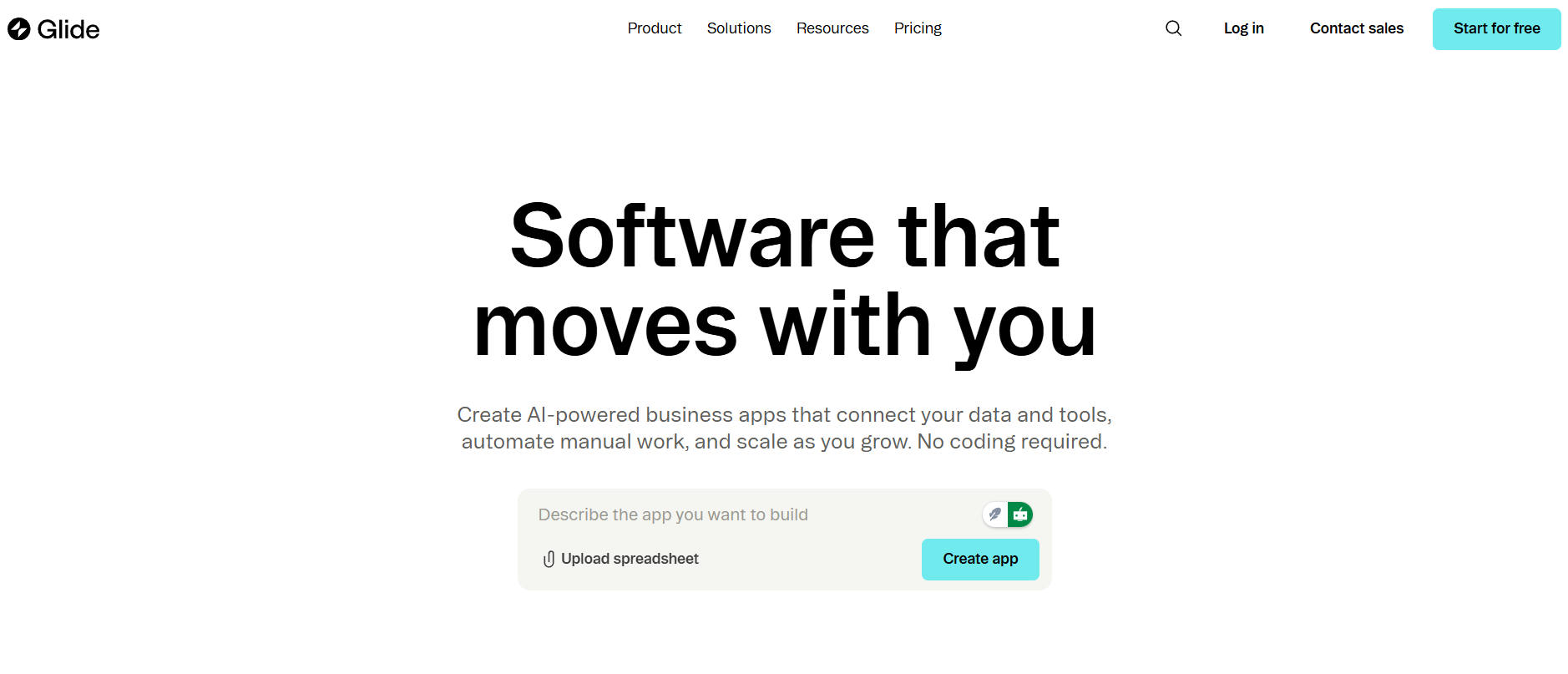
Glide turns spreadsheets into polished, functional apps in minutes. Start with your data in Google Sheets or Excel, and Glide creates a clean interface. Integrated AI helps clean data, generate images, and build app screens from text prompts.
- Best For: Creating beautiful, data-driven mobile and web apps from spreadsheets.
- Use Case Example: Creating a mobile app for a college club to list upcoming events and member profiles from a Google Sheet.
- Pricing Details: Generous Freemium Model. Free plan supports multiple apps and includes AI quotas.
- What You’ll Need: A web browser and a data source like Google Sheets.
- Learning Curve: Beginner. Incredibly intuitive and one of the easiest tools to learn.
- What to Watch Out For: Free plan has limits on data volume and monthly edits.
3. Softr
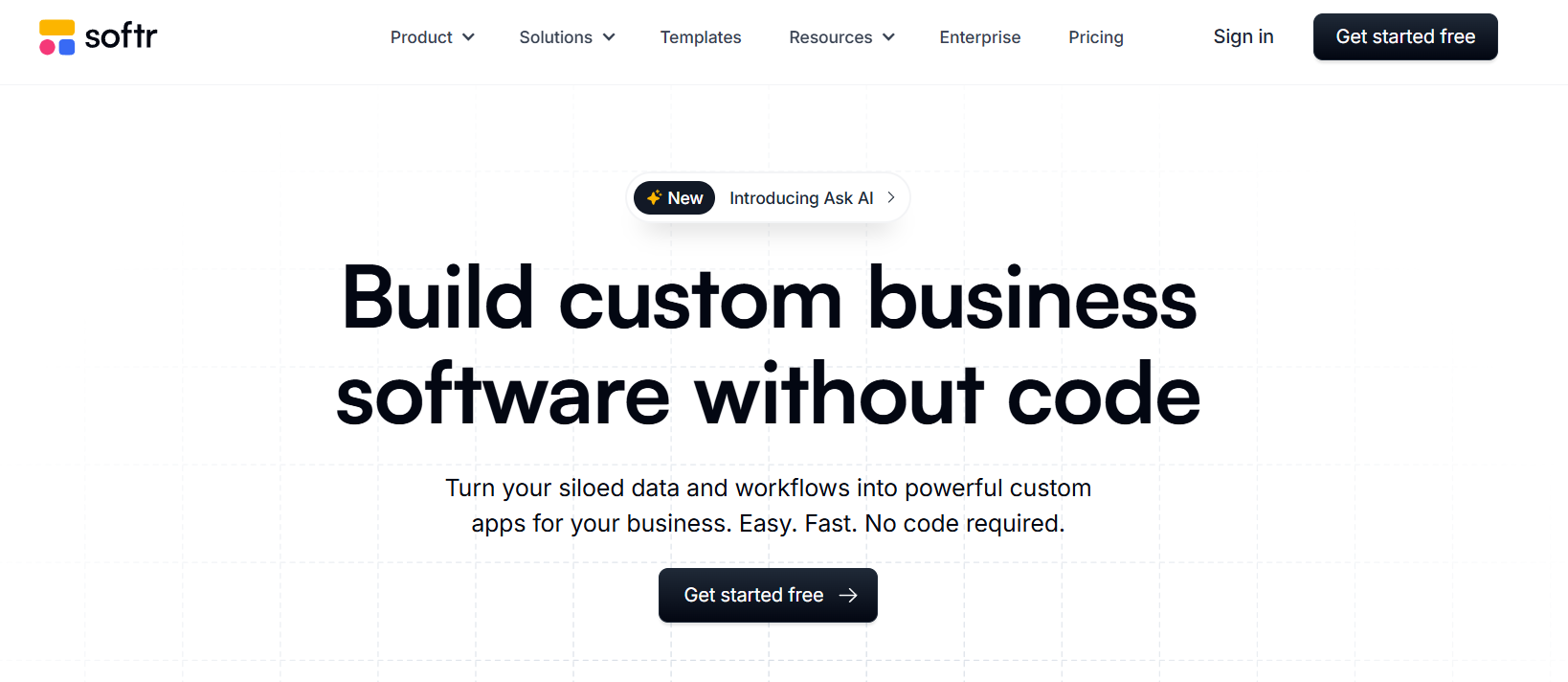
Softr builds specific apps like client portals, internal dashboards, and membership sites on top of your existing data. It uses pre-built blocks that you assemble like LEGOs, and AI helps generate copy, images, and translations.
- Best For: Building client portals, internal tools, and online communities from data.
- Use Case Example: A freelance designer creating a portal for clients to log in and view project progress via Airtable.
- Pricing Details: Generous Freemium Model. Free plan allows one app with a custom domain.
- What You’ll Need: A web browser and a data source like Airtable or Google Sheets.
- Learning Curve: Beginner. Visual block-based building system is very easy to grasp.
- What to Watch Out For: Free plan is limited to 10 logged-in users.
4. Webflow
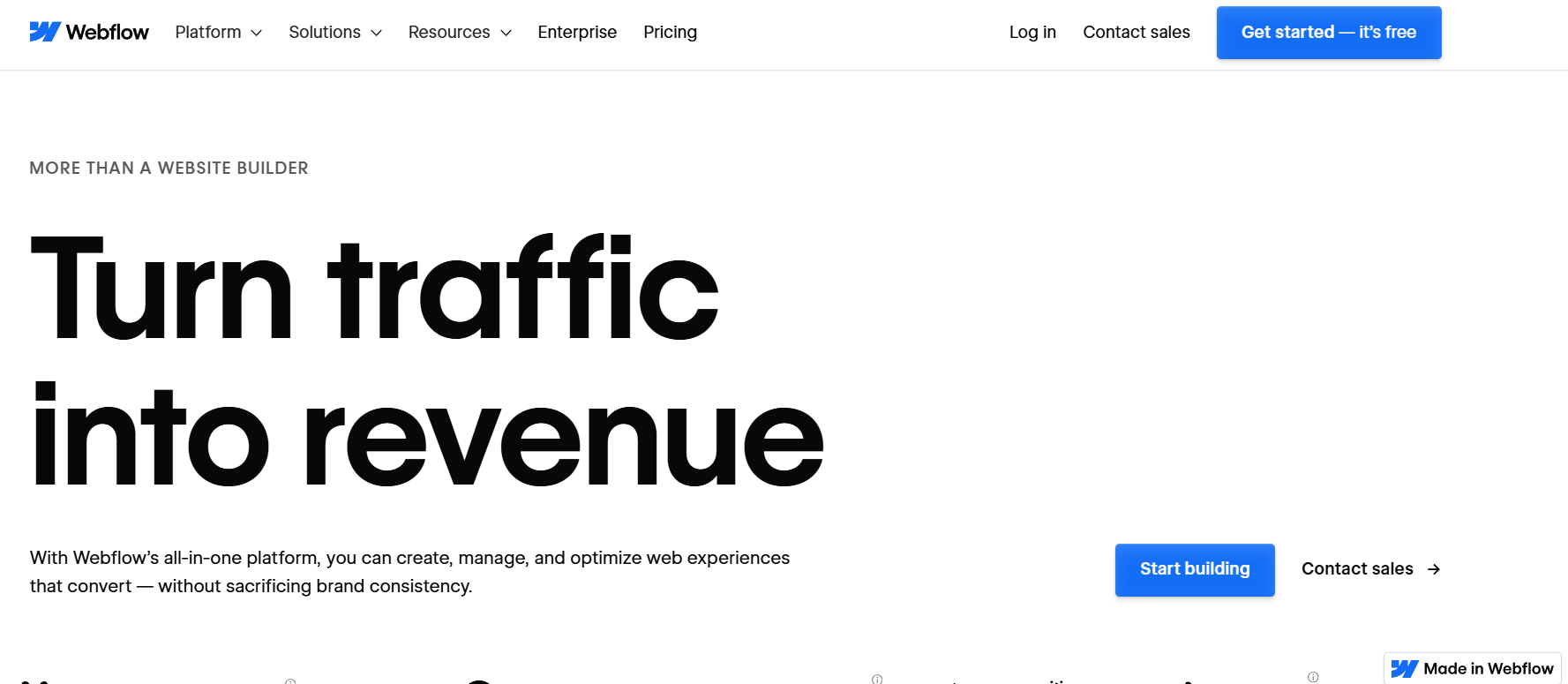
Webflow gives designers complete visual control without writing code. It outputs clean, production-ready code while AI features help with SEO-optimized content, page layouts, and site translations.
- Best For: Designing professional, high-end websites with complex animations.
- Use Case Example: A student building a stunning interactive portfolio with unique layouts difficult to code by hand.
- Pricing Details: Excellent Freemium Model. "Starter" plan is free forever for portfolio projects.
- What You’ll Need: A web browser.
- Learning Curve: Intermediate. Requires understanding web fundamentals like the box model.
- What to Watch Out For: Can be overwhelming for those with zero design background.
5. Jotform Apps
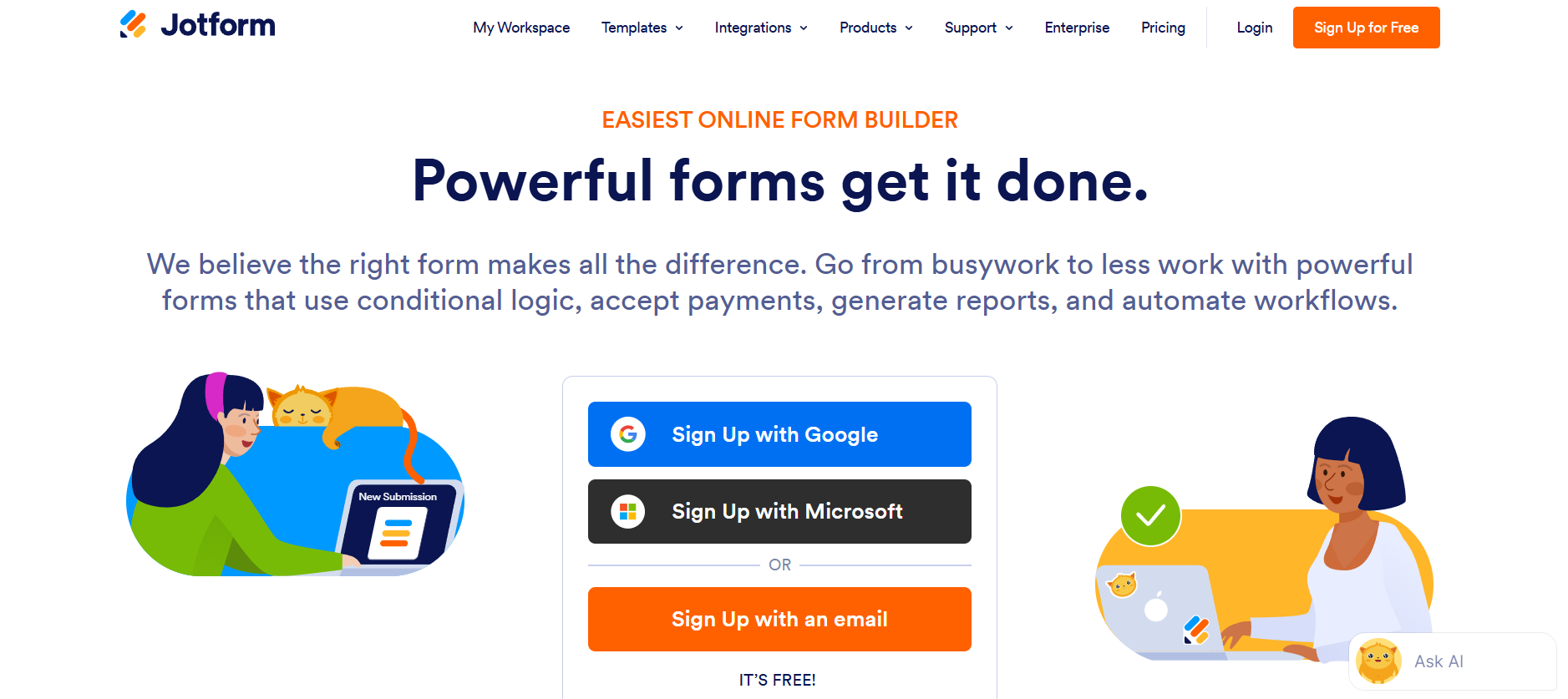
Jotform Apps bundles forms and reports into a simple, installable application. It’s the fastest way to create tools for specific data collection tasks. AI helps create forms from prompts and analyze submission data automatically.
- Best For: Creating simple, form-based apps for data collection.
- Use Case Example: A student creating an app for their class to submit assignments and track grades in one place.
- Pricing Details: Generous Freemium Model. Free plan supports 5 apps and 100 forms.
- What You’ll Need: A web browser.
- Learning Curve: Beginner. Drag-and-drop interface is extremely easy.
- What to Watch Out For: Limited to form-centric tasks; not for complex interactive logic.
6. Zapier
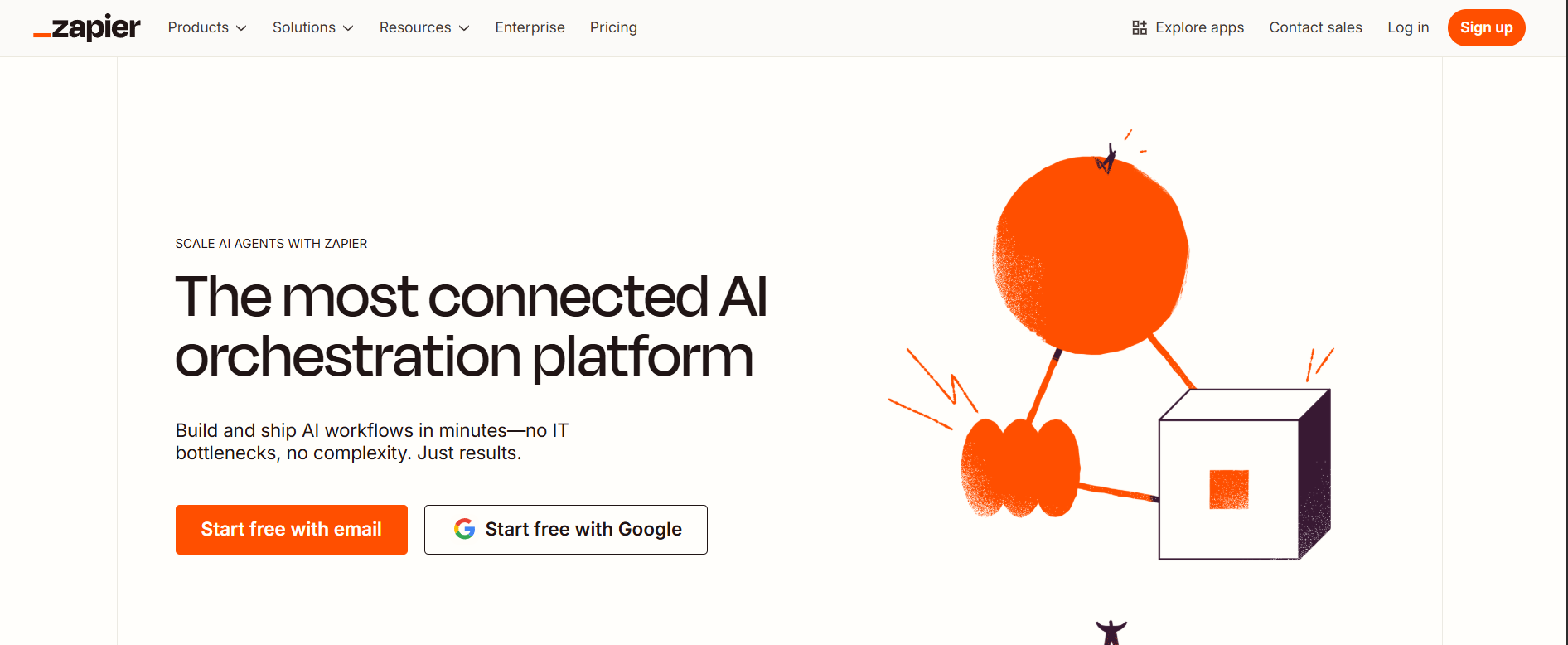
Zapier acts as a bridge between thousands of web apps, creating simple "if this, then that" workflows called Zaps. AI features help you build Zaps with natural language and format the data passing through automations.
- Best For: Simple, linear, app-to-app automations.
- Use Case Example: Automatically saving Gmail attachments to a specific Google Drive folder.
- Pricing Details: Excellent Freemium Model. Free plan allows 100 tasks per month.
- What You’ll Need: A web browser.
- Learning Curve: Beginner. Very user-friendly guided interface.
- What to Watch Out For: Free plan is limited to linear, single-action automations.
7. Make
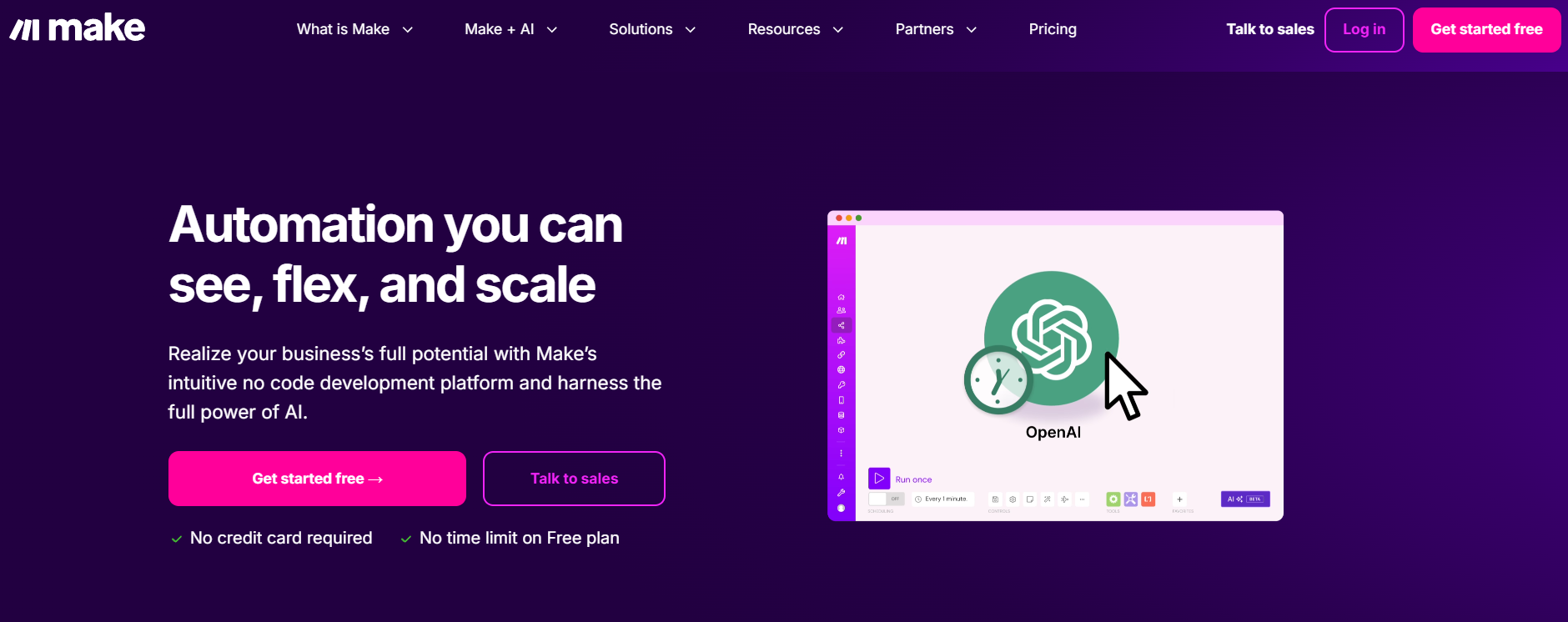
Make is a visual automation platform for complex workflows. Drag and drop app modules to create logic with total control. AI integration helps generate text and analyze data within your custom automated scenarios.
- Best For: Visual, powerful, and complex workflow automations.
- Use Case Example: Renaming Gmail attachments before saving and sending a Slack notification simultaneously.
- Pricing Details: Generous Freemium Model. Free plan offers 1,000 operations per month.
- What You’ll Need: A web browser.
- Learning Curve: Intermediate. More powerful logic control than standard tools.
- What to Watch Out For: More complex interface than Zapier; requires trial and error.
8. Voiceflow
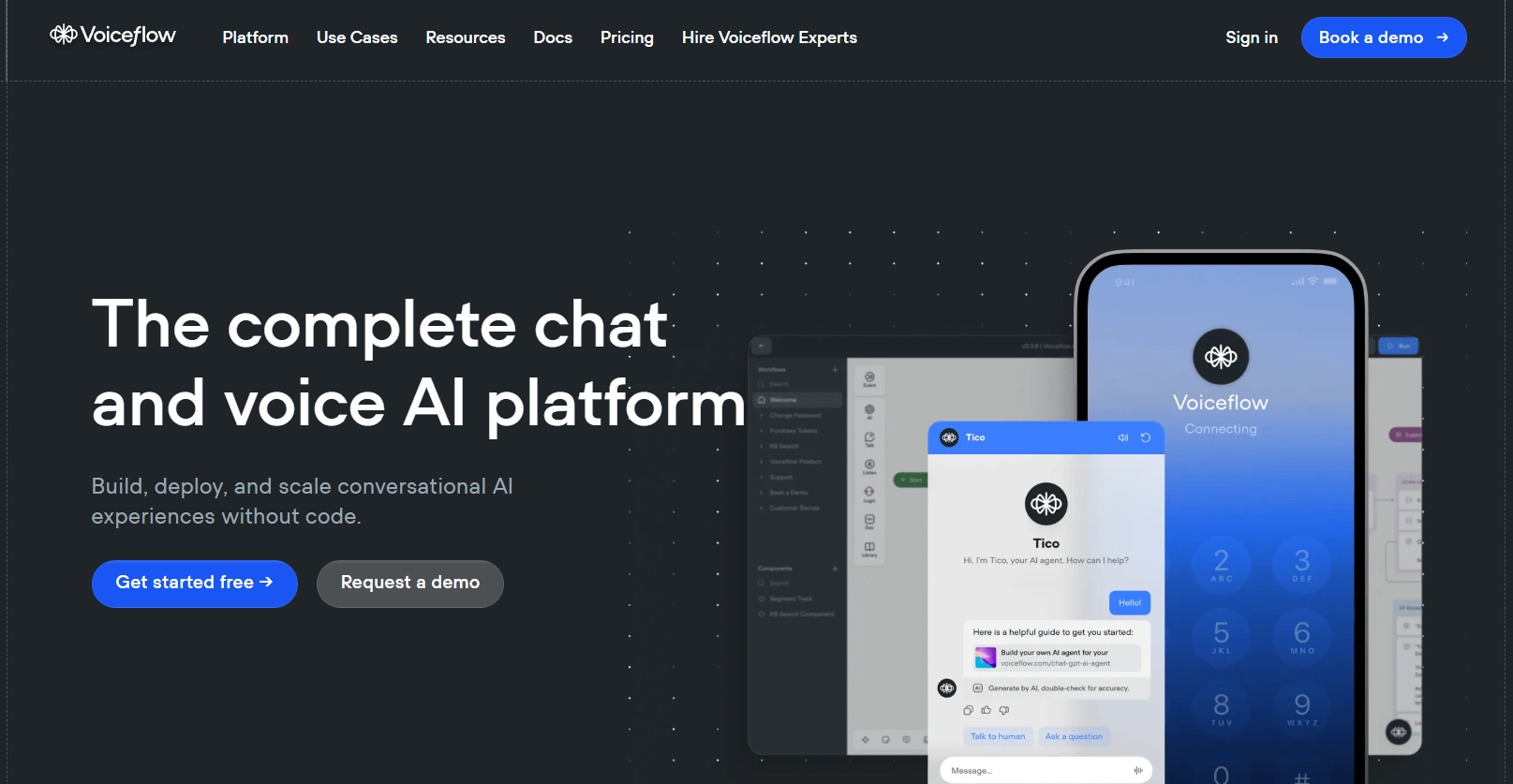
Voiceflow is the leading platform for building AI chatbots and conversational agents. Its visual canvas makes it easy to design complex logic and connect it to large language models for intelligent interactions.
- Best For: Building AI Chatbots, agents, and conversational interfaces.
- Use Case Example: A student building a chatbot that answers questions based on a specific knowledge base of research notes.
- Pricing Details: Excellent Freemium Model. Free plan supports 2 active projects and AI credits.
- What You’ll Need: A web browser.
- Learning Curve: Beginner. Visual canvas is very intuitive and easy to design.
- What to Watch Out For: Deployment to platforms like WhatsApp may require technical steps.
9. Appsmith
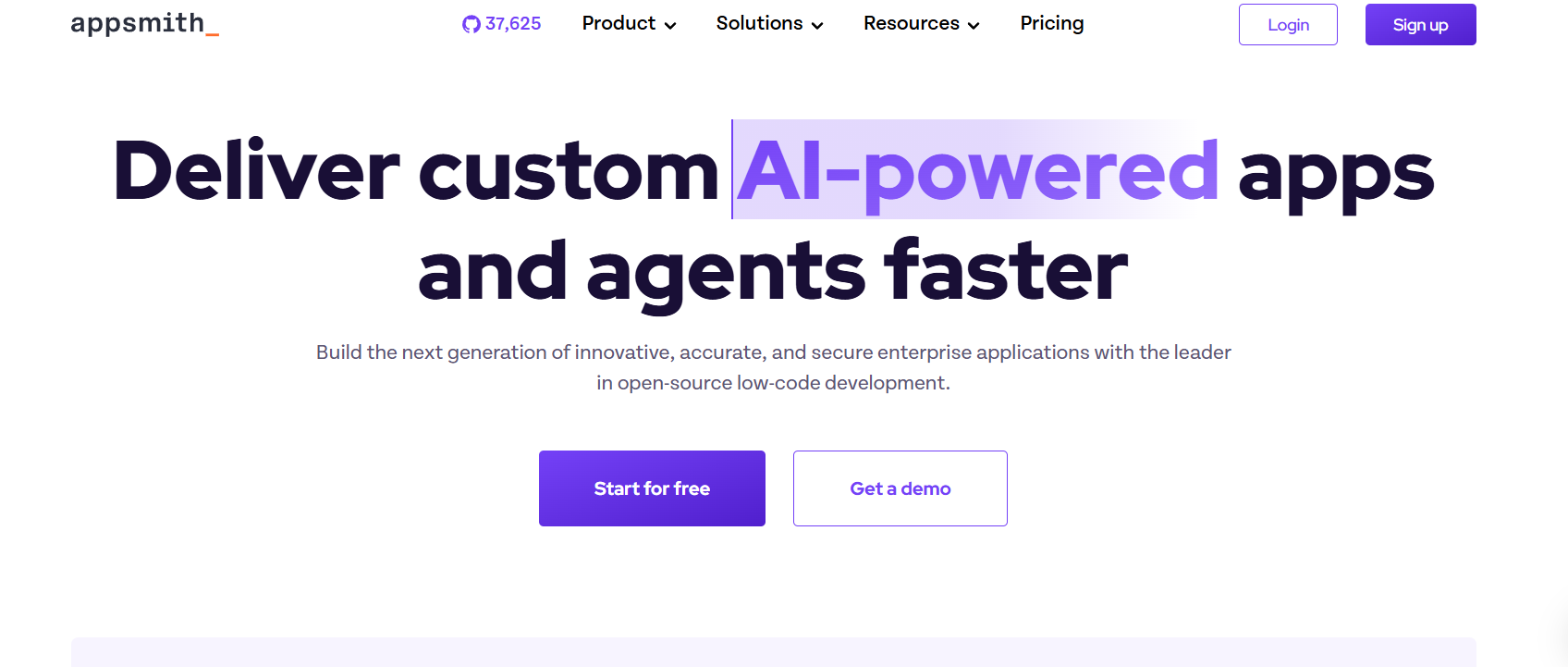
Appsmith is an open-source platform for building internal developer tools and dashboards. Drag and drop UI components and connect them to databases or APIs using JavaScript. AI helps write code snippets and queries faster.
- Best For: Building powerful internal tools, dashboards, and admin panels with code.
- Use Case Example: A CS student building a dashboard to visualize data from a SQL database with AI-assisted JS queries.
- Pricing Details: Free & Open-Source. Self-hosted version is completely free.
- What You’ll Need: Web browser; basic JavaScript and API knowledge.
- Learning Curve: Developer. Low-code tool designed for those comfortable with some code.
- What to Watch Out For: Not for complete beginners; most powerful with custom JavaScript.
10. Google AI Studio
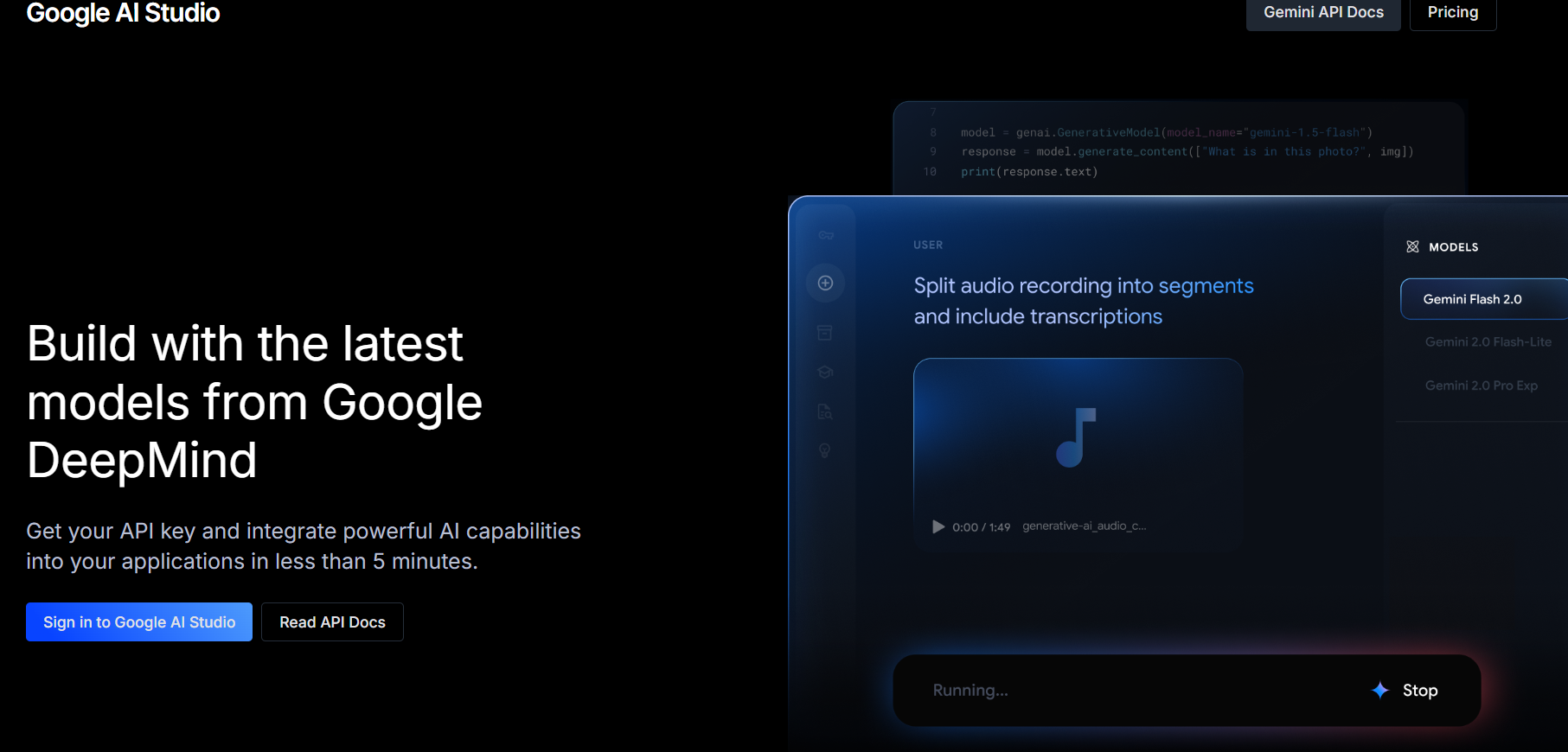
Google AI Studio is a playground for experimenting with Google's Gemini models. Craft prompts, test responses, and get ready-to-use code in Python or JavaScript to integrate AI into your own custom applications.
- Best For: Experimenting with and building on top of Google's latest AI models.
- Use Case Example: Testing and refining a prompt for an article summarizer feature before adding it to an app.
- Pricing Details: Free to Use. Gemini API has a very generous free tier for student projects.
- What You’ll Need: Web browser and a Google account.
- Learning Curve: Developer. Intended for a technical audience looking to write code.
- What to Watch Out For: Component tool for testing AI parts, not for building full applications.
Which Tool Should You Start With?
Feeling a bit overwhelmed by the options? Here’s a quick guide:
- Simple Mobile App Creation: If you want to build a simple mobile app from a spreadsheet, start with Glide because you can have a working app ready in minutes.
- Powerful Web Applications: If you want to build a powerful web app and are ready to learn, dive into Bubble since it is the most capable tool despite its steeper learning curve.
- Daily Task Automation: If you want to automate your daily tasks, start with Zapier for its simplicity or Make for its more generous free plan.
- Custom AI Chatbots: If you want to build your own AI chatbot, Voiceflow is the easiest and most powerful tool to get started with.
Your Journey to Building with AI Starts Now
As you can see, you no longer need to be a professional developer to build custom applications, automate your life, and create with AI. These no-code and low-code platforms have made technology more accessible than ever before, acting as your personal developer, data scientist, and automation expert.
The best way to learn is by doing. Pick one tool from this list that solves a problem you’re facing or helps you build a project you’re passionate about, and give it a try. You’ll be absolutely amazed at what you can create without writing a single line of code.
Written By
Prateek Singh.
Last Updated – Febuary, 2026
About The Author
Prateek is a self-taught practitioner who believes the only real way to learn is by doing. He created IndiaShouldKnow.com from scratch, using AI as his primary learning partner to navigate everything from web development and UI/UX design to color theory and graphic engineering.
He works within the “engine room” of AI daily, using these tools to manage professional workflows including data visualization, digital marketing systems, and SEO architecture. Having personally tested and refined dozens of AI models across hundreds of real-world scenarios, Prateek focuses on the “how” behind the technology. He shares his self-taught workflows and prompting pillars to help others move past basic chat interactions and start using AI as a high-precision tool for their own goals.
FAQs About AI Use.
Can I trust every answer an AI tool gives me for my studies?
A: No, you should not trust every answer completely. Think of an AI as a super-smart assistant that has read most of the internet—but not every book in the library is accurate.
AI can sometimes make mistakes, misunderstand your question, or use outdated information.
It can even “hallucinate,” which means it confidently makes up an answer that sounds real but is completely false.
Rule of Thumb: Use AI answers as a great starting point, but never as the final, absolute truth. Always double-check important facts.
How can I verify the information I get from an AI for my academic work?
A: Verifying information is a crucial skill. It’s like being a detective for facts. Here are four simple steps:
Check Your Course Material: Is the AI’s answer consistent with what your textbook, lecture notes, or professor says? This is your most reliable source.
Look for Reputable Sources: Ask the AI for its sources or search for the information online. Look for links from universities (.edu), government sites (.gov), respected news organizations, or published academic journals.
Cross-Reference: Ask a different AI the same question, or type your question into a standard search engine like Google. If multiple reliable sources give the same answer, it’s more likely to be correct.
Use Common Sense: If an answer seems too perfect, too strange, or too good to be true, be extra skeptical and investigate it further.
What is the difference between using AI for research and using it to plagiarize?
A: This is a very important difference. It’s all about who is doing the thinking.
Using AI for Research (Good ✅):
Brainstorming topics for a paper.
Asking for a simple explanation of a complex theory.
Finding keywords to use in your library search.
Getting feedback on your grammar and sentence structure.
You are using AI as a tool to help you think and write better.
Using AI to Plagiarize (Bad ❌):
Copying and pasting an AI-generated answer directly into your assignment.
Asking the AI to write an entire essay or paragraph for you.
Slightly rephrasing an AI’s answer and submitting it as your own original thought.
You are letting the AI do the thinking and work for you.
How can I use AI ethically to support my learning without violating my school's academic honesty policy?
A: Using AI ethically means using it to learn, not to cheat. Here’s how:
Know the Rules: First and foremost, read your school’s or professor’s policy on using AI tools. This is the most important step.
Be the Author: The final work you submit must be yours. Your ideas, your structure, and your arguments. Use AI as a guide, not the writer.
Do the Heavy Lifting: Use AI to understand a topic, but then close the chat and write your summary or solve the problem yourself to make sure you have actually learned it.
Be Transparent: If you used an AI in a significant way (like for brainstorming), ask your professor if you should mention it. Honesty is always the best policy.
Can an AI's answer be biased? How can I detect this in its responses?
A: Yes, an AI’s answer can definitely be biased. Since AI learns from the vast amount of text on the internet written by humans, it can pick up and repeat human biases.
Here’s how to spot potential bias:
Look for Opinions: Does the answer present a strong opinion as a fact?
Check for One-Sidedness: On a topic with multiple viewpoints (like politics or economics), does the AI only show one side of the argument?
Watch for Stereotypes: Does the answer use generalizations about groups of people based on their race, gender, nationality, or other characteristics?
To avoid being misled by bias, always try to get information from multiple, varied sources.
Is it safe to upload my personal notes, research papers, or assignments to an AI tool?
A: It is best to be very careful. You should not consider your conversations with most public AI tools to be private.
Many AI companies use your conversations to train their systems, which means employees or contractors might read them.
There is always a risk of data breaches or leaks.
A Simple Safety Rule: Do not upload or paste any sensitive information that you would not want a stranger to see. This includes:
Personal identification details.
Confidential research or unpublished papers.
Your school assignments before you submit them.
Any financial or private data.