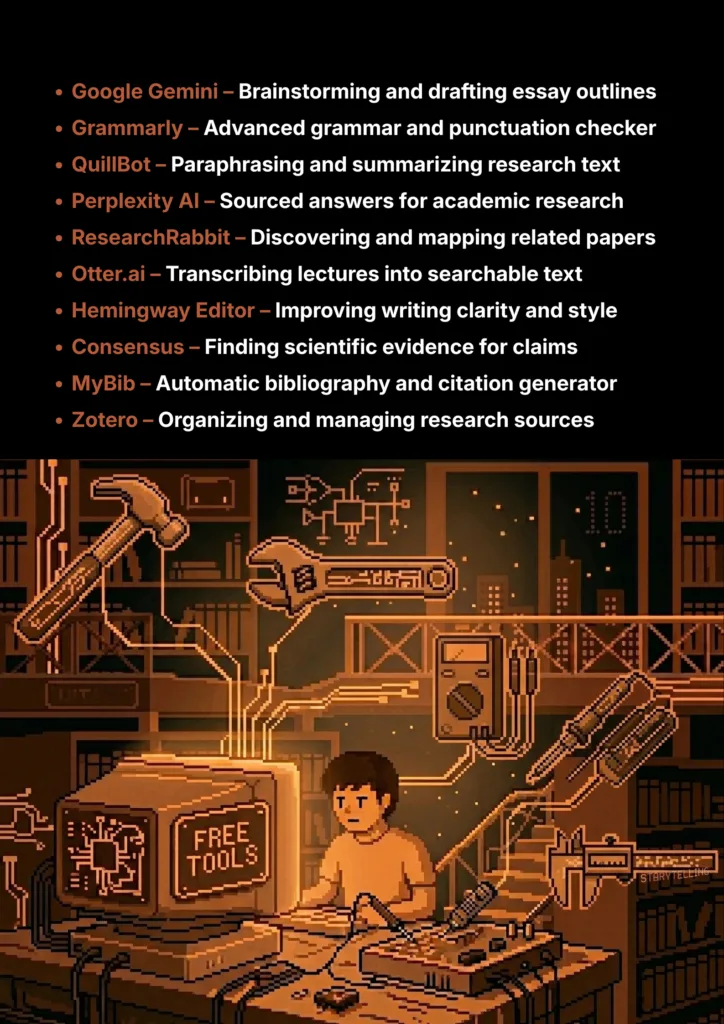
10 Great Free Tools for Writing & Research
A curated list of the best free and freemium AI tools that every student should use.
Staring at a blank page, trying to start an essay, or feeling buried under a mountain of research papers? Every student knows this struggle. Writing assignments, managing sources, and ensuring your work is top-notch can be incredibly stressful. But what if you had a team of smart assistants, ready 24/7 to help you write clearer, research faster, and stay organised?
That’s exactly what AI tools can do for you. This guide is dedicated to students who need powerful tools without the high price tag. We’ve specifically searched for tools that have the best “free forever” plans or very generous free tiers—like the ones offered by QuillBot and Google Gemini—so you can get real value without needing a subscription. Here are 10 of the best AI tools (not a ranking, so try and see what fits your needs) for writing and research that you can start using today.
What Can You Actually Do With These AI Tools?
Before we dive into the list, it's helpful to understand what makes these tools so game-changing for students.
- Write Faster and Clearer: Overcome writer's block, fix grammar mistakes, and improve the style of your essays.
- Research More efficiently: Quickly summarize long research papers, find credible sources, and get direct answers to your questions.
- Stay Organized: Keep all your research notes, sources, and citations in one place so you never lose track of important information.
- Avoid Plagiarism: Learn how to properly paraphrase and cite your sources to ensure your work is original.
Quick Comparison Table
| Tool Name | Best For | Pricing Model | Ease of Use |
|---|---|---|---|
| Google Gemini | Brainstorming & Drafting | Freemium | Beginner |
| Grammarly | Grammar & Editing | Freemium | Beginner |
| QuillBot | Paraphrasing & Summarizing | Freemium | Beginner |
| Perplexity AI | Research & Sourced Answers | Freemium | Beginner |
| ResearchRabbit | Discovering Research Papers | Completely Free | Intermediate |
| Otter.ai | Transcribing Lectures | Freemium | Beginner |
| Hemingway Editor | Improving Writing Clarity | Free Web Tool | Beginner |
| Consensus | Finding Scientific Evidence | Freemium | Beginner |
| MyBib | Creating Citations | Completely Free | Beginner |
| Zotero | Organizing Research | Open-Source | Intermediate |
1. Google Gemini / ChatGPT
Large language models like Gemini and ChatGPT are your ultimate brainstorming partners. They help you explore different angles for an essay topic, generate a clear outline to structure your thoughts, or get a simple explanation of a complex idea before you begin writing.
- Best For: Brainstorming ideas, creating outlines, and drafting initial thoughts.
- Use Case Example: Asking Gemini for five different essay outlines on "the future of renewable energy" to get a clear structure to start research.
- Pricing Details: Excellent Freemium Models. Free versions are extremely powerful and sufficient for most student tasks.
- What You’ll Need: A web browser or mobile app.
- Learning Curve: Beginner. Simple conversational chat interface.
- What to Watch Out For: Never copy-paste directly; use for ideas and outlines, but always do the final writing yourself.
2. Grammarly
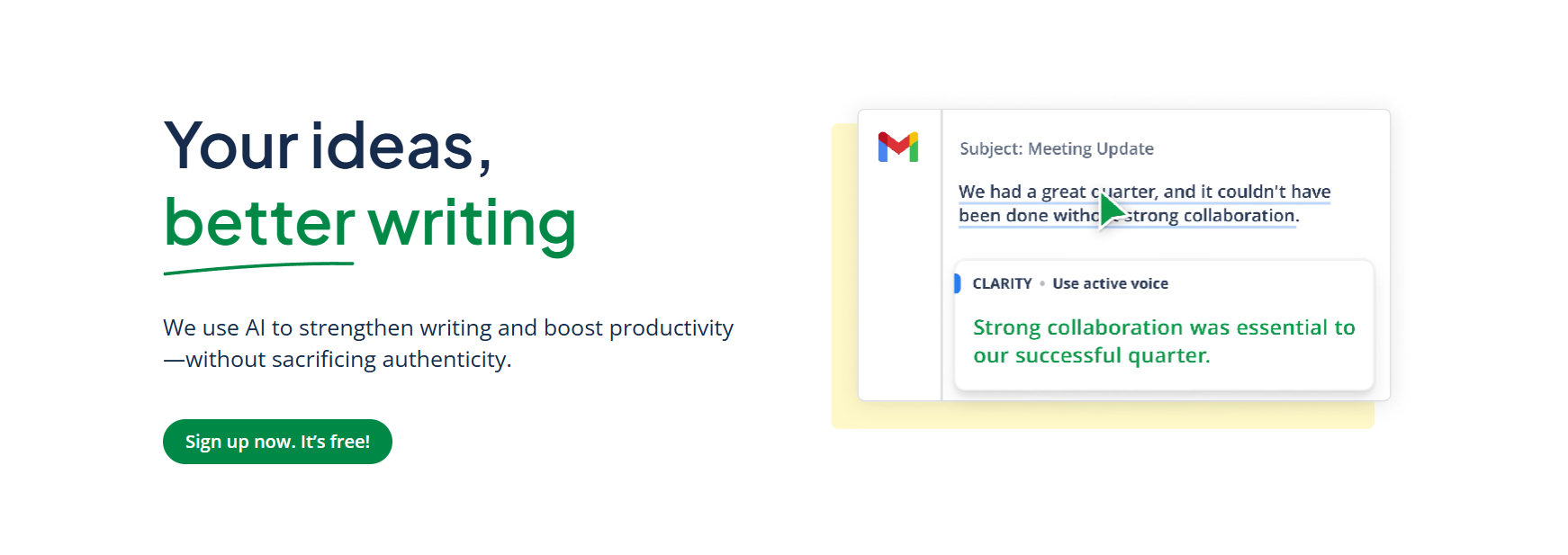
Grammarly is like having an English teacher looking over your shoulder. It goes beyond basic spell check, catching complex grammatical errors, punctuation mistakes, and awkward phrasing to ensure your work is professional and mistake-free.
- Best For: Essential everyday grammar, spelling, and punctuation checking.
- Use Case Example: Running a history essay through Grammarly to catch misplaced commas and subject-verb agreement mistakes before submission.
- Pricing Details: Excellent Freemium Model. The free plan is incredibly powerful for critical error checking.
- What You’ll Need: Web browser extension; integrates with Google Docs and Microsoft Word.
- Learning Curve: Beginner. Works automatically once installed.
- What to Watch Out For: The free version constantly highlights advanced features which can be slightly distracting.
3. QuillBot
QuillBot helps you rephrase information in your own unique voice and condense long texts. Its summarizer can take a dense, multi-page research paper and boil it down to key points, saving you hours of reading time.
- Best For: Paraphrasing text in your own words and summarizing long articles.
- Use Case Example: Pasting a research paragraph to get several rephrased options, helping to integrate ideas while avoiding plagiarism.
- Pricing Details: Generous Freemium Model. Free plan allows 125-word paraphrasing and 1,200-word summarizing.
- What You’ll Need: A web browser.
- Learning Curve: Beginner. Simple paste-and-click interface.
- What to Watch Out For: The word limit on the free plan means working with small chunks of text at a time.
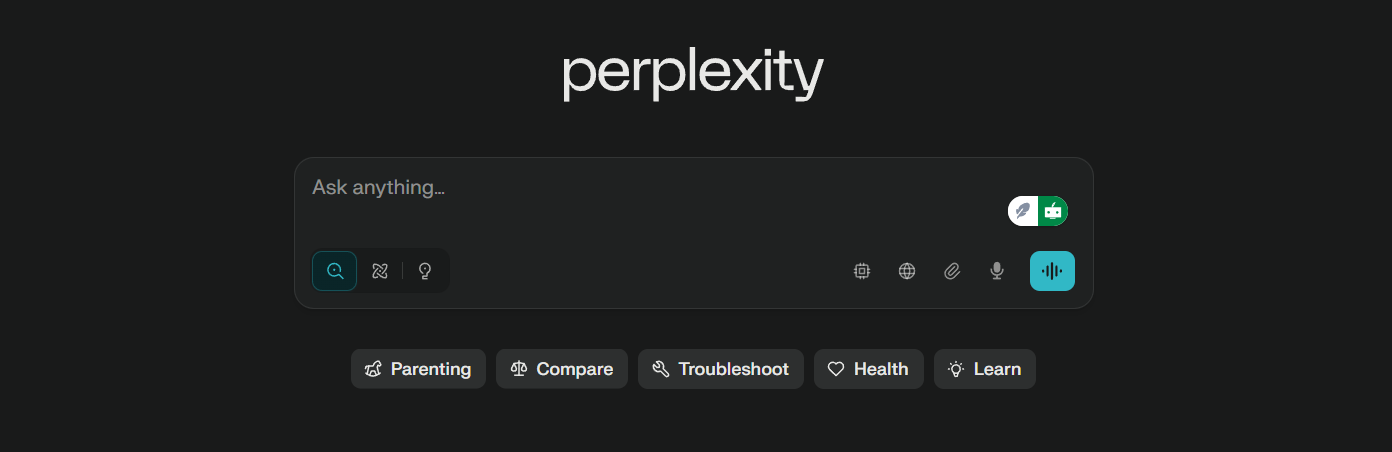
4. Perplexity AI
Perplexity AI acts as a powerful "answer engine." It searches the web and provides a direct summary with numbered citations that link to trustworthy sources, allowing you to quickly verify information and back up your research.
- Best For: Getting direct, sourced answers to your research questions.
- Use Case Example: Asking "What are the main causes of the industrial revolution?" to get a summary with links to university websites and historical articles.
- Pricing Details: Excellent Freemium Model. Free version offers unlimited Quick Searches.
- What You’ll Need: A web browser or mobile app.
- Learning Curve: Beginner. Very similar to using a standard search engine.
- What to Watch Out For: Always click through to the citations to evaluate their credibility for yourself.
5. ResearchRabbit
Often called the "Spotify for research papers," ResearchRabbit creates an interactive visual map of related academic research. By adding "seed" papers, the AI shows you authors, citations, and similar work you might have missed.
- Best For: Discovering new research papers and visualizing academic connections.
- Use Case Example: A student adds 5 foundational papers to discover a network of influential authors and similar studies they weren't aware of.
- Pricing Details: Completely Free. Committed to being free for all researchers.
- What You’ll Need: A web browser.
- Learning Curve: Intermediate. Visual map interface takes a moment to master.
- What to Watch Out For: Best for discovering research; use with a tool like Zotero for management.
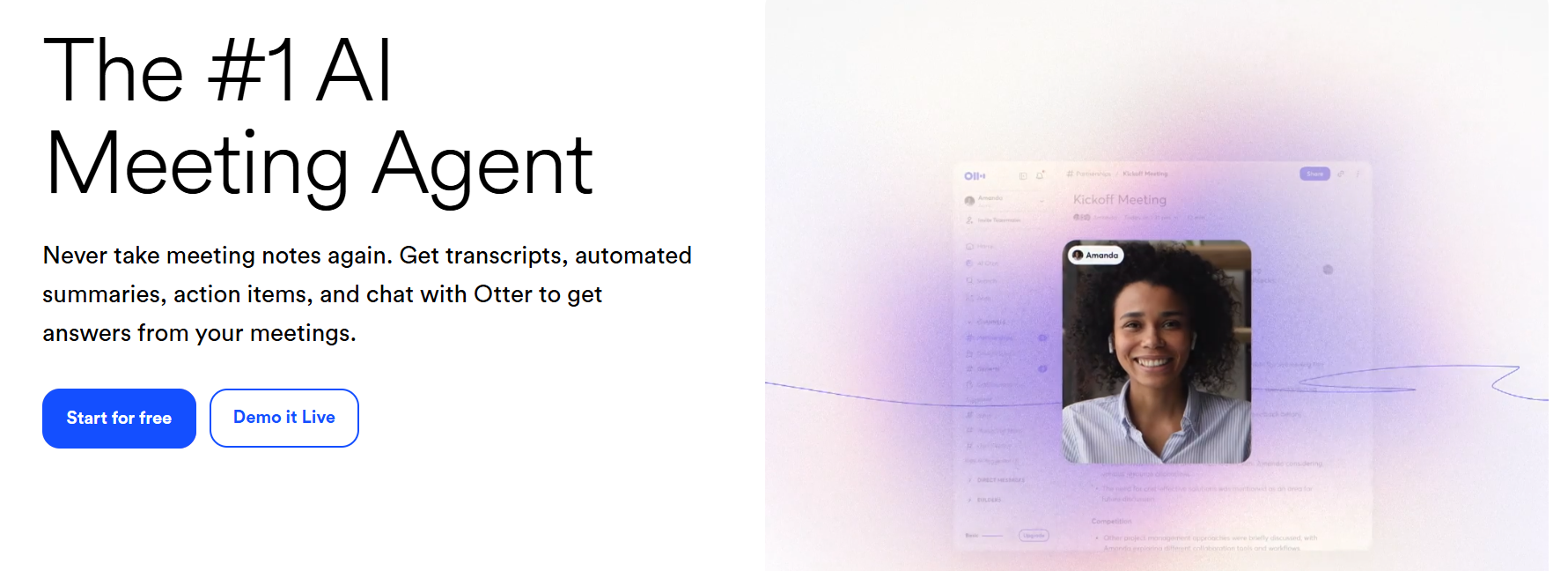
6. Otter.ai
Otter.ai is a personal stenographer for your classes. It records lectures or interviews and automatically transcribes audio into searchable text documents with timestamps and speaker labels.
- Best For: Transcribing lectures and interviews into searchable text.
- Use Case Example: Transcribing a 1-hour economics lecture and later searching for the word "inflation" to find exactly what the professor said.
- Pricing Details: Generous Freemium Model. Free plan gives 300 minutes of transcription every month.
- What You’ll Need: Web browser or mobile app for recording.
- Learning Curve: Beginner. Simple "press record" functionality.
- What to Watch Out For: Transcription isn't perfect; may struggle with technical terms or heavy accents.
7. Hemingway Editor
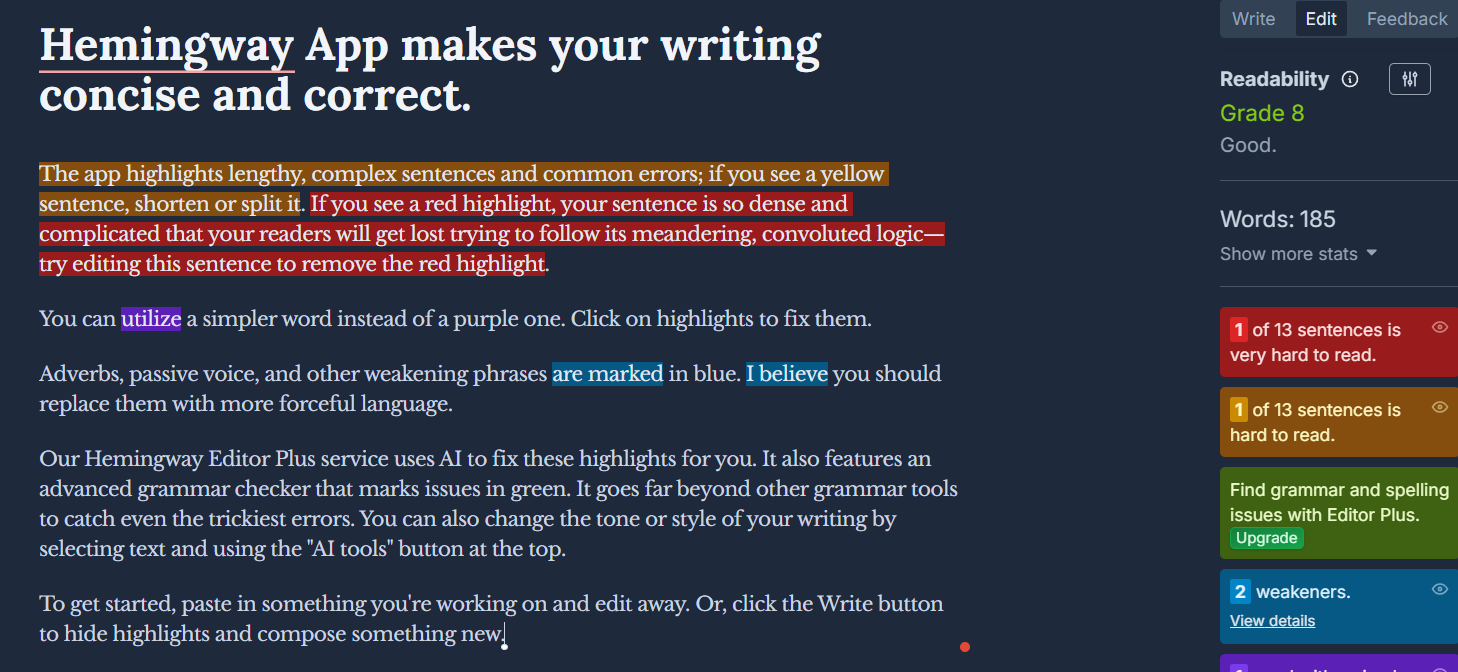
Hemingway is your writing style coach. It highlights long, winding sentences that are hard to read, passive voice, and complex words. It’s designed to make your writing bold, clear, and more impactful.
- Best For: Improving the clarity, strength, and style of your writing.
- Use Case Example: Pasting an essay paragraph and splitting highlighted "yellow" sentences to make the prose more direct.
- Pricing Details: Free Web Tool. Very accessible for quick editing sessions.
- What You’ll Need: A web browser.
- Learning Curve: Beginner. Visual color-coding is easy to follow.
- What to Watch Out For: Focused on style, not grammar; best used in tandem with Grammarly.
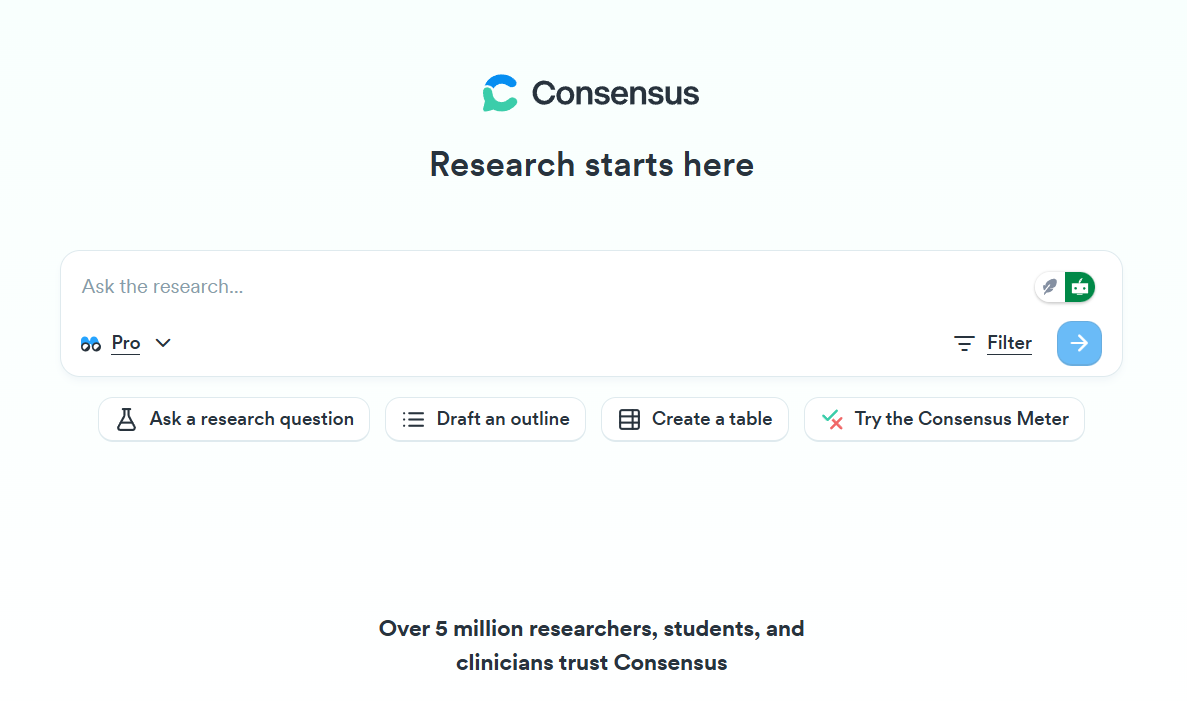
8. Consensus
Consensus is a research tool that finds scientific evidence for your questions. It searches through thousands of peer-reviewed papers to give you expert opinions and consensus on specific academic queries.
- Best For: Finding scientific evidence and expert academic opinions.
- Use Case Example: Asking "Does coffee improve productivity?" and seeing a synthesis of findings from thousands of research papers.
- Pricing Details: Freemium model with access to research summaries for free.
- What You’ll Need: A web browser.
- Learning Curve: Beginner. Simple question-based search.
- What to Watch Out For: Specifically for academic/scientific queries; not for creative writing.
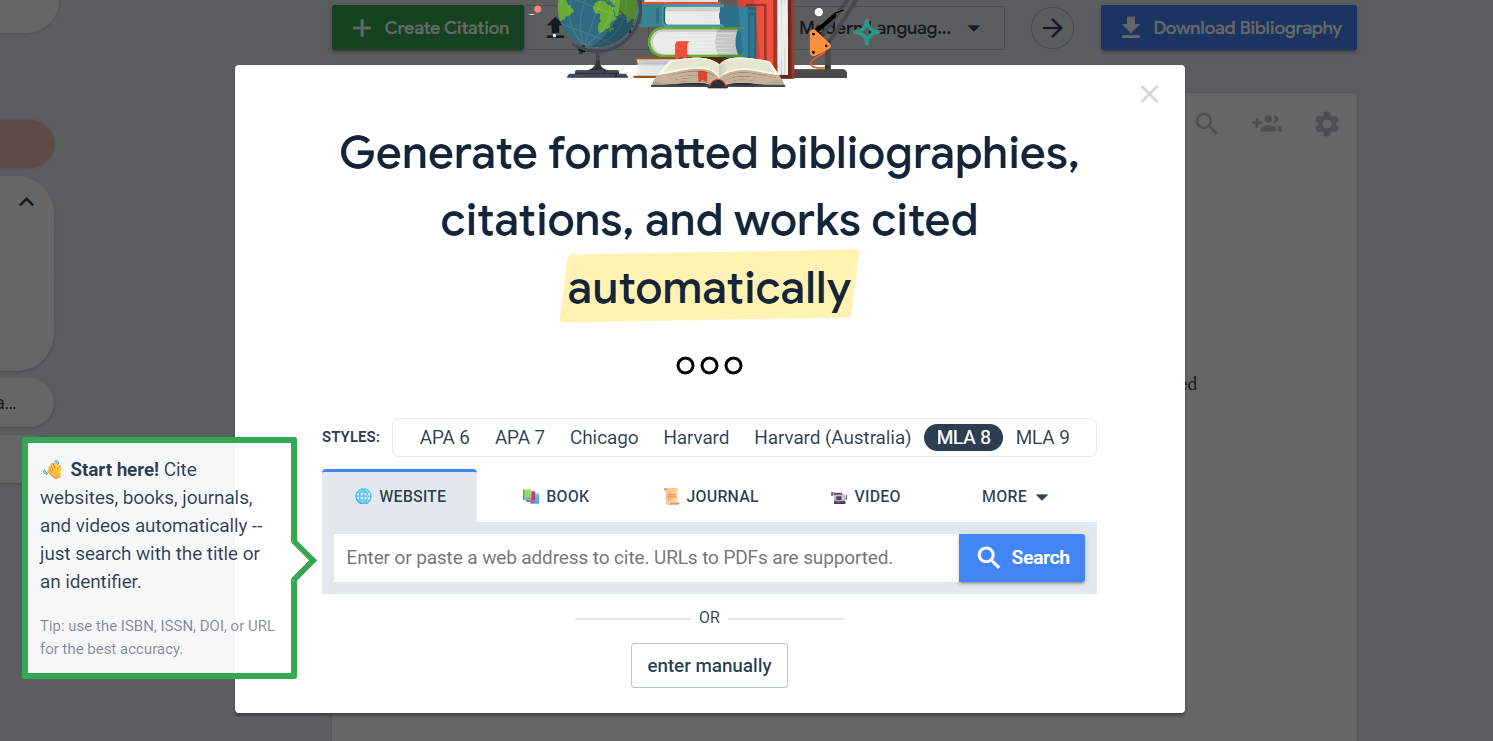
9. MyBib
MyBib is a 100% free citation generator. It helps you build bibliographies in over 9,000 styles (including APA, MLA, and Chicago) instantly by pasting URLs or DOIs, ensuring your academic integrity is maintained.
- Best For: Creating perfectly formatted citations and bibliographies instantly.
- Use Case Example: Pasting a website URL to instantly generate a formatted citation for a project bibliography.
- Pricing Details: Completely Free. No ads, time limits, or restrictions.
- What You’ll Need: A web browser.
- Learning Curve: Beginner. Extremely straightforward interface.
- What to Watch Out For: Always double-check automatic citations for any missing source metadata.
10. Zotero
Zotero is a powerful, open-source research assistant that manages all your research materials. It allows you to save sources from the web with one click, add notes, and create a searchable personal library of thousands of sources.
- Best For: Collecting, organizing, and managing all your research sources.
- Use Case Example: Tagging saved PDFs with keywords during a major project to keep research organized and searchable.
- Pricing Details: Free & Open-Source. Includes 300 MB of free cloud storage for syncing.
- What You’ll Need: Desktop app and browser connector extension.
- Learning Curve: Intermediate. Takes time to set up but offers huge long-term value.
- What to Watch Out For: Large collections of PDFs may eventually exceed the 300MB free cloud limit.
Which Tool Should You Start With?
Feeling a bit overwhelmed by the options? Here’s a quick guide:
- Writing Improvement & Clarity: If you just want to improve your writing today, get Grammarly because it is the single most useful tool for instantly improving your grades and making your writing more professional.
- Efficient Reading & Summarization: If you spend a lot of time reading long articles, start using QuillBot's Summarizer since it will save you a massive amount of time.
- Advanced Research & Organization: If you're starting a big research project, your first two stops should be Perplexity AI to find sources and Zotero to organize them effectively.
- Automated Citations & Bibliographies: If you need to create a bibliography, go straight to MyBib as it's free, fast, and will save you a huge headache.
Your Journey into Smarter Studying Starts Now
As you can see, there is an incredible suite of AI tools available to help you succeed in your academic journey, and many of the best ones won’t cost you a rupee. From polishing your grammar to organizing your research and citing your sources, these tools can help you study more efficiently, reduce stress, and produce higher-quality work.
The best way to learn is by doing. Pick one tool from this list that solves a problem you’re facing right now and try it out on your next assignment. You’ll be amazed at how much of a difference it can make.
Written By
Prateek Singh.
Last Updated – Febuary, 2026
About The Author
Prateek is a self-taught practitioner who believes the only real way to learn is by doing. He created IndiaShouldKnow.com from scratch, using AI as his primary learning partner to navigate everything from web development and UI/UX design to color theory and graphic engineering.
He works within the “engine room” of AI daily, using these tools to manage professional workflows including data visualization, digital marketing systems, and SEO architecture. Having personally tested and refined dozens of AI models across hundreds of real-world scenarios, Prateek focuses on the “how” behind the technology. He shares his self-taught workflows and prompting pillars to help others move past basic chat interactions and start using AI as a high-precision tool for their own goals.
FAQs About AI Use.
Can I trust every answer an AI tool gives me for my studies?
A: No, you should not trust every answer completely. Think of an AI as a super-smart assistant that has read most of the internet—but not every book in the library is accurate.
AI can sometimes make mistakes, misunderstand your question, or use outdated information.
It can even “hallucinate,” which means it confidently makes up an answer that sounds real but is completely false.
Rule of Thumb: Use AI answers as a great starting point, but never as the final, absolute truth. Always double-check important facts.
How can I verify the information I get from an AI for my academic work?
A: Verifying information is a crucial skill. It’s like being a detective for facts. Here are four simple steps:
Check Your Course Material: Is the AI’s answer consistent with what your textbook, lecture notes, or professor says? This is your most reliable source.
Look for Reputable Sources: Ask the AI for its sources or search for the information online. Look for links from universities (.edu), government sites (.gov), respected news organizations, or published academic journals.
Cross-Reference: Ask a different AI the same question, or type your question into a standard search engine like Google. If multiple reliable sources give the same answer, it’s more likely to be correct.
Use Common Sense: If an answer seems too perfect, too strange, or too good to be true, be extra skeptical and investigate it further.
What is the difference between using AI for research and using it to plagiarize?
A: This is a very important difference. It’s all about who is doing the thinking.
Using AI for Research (Good ✅):
Brainstorming topics for a paper.
Asking for a simple explanation of a complex theory.
Finding keywords to use in your library search.
Getting feedback on your grammar and sentence structure.
You are using AI as a tool to help you think and write better.
Using AI to Plagiarize (Bad ❌):
Copying and pasting an AI-generated answer directly into your assignment.
Asking the AI to write an entire essay or paragraph for you.
Slightly rephrasing an AI’s answer and submitting it as your own original thought.
You are letting the AI do the thinking and work for you.
How can I use AI ethically to support my learning without violating my school's academic honesty policy?
A: Using AI ethically means using it to learn, not to cheat. Here’s how:
Know the Rules: First and foremost, read your school’s or professor’s policy on using AI tools. This is the most important step.
Be the Author: The final work you submit must be yours. Your ideas, your structure, and your arguments. Use AI as a guide, not the writer.
Do the Heavy Lifting: Use AI to understand a topic, but then close the chat and write your summary or solve the problem yourself to make sure you have actually learned it.
Be Transparent: If you used an AI in a significant way (like for brainstorming), ask your professor if you should mention it. Honesty is always the best policy.
Can an AI's answer be biased? How can I detect this in its responses?
A: Yes, an AI’s answer can definitely be biased. Since AI learns from the vast amount of text on the internet written by humans, it can pick up and repeat human biases.
Here’s how to spot potential bias:
Look for Opinions: Does the answer present a strong opinion as a fact?
Check for One-Sidedness: On a topic with multiple viewpoints (like politics or economics), does the AI only show one side of the argument?
Watch for Stereotypes: Does the answer use generalizations about groups of people based on their race, gender, nationality, or other characteristics?
To avoid being misled by bias, always try to get information from multiple, varied sources.
Is it safe to upload my personal notes, research papers, or assignments to an AI tool?
A: It is best to be very careful. You should not consider your conversations with most public AI tools to be private.
Many AI companies use your conversations to train their systems, which means employees or contractors might read them.
There is always a risk of data breaches or leaks.
A Simple Safety Rule: Do not upload or paste any sensitive information that you would not want a stranger to see. This includes:
Personal identification details.
Confidential research or unpublished papers.
Your school assignments before you submit them.
Any financial or private data.