indiashouldknow.com

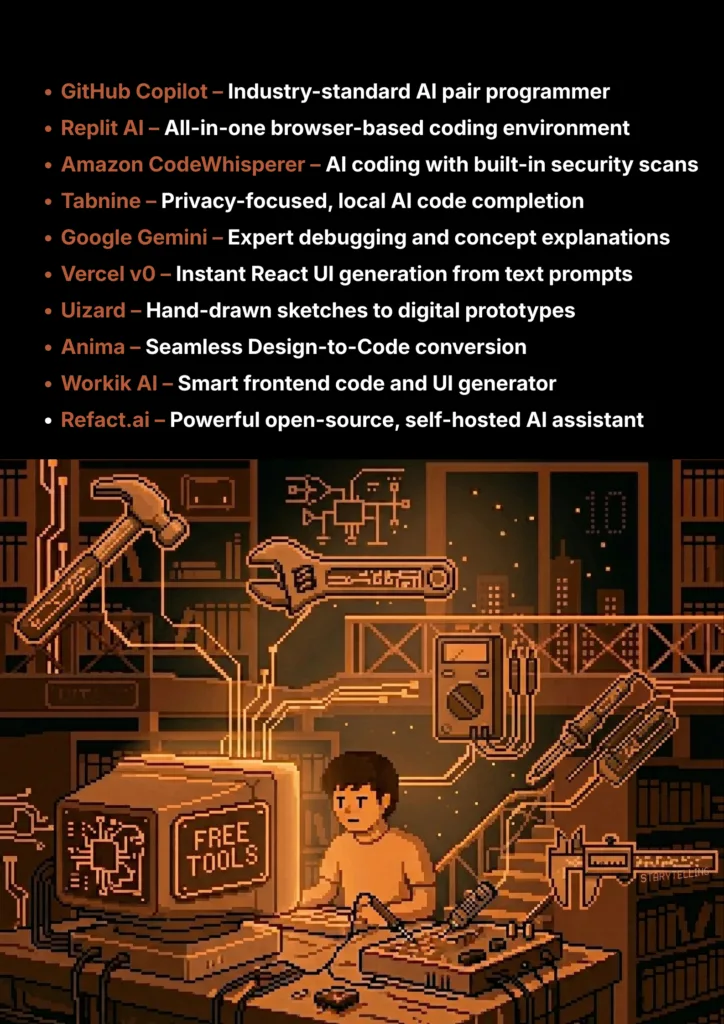
10 Amazing Free AI Tools For Coding & Web development

10 Amazing Free AI Tools For Coding & Web development

From debugging tricky code to designing user interfaces, these free AI co-pilots will supercharge your workflow.

Struggling with a bug you just can’t fix. Or maybe you’re trying to learn a new framework, and the documentation feels like it’s written in another language. Every coding student has been there. Building websites and applications is rewarding, but the learning curve can be steep and frustrating.

But what if you had an expert co-pilot, ready 24/7 to help you write code faster, debug problems, and even design user interfaces?

That’s where AI comes in. This guide is built for students who need powerful, professional-grade tools without the professional price tag. We’ve done a deep dive to find the best AI coding assistants that offer incredible “free forever” plans or very generous free tiers, perfect for long-term use while you learn and build your portfolio.

What Can You Actually Do With These AI Tools?

AI Tools Capabilities - India Should Know

Before we dive into the list, it’s helpful to understand what makes these tools so game-changing for students.

  • Write Code Faster: Get real-time suggestions for everything from single lines to entire functions, dramatically speeding up your projects.
  • Debug with Less Frustration: Instead of staring at an error for hours, get instant explanations and potential fixes.
  • Learn New Concepts Quickly: Use AI to explain complex code snippets, algorithms, or design patterns in simple terms.
  • Design and Prototype UIs: Go from a rough sketch or a simple idea to a high-fidelity prototype or even production-ready code without being a design expert.

Quick Comparison Table

AI Tools Comparison Table - India Should Know
Tool Name Best For Pricing Model Ease of Use
GitHub Copilot Code Autocomplete & Chat Free for Students Intermediate
Replit AI Browser-Based AI IDE Freemium Beginner
Amazon CodeWhisperer AWS & Security Scans Free for Individuals Intermediate
Tabnine Privacy-Focused Autocomplete Freemium Beginner
ChatGPT / Gemini Debugging & Explanations Freemium Beginner
Vercel v0 Generating UI Components Freemium (with credits) Beginner
Uizard Sketch-to-Prototype Design Freemium Beginner
Anima Design-to-Code Conversion Freemium Intermediate
Workik AI Frontend Code Generation Freemium Beginner
Refact.ai Open-Source & Self-Hosting Research Project Developer
10 Best AI Coding Tools - India Should Know
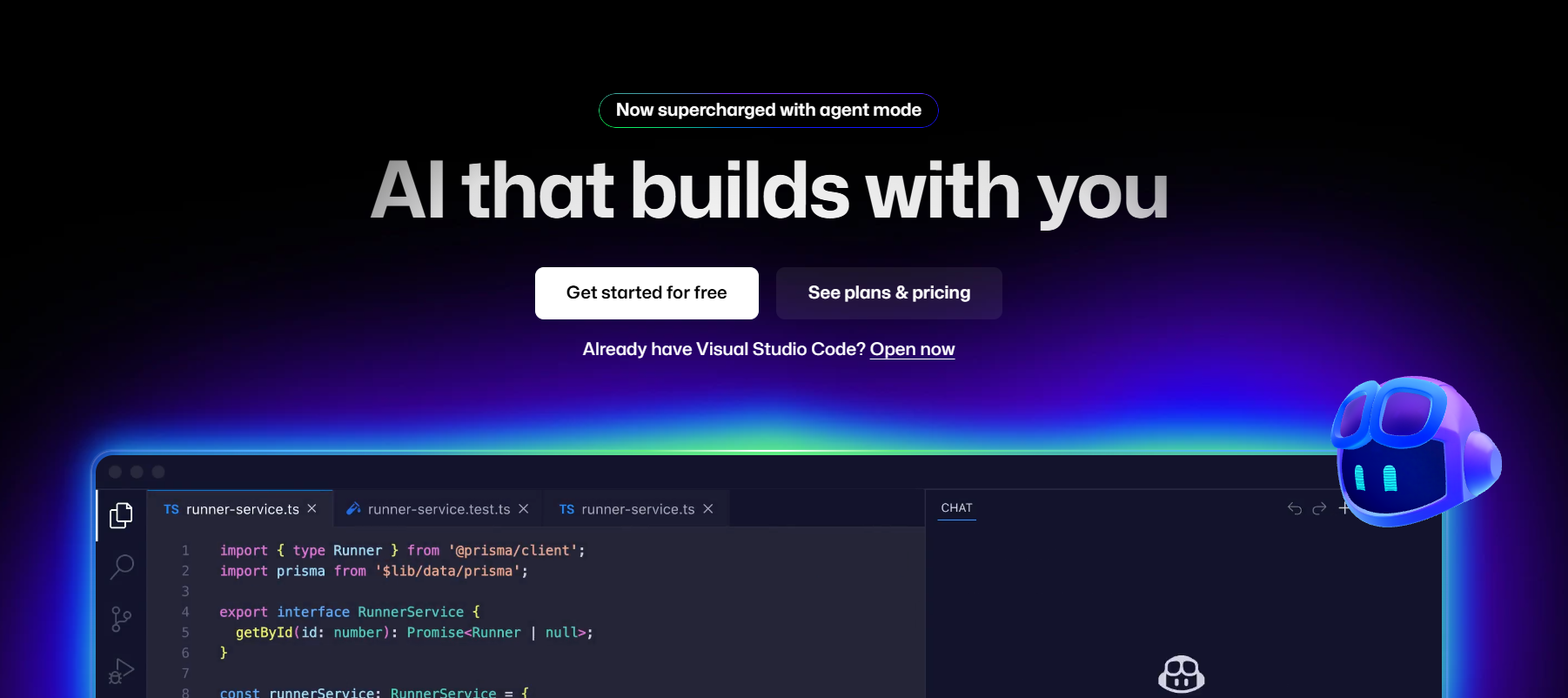
GitHub Copilot

1. GitHub Copilot

GitHub Copilot is more than just an autocomplete; it’s an AI pair programmer that lives inside your code editor. It suggests entire lines or even whole functions of code as you type, understands the context of your project, and can answer your coding questions directly in a chat window. It’s the most popular and powerful tool of its kind, making it a game-changer for learning and productivity.

  • Best For: The industry-standard for AI code autocompletion and in-editor chat.
  • Use Case Example: A student building a React component types // create a state variable for a counter and Copilot instantly suggests the correct useState line.
  • Pricing Details: Completely Free for Students via the GitHub Student Developer Pack.
  • What You’ll Need: VS Code, JetBrains, or Neovim and a GitHub account.
  • Learning Curve: Intermediate. Requires understanding how to write good prompts/comments.
  • What to Watch Out For: Don't accept suggestions blindly; ensure you understand the code before using it.
Replit AI

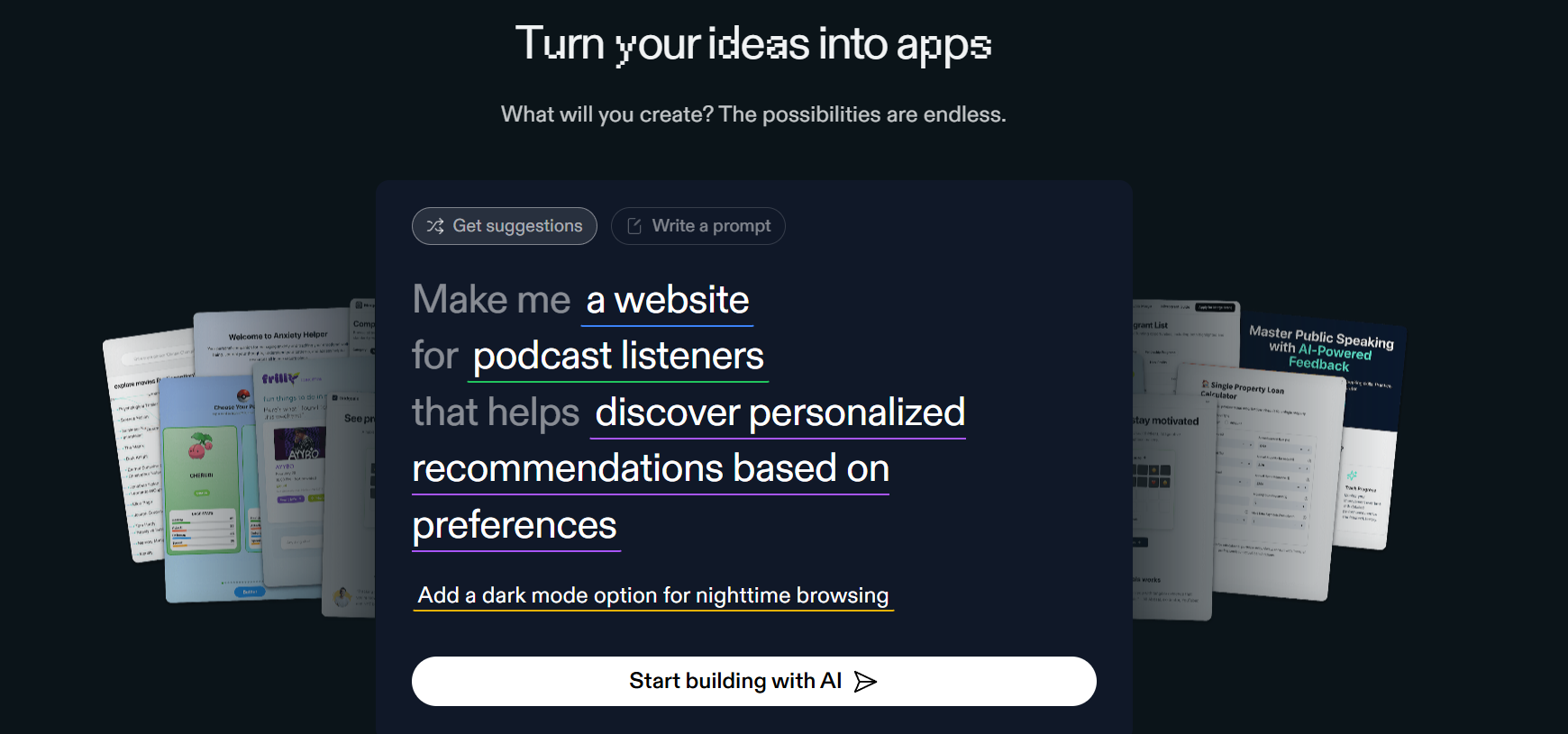
2. Replit AI

Replit is an online IDE that lets you code, run, and host projects directly in your browser without any setup. Replit AI is their built-in assistant that can explain code, generate new logic, and help you debug instantly. It's the fastest way to go from an idea to a live project, perfect for students who want to skip complex local setups.

  • Best For: An all-in-one, browser-based AI coding environment.
  • Use Case Example: Quickly building and hosting a Python Flask web app for a class project—writing code, running the server, and sharing the live URL from one tab.
  • Pricing Details: Excellent Freemium Model. Free plan includes core IDE and basic AI assistant.
  • What You’ll Need: Just a web browser.
  • Learning Curve: Beginner. Designed for maximum ease of use.
  • What to Watch Out For: The free plan's servers have limited power; best for learning and small projects.
Amazon CodeWhisperer

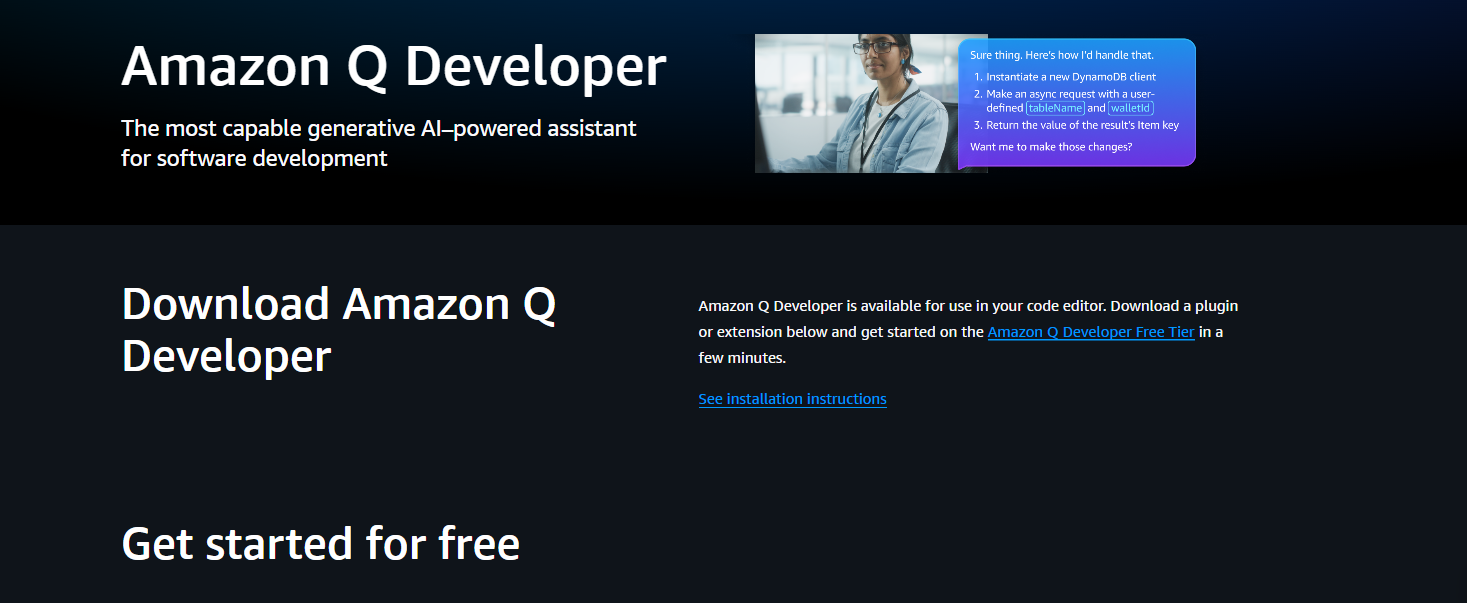
3. Amazon CodeWhisperer

CodeWhisperer is Amazon’s AI coding companion. Its standout features include deep integration with Amazon Web Services (AWS) and the ability to scan your code for security vulnerabilities right in your editor. For any student working with cloud technologies, this tool provides an essential layer of security and efficiency.

  • Best For: Code suggestions with a focus on AWS and built-in security scans.
  • Use Case Example: Writing a script to interact with an Amazon S3 bucket where CodeWhisperer flags potential security issues before the code is even run.
  • Pricing Details: Completely Free for Individuals. Just sign in with a Builder ID.
  • What You’ll Need: VS Code or JetBrains IDE.
  • Learning Curve: Intermediate. Functions similarly to GitHub Copilot.
  • What to Watch Out For: Excels in the AWS ecosystem but might feel less "creative" for general programming than Copilot.
Tabnine

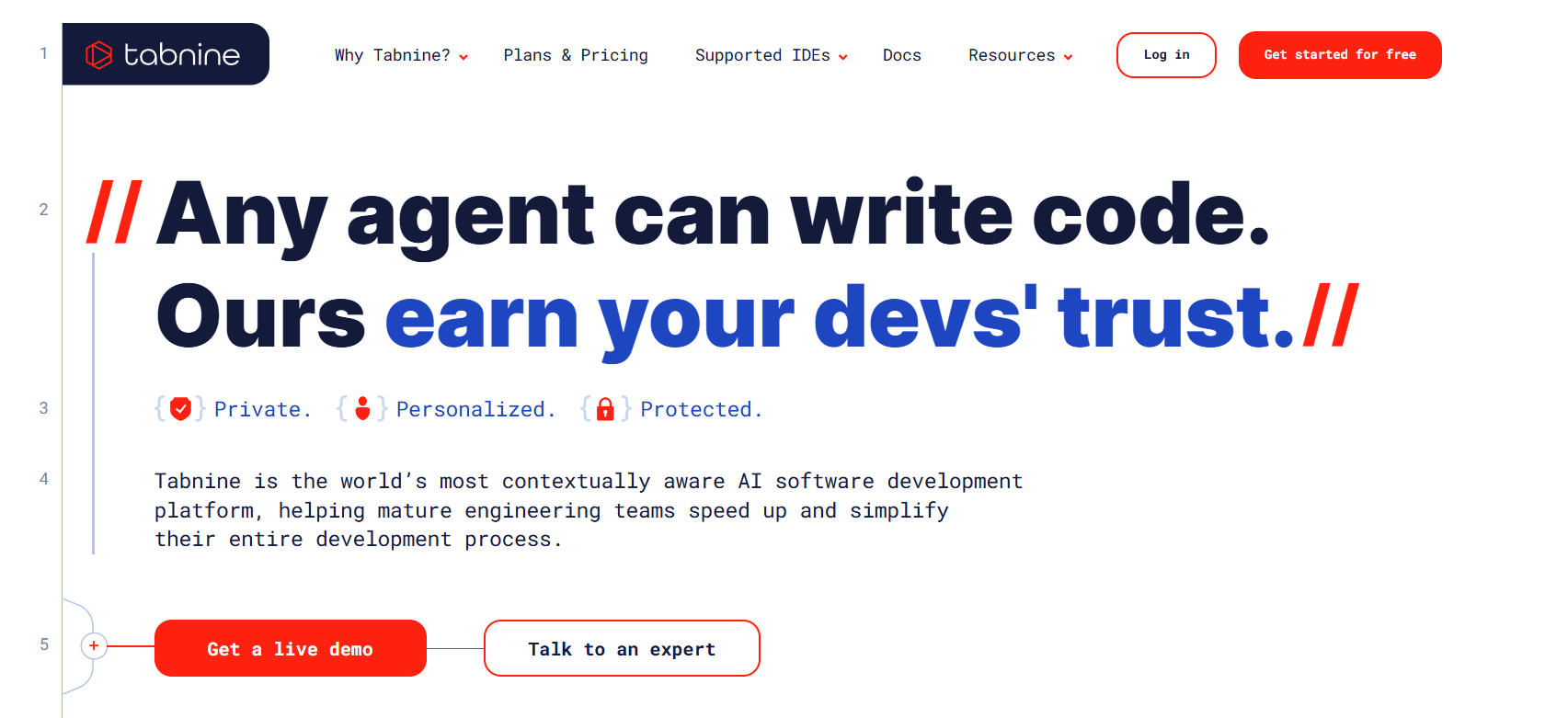
4. Tabnine

Tabnine focuses on speed and privacy. It is a lightweight AI assistant that can be configured to run entirely on your local machine, ensuring your code never leaves your computer. This makes it a top choice for privacy-conscious developers who need fast and reliable short-code completions.

  • Best For: A lightweight, privacy-focused AI assistant that can run locally.
  • Use Case Example: Working on a personal project with sensitive code where you need AI assistance without sending data to third-party servers.
  • Pricing Details: Generous Freemium Model. "Basic" plan is free forever for short code completions.
  • What You’ll Need: A supported code editor.
  • Learning Curve: Beginner. Works immediately after installation.
  • What to Watch Out For: Free version suggestions are generally shorter and less complex than premium tools.
Google Gemini

5. Google Gemini

While not a specialized code assistant, Gemini is an indispensable tool for debugging and brainstorming. You can paste broken code and error messages to get instant fixes and explanations. It is also incredible for learning new concepts, as you can ask it to "explain this code like I'm a beginner."

  • Best For: Debugging, explaining concepts, and generating boilerplate code.
  • Use Case Example: Pasting a cryptic error message into Gemini to discover you're missing a closing bracket, with a clear explanation of where it goes.
  • Pricing Details: Excellent Freemium Model. Free version is extremely powerful for student tasks.
  • What You’ll Need: A web browser.
  • Learning Curve: Beginner. Intuitive chat-based interface.
  • What to Watch Out For: Code generated can sometimes be outdated; always test results thoroughly.

Vercel v0

6. Vercel v0

v0 is a generative AI tool that creates high-quality React UI components from text prompts. Describe the layout you want, and it generates production-ready code using Tailwind CSS and shadcn/ui. It’s a phenomenal tool for frontend developers who want to build beautiful interfaces in minutes.

  • Best For: Generating React UI components from a text prompt.
  • Use Case Example: Describing a complex settings page layout to v0 and receiving the complete React code, saving hours of tedious UI coding.
  • Pricing Details: Freemium (with credits). Free plan offers a generous number of monthly credits.
  • What You’ll Need: Web browser and basic React knowledge.
  • Learning Curve: Beginner. Writing detailed prompts is key to the best results.
  • What to Watch Out For: Specifically optimized for React and Tailwind CSS.
Uizard

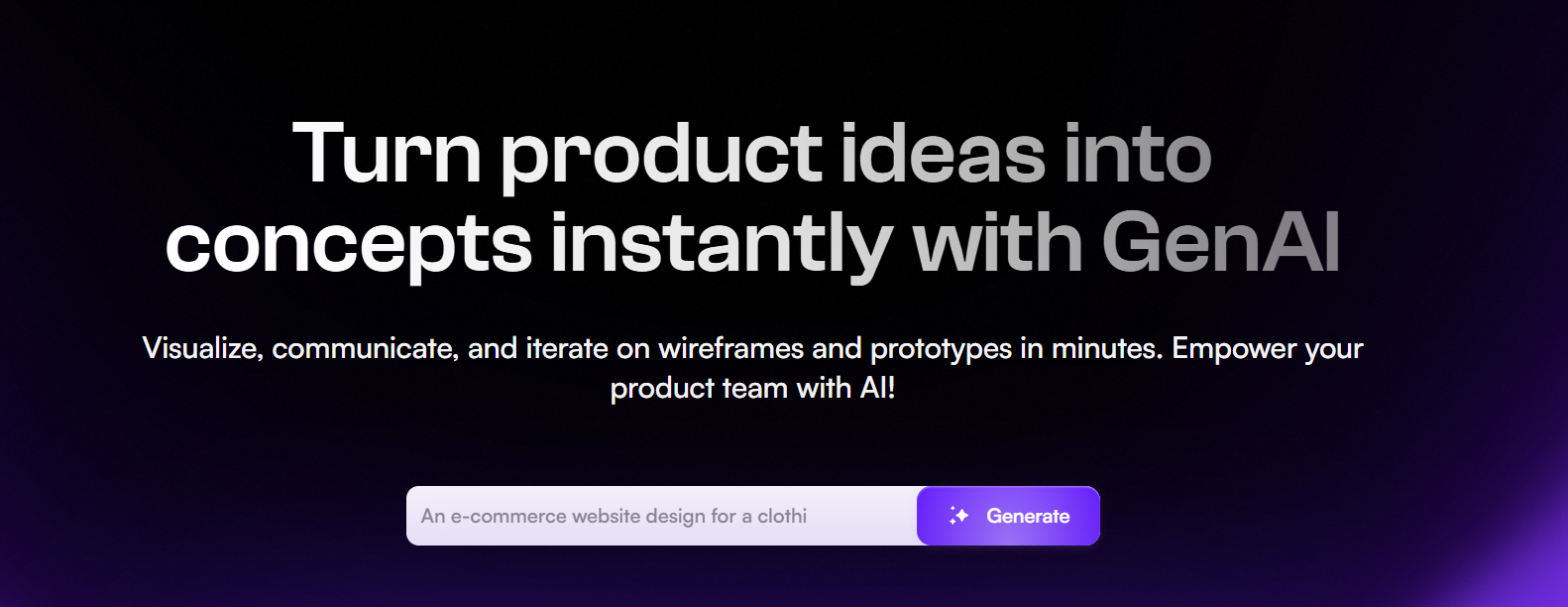
7. Uizard

Uizard bridges the gap between a rough idea and a clickable prototype. You can draw a wireframe on paper, take a photo, and Uizard’s AI transforms it into a digital design. It’s perfect for students who want to visualize app ideas without needing to be professional UI/UX designers.

  • Best For: Turning hand-drawn sketches into interactive digital prototypes.
  • Use Case Example: Sketching mobile app screens in a notebook and having a clickable prototype ready for a team presentation in minutes.
  • Pricing Details: Generous Free Plan. Perfect for managing multiple student projects.
  • What You’ll Need: A web browser.
  • Learning Curve: Beginner. Designed for non-designers.
  • What to Watch Out For: Generated code is best for prototyping, not necessarily for production-level apps.

Anima

8. Anima

Anima is a "design-to-code" platform that helps developers turn Figma, Adobe XD, or Sketch designs into developer-friendly code. It streamlines the transition from design to development by automating the conversion of static visuals into HTML, CSS, or React code.

  • Best For: High-fidelity Design-to-Code conversion.
  • Use Case Example: Taking a finished design from Figma and using Anima to export the frontend structure, drastically reducing manual styling time.
  • Pricing Details: Freemium model. Free version supports basic exports.
  • What You’ll Need: Figma/XD and a browser.
  • Learning Curve: Intermediate. Requires some knowledge of design tool plugins.
  • What to Watch Out For: Generated code often needs cleanup to match specific project architecture.
Workik AI

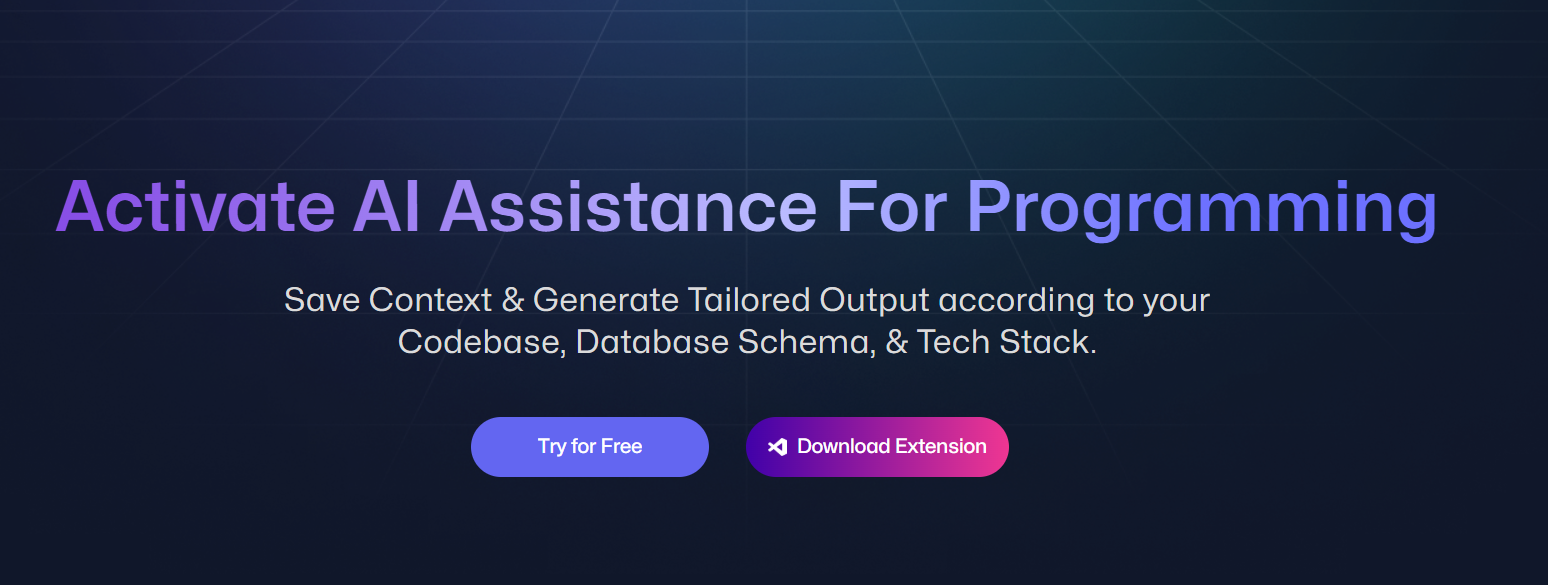
9. Workik AI

Workik is an AI-powered assistant designed for generating frontend code and converting designs with high accuracy. It focuses on the developer workflow, offering a straightforward interface that makes it easy to navigate and generate logic for modern web applications.

  • Best For: Frontend code generation and accurate design conversion.
  • Use Case Example: Generating logic for a React application's dashboard by describing the requirements in plain English.
  • Pricing Details: Freemium. Offers a free tier with usage credits for AI generation.
  • What You’ll Need: A web browser.
  • Learning Curve: Beginner. Straightforward and easy to navigate.
  • What to Watch Out For: As a newer tool, it may have fewer features than industry veterans.
Refact.ai

10. Refact.ai

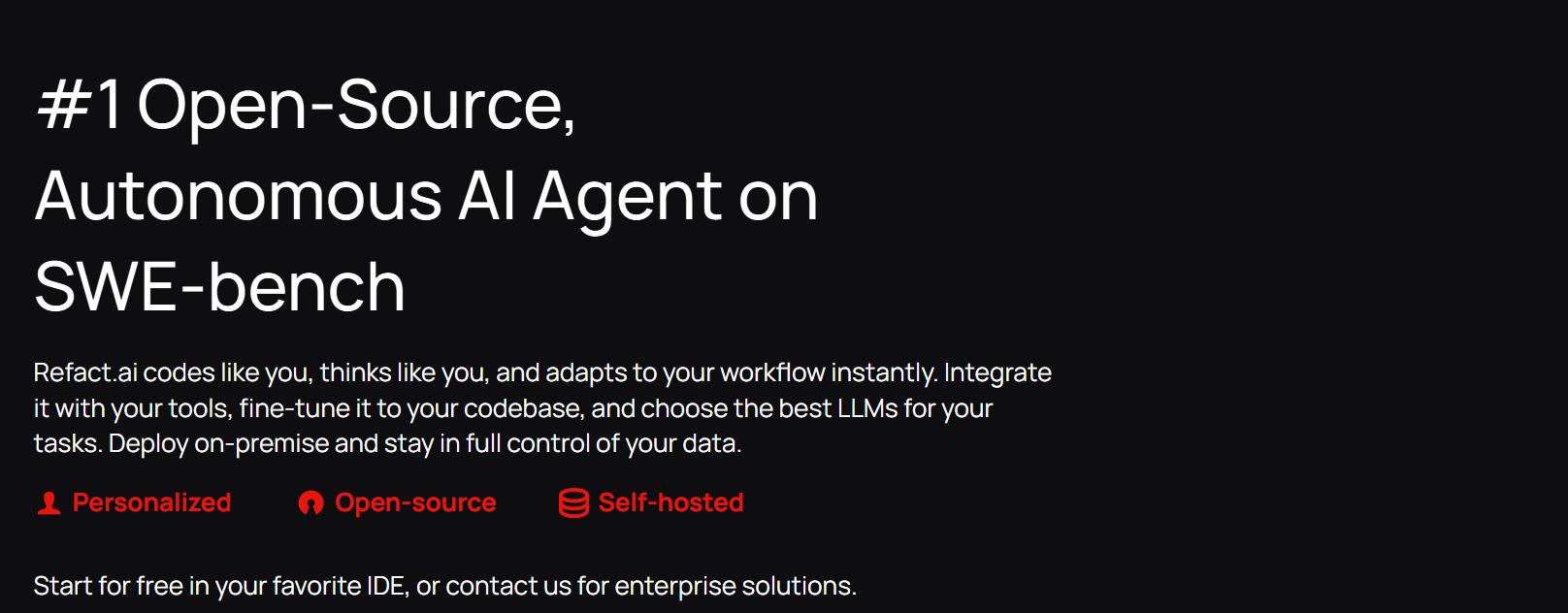
Refact.ai is a powerful open-source alternative to GitHub Copilot. Its biggest advantage is self-hosting: you can run the AI model on your own server, giving you complete control over your data. It also includes an "image-to-code" feature that tries to generate UI code from a screenshot.

  • Best For: An open-source, self-hostable AI coding assistant.
  • Use Case Example: A student team working on a sensitive project uses a self-hosted instance of Refact.ai to ensure their code never leaves their own network.
  • Pricing Details: Free & Open-Source. The self-hosted version is completely free.
  • What You’ll Need: Code editor and a server with a compatible GPU (for self-hosting).
  • Learning Curve: Developer. Requires technical expertise to self-host effectively.
  • What to Watch Out For: Self-hosting requires significant hardware resources.

Which Tool Should You Start With?

AI Tools Selection Guide - India Should Know

Feeling a bit overwhelmed by the options? Here’s a quick guide:

  • The Best All-Around Assistant: If you’re a student looking for the best all-around code assistant, get GitHub Copilot using the free Student Developer Pack, as it is the industry standard for a reason.
  • Zero Setup Coding: If you want to code in your browser with zero setup, start with Replit AI because it is the fastest way to go from an idea to a live project.
  • Fast Design Prototypes: If you’re a designer who wants to turn ideas into prototypes fast, use Uizard—the tool with a sketch-to-design feature that feels like magic.
  • Rapid Frontend UI: If you’re a frontend developer who wants to build UIs faster, start experimenting with Vercel v0 to completely change the way you build components.

Your Journey into Coding & Web development with the power of AI Starts Now

As you can see, AI is no longer just a futuristic concept; it’s a practical, powerful set of tools that can make you a better, faster, and more efficient developer. From writing and debugging code to designing entire user interfaces, there’s a free tool on this list that can help you level up your skills.

The best way to learn is by doing. Pick one tool from this list that solves a problem you’re facing right now, install it, and use it in your next project. You’ll be amazed at how much of a difference your new AI co-pilot can make.

Written By

Prateek Singh.

Last Updated – Febuary, 2026

About The Author

Prateek is a self-taught practitioner who believes the only real way to learn is by doing. He created IndiaShouldKnow.com from scratch, using AI as his primary learning partner to navigate everything from web development and UI/UX design to color theory and graphic engineering.

He works within the “engine room” of AI daily, using these tools to manage professional workflows including data visualization, digital marketing systems, and SEO architecture. Having personally tested and refined dozens of AI models across hundreds of real-world scenarios, Prateek focuses on the “how” behind the technology. He shares his self-taught workflows and prompting pillars to help others move past basic chat interactions and start using AI as a high-precision tool for their own goals.

FAQs About AI Use.

Can I trust every answer an AI tool gives me for my studies?

A: No, you should not trust every answer completely. Think of an AI as a super-smart assistant that has read most of the internet—but not every book in the library is accurate.

  • AI can sometimes make mistakes, misunderstand your question, or use outdated information.

     
  • It can even “hallucinate,” which means it confidently makes up an answer that sounds real but is completely false.


Rule of Thumb: Use AI answers as a great starting point, but never as the final, absolute truth. Always double-check important facts.

A: Verifying information is a crucial skill. It’s like being a detective for facts. Here are four simple steps:

  1. Check Your Course Material: Is the AI’s answer consistent with what your textbook, lecture notes, or professor says? This is your most reliable source.

  2. Look for Reputable Sources: Ask the AI for its sources or search for the information online. Look for links from universities (.edu), government sites (.gov), respected news organizations, or published academic journals.

  3. Cross-Reference: Ask a different AI the same question, or type your question into a standard search engine like Google. If multiple reliable sources give the same answer, it’s more likely to be correct.

  4. Use Common Sense: If an answer seems too perfect, too strange, or too good to be true, be extra skeptical and investigate it further.

A: This is a very important difference. It’s all about who is doing the thinking.

  • Using AI for Research (Good ✅):

    • Brainstorming topics for a paper.

    • Asking for a simple explanation of a complex theory.

    • Finding keywords to use in your library search.

    • Getting feedback on your grammar and sentence structure.

    • You are using AI as a tool to help you think and write better.

  • Using AI to Plagiarize (Bad ❌):

    • Copying and pasting an AI-generated answer directly into your assignment.

    • Asking the AI to write an entire essay or paragraph for you.

    • Slightly rephrasing an AI’s answer and submitting it as your own original thought.

    • You are letting the AI do the thinking and work for you.

A: Using AI ethically means using it to learn, not to cheat. Here’s how:

  1. Know the Rules: First and foremost, read your school’s or professor’s policy on using AI tools. This is the most important step.

  2. Be the Author: The final work you submit must be yours. Your ideas, your structure, and your arguments. Use AI as a guide, not the writer.

  3. Do the Heavy Lifting: Use AI to understand a topic, but then close the chat and write your summary or solve the problem yourself to make sure you have actually learned it.

  4. Be Transparent: If you used an AI in a significant way (like for brainstorming), ask your professor if you should mention it. Honesty is always the best policy.

A: Yes, an AI’s answer can definitely be biased. Since AI learns from the vast amount of text on the internet written by humans, it can pick up and repeat human biases.

Here’s how to spot potential bias:

  • Look for Opinions: Does the answer present a strong opinion as a fact?

  • Check for One-Sidedness: On a topic with multiple viewpoints (like politics or economics), does the AI only show one side of the argument?

  • Watch for Stereotypes: Does the answer use generalizations about groups of people based on their race, gender, nationality, or other characteristics?

To avoid being misled by bias, always try to get information from multiple, varied sources.

A: It is best to be very careful. You should not consider your conversations with most public AI tools to be private.

  • Many AI companies use your conversations to train their systems, which means employees or contractors might read them.

     
  • There is always a risk of data breaches or leaks.


A Simple Safety Rule: Do not upload or paste any sensitive information that you would not want a stranger to see. This includes:

  • Personal identification details.

  • Confidential research or unpublished papers.

  • Your school assignments before you submit them.

  • Any financial or private data.

Don’t get left behind in the age of AI. 🚀

The world is changing fast, and AI is the reason. Join the India Should Know community to get 1 simple weekly email with:

AI Speed-Hacks:

Do 4 hours of work in 30 minutes.

The Vault:

Access our private library of Gemini & ChatGPT prompts.

Career Edge: 

Smart tips to stay ahead in school and at the office.

Sign Up To Get Our Introduction To Prompt Building PDF

No spam. Just the good stuff, every Tuesday.

Scroll to Top