indiashouldknow.com

10 Great Free Tools For Career Development & Job Hunting

10 Great Free Tools For Career Development & Job Hunting

Build your resume, practice for interviews, and track your applications with these powerful AI assistants.

You’ve spent years studying, and now it’s time for the next big step: landing a great job or internship. But crafting the perfect resume, writing a compelling cover letter, and acing a tough interview can feel like a full-time job in itself. It’s a stressful process, and it’s easy to feel like you’re navigating it all alone.

But what if you had a personal career coach, available 24/7 to help you build your resume, practice for interviews, and track your applications?

That’s the incredible advantage AI tools can provide. This guide is built for students and recent graduates who need professional-grade career support without the high cost. We’ve done a deep dive to find the best AI tools for job hunting that offer incredible “free forever” plans or very generous free tiers, perfect for long-term use as you launch your career.

What Can You Actually Do With These AI Tools?

Before we dive into the list, it’s helpful to understand what makes these tools so game-changing for students.

  • Build a Professional Resume in Minutes: Go from a blank page to a polished, ATS-friendly resume tailored to your dream job.

  • Practice for Interviews with AI: Get realistic interview practice and receive instant feedback on your answers without any pressure.

  • Optimize Your Applications: Analyze job descriptions and get AI-powered suggestions on which keywords to include in your resume and cover letter.

  • Stay Organized and Motivated: Track every job application, interview, and follow-up in one place so you never miss an opportunity.

Quick Comparison Table

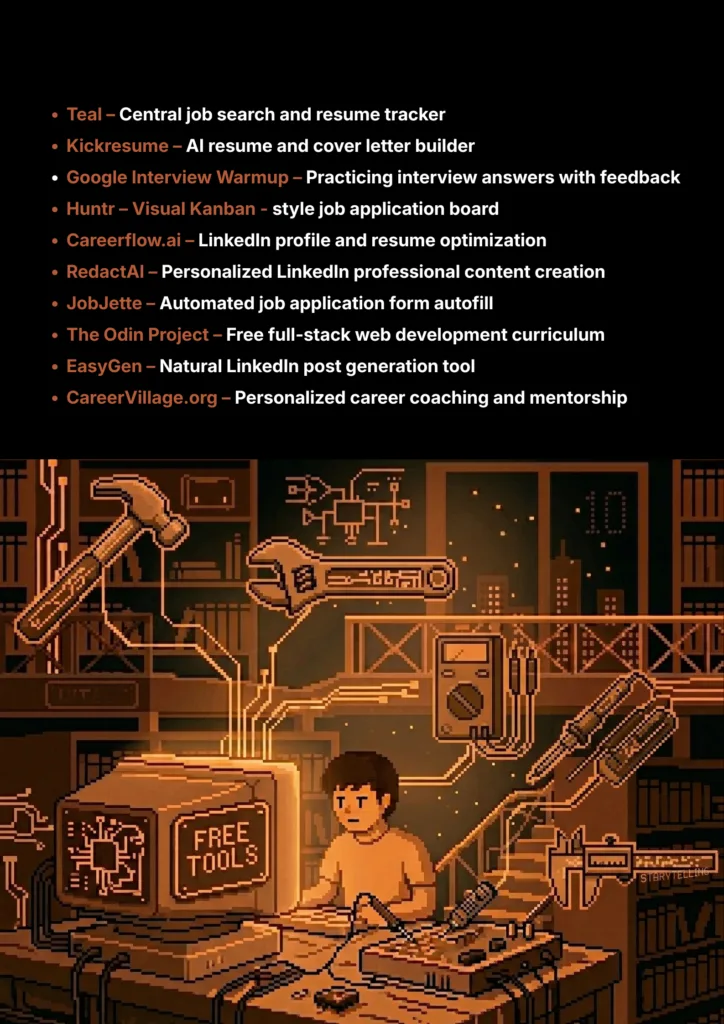
AI Career & Job Search Tools - India Should Know
Tool Name Best For Pricing Model Ease of Use
Teal All-in-One Job Search Tracker Freemium Beginner
Kickresume AI Resume & Cover Letter Builder Freemium Beginner
Google Interview Warmup AI Interview Practice Completely Free Beginner
Huntr Visual Job Application Tracker Freemium Beginner
Careerflow.ai LinkedIn & Resume Optimization Freemium Beginner
RedactAI AI-Powered LinkedIn Content Freemium Beginner
JobJette AI Job Application Autofill Freemium Beginner
The Odin Project Learning to Code for Free Completely Free Intermediate
EasyGen AI LinkedIn Post Generation Freemium (Limited) Beginner
CareerVillage.org AI Career Coaching & Mentorship Free (Non-Profit) Beginner
10 Great Free AI Tools For Career Development & Job Hunting - India Should Know
Teal

1. Teal

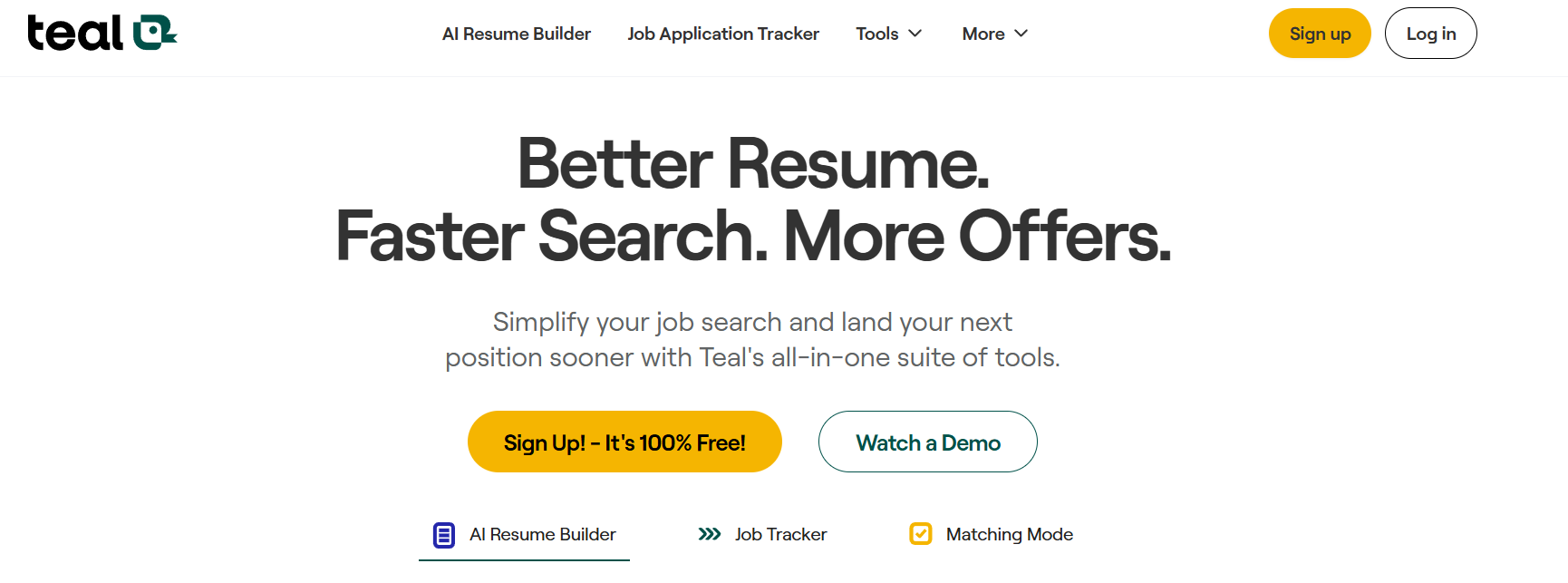
Teal is a powerful career platform designed to be your central command center for your entire job search. Its Job Application Tracker lets you save jobs from any job board with a browser extension and manage your applications in a clean, visual pipeline. The AI-powered Resume Builder helps you write impactful bullet points and tailor your resume with keywords for each specific role.

  • Best For: All-in-One Job Search Tracker
  • Use Case Example: A student saves 15 internship postings using the Chrome extension and uses Teal's AI to generate custom, keyword-optimized bullet points for each application.
  • Pricing Details: Freemium
  • What You’ll Need: A web browser; Chrome extension highly recommended.
  • Learning Curve: Beginner. Clean interface with helpful step-by-step guides.
  • What to Watch Out For: Advanced AI analytics and deep tracking features require the paid Teal+ plan.
Kickresume

2. Kickresume

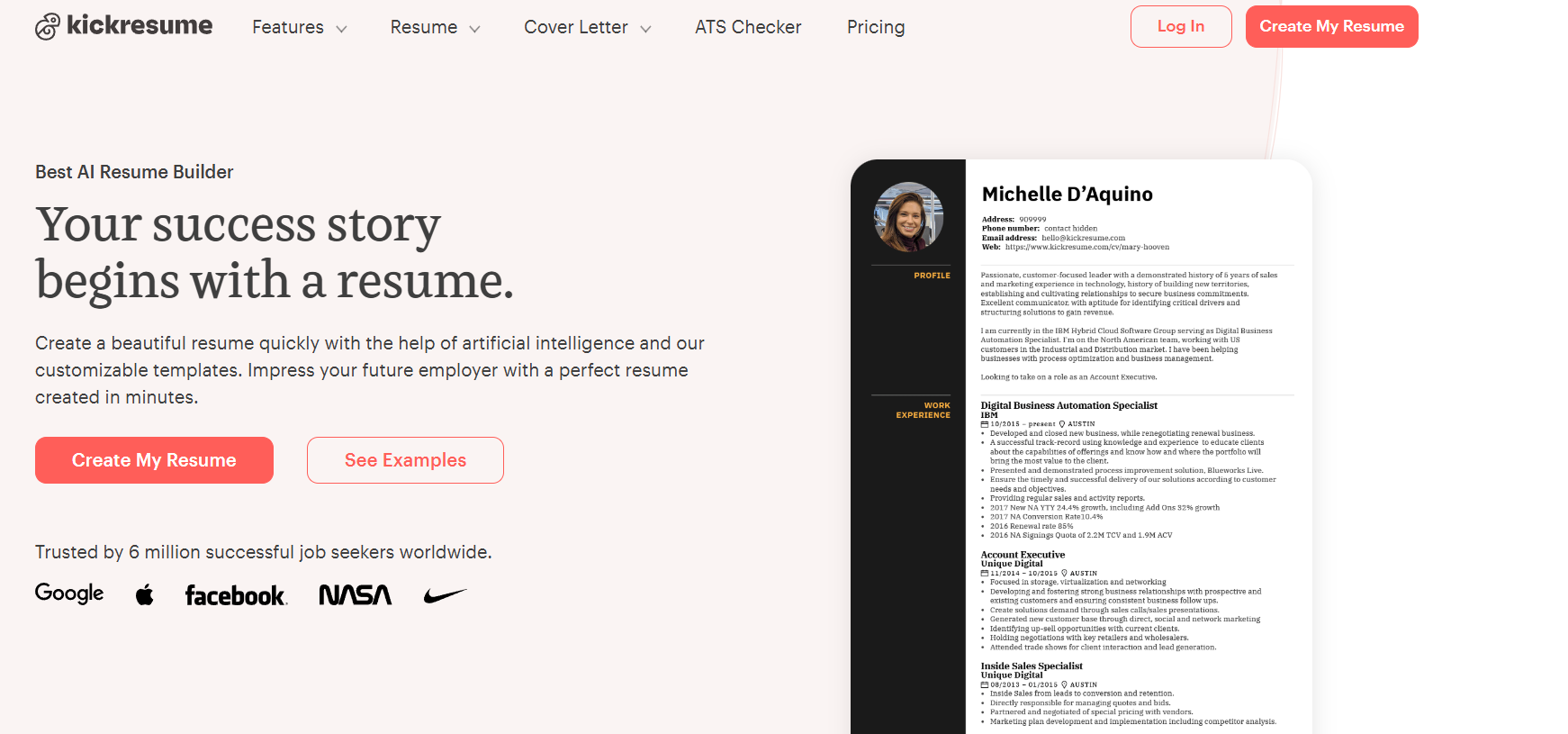
Kickresume is an AI-powered resume and cover letter builder that focuses on making the creation process as fast and easy as possible. It offers a wide range of beautiful, professionally designed templates. Its AI writer can help you generate entire sections of your resume, from a compelling professional summary to detailed bullet points for your work experience, all based on your job title.

  • Best For: AI Resume & Cover Letter Builder
  • Use Case Example: A student with no work experience uses the AI writer to generate a strong “Objective” statement and then use its pre-written phrases to describe their skills and projects from college.
  • Pricing Details: Freemium
  • What You’ll Need: A web browser.
  • Learning Curve: Beginner. Intuitive interface that guides you through each section.
  • What to Watch Out For: The best and most creative templates are only available on the paid plan.
Google Interview Warmup

3. Google Interview Warmup

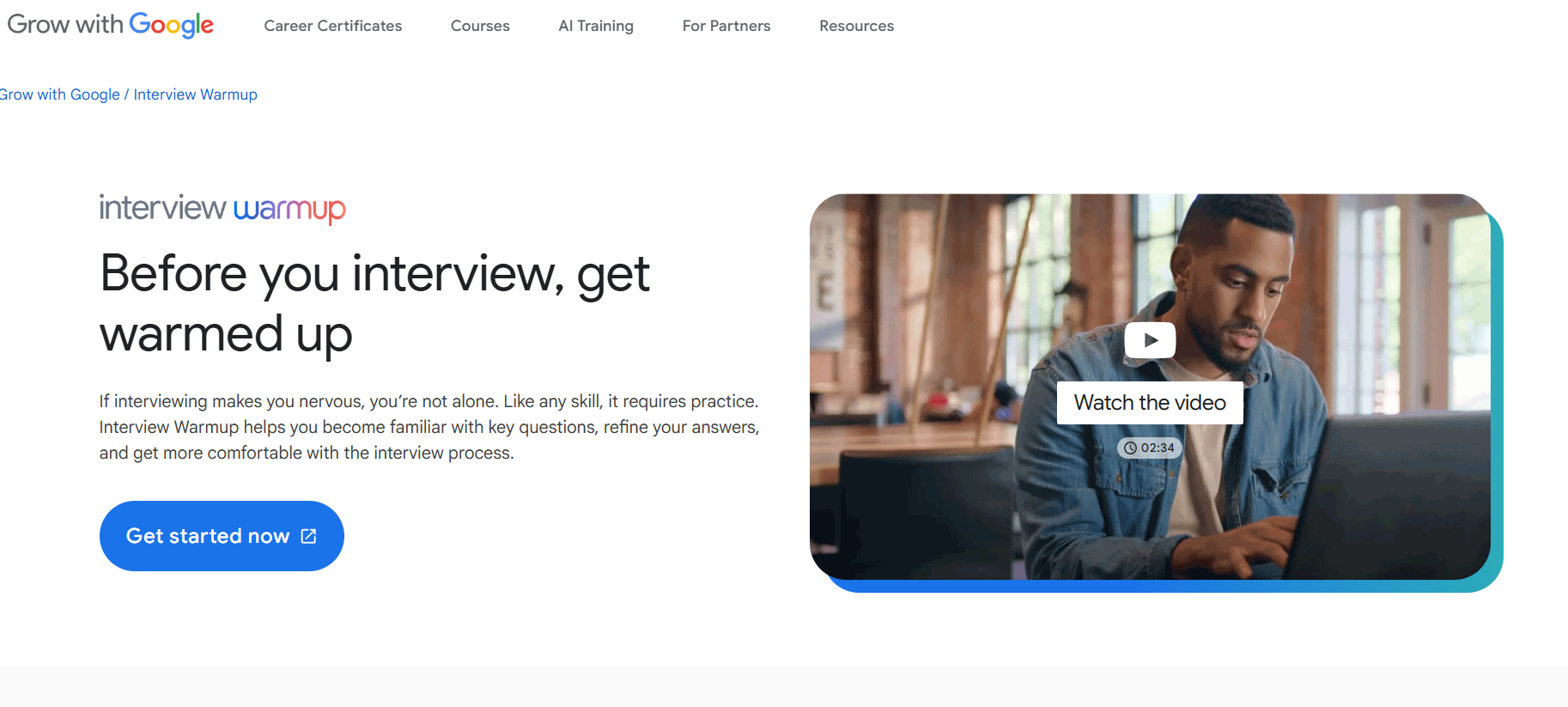
Interview Warmup is a free tool from Google designed to help you get comfortable answering common interview questions. You speak your answers, and the AI transcribes them in real-time. It then analyzes your responses and gives you insights, highlighting key terms and suggesting talking points you might have missed.

  • Best For: AI Interview Practice
  • Use Case Example: A student practices answering “Tell me about yourself” and “What is your biggest weakness?” builds their confidence and refining their answers based on the AI’s feedback.
  • Pricing Details: Completely Free
  • What You’ll Need: A web browser with a microphone.
  • Learning Curve: Beginner. Just visit the website and start practicing immediately.
  • What to Watch Out For: Feedback is based on keywords and topics, not on your tone of voice or body language.
Huntr

4. Huntr

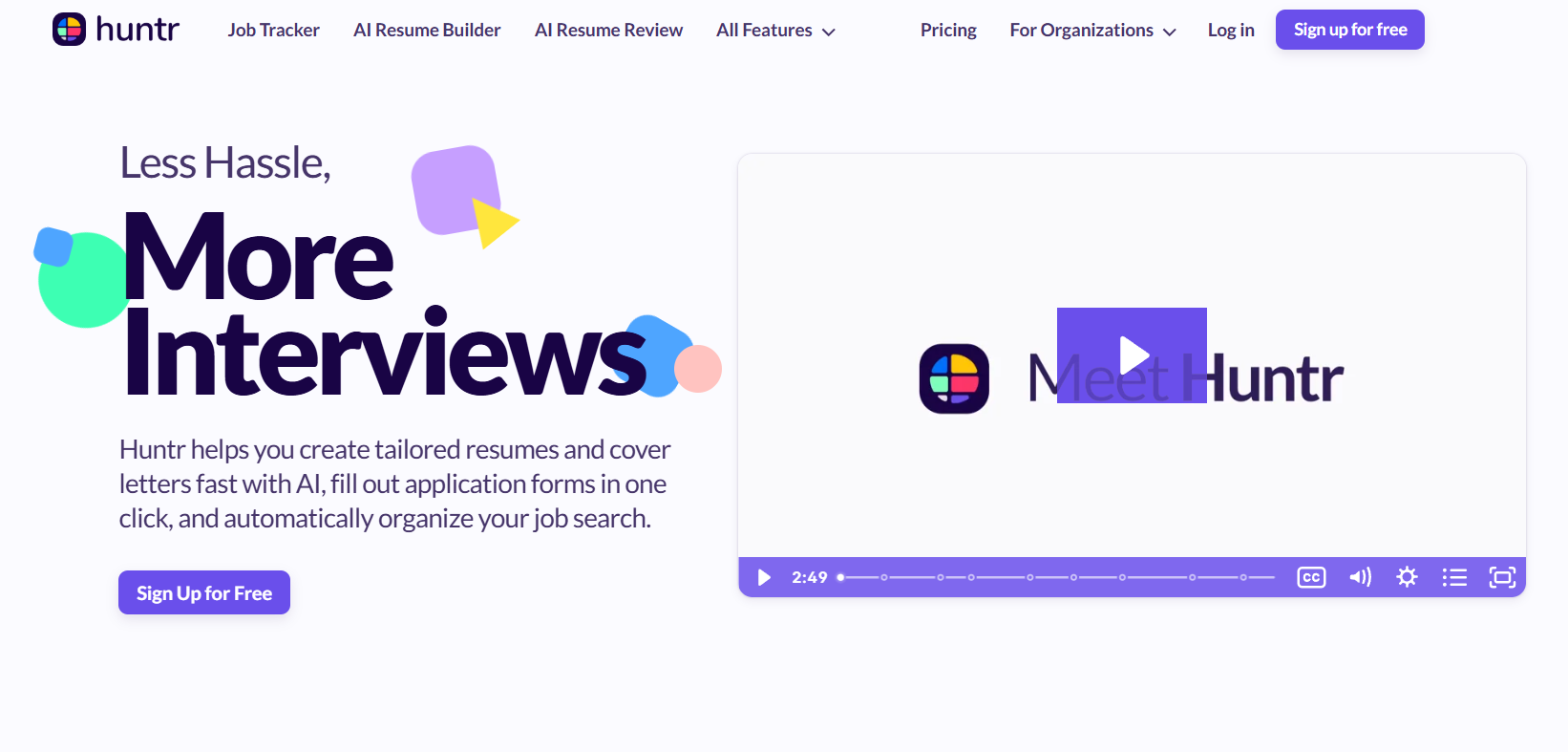
Huntr is a job tracker that turns your job search into an organized, visual board. Each job becomes a “card” that you can move through different stages like “Applied,” “Interviewing,” and “Offer.” It's a simple but incredibly effective way to see the status of all your applications at a glance.

  • Best For: Visual Job Application Tracker
  • Use Case Example: A student uses Huntr to track dozens of applications, easily seeing which companies they've heard back from and which ones need a follow-up.
  • Pricing Details: Freemium
  • What You’ll Need: A web browser; browser extension recommended.
  • Learning Curve: Beginner. Kanban board interface is very intuitive.
  • What to Watch Out For: Free plan has limits on advanced features like analytics and document storage.
Careerflow.ai

5. Careerflow.ai

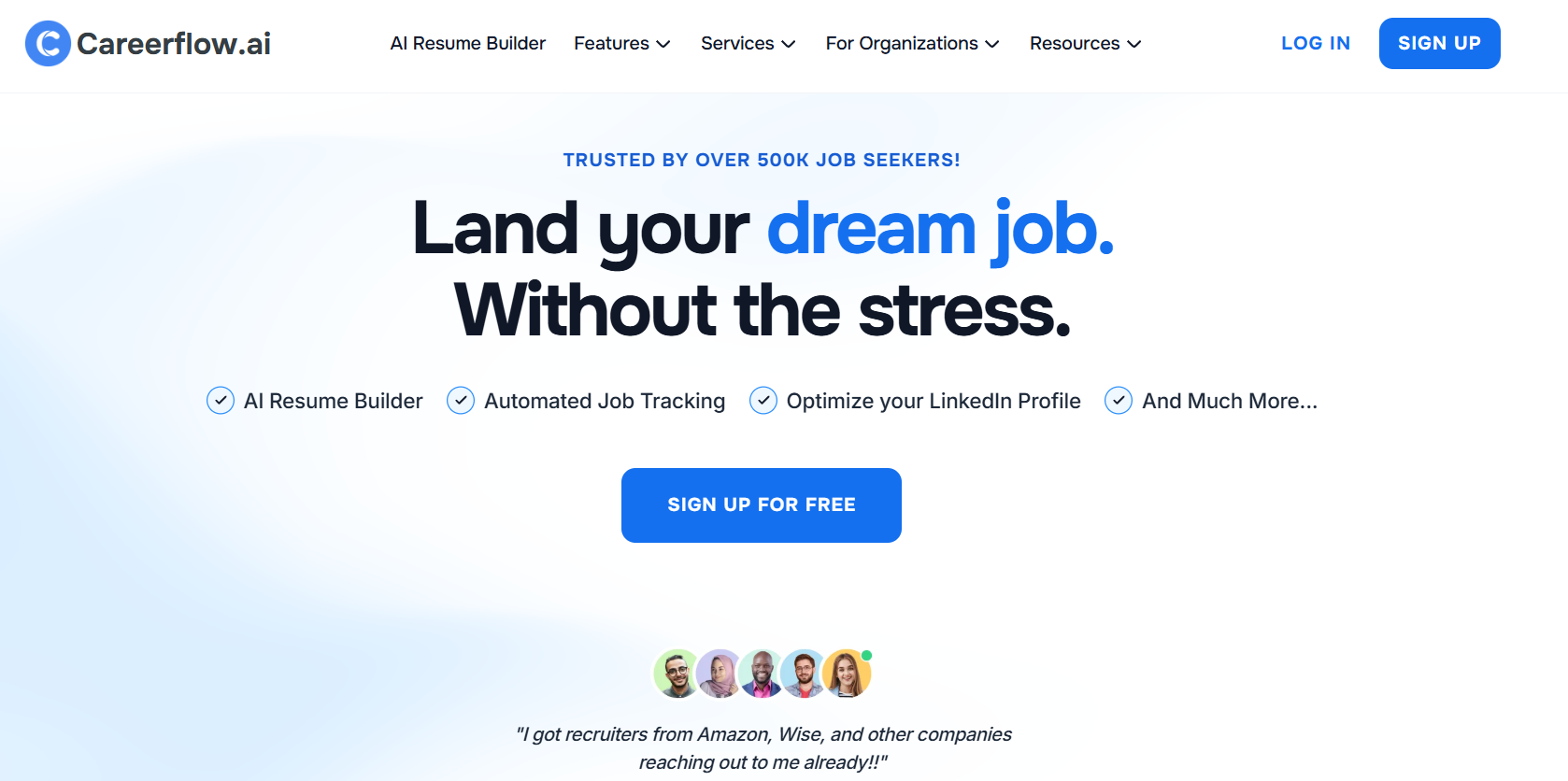
Careerflow is a suite of AI tools designed to help you perfect your personal branding. Its standout feature is the LinkedIn Profile Review tool, which analyzes your profile and gives you a score with specific, actionable suggestions on how to improve each section to attract recruiters.

  • Best For: LinkedIn & Resume Optimization
  • Use Case Example: A student uses Careerflow's AI to get a detailed checklist of improvements for their LinkedIn profile, such as a more effective headline and “About” section.
  • Pricing Details: Freemium
  • What You’ll Need: A web browser and a LinkedIn account.
  • Learning Curve: Beginner. Tools are straightforward and provide clear advice.
  • What to Watch Out For: The free plan is quite limited, especially the resume builder; strengths are in LinkedIn optimization.
RedactAI

6. RedactAI

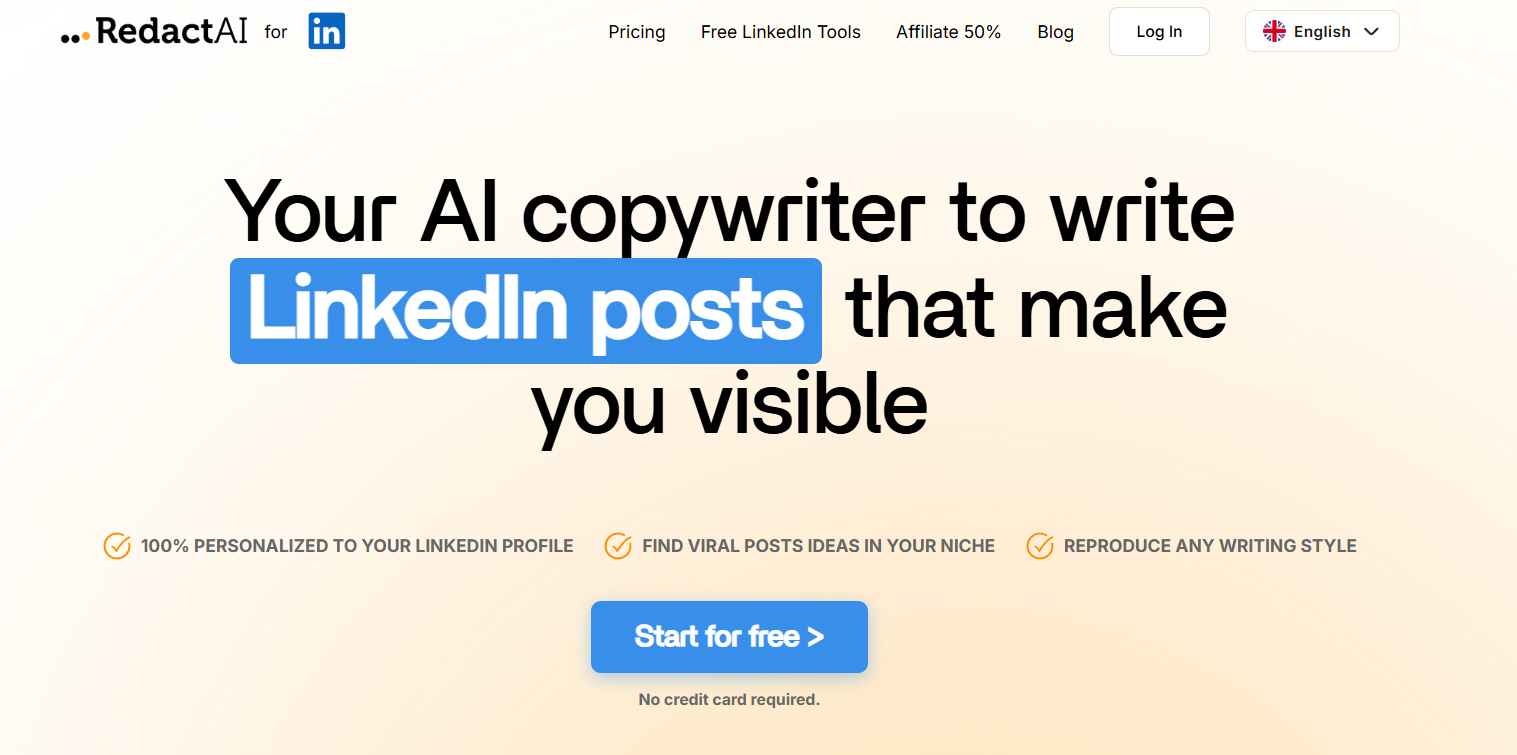
RedactAI is a specialized AI writer that analyzes your LinkedIn profile to create a personalized AI that writes new content in your unique style. It's a powerful tool for building a personal brand and staying active on LinkedIn without struggling to create engaging posts consistently.

  • Best For: AI-Powered LinkedIn Content
  • Use Case Example: A final-year student uses RedactAI to generate drafts for posts about their project and industry trends, staying visible to recruiters.
  • Pricing Details: Freemium
  • What You’ll Need: A web browser and a LinkedIn account.
  • Learning Curve: Beginner. Simple process: connect profile and start generating ideas.
  • What to Watch Out For: Suggestions depend heavily on your existing activity; works best if you've already posted a bit.
JobJette

7. JobJette

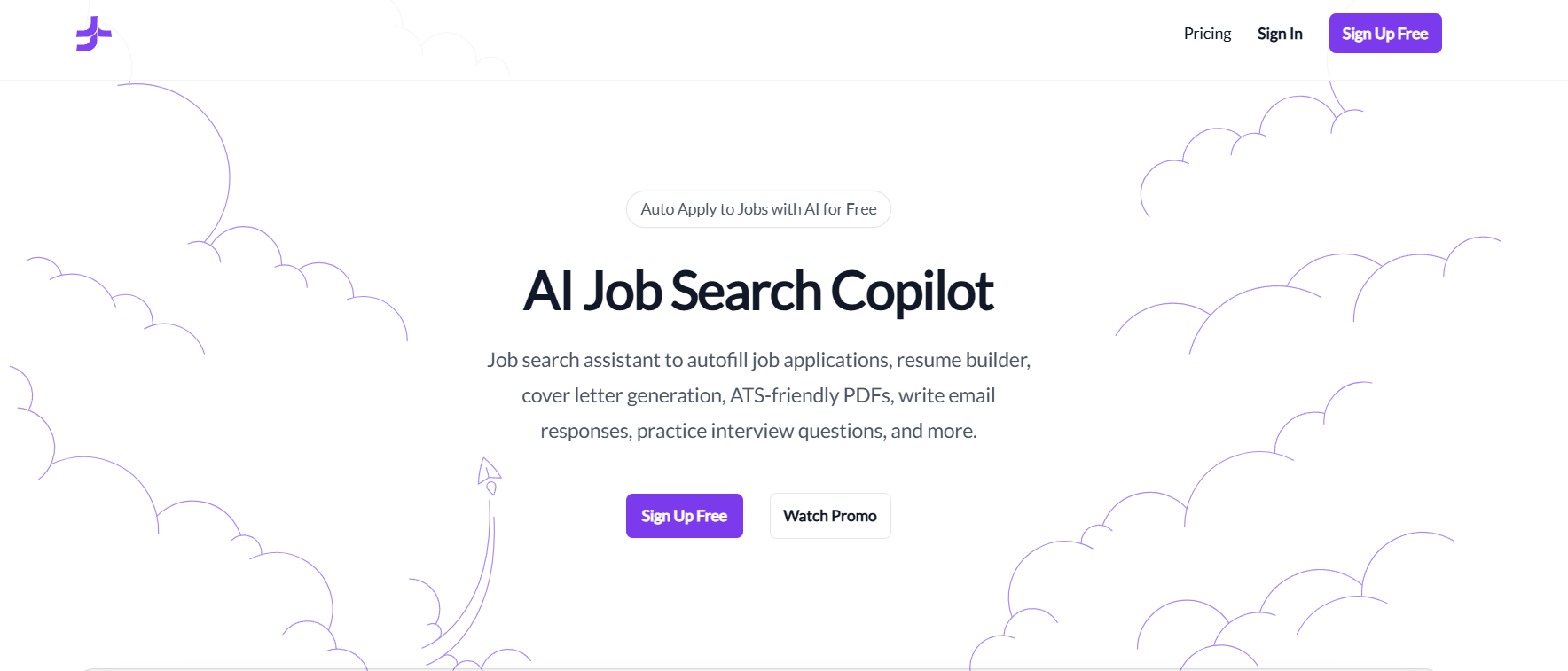
JobJette is an AI-powered job search copilot designed to save you from manually filling out applications. It works as a browser extension that can autofill your information across LinkedIn. It can also help tailor your resume and generate cover letters for screening questions.

  • Best For: AI Job Application Autofill
  • Use Case Example: A student applies to 20 jobs in one afternoon by using JobJette to automatically fill in contact info and answers, saving hours of work.
  • Pricing Details: Freemium
  • What You’ll Need: A web browser (Chrome) and a LinkedIn profile.
  • Learning Curve: Beginner. Once profile is set up, the extension is very easy to use.
  • What to Watch Out For: Must double-check every application to ensure the AI has filled in information correctly before submitting.
The Odin Project

8. The Odin Project

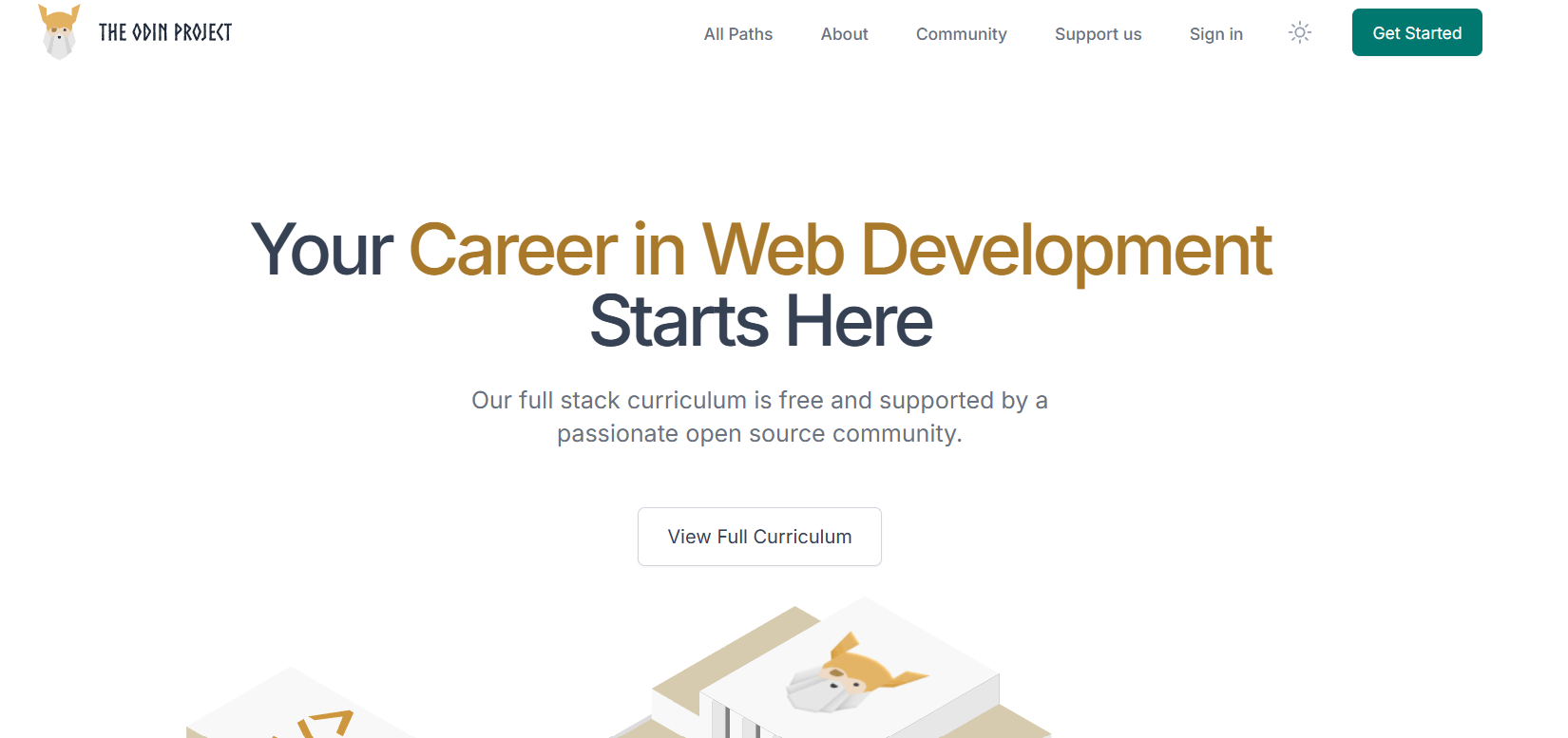
The Odin Project is an essential free resource for anyone who wants to build technical skills for a career in tech. It's a complete, open-source curriculum for learning full-stack web development, guiding you through building a portfolio of real, impressive projects.

  • Best For: Learning to Code for Free
  • Use Case Example: A student starts with “Foundations” and builds a real portfolio of web projects to demonstrate their technical skills to potential employers.
  • Pricing Details: Completely Free
  • What You’ll Need: A web browser.
  • Learning Curve: Intermediate. Requires commitment to go through project-based learning.
  • What to Watch Out For: It's a self-paced, rigorous curriculum that requires high motivation.
EasyGen

9. EasyGen

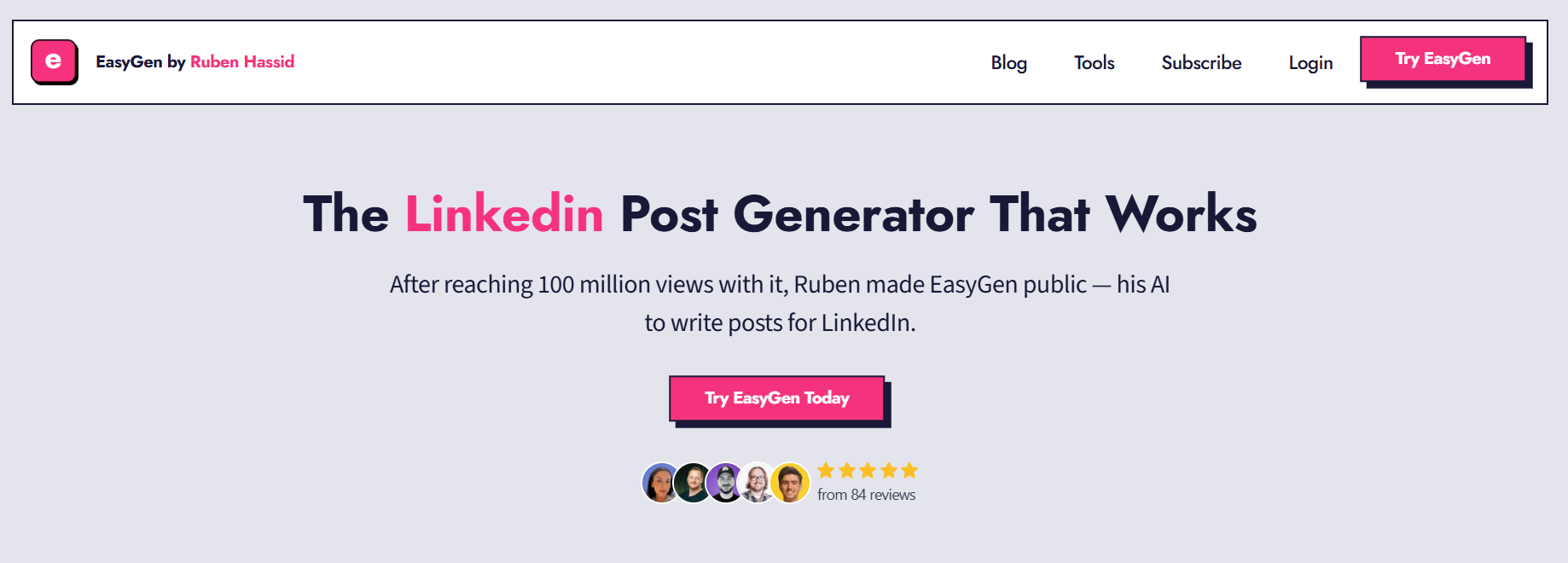
EasyGen is an AI-powered LinkedIn post generator designed to help you build authority in your niche. By turning your thoughts or projects into structured, engaging posts, it helps you maintain a professional brand that recruiters notice during their searches.

  • Best For: AI LinkedIn Post Generation
  • Use Case Example: A student uses EasyGen to turn a recent research project into a professional LinkedIn post, drawing attention to their analytical skills.
  • Pricing Details: Freemium (Limited)
  • What You’ll Need: A web browser and a LinkedIn profile.
  • Learning Curve: Beginner. Simple interface focused on content generation.
  • What to Watch Out For: Free tier has usage limits on the number of generated posts.
CareerVillage.org

10. CareerVillage.org

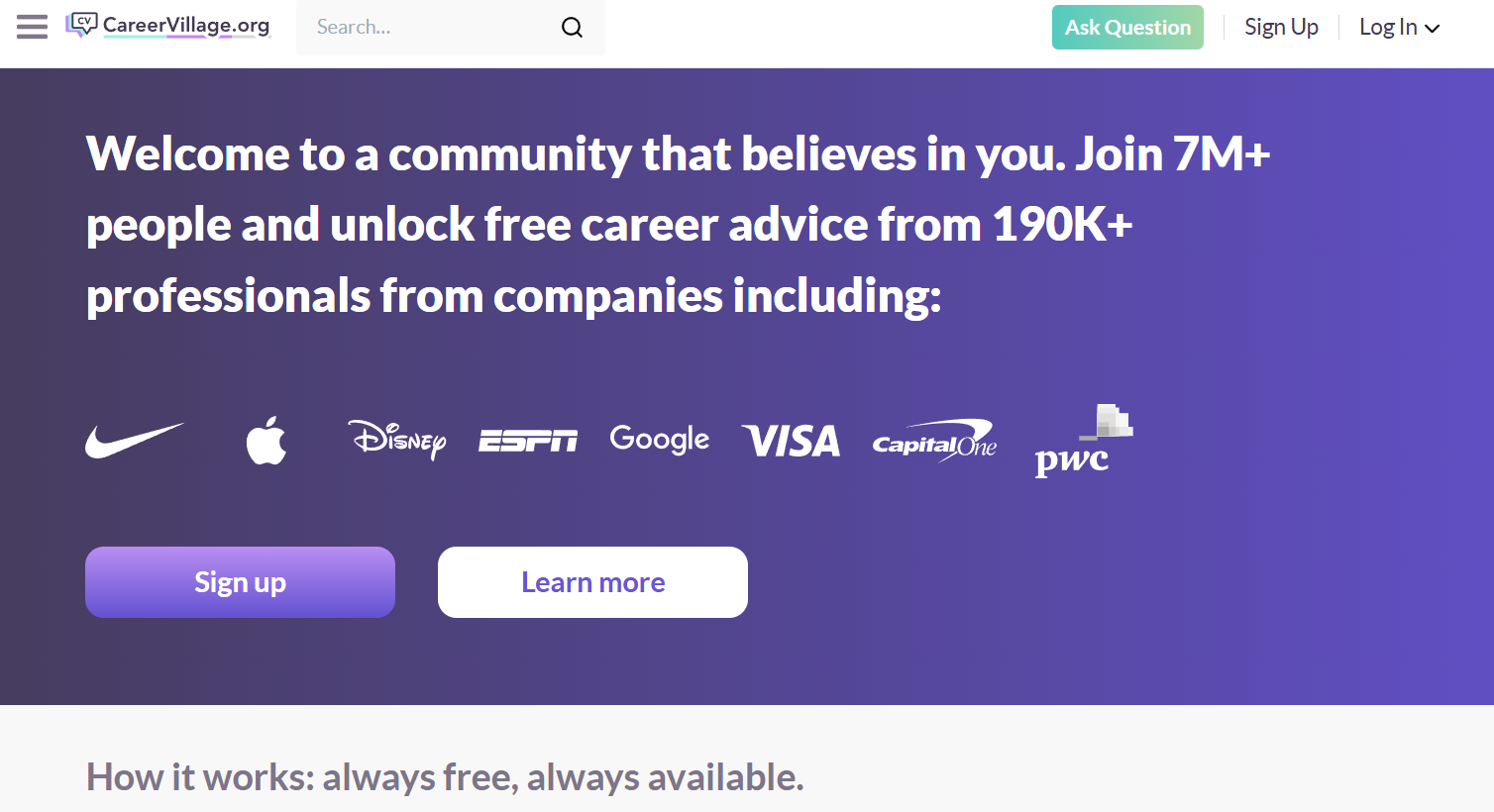
CareerVillage.org is a non-profit platform where students can ask career questions and get answers from a huge community of professionals. Their AI Career Coach gives instant, personalized advice on career paths, resume improvements, and interview preparation.

  • Best For: AI Career Coaching & Mentorship
  • Use Case Example: A student asks the AI Coach about common careers for their major and gets a detailed list of options with descriptions and next steps.
  • Pricing Details: Free (Non-Profit)
  • What You’ll Need: A web browser.
  • Learning Curve: Beginner. Simple, friendly chat interface.
  • What to Watch Out For: The coach provides advice and guidance, not a finished product like a completed resume.

Which Tool Should You Start With?

AI Tools Selection Guide - India Should Know

Feeling a bit overwhelmed by the options? Here’s a quick guide:

  • Professional Resume Creation: If you're just starting your resume, use Kickresume because its free plan is the best for creating and downloading a complete, professional document.
  • Interview Success Training: If you want to practice for an interview, go straight to Google Interview Warmup as it is completely free and incredibly effective.
  • Job Application Strategy: If you're actively applying for jobs, your first two stops should be Teal to track everything and JobJette to apply much faster.
  • Tech Career Foundations: If you want to build the skills for a tech career, start learning on The Odin Project to master the fundamentals for free.

Career Boosting AI Tools At Your Service

As you can see, you have an entire suite of powerful AI career coaches and assistants ready to help you, and the best ones won’t cost you a rupee. From building a resume that gets noticed to practicing for interviews with confidence, these tools can demystify the job hunting process and give you a real competitive edge.

The best way to learn is by doing. Pick one tool from this list that solves the biggest challenge you’re facing right now and give it a try. You’ll be amazed at how much more confident and organized you’ll feel on your path to landing your dream job.

Written By

Prateek Singh.

Last Updated – Febuary, 2026

About The Author

Prateek is a self-taught practitioner who believes the only real way to learn is by doing. He created IndiaShouldKnow.com from scratch, using AI as his primary learning partner to navigate everything from web development and UI/UX design to color theory and graphic engineering.

He works within the “engine room” of AI daily, using these tools to manage professional workflows including data visualization, digital marketing systems, and SEO architecture. Having personally tested and refined dozens of AI models across hundreds of real-world scenarios, Prateek focuses on the “how” behind the technology. He shares his self-taught workflows and prompting pillars to help others move past basic chat interactions and start using AI as a high-precision tool for their own goals.

FAQs About AI Use.

Can I trust every answer an AI tool gives me for my studies?

A: No, you should not trust every answer completely. Think of an AI as a super-smart assistant that has read most of the internet—but not every book in the library is accurate.

  • AI can sometimes make mistakes, misunderstand your question, or use outdated information.

     
  • It can even “hallucinate,” which means it confidently makes up an answer that sounds real but is completely false.


Rule of Thumb: Use AI answers as a great starting point, but never as the final, absolute truth. Always double-check important facts.

A: Verifying information is a crucial skill. It’s like being a detective for facts. Here are four simple steps:

  1. Check Your Course Material: Is the AI’s answer consistent with what your textbook, lecture notes, or professor says? This is your most reliable source.

  2. Look for Reputable Sources: Ask the AI for its sources or search for the information online. Look for links from universities (.edu), government sites (.gov), respected news organizations, or published academic journals.

  3. Cross-Reference: Ask a different AI the same question, or type your question into a standard search engine like Google. If multiple reliable sources give the same answer, it’s more likely to be correct.

  4. Use Common Sense: If an answer seems too perfect, too strange, or too good to be true, be extra skeptical and investigate it further.

A: This is a very important difference. It’s all about who is doing the thinking.

  • Using AI for Research (Good ✅):

    • Brainstorming topics for a paper.

    • Asking for a simple explanation of a complex theory.

    • Finding keywords to use in your library search.

    • Getting feedback on your grammar and sentence structure.

    • You are using AI as a tool to help you think and write better.

  • Using AI to Plagiarize (Bad ❌):

    • Copying and pasting an AI-generated answer directly into your assignment.

    • Asking the AI to write an entire essay or paragraph for you.

    • Slightly rephrasing an AI’s answer and submitting it as your own original thought.

    • You are letting the AI do the thinking and work for you.

A: Using AI ethically means using it to learn, not to cheat. Here’s how:

  1. Know the Rules: First and foremost, read your school’s or professor’s policy on using AI tools. This is the most important step.

  2. Be the Author: The final work you submit must be yours. Your ideas, your structure, and your arguments. Use AI as a guide, not the writer.

  3. Do the Heavy Lifting: Use AI to understand a topic, but then close the chat and write your summary or solve the problem yourself to make sure you have actually learned it.

  4. Be Transparent: If you used an AI in a significant way (like for brainstorming), ask your professor if you should mention it. Honesty is always the best policy.

A: Yes, an AI’s answer can definitely be biased. Since AI learns from the vast amount of text on the internet written by humans, it can pick up and repeat human biases.

Here’s how to spot potential bias:

  • Look for Opinions: Does the answer present a strong opinion as a fact?

  • Check for One-Sidedness: On a topic with multiple viewpoints (like politics or economics), does the AI only show one side of the argument?

  • Watch for Stereotypes: Does the answer use generalizations about groups of people based on their race, gender, nationality, or other characteristics?

To avoid being misled by bias, always try to get information from multiple, varied sources.

A: It is best to be very careful. You should not consider your conversations with most public AI tools to be private.

  • Many AI companies use your conversations to train their systems, which means employees or contractors might read them.

     
  • There is always a risk of data breaches or leaks.


A Simple Safety Rule: Do not upload or paste any sensitive information that you would not want a stranger to see. This includes:

  • Personal identification details.

  • Confidential research or unpublished papers.

  • Your school assignments before you submit them.

  • Any financial or private data.

Don’t get left behind in the age of AI. 🚀

The world is changing fast, and AI is the reason. Join the India Should Know community to get 1 simple weekly email with:

AI Speed-Hacks:

Do 4 hours of work in 30 minutes.

The Vault:

Access our private library of Gemini & ChatGPT prompts.

Career Edge: 

Smart tips to stay ahead in school and at the office.

Sign Up To Get Our Introduction To Prompt Building PDF

No spam. Just the good stuff, every Tuesday.

Scroll to Top