10 Amazing Free Resources to Learn AI & Prompting
From Google courses to hands-on Kaggle projects, here’s how to build valuable AI skills without spending money.
Trying to learn about Artificial Intelligence can feel like trying to drink from a firehose. There are so many complex topics, and most university-level textbooks or courses come with a hefty price tag. If you’re a student who is curious about AI and wants to learn how to use tools like Gemini or ChatGPT effectively, it’s easy to feel stuck before you even start.
But what if you could access a world-class education in AI and prompting, taught by experts from Google, DeepLearning.AI, and top universities, all for free?
That’s the incredible reality of the modern learning landscape. This guide is built for students who are eager to learn but are on a budget. We’ve done a deep dive to find the best resources for learning AI that are genuinely free forever or offer extensive free tiers, allowing you to build valuable, career-ready skills
What Can You Actually Do With These Resources?
Before we dive into the list, it's helpful to understand what makes these resources so game-changing for students.
- Build Foundational Knowledge: Understand what AI, machine learning, and generative AI actually are, explained in simple terms.
- Master the Art of Prompting: Learn how to write effective prompts to get exactly what you need from AI chatbots for your assignments and projects.
- Gain Practical, Hands-On Skills: Go beyond theory by building your first AI models, analyzing data, and using real developer tools.
- Earn Career-Boosting Credentials: Get free certificates and skill badges from respected organizations like Google and Kaggle to add to your resume and LinkedIn profile.
Quick Comparison Table
| Tool Name | Best For | Pricing Model | Ease of Use |
|---|---|---|---|
| Google AI Essentials | Foundational AI Concepts | Completely Free | Beginner |
| Coursera (Audit Mode) | University-Level Courses | Free Course Access | Beginner to Intermediate |
| Elements of AI | Understanding AI’s Impact | Completely Free | Beginner |
| Kaggle Learn | Hands-On Data Science | Completely Free | Intermediate |
| DeepLearning.AI | Expert-Led AI Courses | Free Course Access | Beginner to Developer |
| Hugging Face Courses | Natural Language Processing | Completely Free | Developer |
| freeCodeCamp | In-Depth Video Courses | Completely Free | Beginner to Developer |
| fast.ai | Practical Deep Learning | Completely Free | Intermediate |
| ML Crash Course (Google) | Technical Machine Learning | Completely Free | Intermediate |
| Google AI Studio | Experimenting with Models | Free to Use | Developer |
1. Google AI Essentials
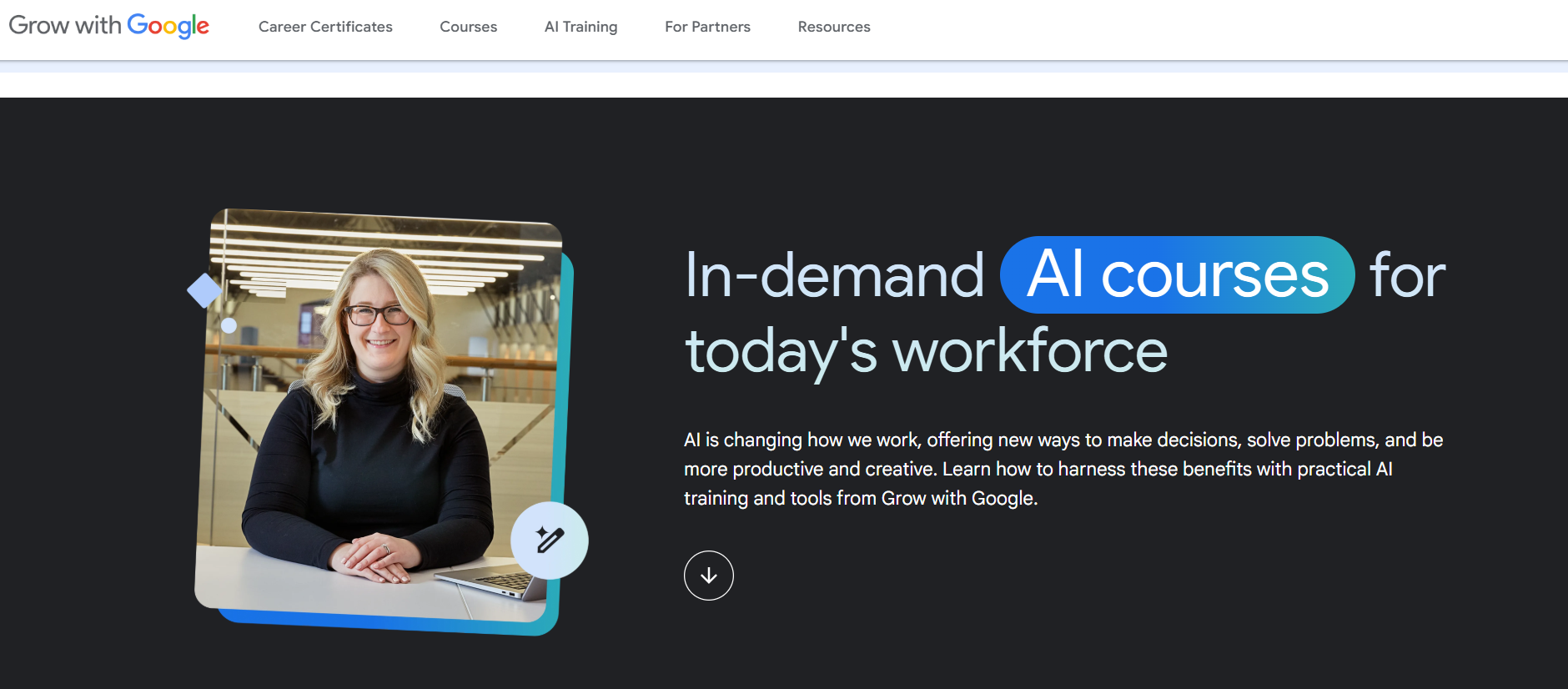
Google offers a high-quality suite of introductory courses that are perfect for beginners. These courses, available through Grow with Google, cover the core concepts of what AI is, how Large Language Models (LLMs) work, and how to use them effectively for daily tasks and projects.
- Best For: Learning the absolute fundamentals of AI and Generative AI from the source.
- Use Case Example: A student takes the "Introduction to Generative AI" course to understand how AI tools actually work and earns a skill badge.
- Pricing Details: Completely Free. All courses in this path are free, including digital badges upon completion.
- What You’ll Need: A web browser and a Google account.
- Learning Curve: Beginner. Designed specifically for those with no prior AI or technical knowledge.
- What to Watch Out For: These are introductory; they provide theory and concepts but not advanced coding models.
2. Coursera (Audit Mode)
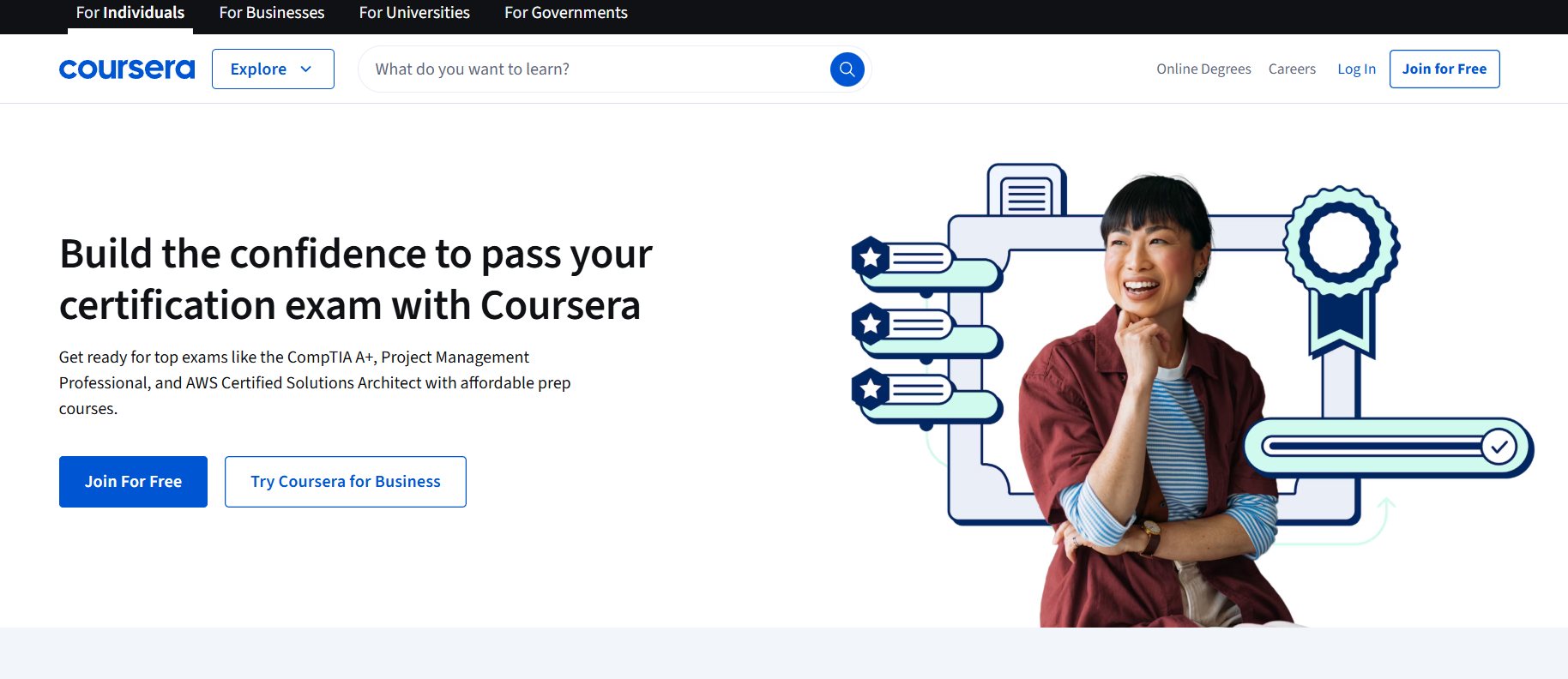
Coursera allows you to access courses from world-class institutions like Vanderbilt and Google. By using the "Audit" mode, you can watch all video lectures and access learning materials for free, including specialized courses on prompt engineering.
- Best For: Accessing university-level courses on AI and prompt engineering for free.
- Use Case Example: Auditing Vanderbilt's "Prompt Engineering for ChatGPT" to learn advanced techniques for structured outputs.
- Pricing Details: Free Course Access. Audit mode is free for most courses (no certificate or graded assignments).
- What You’ll Need: A web browser.
- Learning Curve: Beginner to Intermediate. Varies depending on the specific course selected.
- What to Watch Out For: In audit mode, you will not receive a professional certificate or credential.
3. Elements of AI
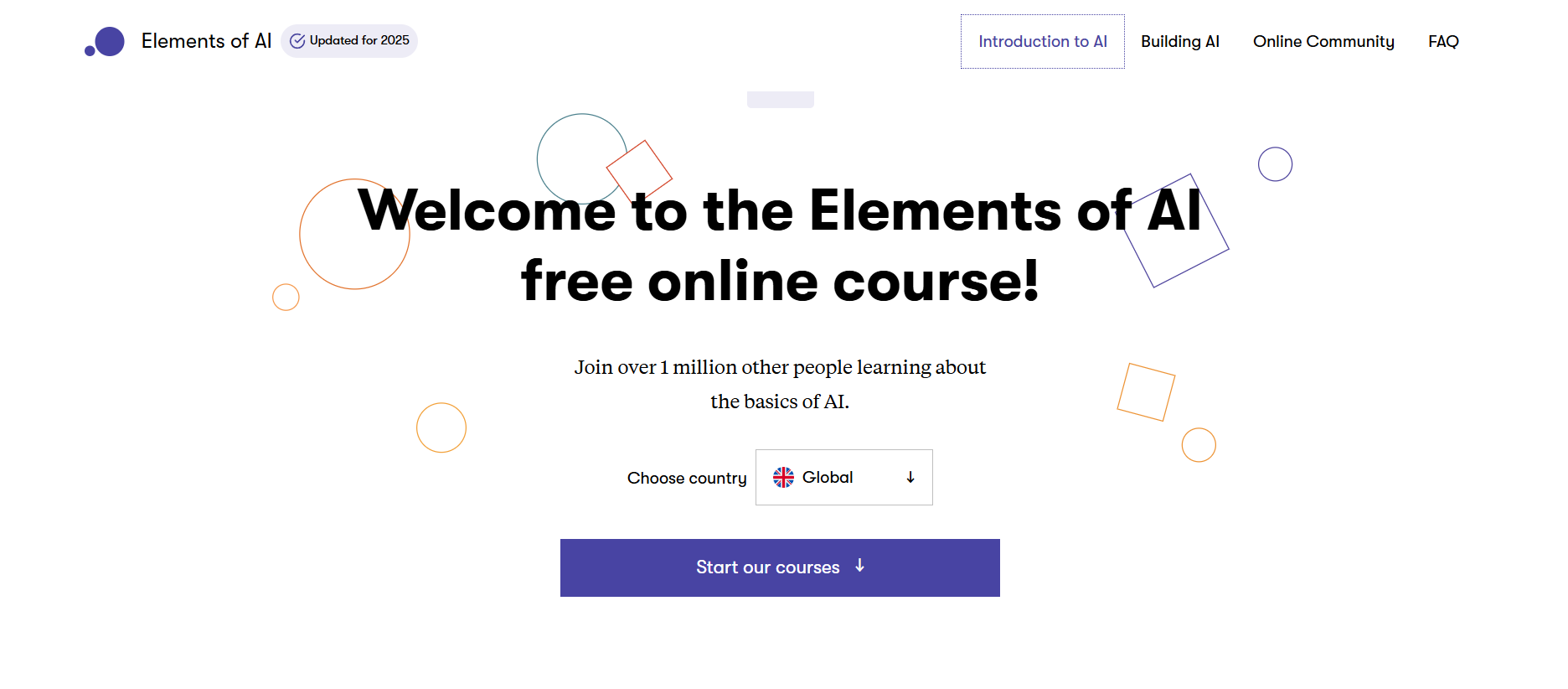
Created by the University of Helsinki, this course is designed to demystify artificial intelligence for everyone. It is a non-technical introduction that explains core AI concepts through real-world examples, focusing on societal impacts and basic logic.
- Best For: A clear, simple, and comprehensive introduction to what AI is and its impact.
- Use Case Example: A non-technical student takes the course to understand the ethical and practical applications of AI.
- Pricing Details: Completely Free. The course, exercises, and a certificate of completion are 100% free.
- What You’ll Need: A web browser.
- Learning Curve: Beginner. No programming or complex math is required.
- What to Watch Out For: Conceptual and theoretical; not intended for building technical AI software.
4. Kaggle Learn
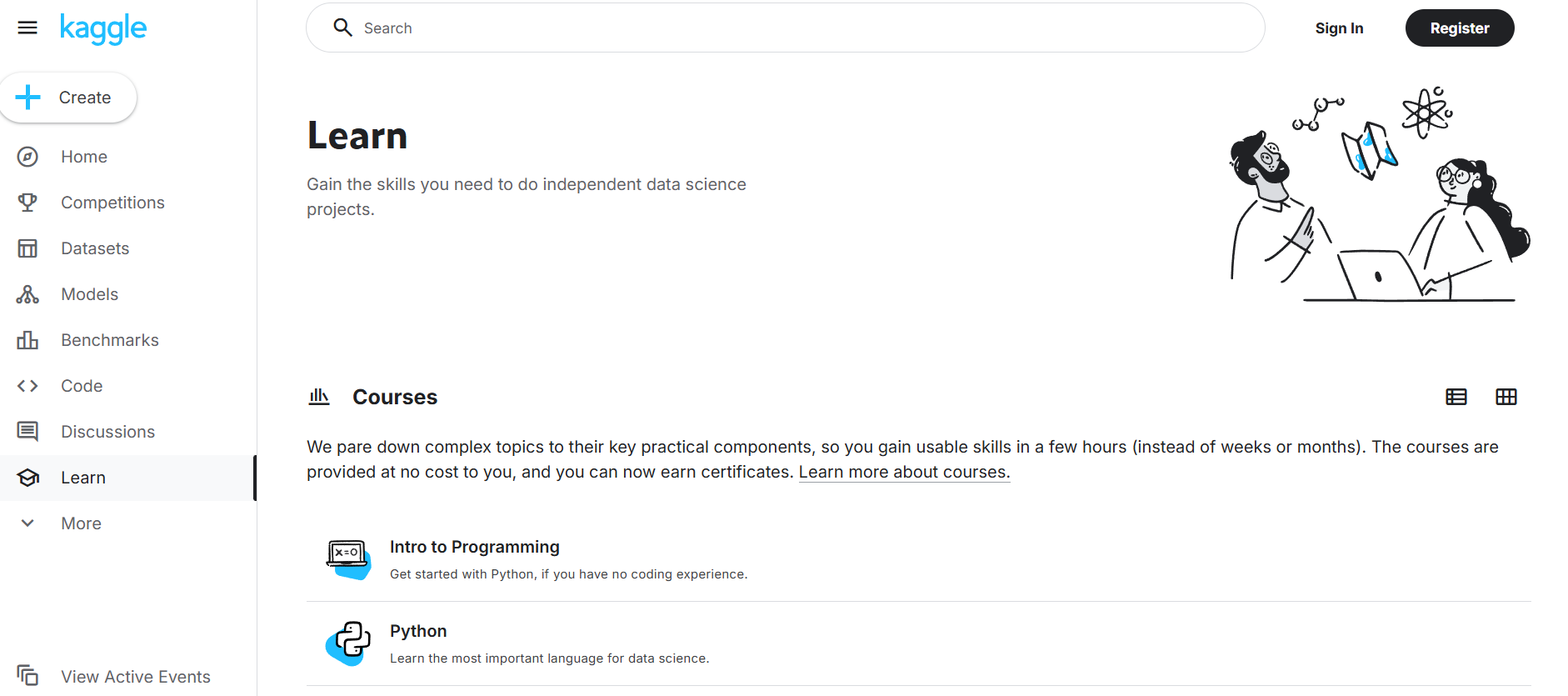
Kaggle's "Learn" section provides short, interactive tutorials where you apply AI concepts by writing code in a live environment. It is one of the best ways to learn practical data science and machine learning skills through direct experimentation.
- Best For: Hands-on, practical courses for learning data science and machine learning.
- Use Case Example: Writing Python code to train a real predictive model on a dataset in a live notebook.
- Pricing Details: Completely Free. All courses, notebook environments, and certificates are 100% free.
- What You’ll Need: A web browser.
- Learning Curve: Intermediate. Requires jumping into code immediately, so basic Python is helpful.
- What to Watch Out For: Specifically focused on data science, not general AI theory or software engineering.
5. DeepLearning.AI
Founded by AI pioneer Andrew Ng, DeepLearning.AI offers world-renowned courses. They provide high-quality introductory content and short, practical courses like "ChatGPT Prompt Engineering for Developers" that help you master modern tools.
- Best For: Expert-led AI courses from one of the most respected names in the field.
- Use Case Example: A developer learns specific techniques to write better prompts for coding and creative projects.
- Pricing Details: Free Course Access. Popular introductory courses can be audited for free on Coursera.
- What You’ll Need: A web browser.
- Learning Curve: Beginner to Developer. Offers content for both non-technical and technical learners.
- What to Watch Out For: Multi-course "Specializations" require a paid subscription for a certificate.
6. Hugging Face Courses
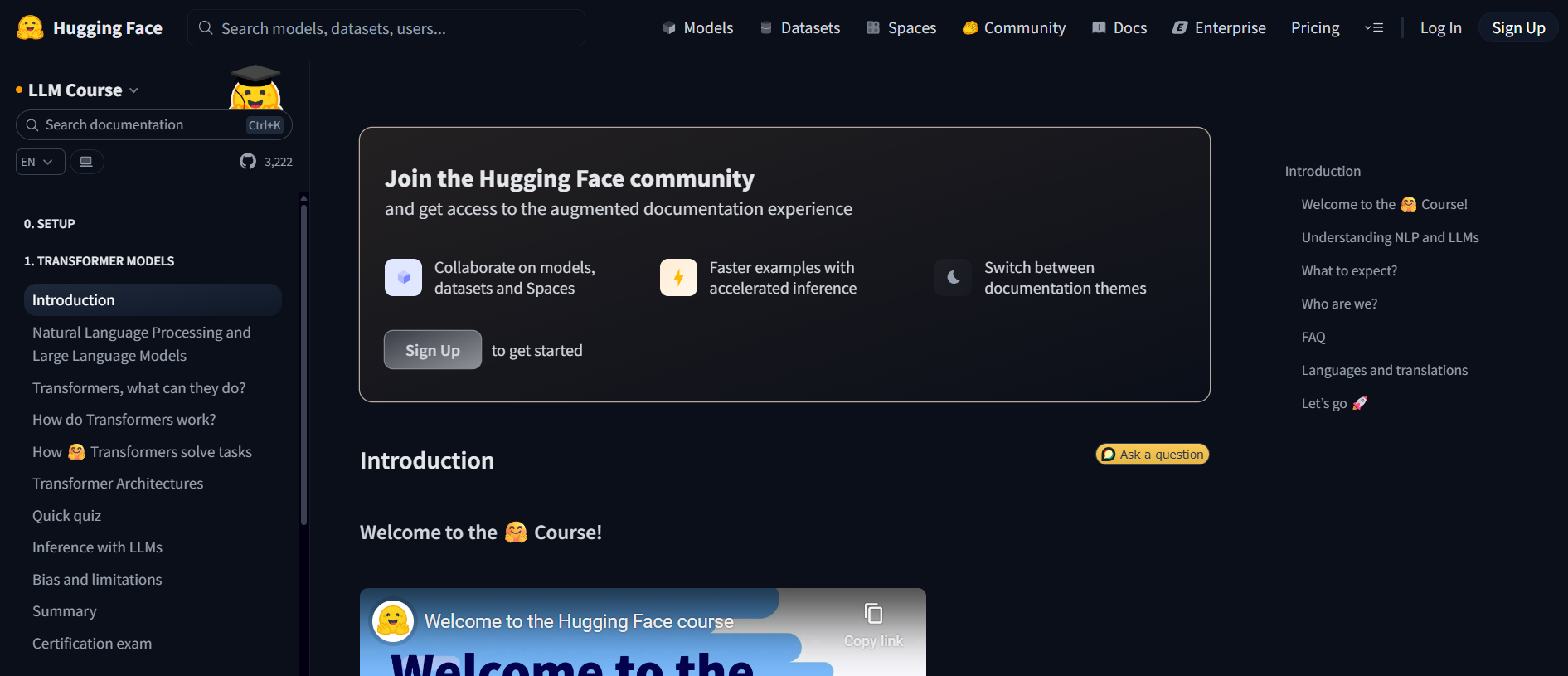
Hugging Face is the leading platform for open-source AI models. Their free courses teach you how to use state-of-the-art libraries for Natural Language Processing (NLP), making it easier to work with advanced models like BERT and GPT.
- Best For: Learning Natural Language Processing (NLP) with state-of-the-art developer tools.
- Use Case Example: A student builds a sentiment analysis tool to categorize customer reviews as positive or negative.
- Pricing Details: Completely Free. All course text, videos, and code examples are open-source and free.
- What You’ll Need: A web browser and a good understanding of Python.
- Learning Curve: Developer. Designed for those comfortable with code who want to dive into NLP.
- What to Watch Out For: This is a highly technical, code-intensive course, not for absolute beginners.
7. freeCodeCamp
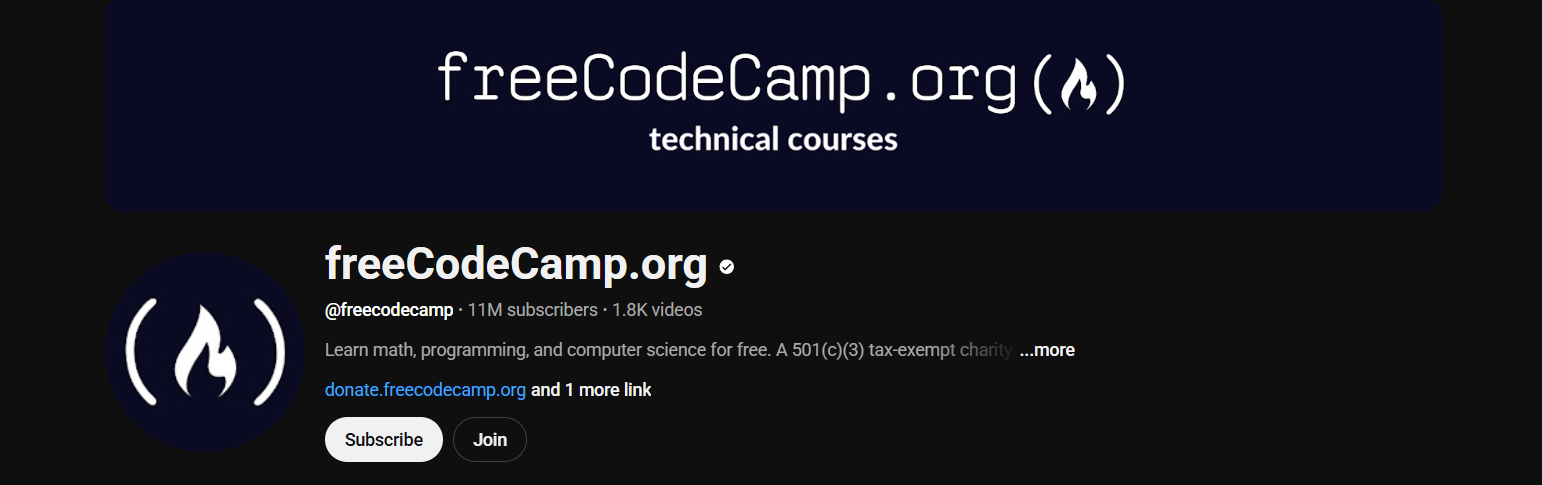
The freeCodeCamp YouTube channel is a massive library of long-form video courses on AI and machine learning. These courses cover both theory and practical application, often taught by university professors and seasoned industry experts.
- Best For: In-depth, university-level video courses on AI and ML for free on YouTube.
- Use Case Example: Watching a comprehensive 12-hour course on "Python for Machine Learning" to master essential libraries.
- Pricing Details: Completely Free. All content on their website and YouTube channel is 100% free.
- What You’ll Need: A web browser and a YouTube account.
- Learning Curve: Beginner to Developer. Content spans from basics to advanced deep learning.
- What to Watch Out For: Courses are very long and require significant time and self-discipline to finish.
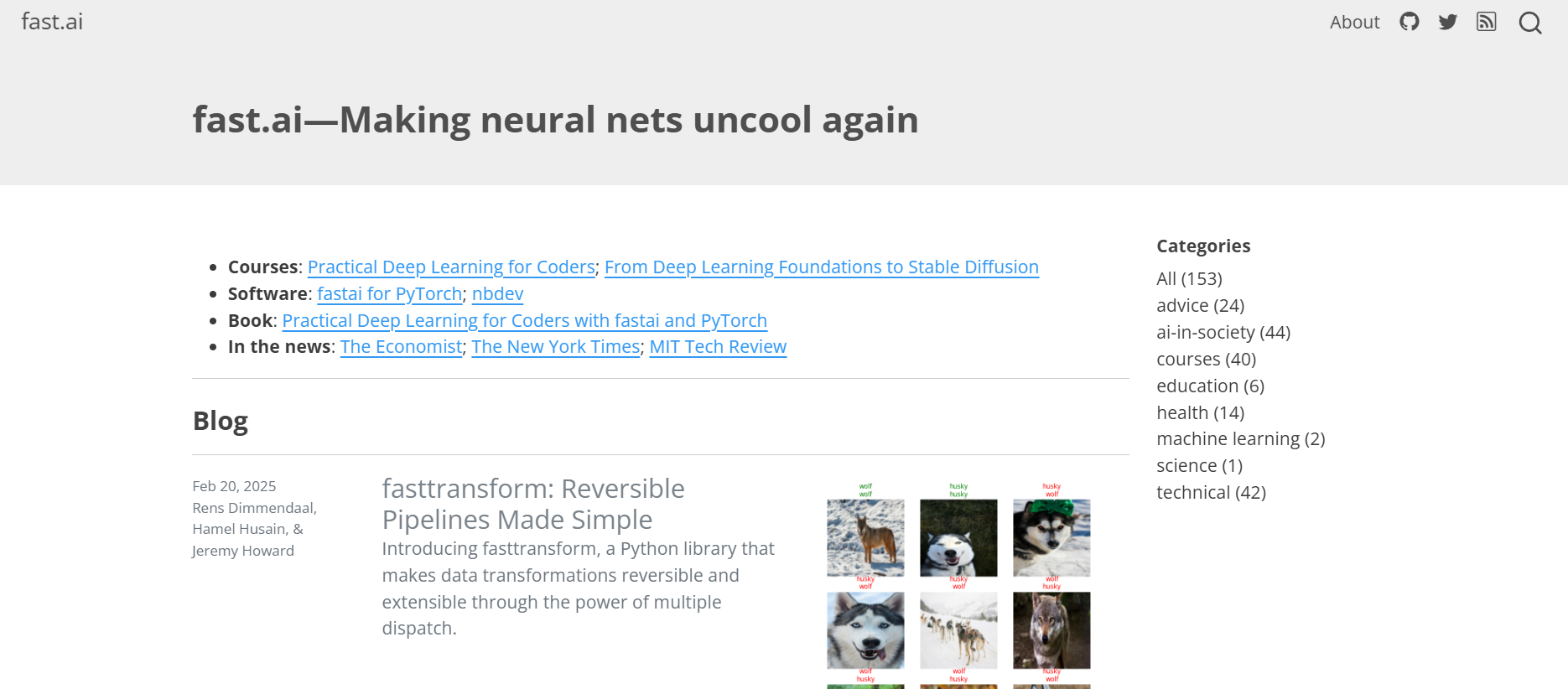
8. fast.ai
fast.ai offers one of the most practical "code-first" deep learning courses. They teach you how to build and train state-of-the-art models immediately, explaining the underlying theory afterward. It is perfect for learners who prefer doing over reading.
- Best For: A practical, code-first approach to learning deep learning and neural networks.
- Use Case Example: Learning to build a high-accuracy image classifier that distinguishes different animal species.
- Pricing Details: Completely Free. Video lectures, textbook, and code notebooks are all free.
- What You’ll Need: A web browser and a solid understanding of Python.
- Learning Curve: Intermediate. Moves quickly and assumes you already know how to code.
- What to Watch Out For: The course is fast-paced and challenging; it requires significant effort to keep up.
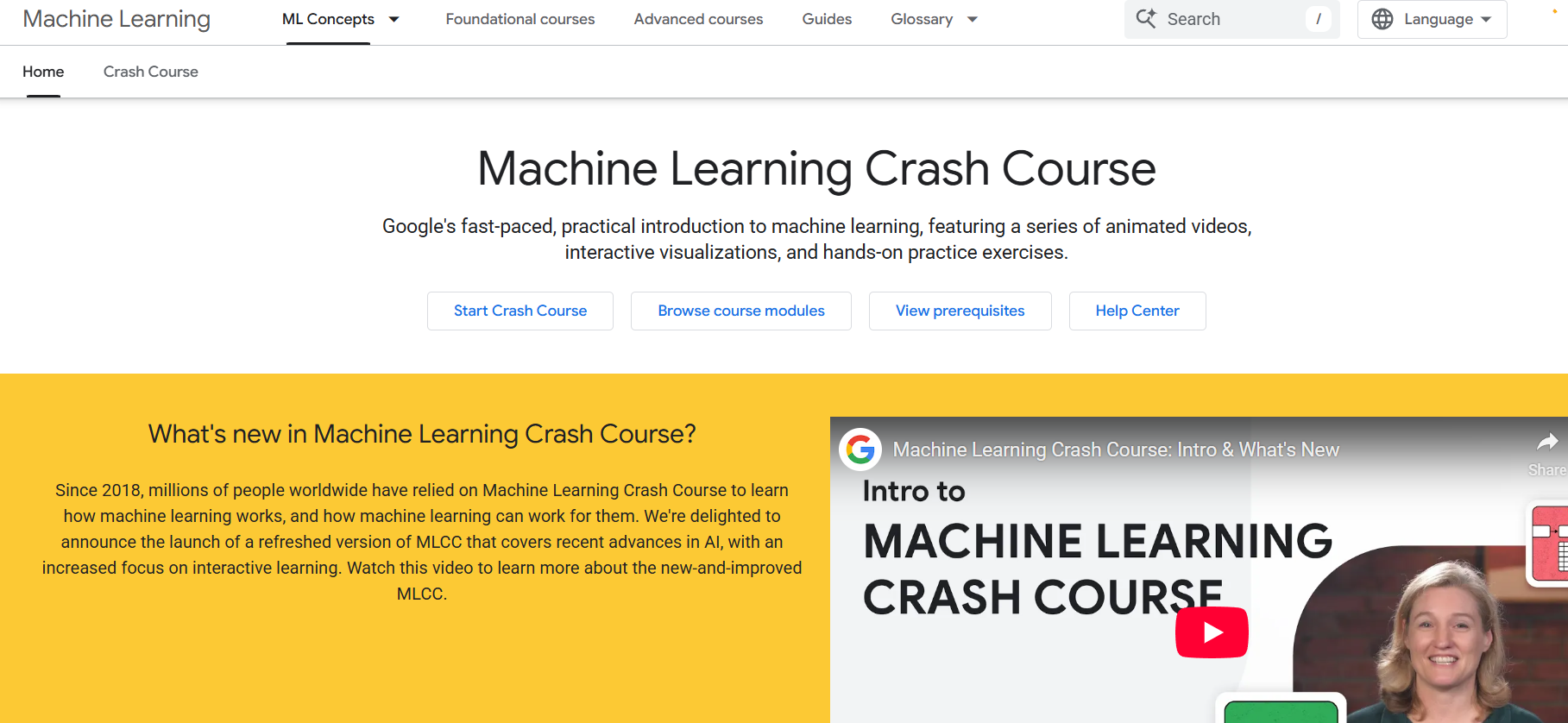
9. ML Crash Course
This is Google’s own technical crash course designed for rapid learning. It uses a mix of video lectures, interactive visualizations, and text to explain fundamental machine learning ideas like linear regression and neural networks.
- Best For: A fast-paced, technical introduction to machine learning from Google's experts.
- Use Case Example: Learning the technical details of model training concepts like "loss" and "gradient descent."
- Pricing Details: Completely Free. The entire course and interactive tools are free to access.
- What You’ll Need: A web browser. Basic programming and math concepts are helpful.
- Learning Curve: Intermediate. Moves quickly through complex technical concepts.
- What to Watch Out For: Designed as a "crash course," so it requires high motivation for self-study.
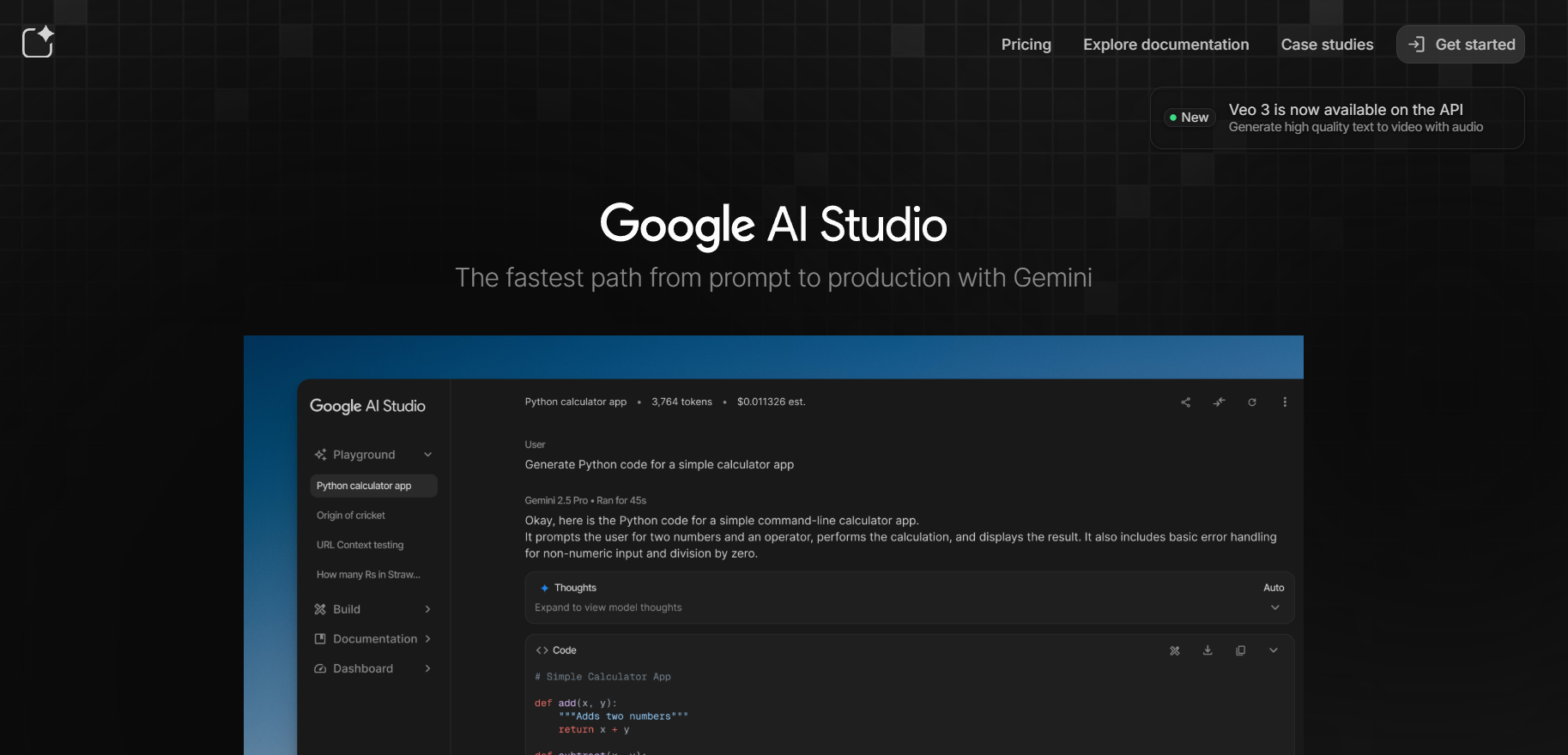
10. Google AI Studio
Google AI Studio is an interactive playground for experimenting with Gemini models. You can test prompts, view model responses, and generate code snippets in Python or JavaScript to integrate AI features directly into your own applications.
- Best For: Hands-on experimentation and prototyping with Google's latest Gemini AI models.
- Use Case Example: Crafting a prompt to summarize long articles and getting the code to build that feature into an app.
- Pricing Details: Free to Use. Includes a very generous free tier for student projects and testing.
- What You’ll Need: A web browser and a Google account.
- Learning Curve: Developer. Intended for a technical audience who wants to write AI-powered code.
- What to Watch Out For: A tool for building parts of an app, not a platform for creating a full standalone app.
Which Resource Should You Start With?
Feeling a bit overwhelmed by the options? Here’s a quick guide:
- Beginner AI Foundations: If you're an absolute beginner and want to know what AI is, start with Elements of AI or Google's AI Essentials as they are the perfect non-technical starting points.
- Practical Data Science Skills: If you want to learn practical data science skills, go straight to Kaggle Learn because their interactive courses are the best way to learn by doing.
- Deep Learning for Coders: If you know how to code and want to learn deep learning, your first stop should be fast.ai since its practical, code-first approach is incredibly effective.
- Advanced Prompt Engineering: If you just want to get better at prompting, audit one of the Coursera prompt engineering courses to master the art of AI communication.
Your Journey To Mastering AI Starts Here & Now
As you can see, you have access to a world-class education in AI and machine learning without needing to spend a single rupee. From foundational concepts to advanced, hands-on coding, these free resources provide a clear path for any student to build the skills that are shaping the future.
The best way to learn is by starting. Pick one resource from this list that excites you the most, whether it’s a short introductory course or a hands-on coding tutorial, and dive in. You’ll be amazed at how much you can learn and build.
Written By
Prateek Singh.
Last Updated – March, 2026
About The Author
Prateek is a self-taught practitioner who believes the only real way to learn is by doing. He created IndiaShouldKnow.com from scratch, using AI as his primary learning partner to navigate everything from web development and UI/UX design to color theory and graphic engineering.
He works within the “engine room” of AI daily, using these tools to manage professional workflows including data visualization, digital marketing systems, and SEO architecture. Having personally tested and refined dozens of AI models across hundreds of real-world scenarios, Prateek focuses on the “how” behind the technology. He shares his self-taught workflows and prompting pillars to help others move past basic chat interactions and start using AI as a high-precision tool for their own goals.
FAQs About AI Use.
Can I trust every answer an AI tool gives me for my studies?
A: No, you should not trust every answer completely. Think of an AI as a super-smart assistant that has read most of the internet—but not every book in the library is accurate.
AI can sometimes make mistakes, misunderstand your question, or use outdated information.
It can even “hallucinate,” which means it confidently makes up an answer that sounds real but is completely false.
Rule of Thumb: Use AI answers as a great starting point, but never as the final, absolute truth. Always double-check important facts.
How can I verify the information I get from an AI for my academic work?
A: Verifying information is a crucial skill. It’s like being a detective for facts. Here are four simple steps:
Check Your Course Material: Is the AI’s answer consistent with what your textbook, lecture notes, or professor says? This is your most reliable source.
Look for Reputable Sources: Ask the AI for its sources or search for the information online. Look for links from universities (.edu), government sites (.gov), respected news organizations, or published academic journals.
Cross-Reference: Ask a different AI the same question, or type your question into a standard search engine like Google. If multiple reliable sources give the same answer, it’s more likely to be correct.
Use Common Sense: If an answer seems too perfect, too strange, or too good to be true, be extra skeptical and investigate it further.
What is the difference between using AI for research and using it to plagiarize?
A: This is a very important difference. It’s all about who is doing the thinking.
Using AI for Research (Good ✅):
Brainstorming topics for a paper.
Asking for a simple explanation of a complex theory.
Finding keywords to use in your library search.
Getting feedback on your grammar and sentence structure.
You are using AI as a tool to help you think and write better.
Using AI to Plagiarize (Bad ❌):
Copying and pasting an AI-generated answer directly into your assignment.
Asking the AI to write an entire essay or paragraph for you.
Slightly rephrasing an AI’s answer and submitting it as your own original thought.
You are letting the AI do the thinking and work for you.
How can I use AI ethically to support my learning without violating my school's academic honesty policy?
A: Using AI ethically means using it to learn, not to cheat. Here’s how:
Know the Rules: First and foremost, read your school’s or professor’s policy on using AI tools. This is the most important step.
Be the Author: The final work you submit must be yours. Your ideas, your structure, and your arguments. Use AI as a guide, not the writer.
Do the Heavy Lifting: Use AI to understand a topic, but then close the chat and write your summary or solve the problem yourself to make sure you have actually learned it.
Be Transparent: If you used an AI in a significant way (like for brainstorming), ask your professor if you should mention it. Honesty is always the best policy.
Can an AI's answer be biased? How can I detect this in its responses?
A: Yes, an AI’s answer can definitely be biased. Since AI learns from the vast amount of text on the internet written by humans, it can pick up and repeat human biases.
Here’s how to spot potential bias:
Look for Opinions: Does the answer present a strong opinion as a fact?
Check for One-Sidedness: On a topic with multiple viewpoints (like politics or economics), does the AI only show one side of the argument?
Watch for Stereotypes: Does the answer use generalizations about groups of people based on their race, gender, nationality, or other characteristics?
To avoid being misled by bias, always try to get information from multiple, varied sources.
Is it safe to upload my personal notes, research papers, or assignments to an AI tool?
A: It is best to be very careful. You should not consider your conversations with most public AI tools to be private.
Many AI companies use your conversations to train their systems, which means employees or contractors might read them.
There is always a risk of data breaches or leaks.
A Simple Safety Rule: Do not upload or paste any sensitive information that you would not want a stranger to see. This includes:
Personal identification details.
Confidential research or unpublished papers.
Your school assignments before you submit them.
Any financial or private data.