10 Great Free Resources & Libraries for Free Books & Educational Repositories
Every student knows the pain of expensive textbooks. You’re given a long reading list at the start of the semester, and the cost of buying all those books can be incredibly high. Beyond textbooks, finding high-quality, reliable educational materials online for free can feel like searching for a needle in a haystack.
But what if you could access a global library filled with millions of free ebooks, university-level textbooks, classic literature, and peer-reviewed academic journals, all from your computer?
That’s the incredible reality of the open-access movement. This guide is built for students who are hungry for knowledge but are on a budget. We’ve done a deep dive to find the best free digital libraries and educational repositories that are genuinely free forever, allowing you to access a world-class education without spending a single penny.
What Can You Actually Do With These Resources?
Before we dive into the list, it's helpful to understand what makes these resources so game-changing for students.
- Access Free Textbooks: Find open-source, peer-reviewed textbooks for your college courses, saving you thousands of rupees.
- Read Classic Literature: Download virtually any classic book that is in the public domain for your literature classes or for personal enjoyment.
- Find Academic Research: Access millions of peer-reviewed journal articles and research papers for your assignments and projects.
- Explore a World of Knowledge: Dive into a vast collection of historical documents, audiobooks, and educational content on any topic imaginable.
Quick Comparison Table
| Tool Name | Best For | Pricing Model | Ease of Use |
|---|---|---|---|
| Project Gutenberg | Classic Literature & Ebooks | Completely Free | Beginner |
| Internet Archive | Digital Library of Everything | Completely Free | Beginner |
| OpenStax | Peer-Reviewed Textbooks | Completely Free | Beginner |
| DOAJ | Academic Journal Articles | Completely Free | Beginner |
| Google Scholar | Searching Academic Literature | Completely Free | Beginner |
| LibriVox | Public Domain Audiobooks | Completely Free | Beginner |
| Wikibooks | Open-Source Textbooks | Completely Free | Beginner |
| Open Textbook Library | College-Level Textbooks | Completely Free | Beginner |
| PDF Drive | Ebook Search Engine | Freemium | Beginner |
| World Digital Library | Historical & Cultural Documents | Completely Free | Beginner |
1. Project Gutenberg
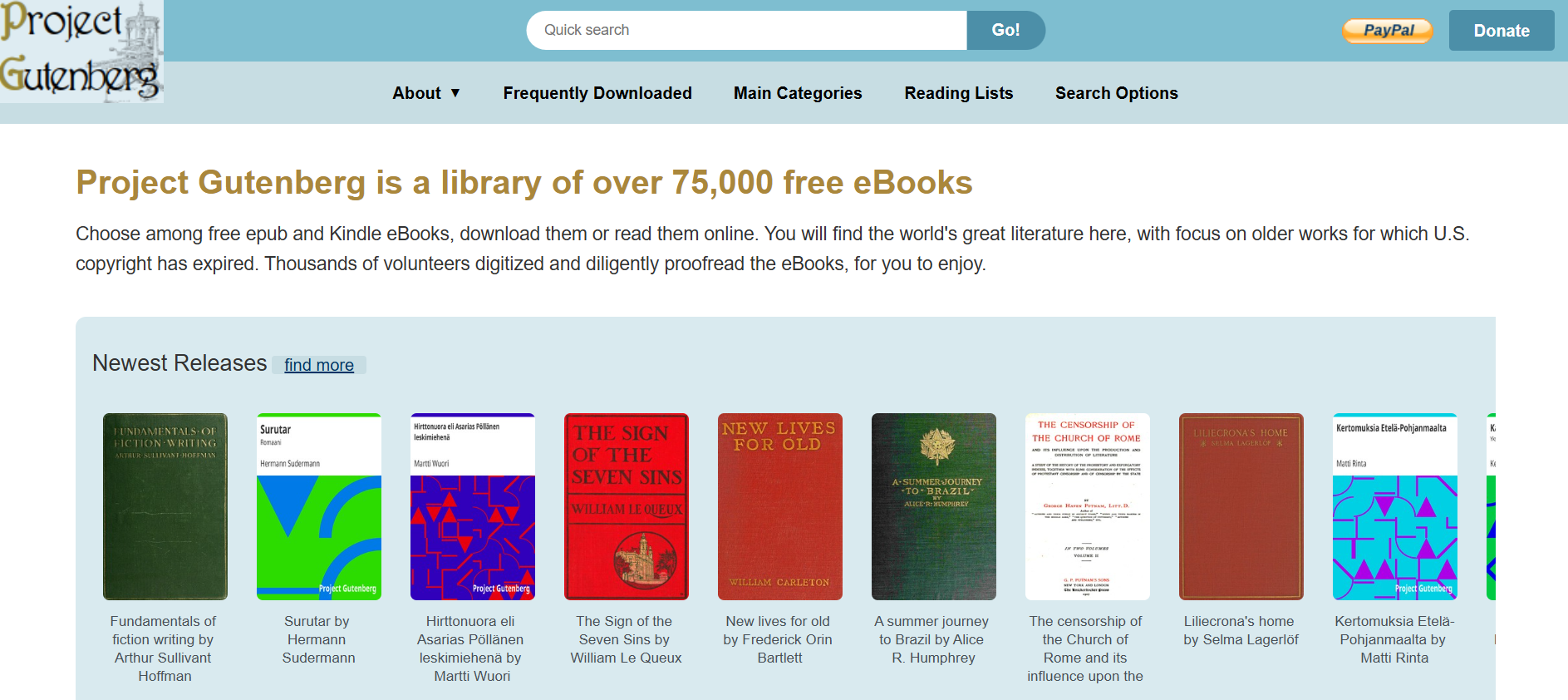
Project Gutenberg is the world’s oldest digital library and a true treasure of the internet. It is a volunteer-driven project to digitize works of literature that are in the public domain. It is the best place to find classic novels by authors like Charles Dickens, Jane Austen, and Mark Twain.
- Best For: Classic Literature & Ebooks that are out-of-copyright.
- Use Case Example: A literature student downloads "Pride and Prejudice" in ePub format to read on their phone for free.
- Pricing Details: Completely Free. All 70,000+ books are free to download and read.
- What You’ll Need: A web browser and an e-reader app if downloading files.
- Learning Curve: Beginner. The website is simple and extremely easy to search.
- What to Watch Out For: Focuses on older works; you won't find current bestsellers or modern textbooks.
2. Internet Archive
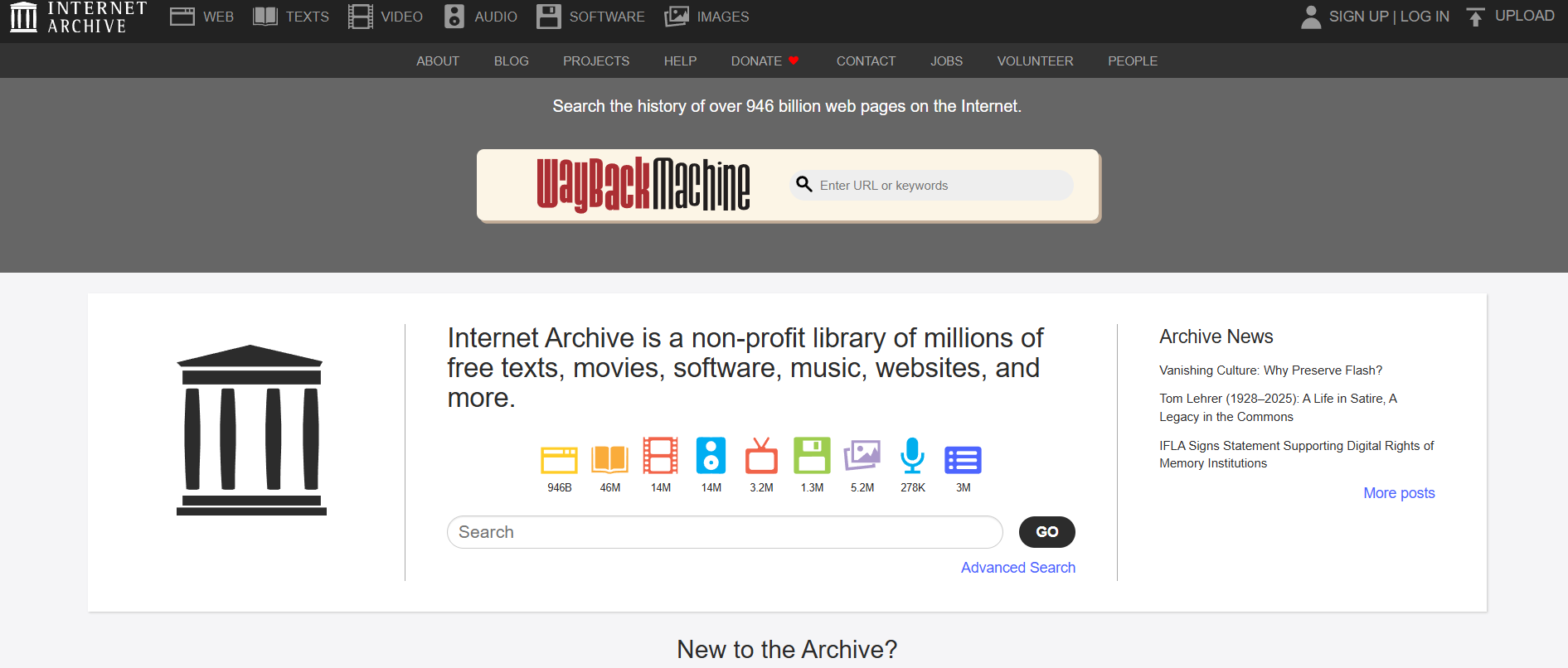
The Internet Archive is a non-profit library aiming for "Universal Access to All Knowledge." Its vast collection includes millions of books that can be "borrowed" for free in your browser. It also hosts the famous Wayback Machine to view archived versions of websites.
- Best For: A digital library of everything: books, movies, music, and archived websites.
- Use Case Example: A researcher borrows a digital copy of a rare book that isn't available in their local library.
- Pricing Details: Completely Free. All resources are free, though borrowing requires a free account.
- What You’ll Need: A web browser and a free Internet Archive account.
- Learning Curve: Beginner. The site is easy to search and the reader is user-friendly.
- What to Watch Out For: Borrowing time is limited (usually a few hours) and popular books may have waitlists.
3. OpenStax
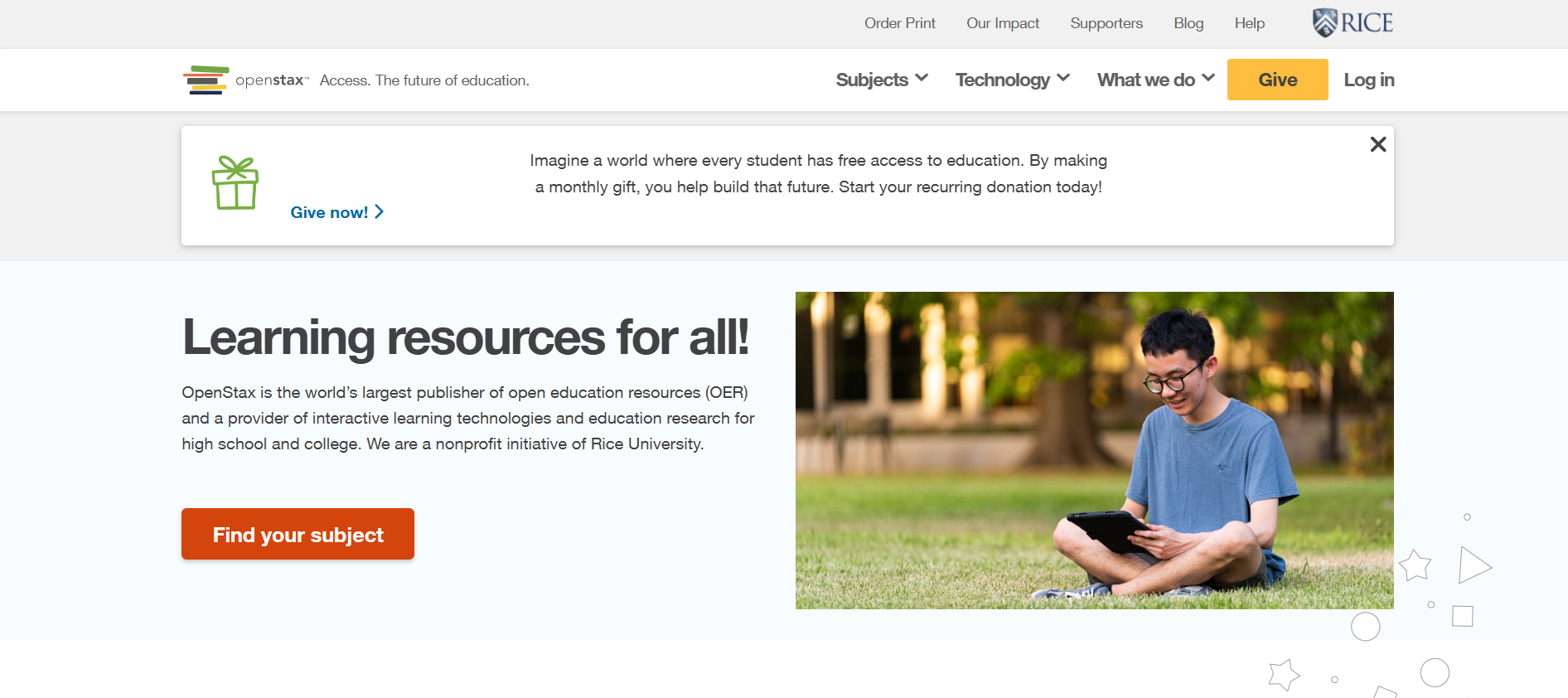
OpenStax is a non-profit initiative from Rice University that solves the problem of expensive textbooks. They provide high-quality, peer-reviewed textbooks for common undergraduate courses like physics, biology, and economics, used in real college classrooms.
- Best For: High-quality, peer-reviewed, and completely free university-level textbooks.
- Use Case Example: A B.Sc student finds their exact required physics textbook for free instead of paying thousands of rupees.
- Pricing Details: Completely Free. 100% free to view online or download as a PDF.
- What You’ll Need: A web browser.
- Learning Curve: Beginner. The website is extremely well-organized and easy to navigate.
- What to Watch Out For: Covers popular introductory subjects; niche or advanced courses might not be available.
4. DOAJ
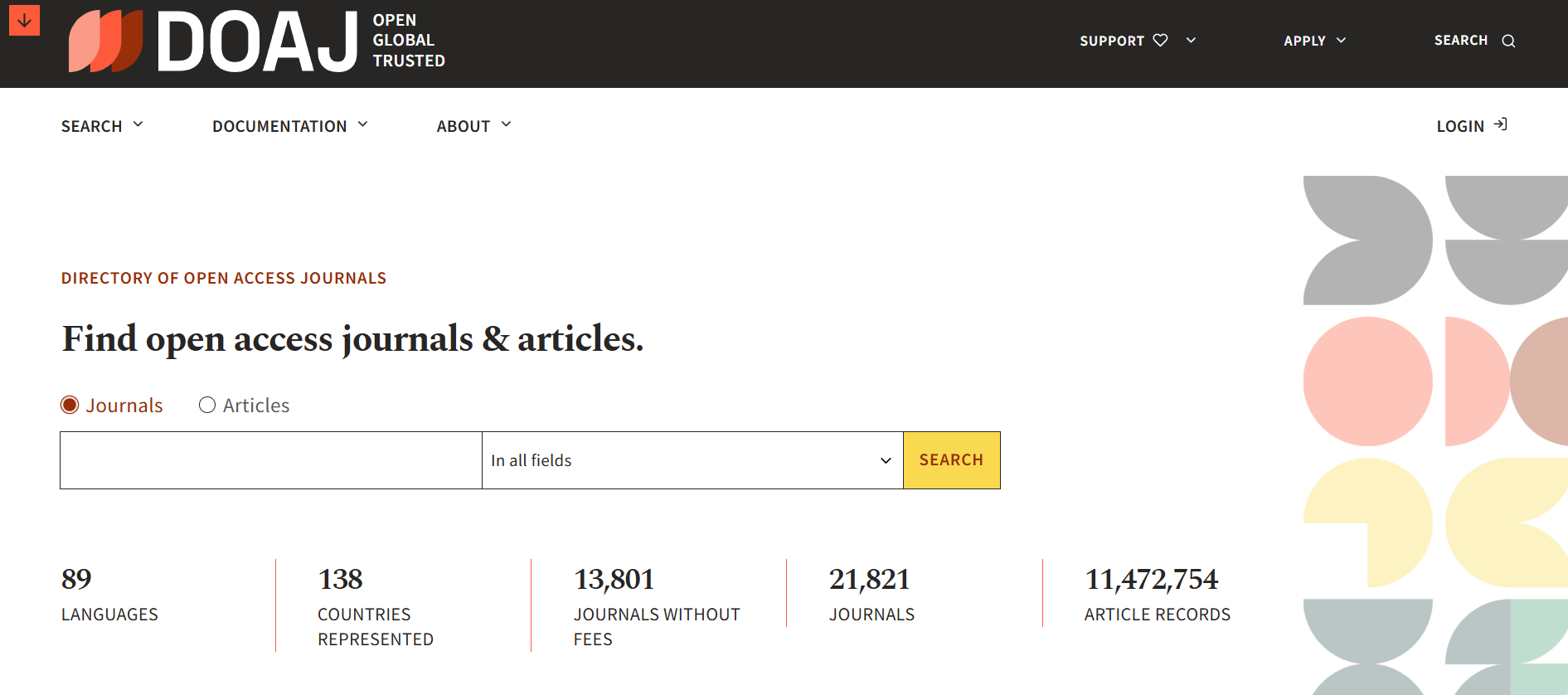
DOAJ is a curated directory of over 20,000 open-access journals. It covers all areas of science, technology, medicine, and social sciences, providing access to millions of peer-reviewed articles without the paywalls of traditional journals.
- Best For: Finding and accessing peer-reviewed academic journal articles.
- Use Case Example: A student finds high-quality research papers for their thesis project using the DOAJ search engine.
- Pricing Details: Completely Free. All journals and articles indexed are free to access.
- What You’ll Need: A web browser.
- Learning Curve: Beginner. Simple search interface optimized for research.
- What to Watch Out For: It's a directory, so clicking a result will take you to different journal websites.
5. Google Scholar
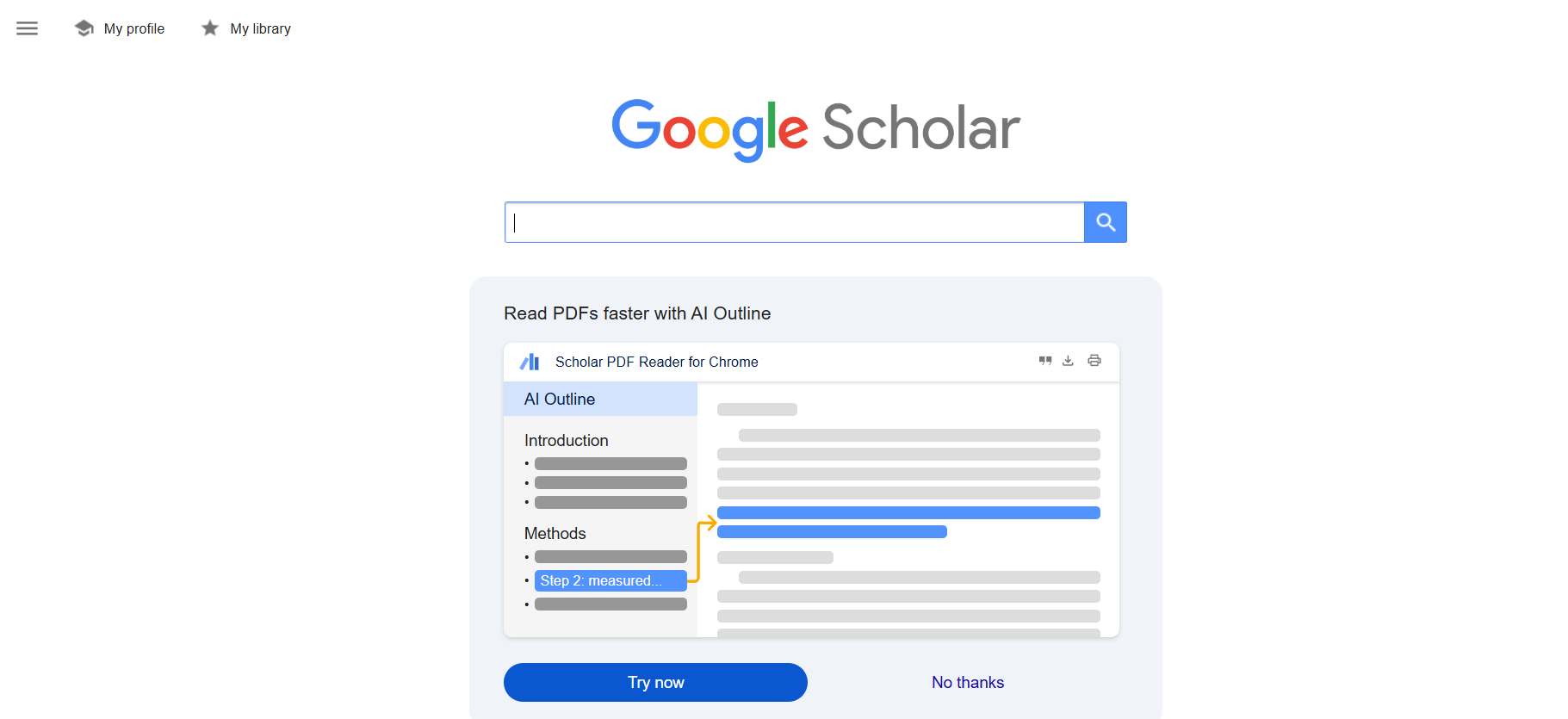
Google Scholar is the world's most powerful search engine for academic literature. It allows you to search across many disciplines and sources: articles, theses, books, and court opinions, from academic publishers and professional societies.
- Best For: Searching and finding academic literature and research papers.
- Use Case Example: Searching for specific academic topics to see who has cited them and find related free PDFs.
- Pricing Details: Completely Free. The search service is free, though some results may link to paywalled sites.
- What You’ll Need: A web browser.
- Learning Curve: Beginner. Uses the familiar Google search interface.
- What to Watch Out For: Look for the "[PDF]" link on the right side of results to find free full-text versions.
6. LibriVox
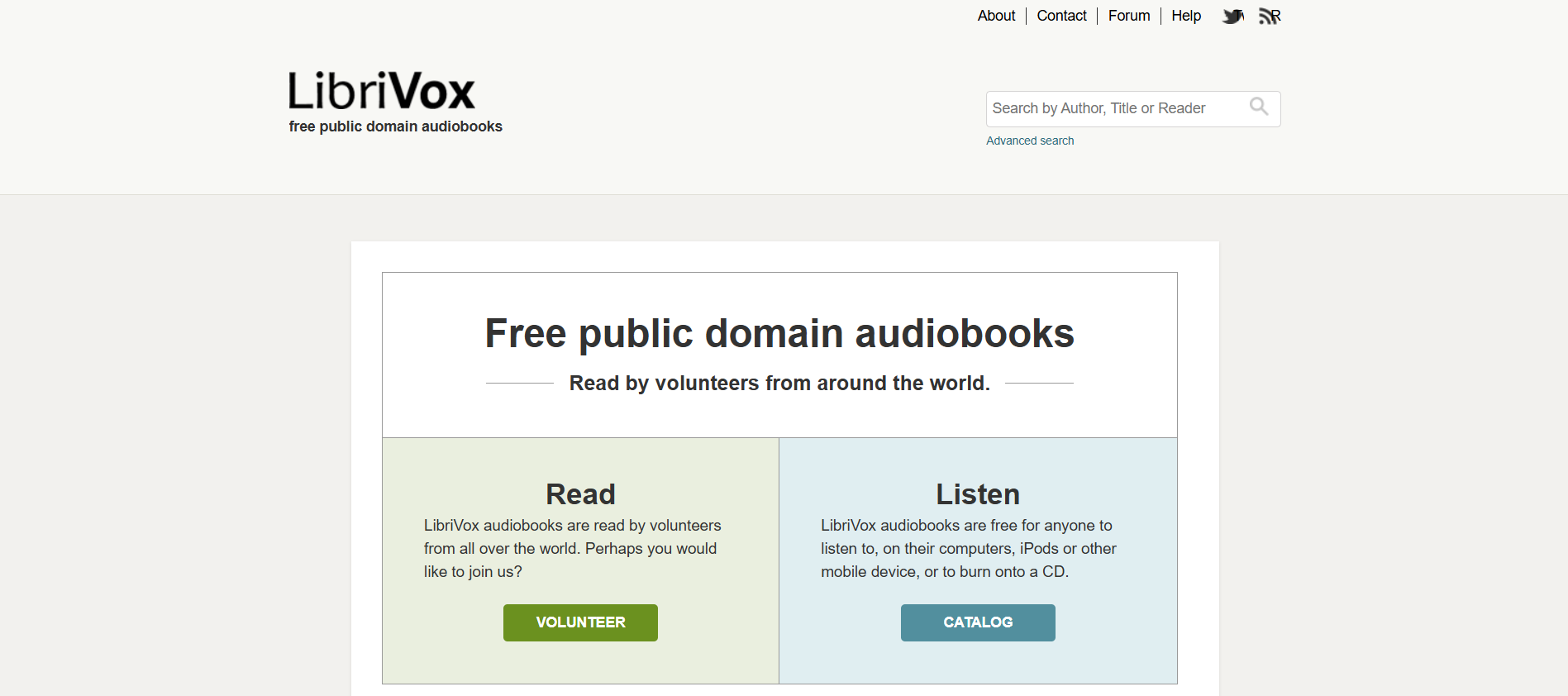
LibriVox is a volunteer-run community that records public domain books into audiobooks. It's the perfect resource for students who prefer listening to classic literature or want to consume their reading assignments while on the move.
- Best For: Free, public domain audiobooks read by volunteers.
- Use Case Example: Listening to "The Great Gatsby" or other classics during a commute to save time on reading assignments.
- Pricing Details: Completely Free. All audiobooks are free to listen to and download.
- What You’ll Need: A web browser or an audiobook app on your phone.
- Learning Curve: Beginner. Simple search by author, title, or genre.
- What to Watch Out For: Since these are volunteer recordings, the voice quality and style vary between readers.
7. Wikibooks
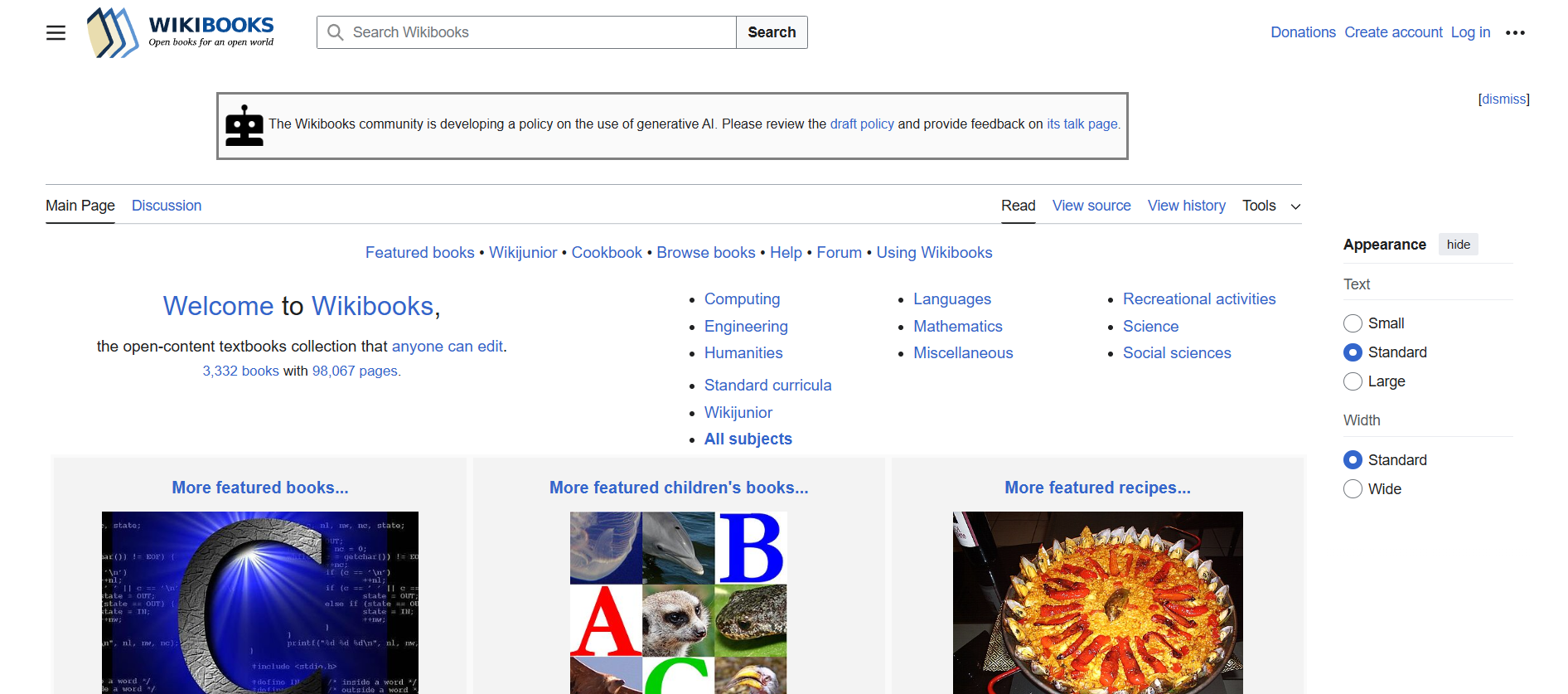
Wikibooks is a Wikimedia project for creating a free library of educational textbooks that anyone can edit. It offers supplementary materials across a huge range of subjects, from computer science to engineering and languages.
- Best For: Open-source, community-edited educational textbooks.
- Use Case Example: A programming student finds a clearer explanation of C++ logic in a Wikibook than in their official textbook.
- Pricing Details: Completely Free. Like Wikipedia, the entire library is free to read and use.
- What You’ll Need: A web browser.
- Learning Curve: Beginner. The interface is intuitive and similar to Wikipedia.
- What to Watch Out For: Quality can vary since content is volunteer-driven; check the "featured books" for the best quality.
8. Open Textbook Library
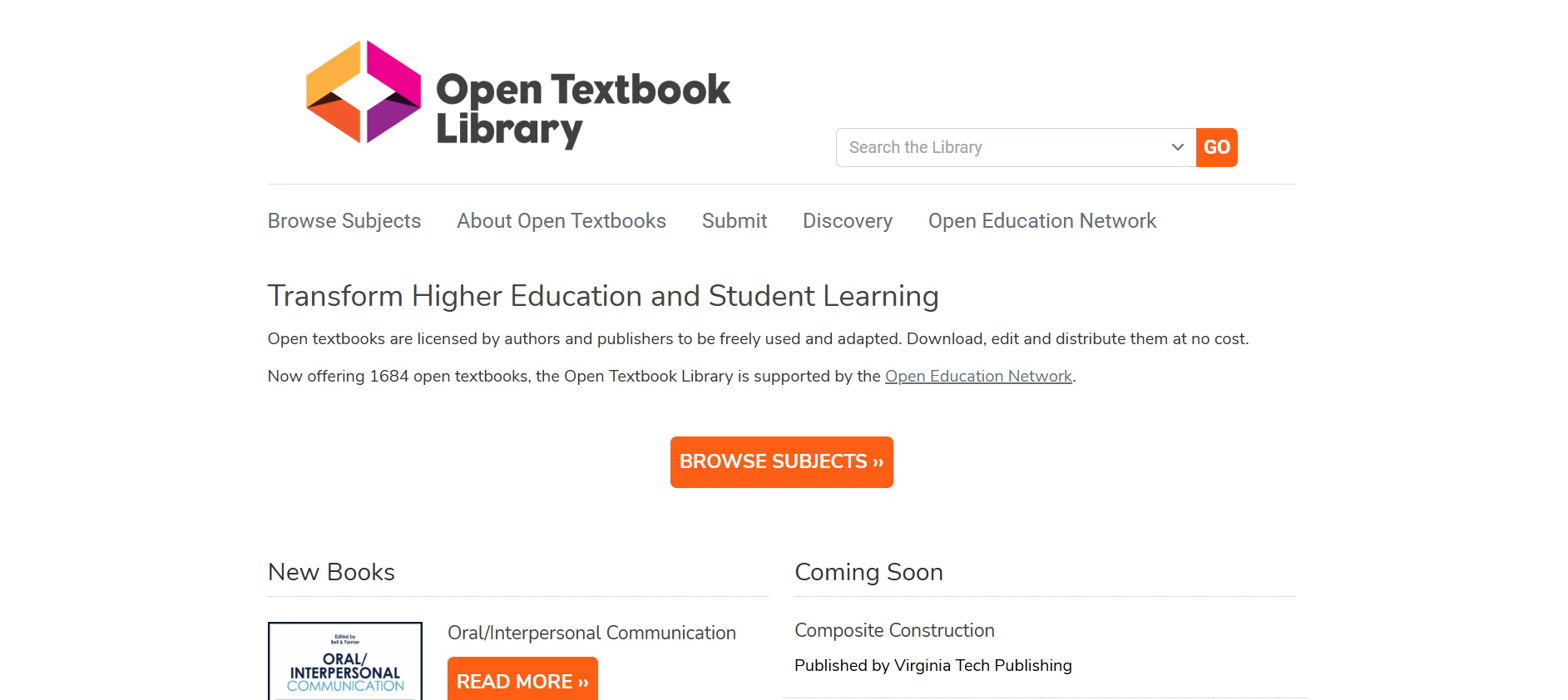
The Open Textbook Library is a curated repository of openly-licensed university textbooks. It collects and reviews books from various universities, making it easy to find high-quality and credible resources for your degree.
- Best For: Curated, openly-licensed, university-level textbooks across many subjects.
- Use Case Example: A B.Com student finds a peer-reviewed Business Law textbook to download for free as a PDF.
- Pricing Details: Completely Free. All textbooks are free to download, adapt, and share.
- What You’ll Need: A web browser.
- Learning Curve: Beginner. Easy search and browsing functionality by subject area.
- What to Watch Out For: While extensive, it may not cover very specialized or highly niche subjects.
9. PDF Drive
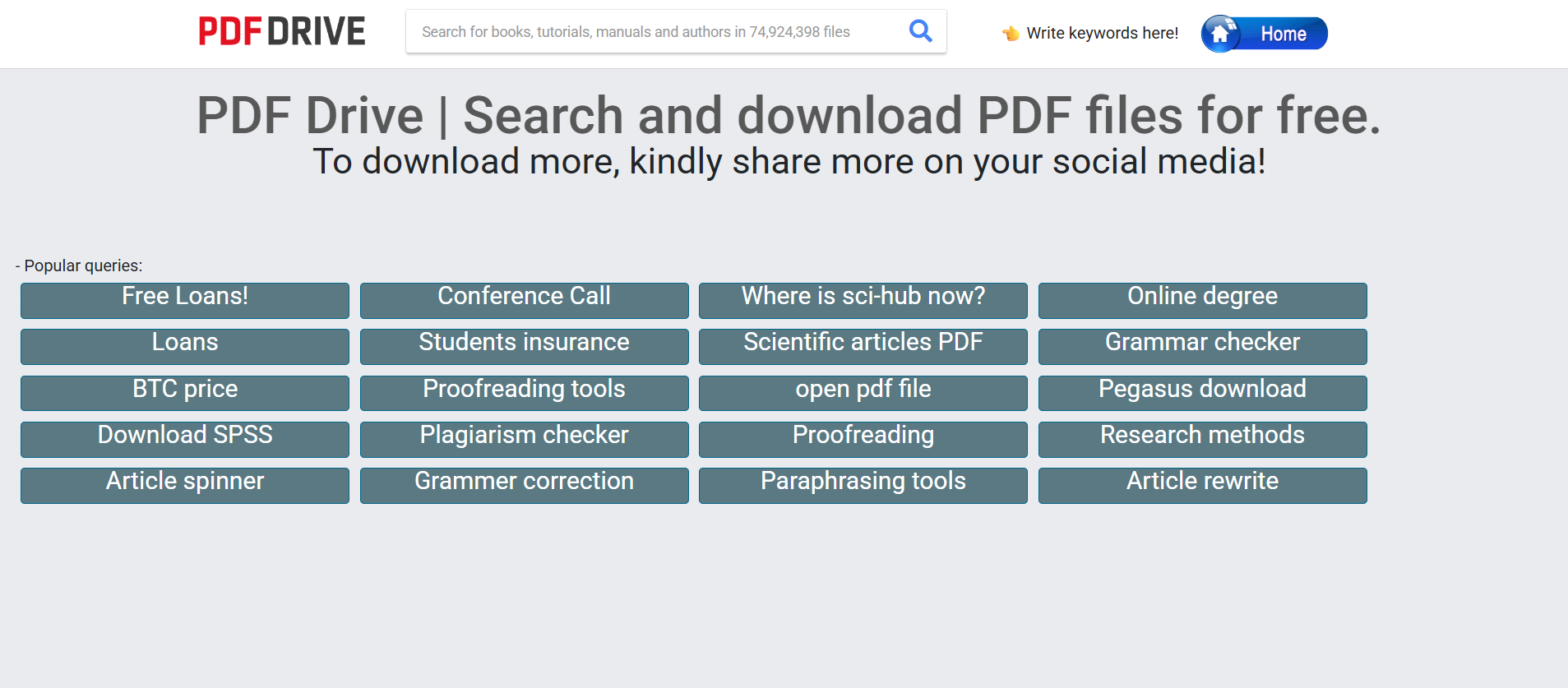
PDF Drive is a powerful search engine for PDF files. It allows you to search, preview, and download millions of PDF files for free. It is an incredibly fast way to find books, tutorials, and reports that are available across the web.
- Best For: A massive ebook search engine for finding and downloading PDF files.
- Use Case Example: Quickly finding a free PDF copy of a specific technical manual or educational guide.
- Pricing Details: Freemium. Core search and downloads are free; premium offers faster downloads and cloud storage.
- What You’ll Need: A web browser.
- Learning Curve: Beginner. Simple search-bar interface.
- What to Watch Out For: Be mindful of copyright; always ensure the content you download is intended for free distribution.
10. World Digital Library
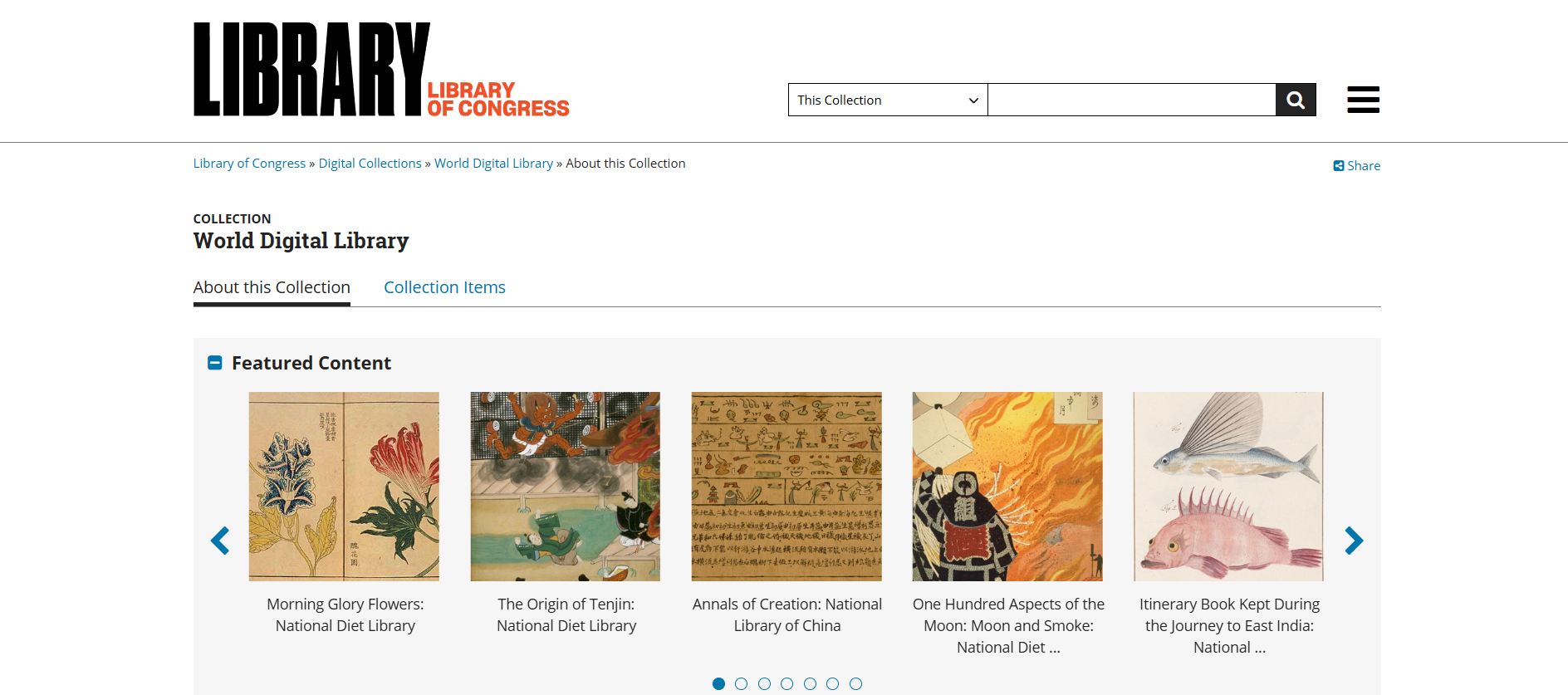
Created by the U.S. Library of Congress and UNESCO, this is a free archive of significant primary materials from cultures worldwide. You can find manuscripts, rare maps, and early photographs from different historical eras.
- Best For: Exploring historical documents, rare maps, and cultural treasures globally.
- Use Case Example: A history student analyzes a high-resolution 15th-century map for a research paper.
- Pricing Details: Completely Free. The entire collection is free to access and explore.
- What You’ll Need: A web browser.
- Learning Curve: Beginner. Well-organized and easy to explore by time, place, and topic.
- What to Watch Out For: A research-heavy resource for primary sources, not a place for quick summaries.
Which Resource Should You Start With?
Feeling a bit overwhelmed by the options? Here’s a quick guide:
- Free Academic Textbooks: If you need a free textbook for your college class, your first stop should be OpenStax or the Open Textbook Library to find high-quality educational resources.
- Classic Literature & Audiobooks: If you need to read a classic novel, go straight to Project Gutenberg for ebooks or LibriVox for free audiobooks.
- Academic Research & Journals: If you're doing a research project and need academic articles, use Google Scholar and the DOAJ to access credible sources.
- Digital Exploration & Archives: If you're just curious and want to explore, get lost in the endless digital stacks of the Internet Archive for millions of free books and media.
Dont let anything hold you back, find the books you need today.
As you can see, you have access to a global library of knowledge without needing to spend a single rupee. From university textbooks and classic literature to peer-reviewed research and historical documents, these free resources provide a clear path for any student to learn, grow, and satisfy their curiosity.
The best way to learn is by reading. Pick one resource from this list that has a book or article you’re interested in, and start exploring today. You’ll be amazed at what you can discover.
Written By
Prateek Singh.
Last Updated – March, 2026
About The Author
Prateek is a self-taught practitioner who believes the only real way to learn is by doing. He created IndiaShouldKnow.com from scratch, using AI as his primary learning partner to navigate everything from web development and UI/UX design to color theory and graphic engineering.
He works within the “engine room” of AI daily, using these tools to manage professional workflows including data visualization, digital marketing systems, and SEO architecture. Having personally tested and refined dozens of AI models across hundreds of real-world scenarios, Prateek focuses on the “how” behind the technology. He shares his self-taught workflows and prompting pillars to help others move past basic chat interactions and start using AI as a high-precision tool for their own goals.
FAQs About AI Use.
Can I trust every answer an AI tool gives me for my studies?
A: No, you should not trust every answer completely. Think of an AI as a super-smart assistant that has read most of the internet—but not every book in the library is accurate.
AI can sometimes make mistakes, misunderstand your question, or use outdated information.
It can even “hallucinate,” which means it confidently makes up an answer that sounds real but is completely false.
Rule of Thumb: Use AI answers as a great starting point, but never as the final, absolute truth. Always double-check important facts.
How can I verify the information I get from an AI for my academic work?
A: Verifying information is a crucial skill. It’s like being a detective for facts. Here are four simple steps:
Check Your Course Material: Is the AI’s answer consistent with what your textbook, lecture notes, or professor says? This is your most reliable source.
Look for Reputable Sources: Ask the AI for its sources or search for the information online. Look for links from universities (.edu), government sites (.gov), respected news organizations, or published academic journals.
Cross-Reference: Ask a different AI the same question, or type your question into a standard search engine like Google. If multiple reliable sources give the same answer, it’s more likely to be correct.
Use Common Sense: If an answer seems too perfect, too strange, or too good to be true, be extra skeptical and investigate it further.
What is the difference between using AI for research and using it to plagiarize?
A: This is a very important difference. It’s all about who is doing the thinking.
Using AI for Research (Good ✅):
Brainstorming topics for a paper.
Asking for a simple explanation of a complex theory.
Finding keywords to use in your library search.
Getting feedback on your grammar and sentence structure.
You are using AI as a tool to help you think and write better.
Using AI to Plagiarize (Bad ❌):
Copying and pasting an AI-generated answer directly into your assignment.
Asking the AI to write an entire essay or paragraph for you.
Slightly rephrasing an AI’s answer and submitting it as your own original thought.
You are letting the AI do the thinking and work for you.
How can I use AI ethically to support my learning without violating my school's academic honesty policy?
A: Using AI ethically means using it to learn, not to cheat. Here’s how:
Know the Rules: First and foremost, read your school’s or professor’s policy on using AI tools. This is the most important step.
Be the Author: The final work you submit must be yours. Your ideas, your structure, and your arguments. Use AI as a guide, not the writer.
Do the Heavy Lifting: Use AI to understand a topic, but then close the chat and write your summary or solve the problem yourself to make sure you have actually learned it.
Be Transparent: If you used an AI in a significant way (like for brainstorming), ask your professor if you should mention it. Honesty is always the best policy.
Can an AI's answer be biased? How can I detect this in its responses?
A: Yes, an AI’s answer can definitely be biased. Since AI learns from the vast amount of text on the internet written by humans, it can pick up and repeat human biases.
Here’s how to spot potential bias:
Look for Opinions: Does the answer present a strong opinion as a fact?
Check for One-Sidedness: On a topic with multiple viewpoints (like politics or economics), does the AI only show one side of the argument?
Watch for Stereotypes: Does the answer use generalizations about groups of people based on their race, gender, nationality, or other characteristics?
To avoid being misled by bias, always try to get information from multiple, varied sources.
Is it safe to upload my personal notes, research papers, or assignments to an AI tool?
A: It is best to be very careful. You should not consider your conversations with most public AI tools to be private.
Many AI companies use your conversations to train their systems, which means employees or contractors might read them.
There is always a risk of data breaches or leaks.
A Simple Safety Rule: Do not upload or paste any sensitive information that you would not want a stranger to see. This includes:
Personal identification details.
Confidential research or unpublished papers.
Your school assignments before you submit them.
Any financial or private data.